Bootstrap Startup Development Company In Ahmedabad
I've seen this pattern too many times in Ahmedabad startups. You hire a Bootstrap-focused development company, they deliver your MVP in 4–6 weeks, everything looks clean… initially.
Fast forward 3–4 months — new features start breaking layouts, CSS becomes unpredictable, and even small UI changes take hours.
The problem isn't Bootstrap. It's how the project was built — and who you trusted to build it.

Why this problem actually happens
From real projects I've worked on, this usually comes down to a few practical realities.
1. Startups optimise for speed, not structure
Founders want to launch fast — which makes sense. So decisions are made based on delivery timelines, not code quality. The result is a working MVP that becomes increasingly painful to maintain, especially when the first release is treated only as quick Web App Development without enough attention to frontend structure.
2. Agencies optimise for delivery, not maintainability
Most small agencies in Ahmedabad are under pressure to ship quickly. Clean architecture doesn't show up in demos, so it gets ignored. The agency moves on after delivery — and leaves the mess behind, which is why frontend consistency and structured design thinking matter much earlier than most startups expect.
3. No frontend architecture decisions early on
There's rarely a discussion about component structure, naming conventions, or CSS strategy. Everything is "we'll figure it out as we go" — which never works.
- Component structure
- Naming conventions
- CSS strategy
4. No ownership after handoff
Once the MVP is delivered, the original team moves on. Now your internal devs or a new agency are stuck dealing with messy Bootstrap overrides with no documentation and no context.

Where most startups and developers get this wrong
This is where things usually go sideways.
1. Choosing based on cost, not technical approach
I've seen startups pick the cheapest vendor assuming Bootstrap makes things "simple anyway." In reality, the cost shows up later — not upfront. This is why many founders are better off working with startup product development specialists who can balance speed with maintainable structure from the beginning.
Cheap teams often:
- Dump everything into one stylesheet
- Overuse !important
- Copy-paste components instead of reusing them
That technical debt hits hard later.
2. Assuming Bootstrap = scalable frontend
Bootstrap gives you speed, not structure. In one project, the team used Bootstrap grids everywhere — but there were no reusable components, the same button was styled 6 different ways, and inline styles were mixed with classes. Within 2 months, even senior devs avoided touching the UI, which is exactly where reusable frontend pattern discipline teaches teams the value of structured components early.
3. Not asking about code structure
Most founders never ask the right questions before hiring. If you don't ask, you'll get default behaviour — which is usually messy.
- "How do you organise components?"
- "How do you manage overrides?"
- "How do you ensure consistency?"
4. Ignoring long-term UI maintenance
Early-stage teams think: "We'll clean it later." You won't. Because once users are active, you're adding features, fixing bugs, and handling feedback — UI cleanup keeps getting postponed until it becomes too expensive.

Practical solutions that work in real projects
This is what has actually worked in projects I've been part of.
1. What to ask before hiring a Bootstrap development company
Keep it simple, even if you're non-technical. If they can't explain clearly, that's a red flag.
- "Can you show me a real project codebase?"
- "How do you handle reusable components?"
- "Do you use a naming convention like BEM or utility-first overrides?"
- "How do you avoid CSS conflicts?"
2. How to evaluate code quality (without deep technical knowledge)
Ask for a small sample and check: are class names consistent? Do components look reusable or copy-pasted? Is CSS separated logically or dumped in one file?
Even visually, messy code has patterns:
- Random class names
- Repeated styles
- Inline hacks
3. Set basic UI rules early
In one startup we fixed things early by defining just a few rules. That alone reduced UI issues by 60–70%.
- One primary button style (no variations unless defined)
- Standard spacing scale (no random margins)
- No inline styles allowed
- All components must be reusable
4. Ensure a reusable component structure
Even with Bootstrap, you should have a consistent structure. It takes slightly longer upfront but saves massive time later, especially when the product is expected to grow and frontend consistency directly affects backend-driven features and scaling.
- Reusable cards
- Standard form layouts
- Consistent modals
- Shared navigation components
5. Real-world comparison
Project A — wrong approach: fast delivery, no structure, UI breaks in 2 months.
Project B — structured Bootstrap use: +10–15% development time, clean components, easy scaling for 1+ year.
That extra effort always pays off.

When this approach does NOT work
Bootstrap isn't always the right choice.
1. Highly custom UI products
If your product depends heavily on unique branding or complex interactions, Bootstrap will slow you down eventually. Custom component systems are better here.
- Unique branding requirements
- Complex interactions
2. Scaling large frontend teams
Once you go beyond 5–6 frontend developers, Bootstrap without strict rules becomes chaos. Conflicting styles, component duplication, and inconsistent UI patterns spread quickly.
- Conflicting styles
- Component duplication
- Inconsistent UI patterns
3. Design-first products
If design precision matters — such as SaaS dashboards with complex UX — you're better off with a custom component system from the start, especially for products that may evolve with long-term dashboard usage, feature expansion, and deeper interface requirements.
Best practices for small development teams
This is what actually works in 2–10 dev teams.
1. Think component-first
Don't build pages. Build reusable blocks. Every screen should be composed from components, not built from scratch.
- Buttons
- Cards
- Forms
- Layout sections
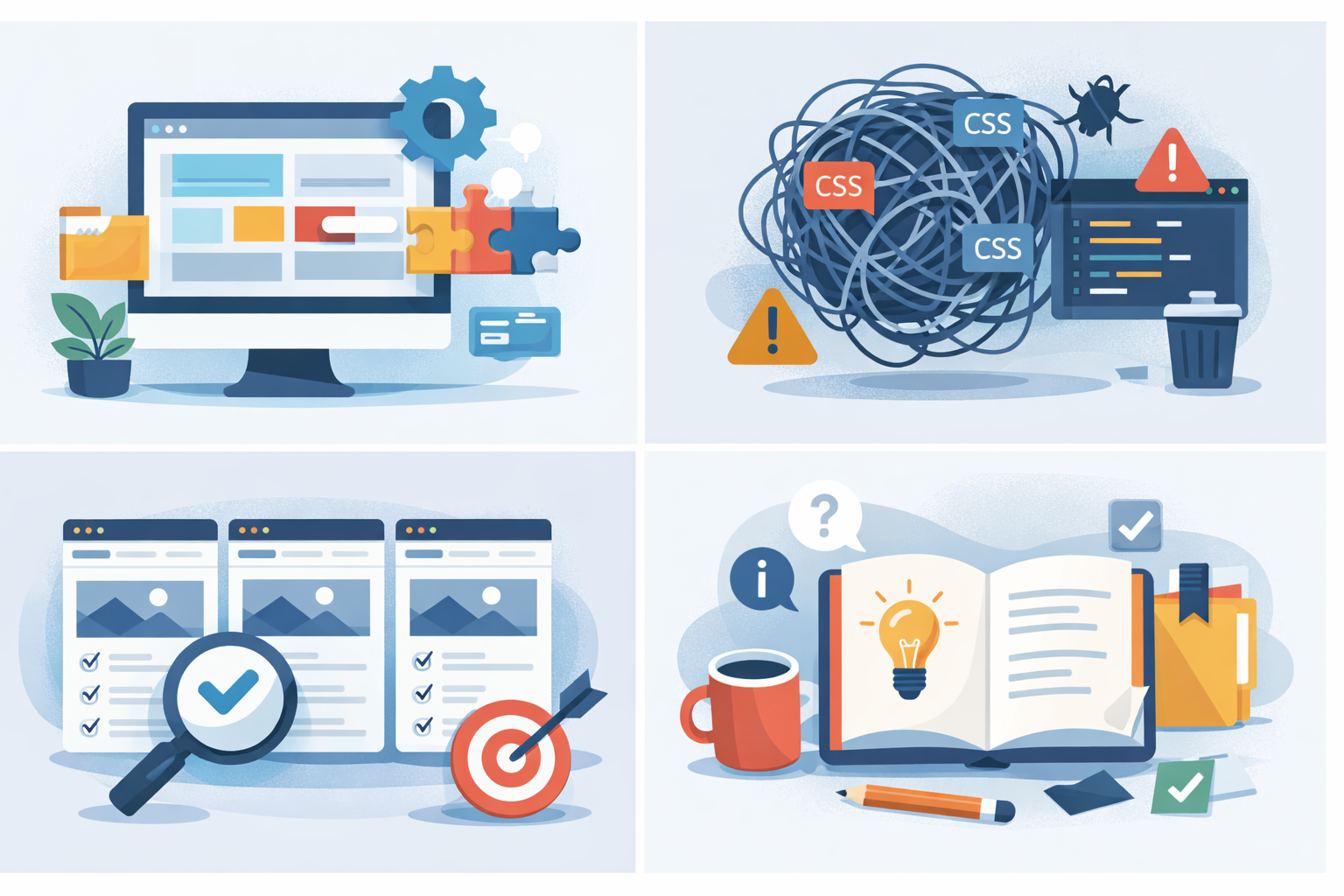
2. Avoid CSS chaos early
Set clear rules before a single line of CSS is written. These rules save enormous debugging time later.
- No !important unless justified
- No inline styles
- Limited overrides of Bootstrap classes
3. Maintain consistency across features
Every new feature should reuse existing components, the existing spacing system, and existing UI patterns. If it doesn't, your UI will drift fast.
4. Keep documentation minimal but useful
You don't need heavy docs. Even a simple Notion page works — but it needs to exist.
- A component list
- Basic usage rules
- Naming conventions
Conclusion
Most startups don't fail with Bootstrap because of the framework itself.
They fail because they hire the wrong Bootstrap development company, they don't enforce structure early, and they ignore maintainability.
In real projects, the difference is clear: Bootstrap works well when used with discipline. Without that, it becomes technical debt faster than you expect.
Your hiring decision directly affects how stable — or painful — your product becomes in the next 6 months.
FAQ
Not always, but it often leads to poor structure, which increases long-term development cost.
Ask for code samples and check for consistency, reuse, and minimal CSS overrides.
Yes — but only if you enforce strict component structure and avoid ad-hoc styling.
Local helps with communication, but technical execution matters far more than location.
Yes, it's great for speed — but only if you don't compromise on structure from day one.
References
Written by

Paras Dabhi
VerifiedFull-Stack Developer (Python/Django, React, Node.js)
I build scalable web apps and SaaS products with Django REST, React/Next.js, and Node.js — clean architecture, performance, and production-ready delivery.
LinkedIn