Custom CRM vs Off-the-Shelf CRM: Which Is Better for Your Business?
Choosing Between a Custom CRM and an off-the-shelf CRM looks straightforward until the system becomes part of everyday business operations.
A small team may start with a ready-made platform because it is fast to configure. Another team may decide to build everything internally because its sales, marketing, and customer service processes are different from standard workflows.
Both decisions can work. Both can also become expensive mistakes.
The problem I have seen repeatedly with SaaS and client projects is that teams often choose a CRM based on features or initial pricing, rather than how the system will fit their actual process, users, data, and future requirements.
The better question is not simply, “Which CRM is better?” It is: Which approach creates the least operational friction for your team over the next few years?

Why This Problem Happens in Real Teams
The CRM decision usually happens under time pressure.
A startup wants its sales team working immediately. A growing company needs better customer management. Developers are already busy with the product. Nobody wants to spend six months building an internal system before the sales team can use it.
That naturally makes an off-the-shelf CRM attractive.
You can usually create accounts, manage contacts, track leads, organize opportunities, build sales pipelines, and configure basic automation without writing the entire application yourself.
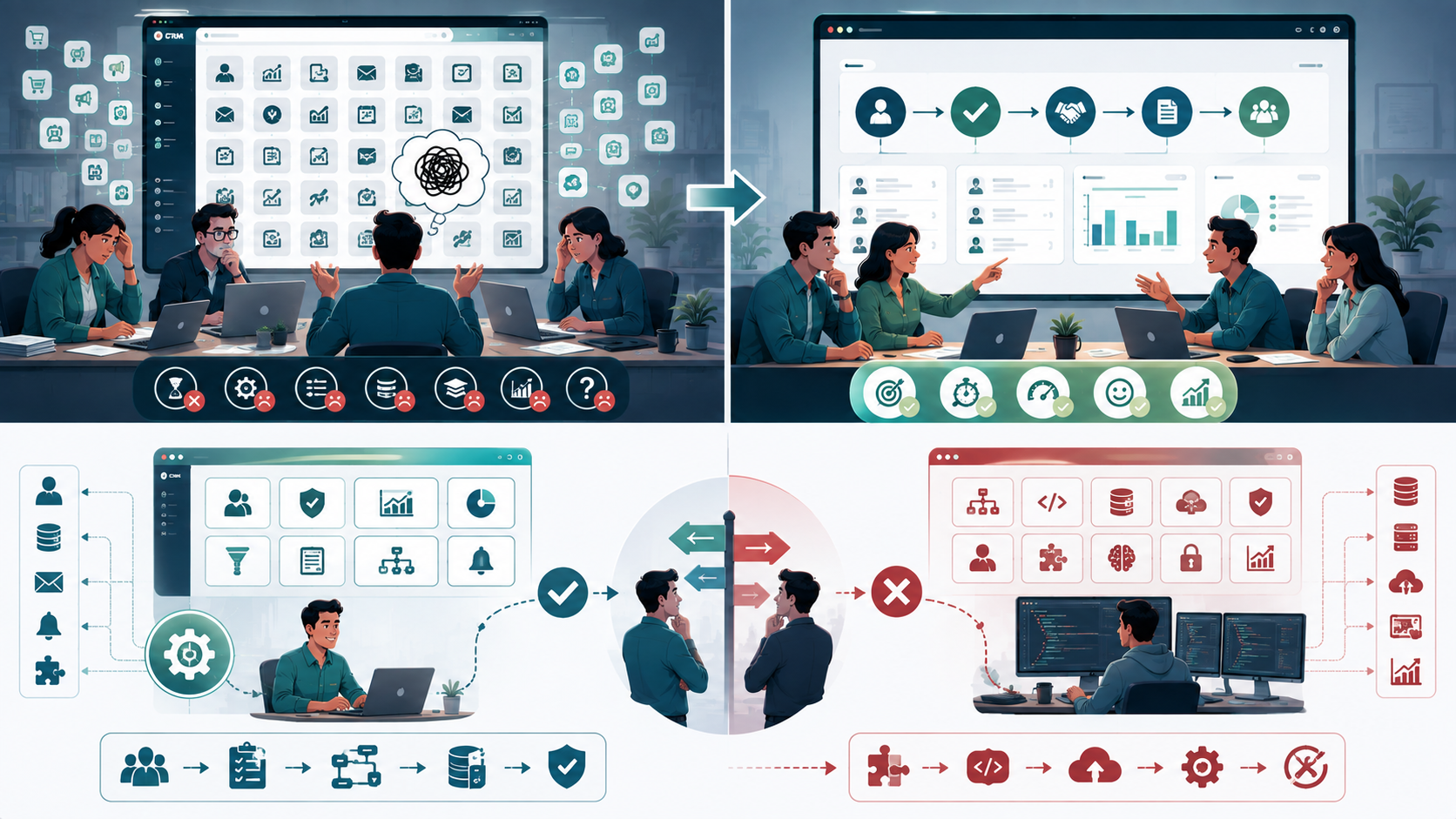
The problem appears when the company's actual workflow doesn't match the assumptions built into the product.
For example, a company may have a customer onboarding process involving sales, implementation, technical support, account management, and billing. The CRM may handle each department individually but struggle to connect the complete workflow.
At that point, teams start adding workarounds.
They create custom fields, complicated rules, spreadsheets, external integrations, manual processes, and duplicated data.
Eventually, the CRM becomes technically functional but operationally frustrating.
A custom CRM has the opposite problem.
You get much more flexibility and customization, but you also become responsible for development, deployment, maintenance, security, and long-term reliability.
The decision therefore isn't about which system has more features.
It is about where you want to carry the complexity.
Where Most Teams Make the Wrong Decision
1. Choosing Based on the Number of Features
This is one of the easiest traps.
A CRM with hundreds of features can look impressive during a product demonstration. But your team might only use 20% of them.
What matters is whether the CRM supports your actual business model.
For example, if your sales team needs a simple process:
Lead → Qualification → Opportunity → Proposal → Customer
then an enormous feature set may not provide much additional value.
A smaller system that matches the team's workflow can produce better productivity than a much larger platform.
I've seen teams spend weeks configuring features that nobody ultimately uses.
2. Assuming Customization Means You Need Custom Development
Customization and custom development are not the same thing.
Many off-the-shelf CRM platforms provide significant configuration options.
You might be able to change:
- Fields
- User roles
- Dashboards
- Reports
- Pipelines
- Notifications
- Permissions
- Workflow rules
If these options cover your requirements, building a CRM from scratch may be unnecessary.
Custom development becomes more interesting when the underlying functionality itself needs to be different.
For example, suppose your CRM needs a specialized customer lifecycle that doesn't fit conventional sales management.
You might need:
- Industry-specific workflows
- Complex approval rules
- Custom account structures
- Specialized customer service
- Internal operational processes
- Proprietary analytics
- Deep integration with your own product
At that point, configuration may no longer be enough.

Custom CRM vs Off-the-Shelf CRM: The Practical Trade-Off
The biggest difference is control. Working with a US software engineering team for custom CRM workflows helps businesses compare workflow fit, customization, integrations, data ownership, user experience, scalability, vendor dependency, and long-term maintenance before choosing between custom CRM and off-the-shelf CRM.
With an off-the-shelf CRM, the vendor controls much of the platform's development, deployment, updates, and underlying infrastructure.
With a custom CRM, your team controls the application.
That creates a useful comparison:
| Area | Custom CRM | Off-the-Shelf CRM |
|---|---|---|
| Customization | Very high | Usually limited by platform |
| Initial setup | Longer | Faster |
| Flexibility | High | Moderate |
| Development responsibility | Internal | Vendor |
| Maintenance | Internal | Mostly vendor-managed |
| Integration | Highly controllable | Depends on APIs |
| User experience | Fully customizable | Platform-dependent |
| Scalability | Designed around your needs | Depends on vendor |
| Pricing model | Development + infrastructure | Subscription/licensing |
| Ownership | Greater control | Vendor-dependent |
Neither column is automatically better.
The correct choice depends on your operating model.
What Custom CRM Development Gets Right
A custom CRM makes sense when the CRM is closely connected to how the company actually operates.
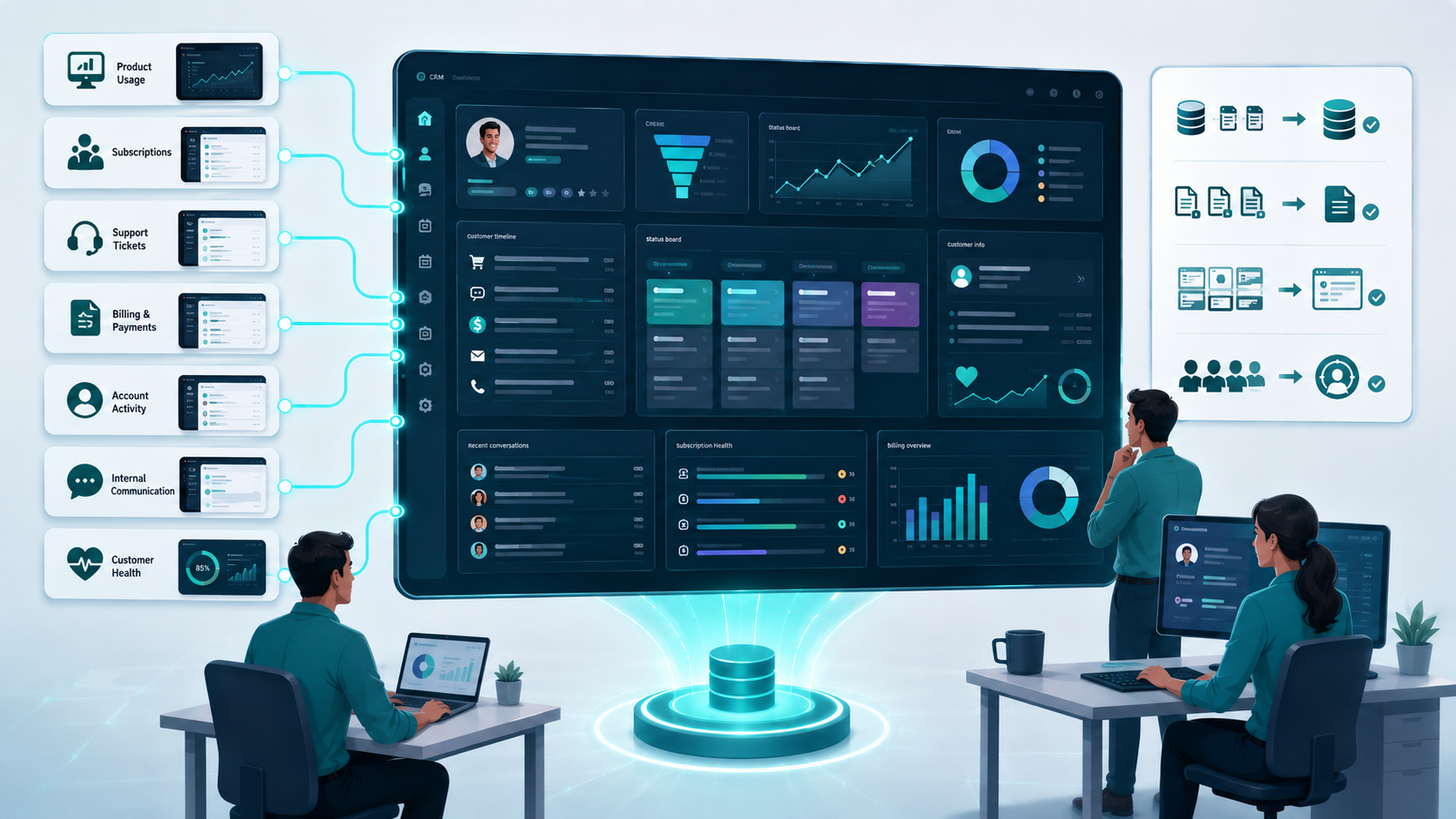
For example, imagine a SaaS company where the CRM needs to connect directly with:
- Product usage
- Customer subscriptions
- Support tickets
- Billing
- Account activity
- Internal communication
- Customer health metrics
Instead of moving information between multiple systems, a custom platform can centralize the required data.
This can improve efficiency because employees don't need to repeatedly copy information between applications.
Custom development also gives you control over the interface.
You can design the dashboard around the information users actually need instead of asking employees to navigate through dozens of screens.
That matters more than it sounds.
If sales representatives spend several hours every week fighting the CRM interface, the system is creating an operational cost even if its subscription is inexpensive.
But Custom CRM Has a Cost That Teams Underestimate
The obvious cost is development.
The less obvious cost is ownership.
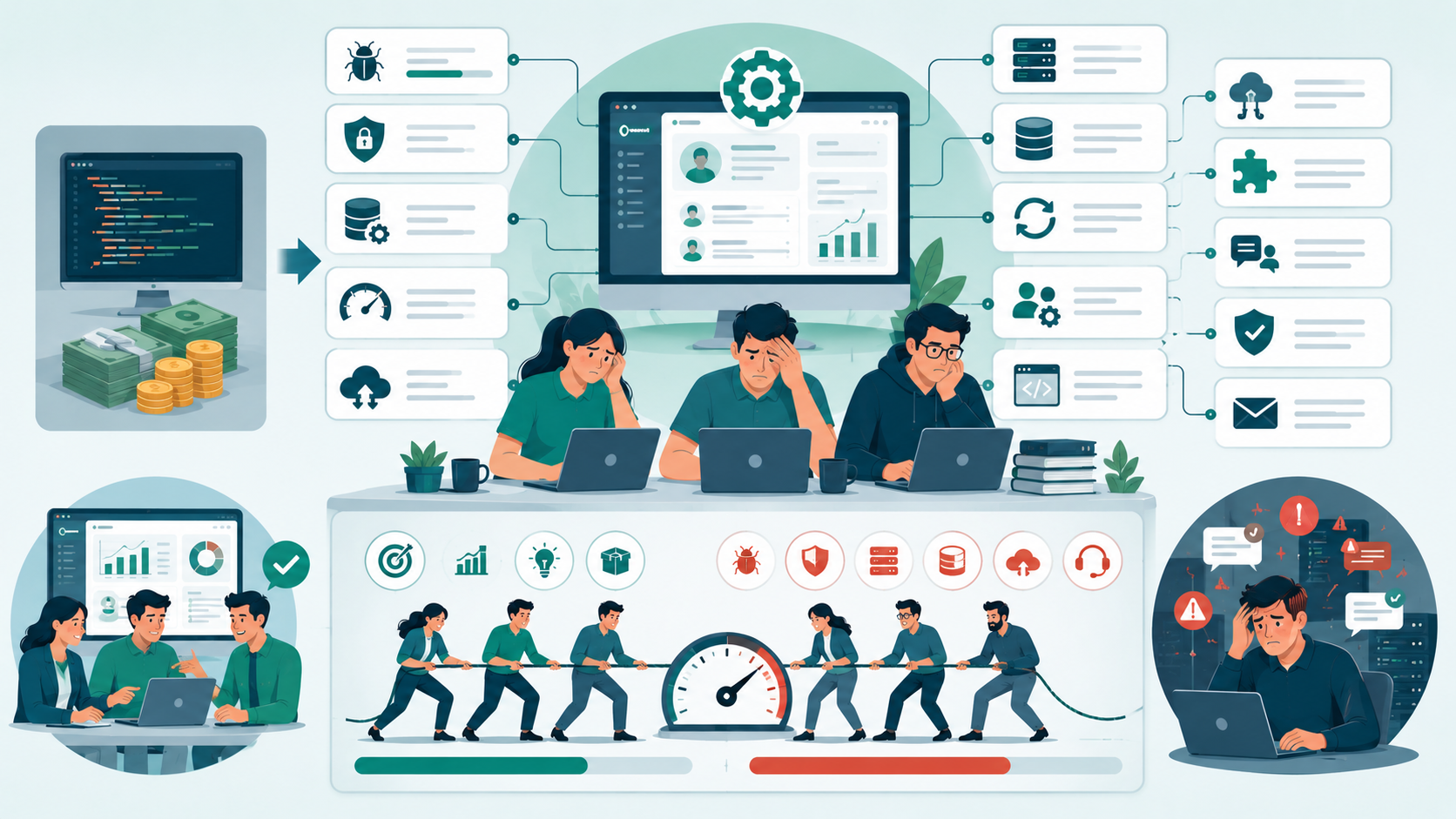
Once your team builds the application, somebody has to maintain it.
That includes:
- Bug fixes
- Infrastructure
- Security updates
- Database management
- Performance monitoring
- Backups
- Migration
- User permissions
- API changes
- New requirements
- Feature requests
You also need enough engineering capacity to keep the system healthy.
This is where a custom CRM can become problematic for a small team.
If you have three developers and your product roadmap is already full, allocating engineering time to CRM maintenance may not be the best use of resources.
Custom development provides ownership, but ownership also creates responsibility.
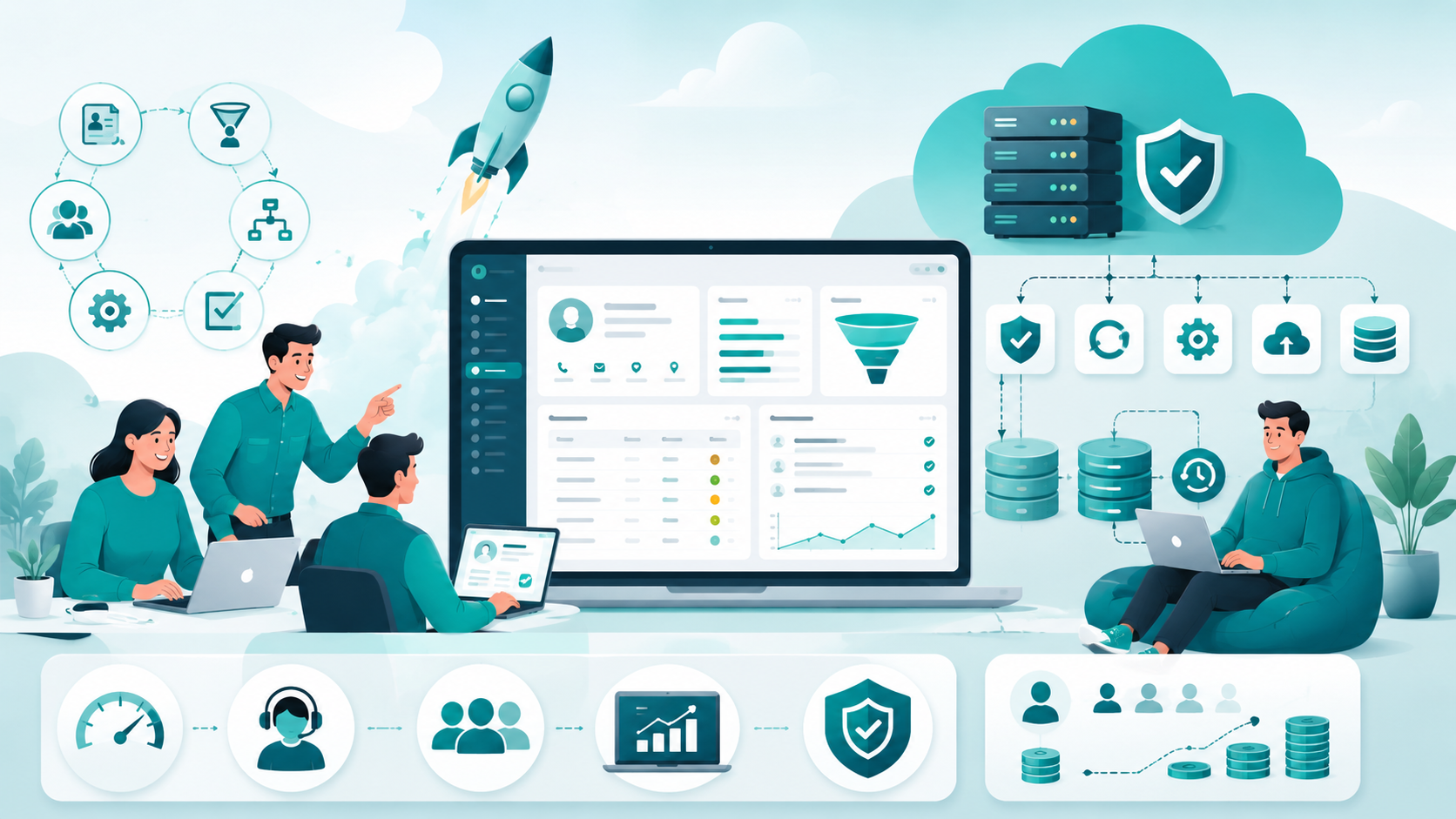
What Off-the-Shelf CRM Gets Right
The strongest advantage of an off-the-shelf CRM is speed.
A team can often configure the platform, import customer information, create users, define pipelines, and start using it relatively quickly.
You also avoid building common infrastructure from scratch.
The vendor typically handles much of the:
- Infrastructure
- Platform security
- Updates
- Core maintenance
- Availability
- Backup systems
- Product improvements
This can be valuable for startups that need to focus their engineering resources on their primary product.
Another advantage is predictable licensing.
You may pay a recurring subscription based on the number of users and selected capabilities.
That makes the initial financial planning easier than estimating an entire internal CRM project.
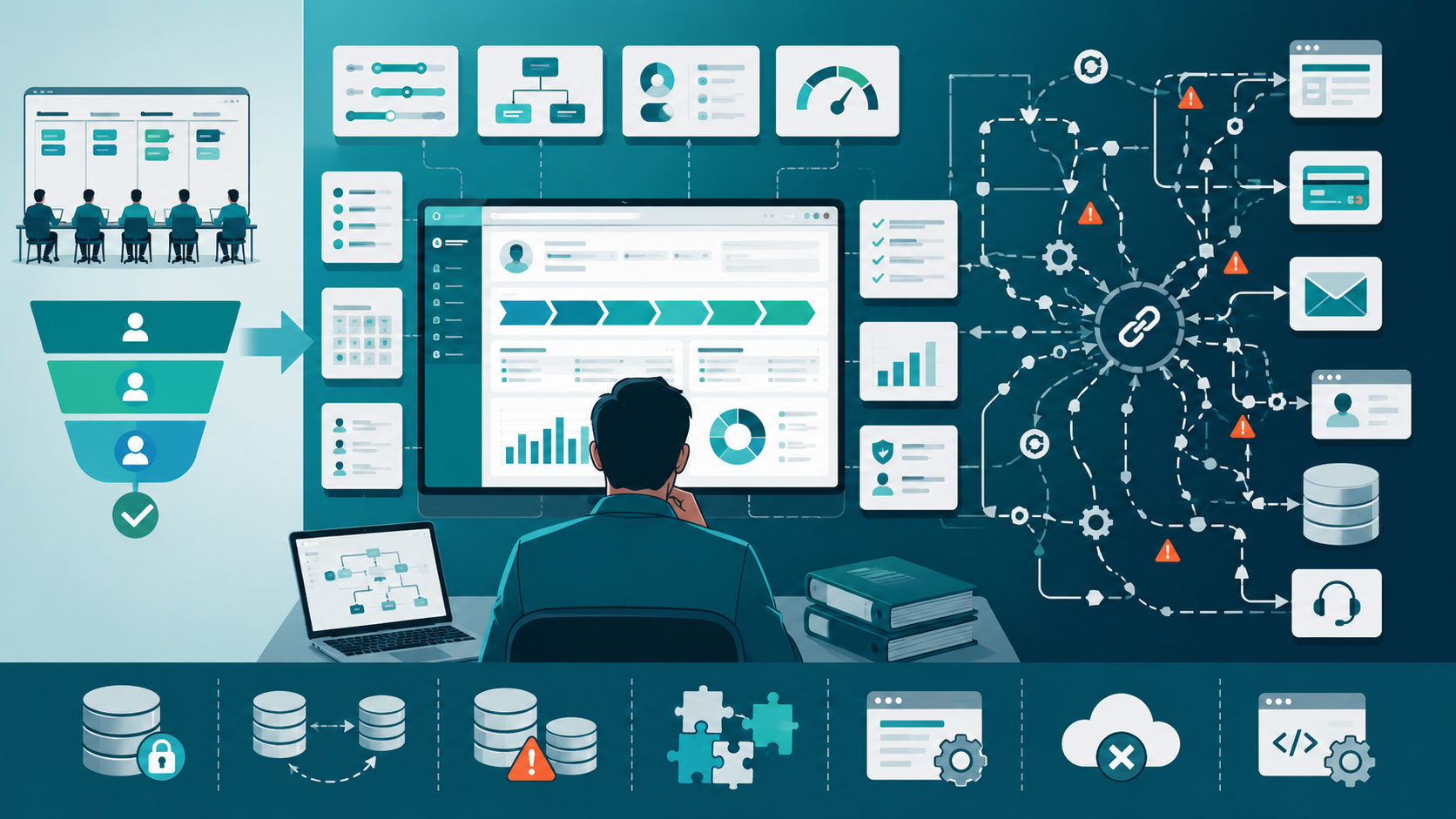
Where Off-the-Shelf CRM Starts Breaking Down
The problem usually begins with complexity.
A company might initially need five users and a simple sales pipeline.
Two years later, it may have several teams with different requirements.
Sales wants one workflow.
Marketing needs another.
Customer support needs access to customer history.
Management wants advanced reporting.
Operations wants automated approvals.
Developers need API integration with internal systems.
Finance wants specific account information.
The CRM can potentially handle all of this—but the configuration becomes increasingly complicated.
This is where compatibility becomes important.
Your CRM doesn't operate independently. It has to communicate with other systems.
If the available API cannot expose the required information or the integration architecture becomes unreliable, your team may start building workarounds.
Eventually, the supposedly simple CRM becomes part of a much larger integration system.
Integration Is Often the Deciding Factor
In real projects, CRM integration is one of the areas I would evaluate before making the final decision.
Ask:
- What systems must communicate with the CRM?
- Which system owns the customer data?
- How often should information synchronize?
- What happens when synchronization fails?
- Does the CRM provide the APIs you need?
- Can your team control the integration logic?
- How will duplicate records be handled?
For example, if your CRM communicates with an application, billing system, email platform, and customer portal, the integration layer becomes an important part of your architecture.
A custom CRM gives you more control over this layer.
An off-the-shelf CRM gives you faster implementation but makes you dependent on the vendor's API and compatibility constraints.
Neither approach eliminates engineering work.
It simply changes where that work happens.

When This Approach Fails
A custom CRM is not automatically the right choice for a complex company.
I've seen teams build custom systems because they believed their requirements were unique, only to discover that most of their requirements were standard CRM functionality.
They effectively spent engineering resources rebuilding features that already existed.
That's usually a poor trade.
On the other side, I've seen companies force an off-the-shelf CRM into workflows that were fundamentally different from the platform's design.
The result was excessive configuration, duplicated data, complicated integrations, and frustrated users.
The warning signs are different.
A custom CRM may be a poor choice when:
- Your workflow is mostly standard.
- Engineering resources are limited.
- You need a CRM immediately.
- Your team doesn't want long-term platform ownership.
- CRM functionality isn't strategically important.
An off-the-shelf CRM may be a poor choice when:
- Your workflows are highly specialized.
- You need complete control over the user interface.
- Vendor APIs cannot support important integrations.
- Your data model is significantly different from conventional CRM structures.
- CRM behavior is directly connected to your core product.
How to Make the Decision Without Guessing
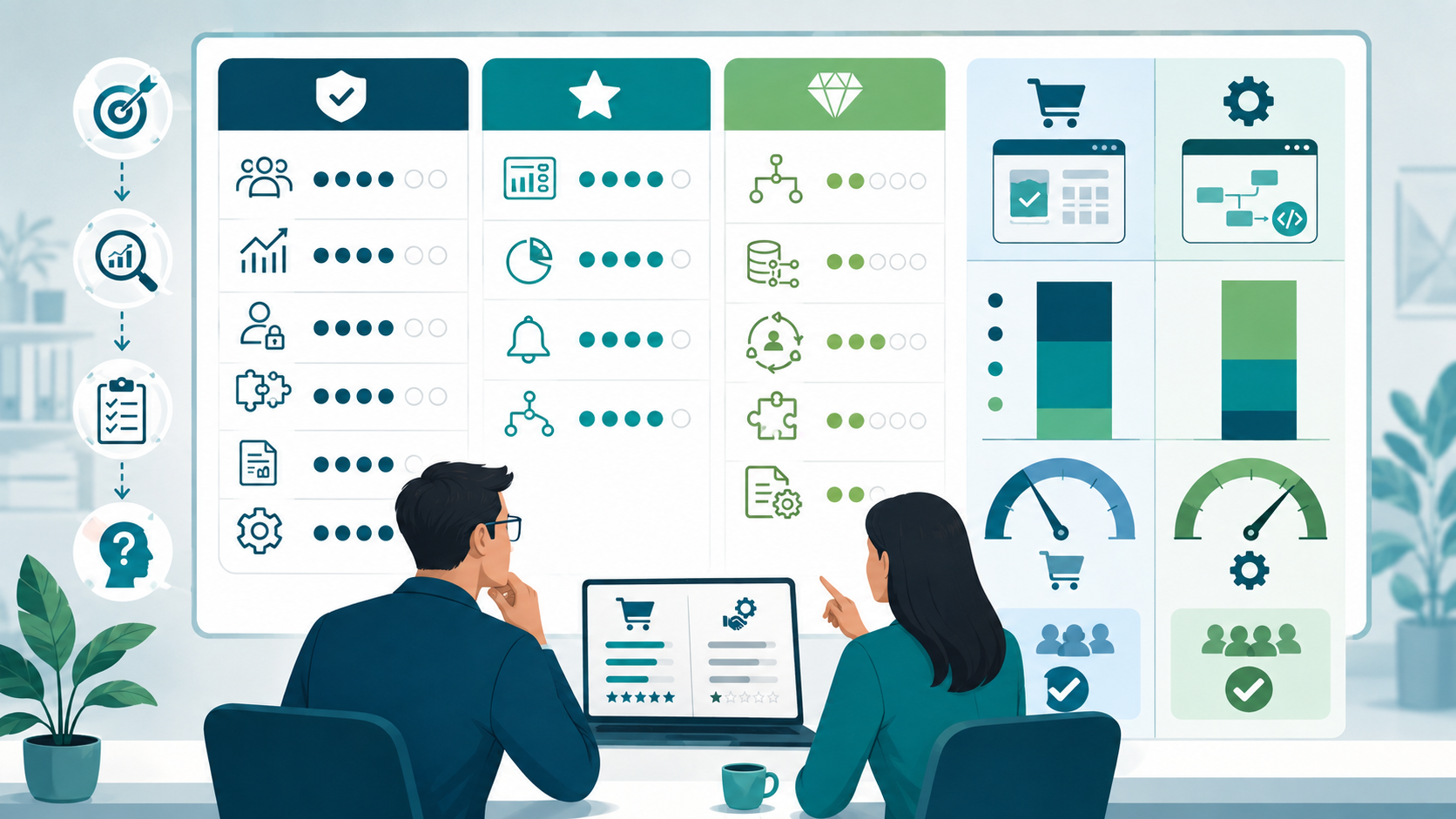
Before selecting either approach, I recommend creating a simple requirements matrix.
Separate requirements into three categories.
Must Have
These are requirements the system cannot operate without.
Examples:
- Customer records
- Sales tracking
- User permissions
- Required integrations
- Specific reporting
- Core automation
Useful
These improve the system but aren't essential.
Examples:
- Advanced dashboards
- Additional analytics
- Custom notifications
- Additional workflow automation
Unique
These are requirements that make your company different.
This category is the most important.
If most of your requirements are standard, an off-the-shelf CRM will often be the practical option.
If many critical requirements are unique to your operation, custom development deserves serious consideration.

Sustainable Practices for Small Engineering Teams
Small teams need to think beyond the initial implementation.
Keep the Data Model Simple
Don't create unnecessary entities and relationships simply because your CRM allows them.
A simpler model is easier to maintain and explain.
Define Ownership
Every important piece of customer data should have a clear source of truth.
Otherwise, synchronization problems become inevitable.
Limit Customization
If you're using an off-the-shelf CRM, customize only what provides measurable value.
Every additional rule increases configuration complexity.
Document Important Workflows
Documentation becomes particularly important for remote teams.
Someone joining the project should understand why a particular workflow exists, not just how to operate it.
Review Performance Regularly
As records grow, performance can change.
Reports that worked with 10,000 records may behave differently with several million.
Monitor the system before users start complaining.
Think About Scalability Early—but Not Excessively
Scalability matters, but that doesn't mean you need an enterprise architecture on day one.
Build according to realistic growth expectations.
Premature complexity can reduce efficiency rather than improve it.

The Real Question Is Where You Want Complexity to Live
The custom-versus-off-the-shelf CRM decision isn't really a technology debate.
It is a resource and ownership decision.
With a custom CRM, you gain control over customization, functionality, data, interface, integration, and long-term flexibility. But your team also takes responsibility for development, deployment, security, maintenance, and reliability.
With an off-the-shelf CRM, you gain faster implementation, established features, vendor support, and predictable licensing. But you accept limitations around customization, vendor dependency, pricing changes, and platform compatibility.
For a small team, the best CRM is usually the one that creates the least unnecessary engineering work while still supporting the company's actual business processes.
Don't choose custom because it sounds more powerful.
Don't choose off-the-shelf because it sounds easier.
Start with your workflows, users, data, integrations, and long-term ownership requirements. Then choose the approach that fits those constraints.
That is usually a much better engineering decision than choosing based on a feature checklist.
Conclusion
The choice between a custom CRM and an off-the-shelf CRM should come down to how your team actually works, not which option has more features. Off-the-shelf platforms are often the better starting point when you need fast implementation, predictable pricing, built-in automation, and vendor support. A custom CRM becomes more valuable when your business processes, data, integration, and user experience require control that a standard platform cannot provide.
For small engineering teams, the biggest mistake is choosing complexity too early. Building a CRM creates long-term responsibilities for development, security, maintenance, scalability, and deployment. At the same time, forcing an off-the-shelf platform into highly specialized workflows can create its own technical debt.
The practical approach is to evaluate your current users, workflows, data, integrations, functionality, flexibility, and ownership requirements first. Choose the simplest solution that solves the real problem today while leaving enough room for tomorrow's growth.
Custom CRM vs Off-the-Shelf CRM: FAQs
Not necessarily. A custom CRM is better when a company's workflows, integrations, or data requirements are highly specialized. An off-the-shelf CRM is usually more practical when standard CRM capabilities cover most requirements.
A startup should consider custom development when CRM functionality is closely connected to its core product or business model and existing platforms create significant operational limitations.
It is usually cheaper to start with, but subscription, licensing, customization, integration, and user costs can increase over time. Custom CRM development requires a larger initial investment but provides greater control over ownership and functionality.
Yes. Most established CRM platforms provide some level of configuration and customization. The important question is whether the available customization can support your critical workflows without creating excessive complexity.
For most small teams, start by evaluating an off-the-shelf CRM against your actual requirements. Move toward custom development when the platform creates persistent limitations around workflow, integration, data, or user experience that justify the additional engineering responsibility.
Reference
Written by

Paras Dabhi
VerifiedFull-Stack Developer (Python/Django, React, Node.js)
I build scalable web apps and SaaS products with Django REST, React/Next.js, and Node.js — clean architecture, performance, and production-ready delivery.
LinkedIn