ERP Development Cost In India | Complete Pricing Guide 2026
Most ERP projects don't exceed budget because the development team got the hours wrong.
They usually go over because the business underestimates workflow depth, reporting logic, approvals, integrations, and the stabilization work that starts after go-live.
I've seen founders approve a "finance + inventory + HR" ERP scope, only to discover later that permissions, exceptions, and data migration take more effort than the visible modules themselves.
In India, that difference is exactly why one ERP project closes at ₹6–10 lakhs while another similar-looking build crosses ₹40 lakhs+.
Why ERP Development Cost In India Actually Varies So Much
Inventory Module Complexity
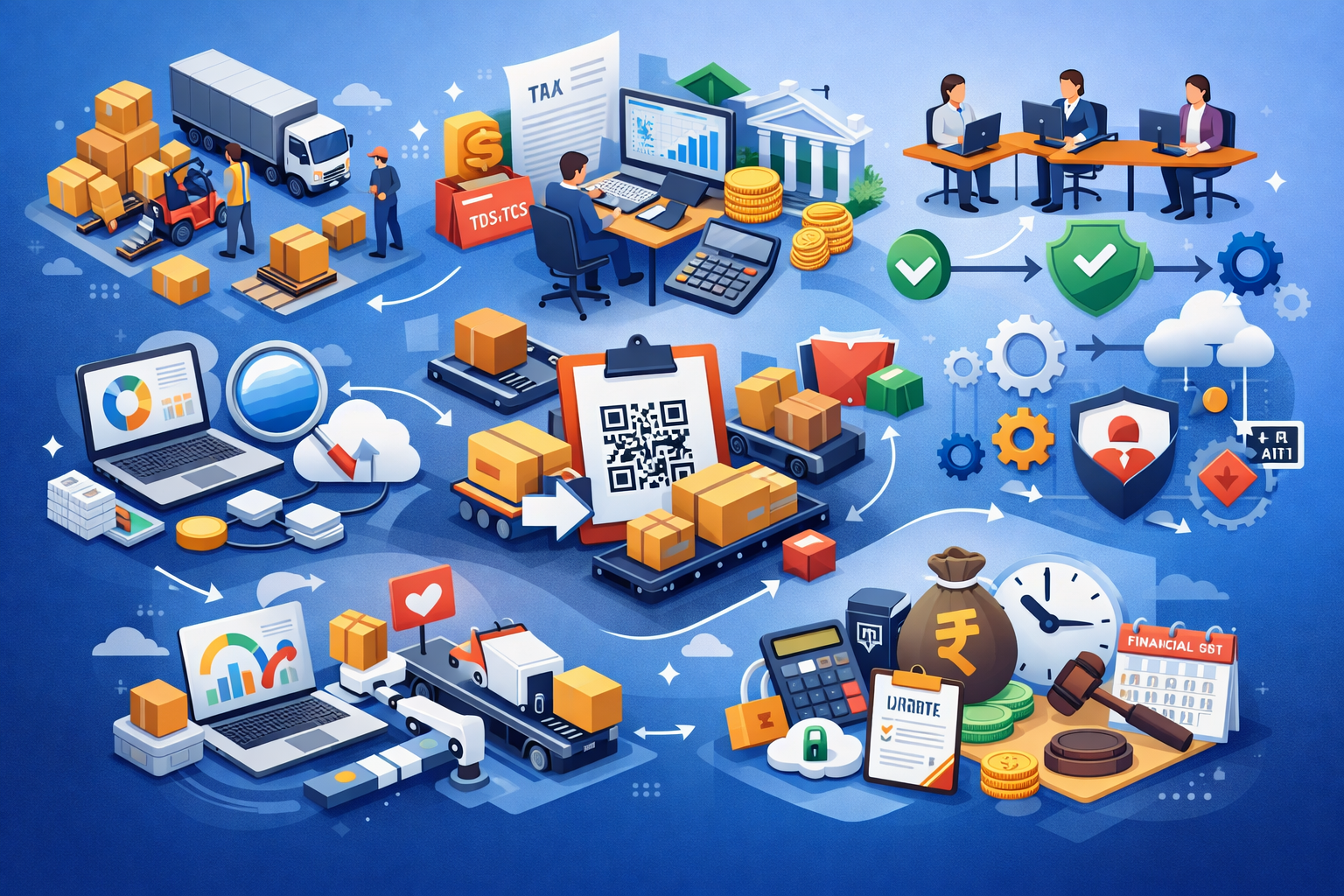
The biggest mistake I see is teams estimating ERP cost by the number of modules. That rarely works. The real cost driver is workflow complexity inside each module.
For example, an inventory module can be simple stock in/out logging, or it can include:
- Batch-level tracking
- Warehouse transfers
- Vendor returns
- Reorder automation
- Approval-based purchase requests
- GST invoice mapping
- Branch-wise stock visibility
All of these multiply engineering time.
Finance Module Complexity
A finance module with invoices and ledgers is straightforward. But once you add:
- GST logic
- Reverse charge cases
- Credit note workflows
- Multi-branch reporting
- Bank reconciliation
- TDS/TCS rules
- Accounting lock periods
The cost rises fast. From real project experience, the largest effort usually goes into approval chains, role-based access, data migration cleanup, reporting edge cases, third-party integrations, and exception workflows. These are usually the invisible budget multipliers.

Where Most Businesses And Teams Get ERP Budgeting Wrong
Most budget mistakes happen before development even starts. I've seen businesses estimate ERP projects using:
- Number of screens
- Number of users
- Competitor SaaS features
- Fixed "per module" assumptions
That creates false confidence. For example, HR + payroll may look like one module on paper. But real delivery includes leave policy rules, approval escalation, attendance device sync, payroll formulas, statutory deductions, payslip revisions, and role-based salary visibility. That "one module" often behaves like 4–5 subsystems.
Another common issue is ignoring reporting until the end. Teams focus on transactions first, then after UAT the management asks for daily stock aging, purchase trend reports, outstanding payment dashboards, tax summaries, and team productivity reports. At that point, the data model changes, which is exactly where Custom Software Development becomes more practical for ERP projects that need reporting depth, workflow control, and long-term flexibility.
Practical ERP Cost Breakdown That Works In Real Projects
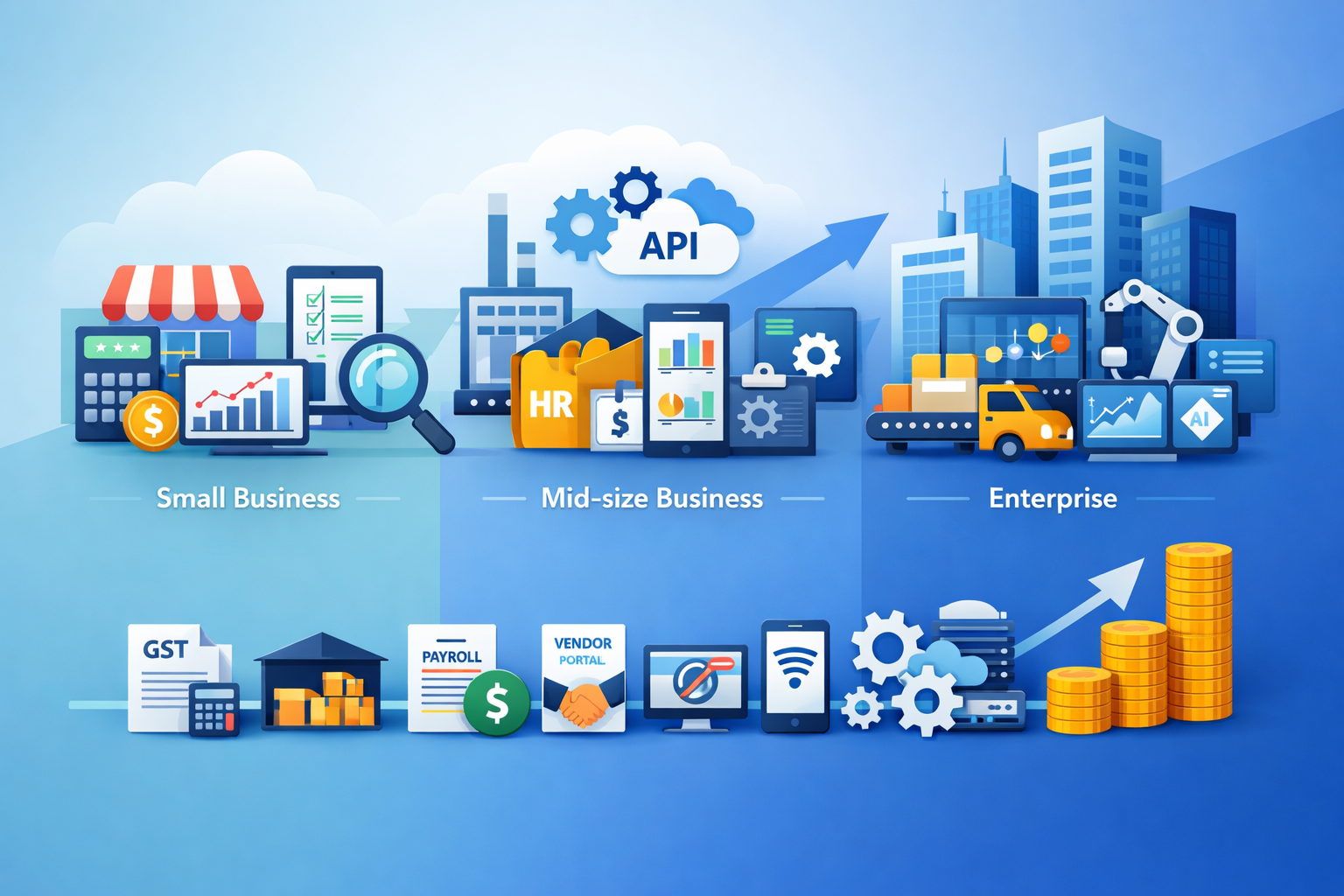
Here's the most realistic 2026 cost framework I use when scoping ERP builds in India.
1. MVP ERP For Small Businesses
This stage usually works best for companies moving away from Excel and disconnected tools. The focus stays on stabilizing core workflows like finance, inventory, and lead tracking without overbuilding unnecessary modules. For small teams, the cost mostly depends on how clean the existing process and data structure already are.
Best for: 10–30 users, 1–2 departments, replacing Excel workflows.
Typical scope:
- Finance
- Inventory
- CRM
- User roles
- Basic reports
Estimated cost: ₹6–15 lakhs. For most Indian SMBs, this budget range covers a practical ERP MVP with stable workflows and limited integrations. The estimate stays realistic when the business has clear SOPs and only one or two departments involved. Costs rise quickly if reporting logic or approvals are still evolving.
2. Mid-Size Custom ERP
This is where ERP projects start becoming workflow-heavy instead of screen-heavy. Multiple departments, customer-vendor interactions, and approval dependencies introduce more backend logic, edge cases, and reporting layers. Most budget changes at this stage come from integrations and permission complexity.
Best for: 30–100 users, multiple departments, vendor/customer workflows, mobile approvals. Works well for companies needing shared visibility between sales, finance, HR, and approvals.
Typical scope:
- Finance + GST
- Inventory
- HR/payroll
- CRM
- Approval chains
- Mobile access
- API integrations
- Dashboard reporting
Estimated cost: ₹15–40 lakhs. This range is common for Indian businesses building department-level ERP systems with custom workflows, which is why many businesses prefer working with the best tech company in India for ERP Development when they need stronger workflow planning, cleaner integrations, and better cost control from the start. The pricing depends less on the number of modules and more on approval depth, reporting exceptions, and external system dependencies. Stable business rules help keep this budget predictable.
3. Multi-Department Enterprise ERP
Enterprise ERP cost increases because workflows span departments, branches, and operational layers. Production, warehouse, HR, procurement, and reporting all depend on shared business logic and synchronized data accuracy. At this level, scalability and failure recovery become major engineering cost drivers.
Best for: manufacturing, logistics, multi-branch operations, service companies with complex SOPs. The system becomes business-critical, so reliability work significantly affects pricing.
Typical scope:
- Procurement
- Warehouse
- Production planning
- Finance
- HR
- Field apps
- BI dashboards
- Legacy migration
- Machine/API sync
Estimated cost: ₹40 lakhs to ₹1 crore+. This pricing range reflects enterprise-grade workflow depth, scale, and long-term maintainability requirements. Multi-branch permissions, production logic, BI dashboards, and external system sync can quickly expand delivery effort. The biggest cost factor is usually how many edge-case workflows already exist in operations.
Modules That Increase Cost Fastest
Some ERP modules grow expensive because they are rule-heavy, exception-driven, and difficult to stabilize after launch. Finance, payroll, approvals, and integrations usually require repeated revisions during UAT and real usage. These modules often increase cost faster than visible UI screens suggest.
These modules usually multiply effort faster than others:
- Finance & GST
- Inventory with multi-warehouse
- Payroll
- Vendor portal
- Approval engines
- Reporting engine
- Mobile offline sync
- API integrations
The reason is simple: these are rule-heavy and change frequently during UAT.
Hidden ERP Costs Most Teams Miss
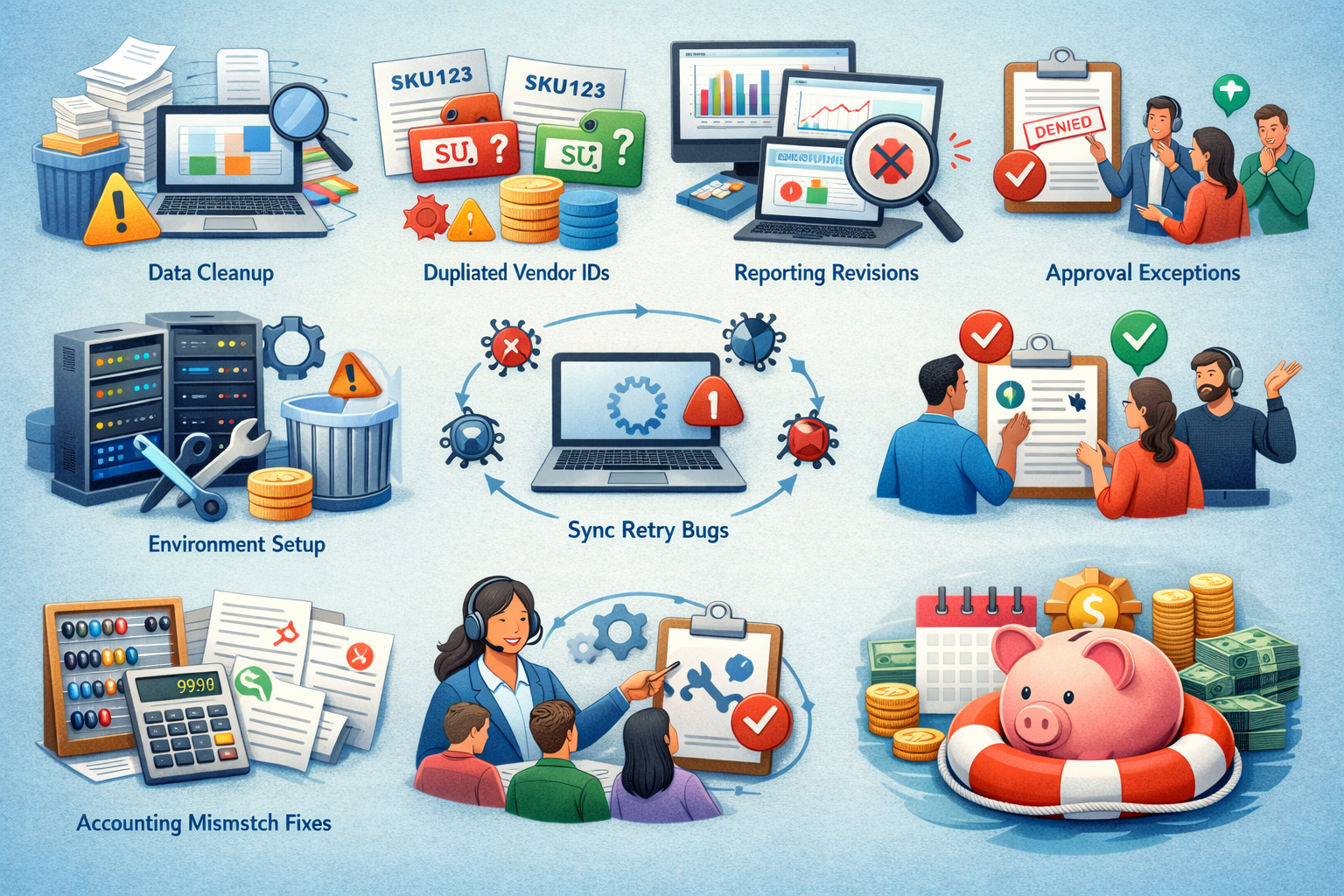
This is where most overruns happen. The biggest hidden cost is data cleanup before migration. I've seen teams assume old Excel sheets can be imported directly. In reality, they contain:
- Duplicate SKUs
- Broken vendor IDs
- Inconsistent tax mappings
- Invalid customer balances
- Missing unit definitions
Cleaning this can take weeks. Other hidden costs include:
Reporting revisions after UAT, approval exceptions, sync retry bugs, deployment environment setup, accounting mismatch fixes, training department heads, post-go-live support tickets, and process change requests.
In one manufacturing ERP rollout, post-launch reconciliation bugs alone consumed nearly 18% of the original budget. That's why experienced teams always keep a 10–20% stabilization reserve.
When Custom ERP Development Is NOT The Right Choice
Custom ERP is not always the smart decision. It usually fails when:
- Your team has under 5 users
- SOPs are still changing weekly
- Approval rules are not finalized
- Reporting needs are unclear
- SaaS ERP already covers 80%
- The business is still testing workflows manually
If your internal process is unstable, custom ERP simply turns process confusion into expensive code. In these cases, SaaS + light customization is often the better first step.
Best Practices To Reduce ERP Development Cost Without Long-Term Problems
The best cost-saving strategy is workflow-first planning. Not module-first. What works best in real projects:
- Freeze approvals before development
- Finalize permissions early
- Start with the biggest operations bottleneck
- Avoid management dashboard overbuild
- Ship one department first
- Phase integrations
- Test with real migrated data
- Keep 1 stabilization sprint after go-live
The teams that save the most money are not the ones choosing the cheapest developers. They are the ones reducing workflow ambiguity before sprint 1 starts. That is what keeps technical debt low and budget realistic.
Conclusion
ERP development cost in India is not decided by developer rates alone.
The biggest factor is how complex your actual business workflow is. Things like approval steps, reporting needs, GST rules, data migration, and department-level permissions usually affect the budget far more than the number of modules.
If your internal processes are already clear and stable, a mid-size ERP can usually stay within a predictable ₹15–40 lakh range. But if your team is still changing workflows, reports, or approval rules during development, even a small ERP can quickly go over budget.
The most practical way to control ERP cost is to first stabilize your operations, finalize approval flows, and clean your data before development starts. That one step usually saves more money than trying to reduce developer hours later.
ERP Development Cost In India: FAQ
Most small to mid-size custom ERP projects in India range from ₹6 lakhs to ₹40+ lakhs, depending on modules, approvals, integrations, and migration complexity.
Finance, inventory, and payroll modules are usually the most expensive because they include heavy business rules and exception handling.
Only when your workflows are highly specific and SaaS customization starts creating operational bottlenecks.
The most common reasons are reporting revisions, role permissions, migration cleanup, and post-launch reconciliation bugs.
Start with one department, freeze workflows early, and avoid building reports and dashboards before real transaction data is available.
References
Written by

Paras Dabhi
VerifiedFull-Stack Developer (Python/Django, React, Node.js)
I build scalable web apps and SaaS products with Django REST, React/Next.js, and Node.js — clean architecture, performance, and production-ready delivery.
LinkedIn