Essential AI Tools for Small Development Teams in 2026
I’ve been on small teams where someone insists, “Let’s just throw an AI tool at this problem.” A week later, half the team is frustrated, and nothing actually got done faster.
The reality? AI tools often promise speed, but without context, they create more friction than they solve.
In this post, I’ll break down why small development teams struggle with AI, where most people get it wrong, and what actually works when your resources are tight.
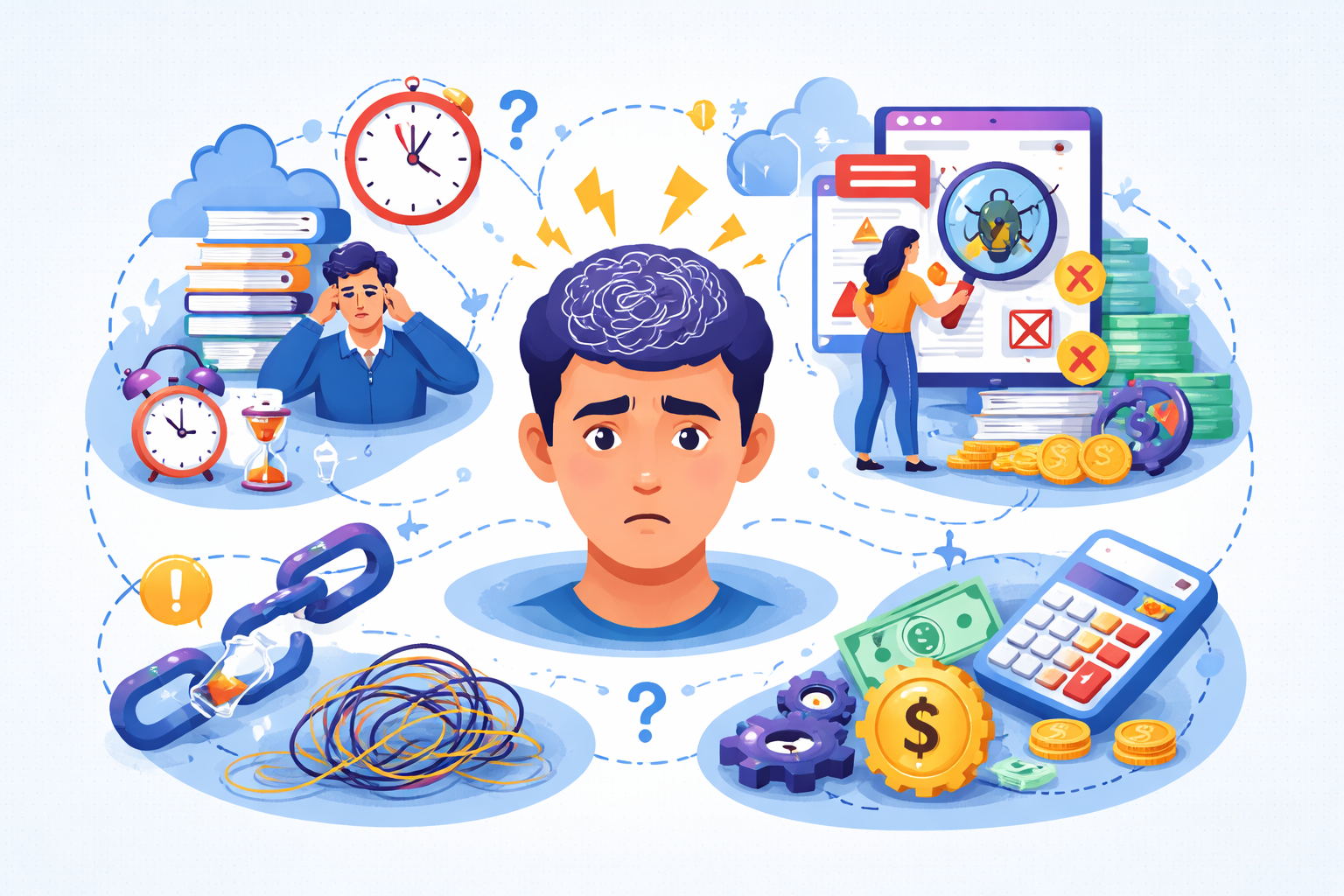
Why This Problem Actually Happens
Small teams—especially in early-stage startups—face a unique set of constraints:
Limited bandwidth
With 2–5 developers, every tool you introduce is a distraction unless it clearly reduces effort. AI tools often require training or integration, which takes time you don’t have.
Unclear ownership
In tiny teams, no one is explicitly responsible for testing AI-generated code or workflows. Without accountability, errors slip through.
Overhyped expectations
Developers often expect AI to replace decision-making rather than assist it. A tool that “writes tests” isn’t useful if no one checks whether those tests match reality.
Rushed decisions under pressure
Startups chasing deadlines grab shiny AI tools without considering maintainability. That leads to a pile of unused scripts, bots, and plugins that clutter your workflow.
Insight: I’ve seen teams where AI-generated code actually slowed the project down because integrating it required as much work as writing it manually—but no one realized that until deadlines were looming.
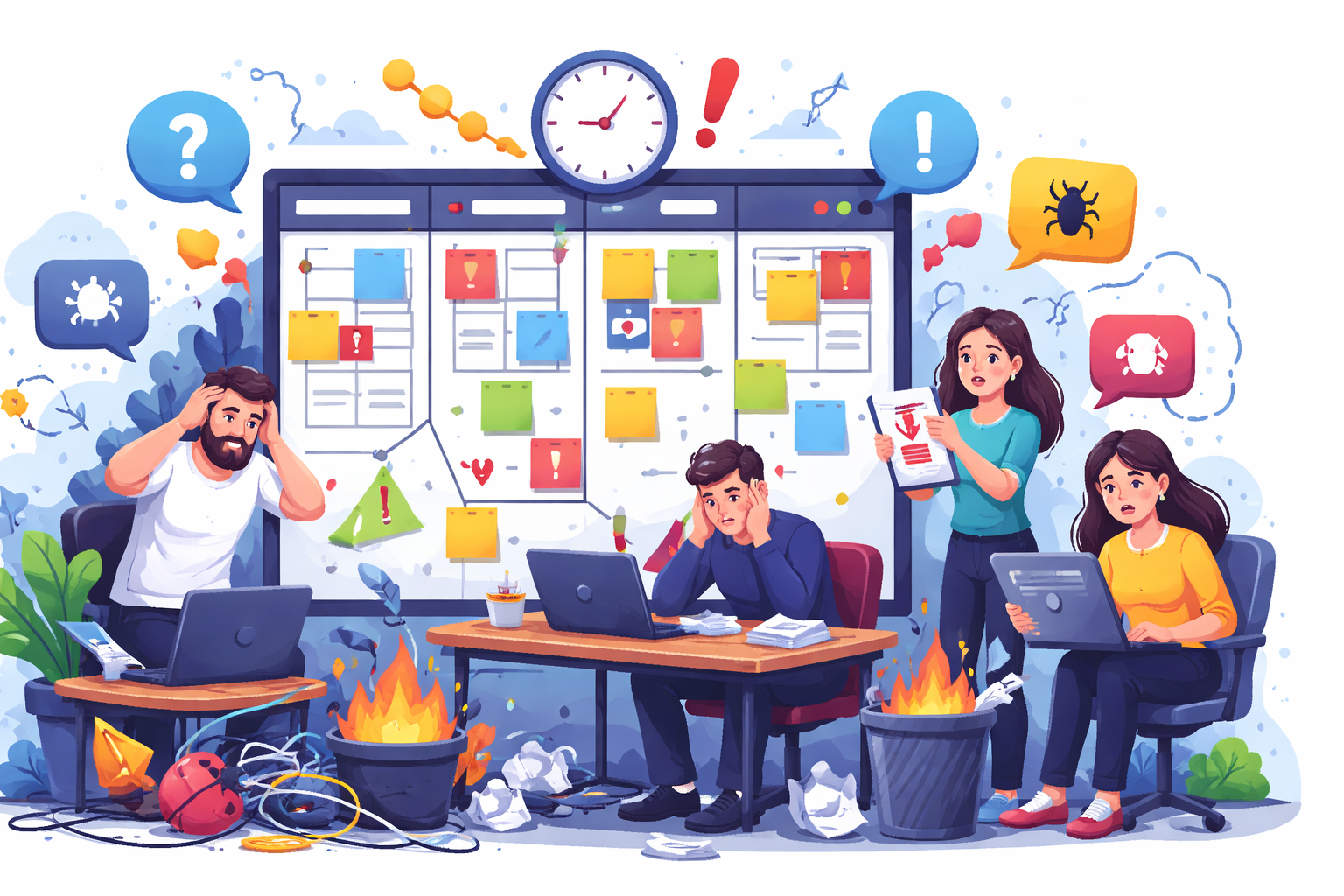
Where Most Developers or Teams Get This Wrong
Here’s what I’ve observed repeatedly in small teams:
Thinking AI solves design problems
I’ve seen teams dump architecture or logic design on AI, expecting it to generate production-ready solutions, even though real software development still depends on clear product logic, domain understanding, and technical judgment that small teams cannot outsource to a tool.
In practice, AI can handle boilerplate, but it doesn’t understand your domain logic, edge cases, or tech debt.
Assuming AI reduces headcount
One startup I worked with assumed using AI meant they could cut a junior developer. Instead, the AI created more code reviews, more debugging, and more confusion—effectively adding work instead of reducing it.
Using AI tools in isolation
In most startups, everyone uses a different AI tool, with no integration. The result? Conflicting suggestions, duplicated effort, and a fragmented codebase.
Overvaluing speed over correctness
It sounds good to say AI-generated code is faster than writing it manually, but validation becomes even more important when teams start merging generated output that may not match real requirements or edge cases.
If the AI output breaks tests or misaligns with existing standards, the team spends more time fixing it than they saved.
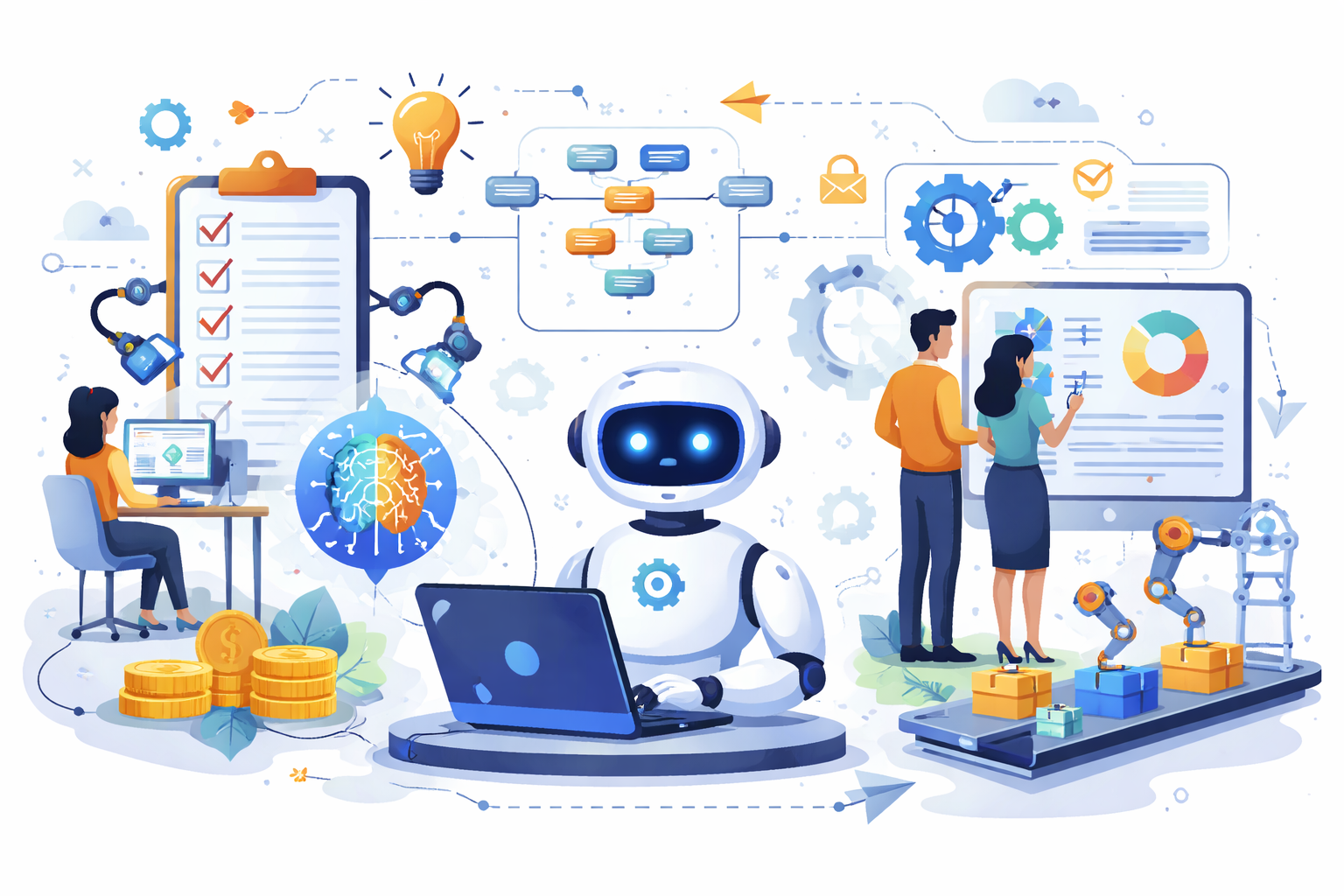
Practical Solutions That Work in Real Projects
Based on years of experience, here’s how small teams can actually use AI without creating more headaches:
Use AI for repetitive, low-risk tasks
Leverage AI to handle routine and time-consuming tasks such as data entry, scheduling, or basic customer queries. This allows your team to focus on higher-value work, reduces human error, and increases overall productivity without significant risk.
Example
boilerplate code, simple test cases, or standard API calls.
Trade-off
You save time, but must still review everything. AI is not a substitute for code review.
Integrate AI into workflows, not replace them
Example
Use AI as a code suggestion in your IDE rather than a standalone tool.
Benefit
The team retains control, and suggestions are contextual, which is exactly why AI-assisted workflows for small development teams work better when they support the existing process instead of trying to replace it completely.
Assign ownership of AI output
Clearly designate who is responsible for reviewing, validating, and approving AI-generated content or decisions, because delivery gets harder to manage when AI-generated changes move through the backend, frontend, and workflows without clear ownership.
This ensures accountability, maintains quality standards, and helps prevent errors or misuse of AI outputs in critical processes.
Whoever reviews or merges AI-generated code must be accountable for quality
When using AI to generate code, human reviewers are ultimately responsible for ensuring it meets quality standards. Blindly merging AI suggestions can introduce bugs, security risks, or maintainability issues, so accountability cannot be outsourced to the AI.
I’ve seen “floating responsibility” turn AI-generated PRs into a backlog nightmare
Without clear ownership, AI-generated pull requests can pile up, creating confusion and delays. Teams must define who reviews and approves these changes to prevent bottlenecks and maintain a smooth development workflow.
Document patterns and limits
Documenting patterns and limits for AI usage helps teams clearly understand where AI is effective and where it might fail. This ensures consistent results, reduces errors, and sets realistic expectations for what AI can accomplish in projects.
Keep a short “AI playbook” for the team: what tasks AI can handle, common pitfalls, and verification steps
An AI playbook acts as a quick reference guide for the team, outlining suitable tasks, common mistakes, and necessary checks. It streamlines workflows, promotes consistent quality, and ensures everyone is on the same page when using AI tools.
This prevents repeated mistakes and reduces onboarding friction for new team members
Having documented guidelines and a playbook minimizes repeated errors and confusion. New team members can ramp up faster, understanding AI workflows and verification steps without trial-and-error learning, improving overall team efficiency.
Test early and often
Testing AI-generated code from the start helps catch issues before they grow into bigger problems, and teams using AI & ML Services usually get better results when generated output is treated as something to validate carefully instead of something to trust automatically.
Frequent checks ensure the code behaves as expected across a variety of scenarios.
AI can generate code that passes your initial tests but fails edge cases
AI-generated code might work in standard cases but break under less common conditions. Identifying these edge cases early prevents hidden bugs and potential production failures.
A small suite of automated tests before merging AI-generated code prevents surprises in production
Running a targeted set of automated tests ensures AI-generated code is safe to merge. This proactive approach reduces unexpected issues in live environments and keeps releases reliable.
Start small and iterate
Adopt AI tools gradually, focusing on one at a time to measure real impact. Incremental adoption allows the team to learn, adjust, and optimize workflows without overwhelming resources.
Introduce one AI tool at a time. Track its impact on workflow for 2–4 weeks before adding another
Gradually adopting AI tools allows teams to evaluate their effectiveness and understand how they affect daily workflows. Tracking performance over a few weeks ensures informed decisions before adding more tools.
Avoid tool fatigue; small teams can’t juggle multiple half-integrated solutions
Using too many AI tools at once can overwhelm small teams and create inefficiencies. Focusing on a few well-integrated solutions prevents confusion, reduces friction, and maximizes productivity.

When This Approach Does NOT Work
Complex, domain-specific problems
AI often struggles with unique business logic or highly optimized systems. Automating these tasks without human insight can lead to more problems than solutions.
Teams without code review discipline
If code isn’t consistently reviewed, AI-generated suggestions can introduce subtle, hard-to-detect bugs. Strong review practices are essential to maintain code quality.
Rapidly changing codebases
In fast-moving startups, AI-generated code can become outdated before it’s merged. Manual coding may be more efficient when frequent changes occur.
AI as a replacement for thinking
Treating AI output as final rather than a starting point leads to technical debt. Developers must critically evaluate AI suggestions instead of blindly accepting them.
Best Practices for Small Development Teams
Limit the scope of AI tools
Focus AI usage on tasks where it provides measurable benefits without jeopardizing quality or security. Limiting scope prevents wasted effort and reduces potential errors.
Keep the team aligned
Ensuring everyone knows which AI tools are approved and for what purpose maintains consistency. Alignment avoids confusion, duplication, and inefficient workflows.
Review all AI output
AI suggestions can introduce bugs, security issues, or inefficient code. Human review is essential to ensure quality, correctness, and maintainability before merging.
Document patterns and exceptions
Recording successful workflows and common pitfalls creates a knowledge base for the team. Documentation minimizes repeated errors and helps onboard new members more effectively.
Focus on maintainability
Quick AI-driven solutions can save time but may compromise long-term code health, which is why maintainable engineering workflows matter when small teams want AI-assisted speed without creating unstable delivery pipelines later.
Prioritizing maintainable code ensures the system remains stable and scalable.
Iterate incrementally
Gradually adopting AI tools allows teams to evaluate their impact and optimize usage. Iterative adoption prevents tool fatigue and ensures meaningful improvements over time.
Conclusion
AI can genuinely help small development teams—but only if you use it deliberately, with clear rules and ownership. Throwing tools at your workflow without a plan usually creates more work than it saves. The lesson is simple: treat AI as an assistant, not a replacement, and your small team can gain efficiency without breaking your codebase.
By setting clear boundaries for AI use, documenting patterns, and maintaining human oversight, teams can avoid common pitfalls like technical debt and fragmented workflows. Incremental adoption, proper testing, and accountability ensure AI adds real value rather than friction. Ultimately, thoughtful integration allows small teams to focus on high-impact work, while AI handles repetitive tasks safely and efficiently.
FAQs
Only for repetitive or low-risk tasks. Using it for core logic or design decisions often creates more problems than it solves.
Not effectively. AI adds overhead in review, debugging, and integration, which can outweigh any time saved.
Treating AI-generated code as final or skipping code reviews, leading to hidden bugs and technical debt.
Boilerplate code, test scaffolding, simple refactoring, and standard API calls.
Introduce one tool at a time, assign clear ownership, and document what tasks AI should handle.
References
Written by

Paras Dabhi
VerifiedFull-Stack Developer (Python/Django, React, Node.js)
I build scalable web apps and SaaS products with Django REST, React/Next.js, and Node.js — clean architecture, performance, and production-ready delivery.
LinkedIn