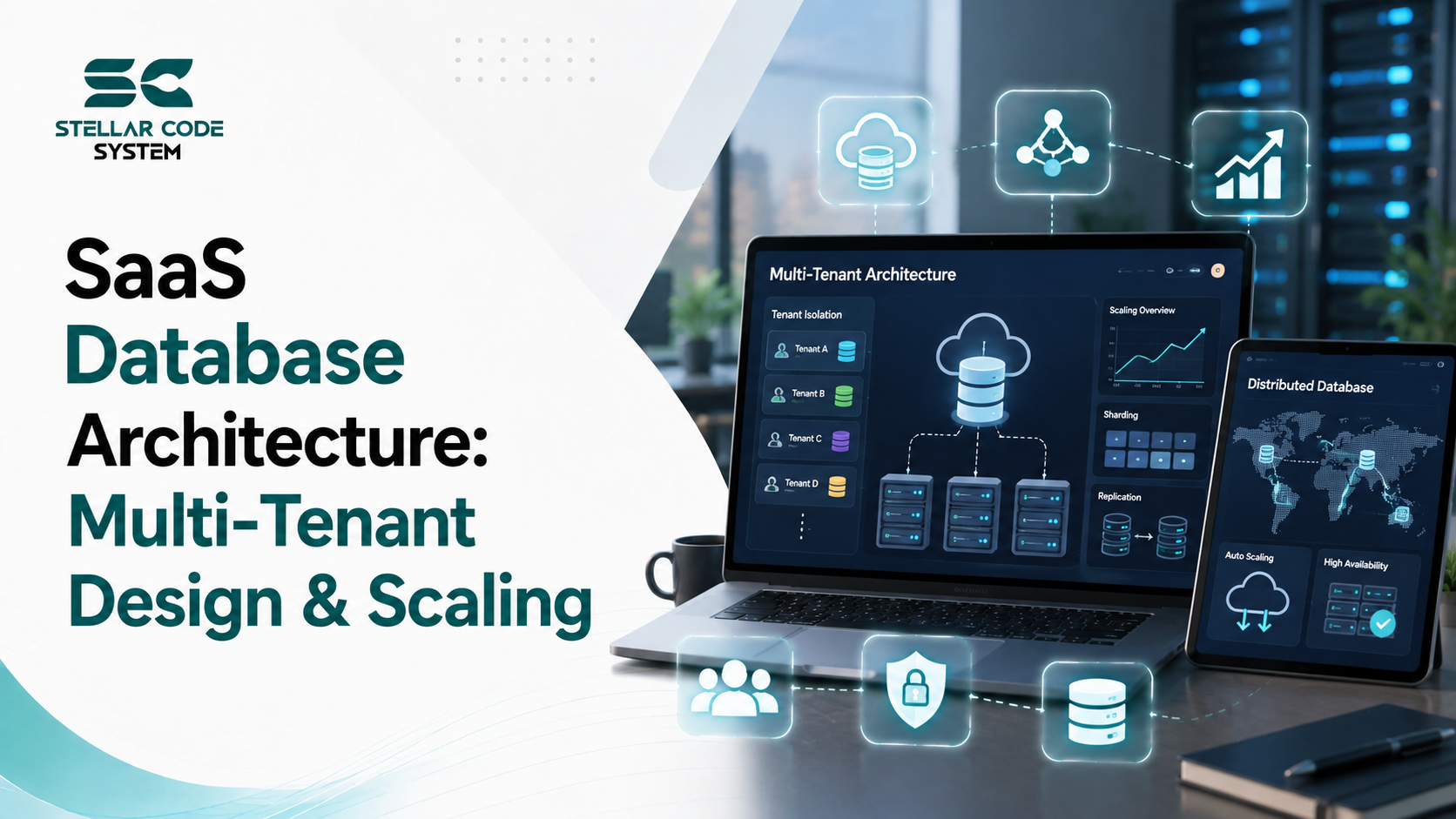
SaaS Database Architecture: Multi-Tenant Design & Scaling
A SaaS product can work perfectly with 20 customers and start showing serious database problems at 200 or 2,000. The application code may look stable, but queries become slower, workloads become unpredictable, storage grows quickly, and one customer's activity can affect everyone else.
This is where SaaS database architecture becomes a practical engineering problem rather than a theoretical design decision.
One mistake I have seen repeatedly in small SaaS teams is treating multi-tenant design as something that can be changed later. Teams often start with a simple database structure because it is fast to build. That is usually reasonable for an MVP. The problem comes when the original design does not have a clear path for isolation, scalability, security, and growth.
The goal is not to build the most sophisticated database from day one. The goal is to choose an architecture that gives the team enough flexibility to grow without creating an expensive migration six months later.
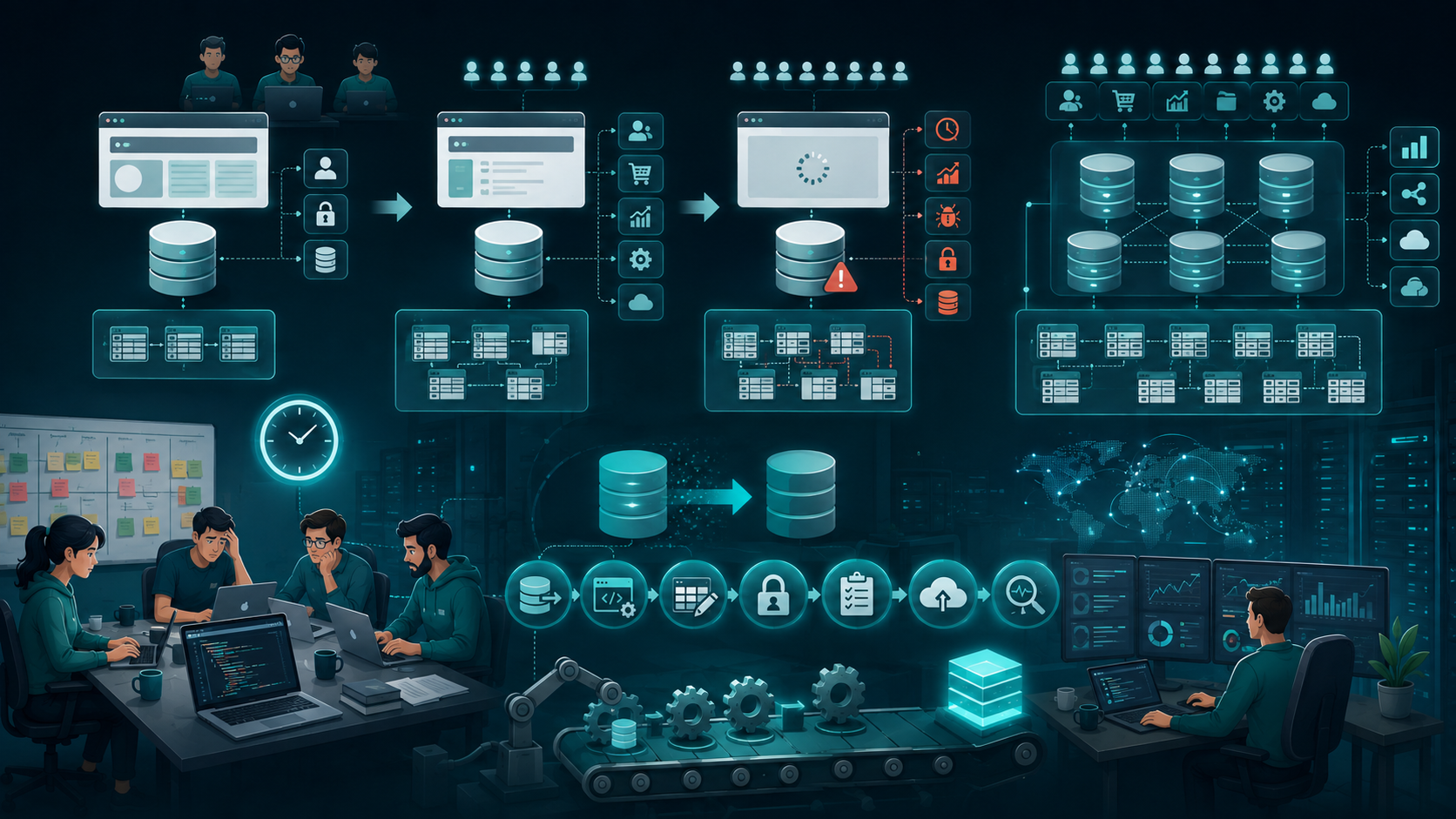
Why This Problem Happens in Real Teams
Small SaaS teams rarely have unlimited engineering resources. A team of two to fifteen developers is usually balancing product requirements, customer requests, deployment, bugs, security, and infrastructure at the same time.
Database architecture often gets less attention because the first version appears simple.
A typical early SaaS product might have:
- One application
- One database
- A few tables
- A basic authentication system
- Simple queries
- Limited tenant data
- Manual deployment workflows
That setup can be completely appropriate.
The problem starts when the workload changes.
More customers mean more transactions. More users mean greater concurrency. Larger datasets increase query latency. Reporting features create heavier queries. Background jobs consume additional resources. Integrations introduce new workloads.
At that point, the original architecture starts carrying responsibilities it was never designed to handle.
Time pressure creates architectural shortcuts
During an MVP phase, developers naturally optimize for delivery.
A team may think:
We only have a few customers right now. We can improve the database later.
That decision is not necessarily wrong.
The mistake is failing to understand what “later” will require.
If the database structure makes tenant isolation difficult, changing it later can involve:
- Data migration
- Application changes
- Query changes
- Backup planning
- Access-control changes
- Testing
- Downtime management
- Monitoring changes
A simple early decision can therefore become a major engineering project.
Scaling assumptions are often wrong
Another common issue is designing around expected growth instead of actual workload behavior.
A team may assume that adding more customers simply means adding more rows.
In reality, growth can change the workload itself.
One large customer may generate more traffic than 100 small customers. A reporting feature may create more database load than the core application. A background synchronization process may suddenly create thousands of transactions.
That is why capacity should be evaluated based on workload rather than customer count alone.
Read More:
SaaS Development Company USA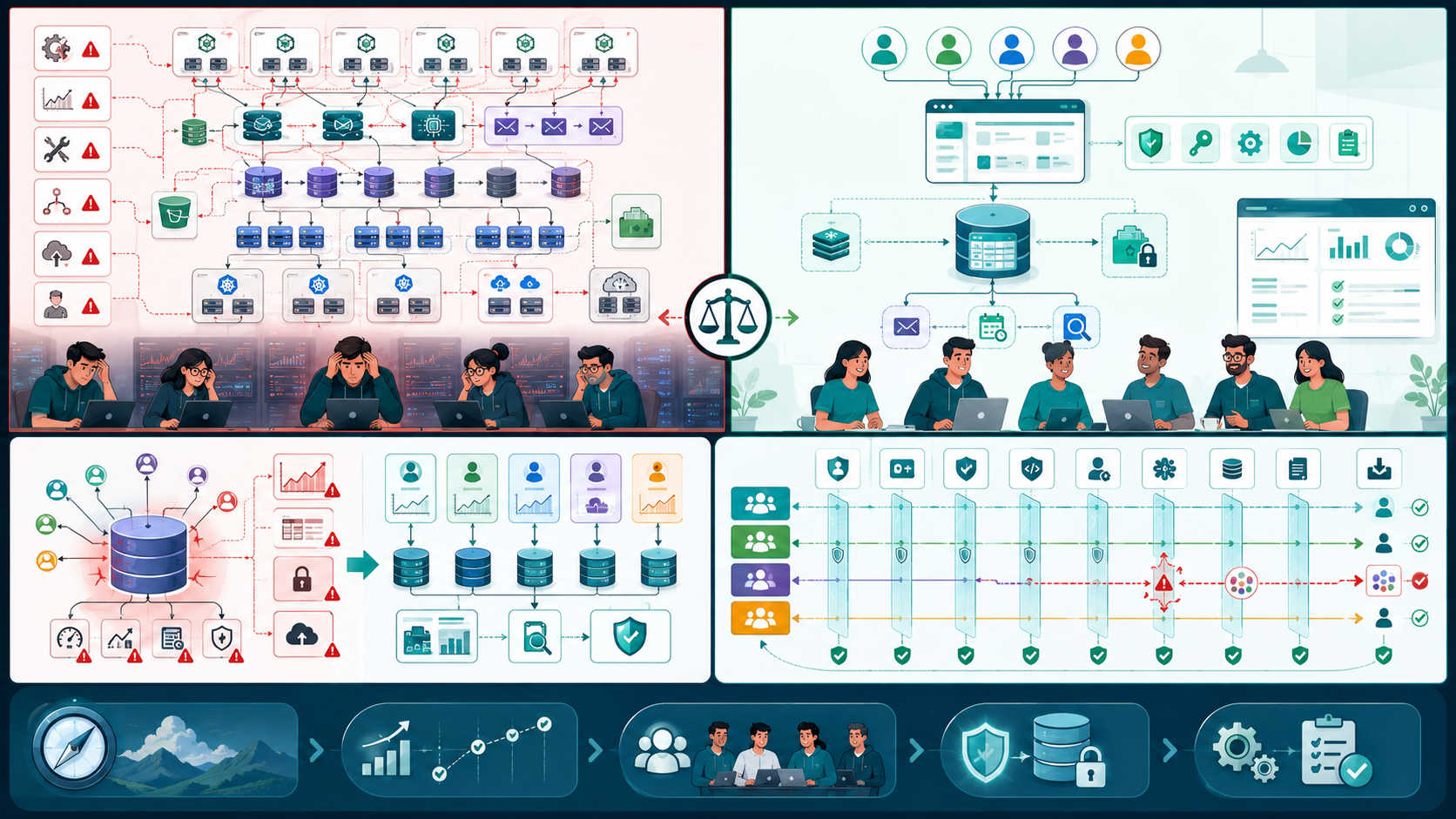
Where Most Teams Make the Wrong Decision
The biggest mistake is usually not choosing the wrong database model.
It is choosing an architecture without understanding the trade-offs.
Copying big-tech architecture too early
I have seen small SaaS teams introduce complicated infrastructure because a large technology company uses it.
Microservices, database sharding, distributed caching, separate storage systems, and sophisticated deployment infrastructure can all be useful.
But every additional component introduces:
- Configuration
- Monitoring
- Maintenance
- Failure scenarios
- Deployment complexity
- Operational overhead
A five-person engineering team may gain very little from an architecture designed for hundreds of engineers.
For many SaaS products, a well-structured application with a carefully designed relational database is enough for a surprisingly long time.
Assuming one architecture works forever
The opposite mistake is also common.
A team starts with a shared database and never revisits the design.
That can become problematic when:
- Tenant data grows significantly
- Certain customers create heavy workloads
- Compliance requirements change
- Backup requirements become stricter
- Database queries become difficult to optimize
- Different customers require different infrastructure characteristics
A good architecture should therefore support evolution, not permanence.
Treating tenant isolation as only an application problem
Tenant isolation should not depend entirely on developers remembering to add a filter to every query.
Consider a simple query:
- Authentication
- Authorization
- Database queries
- Permissions
- Application logic
- Background jobs
- APIs
- Caching
- Logging
- Data exports
Security is not achieved simply by adding a tenant_id column.
SELECT * FROM orders WHERE tenant_id = ?;
The application needs to consistently supply the correct tenant identifier.
If one query accidentally omits that condition, data from another tenant could potentially become accessible.
This is why isolation should be considered across:

Practical Fixes That Actually Work
There is no universal multi-tenant architecture. The right choice depends on the product, workload, compliance requirements, team size, and expected growth. Working with a US software engineering partner for SaaS database scalability helps teams choose the right tenant model, plan isolation, design indexes, prepare backups, monitor workloads, and scale database architecture without adding unnecessary operational complexity.
Three common approaches are worth considering.
1. Shared Database, Shared Schema
All tenants use the same database and tables.
A tenant identifier separates their records.
For example:
- Lower infrastructure cost
- Easier deployment
- Straightforward migrations
- Simple provisioning
- Efficient resource usage
But it requires disciplined isolation.
Every tenant-specific query needs reliable filtering, and indexing should account for tenant-aware access patterns.
For example, an index involving tenant_id can be much more useful than indexing unrelated fields when most queries are tenant-specific.
This architecture is often a practical choice for early-stage SaaS products.
customers
-------------------------
id
tenant_id
name
email
created_at
This is often the simplest starting point.
It provides:
2. Shared Database, Separate Schemas
Here, tenants share the database infrastructure but receive separate schemas.
Conceptually:
Database
 ├── tenant_a
 ├── tenant_b
 ├── tenant_c
 └── tenant_d
This can provide stronger logical separation while keeping infrastructure relatively centralized.
The trade-off is operational complexity.
As the number of tenants grows, managing schema creation, migrations, monitoring, and configuration can become difficult.
A migration that needs to run across hundreds or thousands of schemas requires careful automation.
3. Separate Database Per Tenant
Each tenant receives its own database.
This provides strong isolation and can make certain compliance or customer-specific requirements easier to manage.
It can also allow teams to isolate workloads more effectively.
However, operational complexity increases quickly.
You now have to consider:
- Database provisioning
- Connection management
- Backup policies
- Migration automation
- Monitoring
- Recovery
- Configuration
- Infrastructure costs
For a small SaaS product with thousands of tenants, maintaining thousands of independent databases may create more problems than it solves.
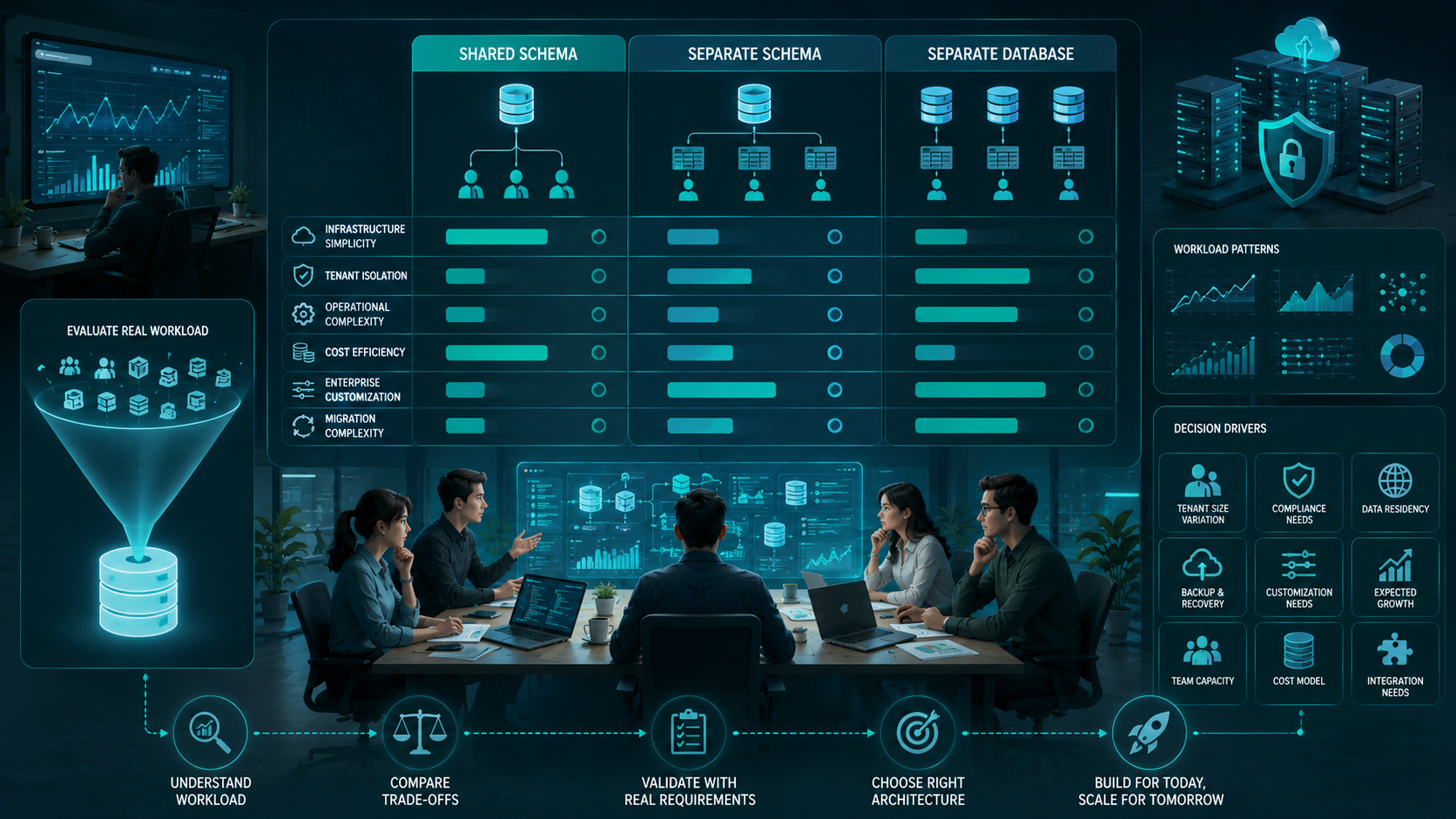
Choose based on workload, not fashion
The architecture decision should consider:
| Factor | Shared Schema | Separate Schema | Separate Database |
|---|---|---|---|
| Infrastructure simplicity | High | Medium | Low |
| Tenant isolation | Logical | Stronger logical | Strong |
| Operational complexity | Low | Medium | High |
| Cost efficiency | High | Medium | Lower |
| Large enterprise customization | Limited | Better | Strong |
| Migration complexity | Lower | Medium | Higher |
There is no universally correct option.
The important thing is to understand what you are optimizing for.
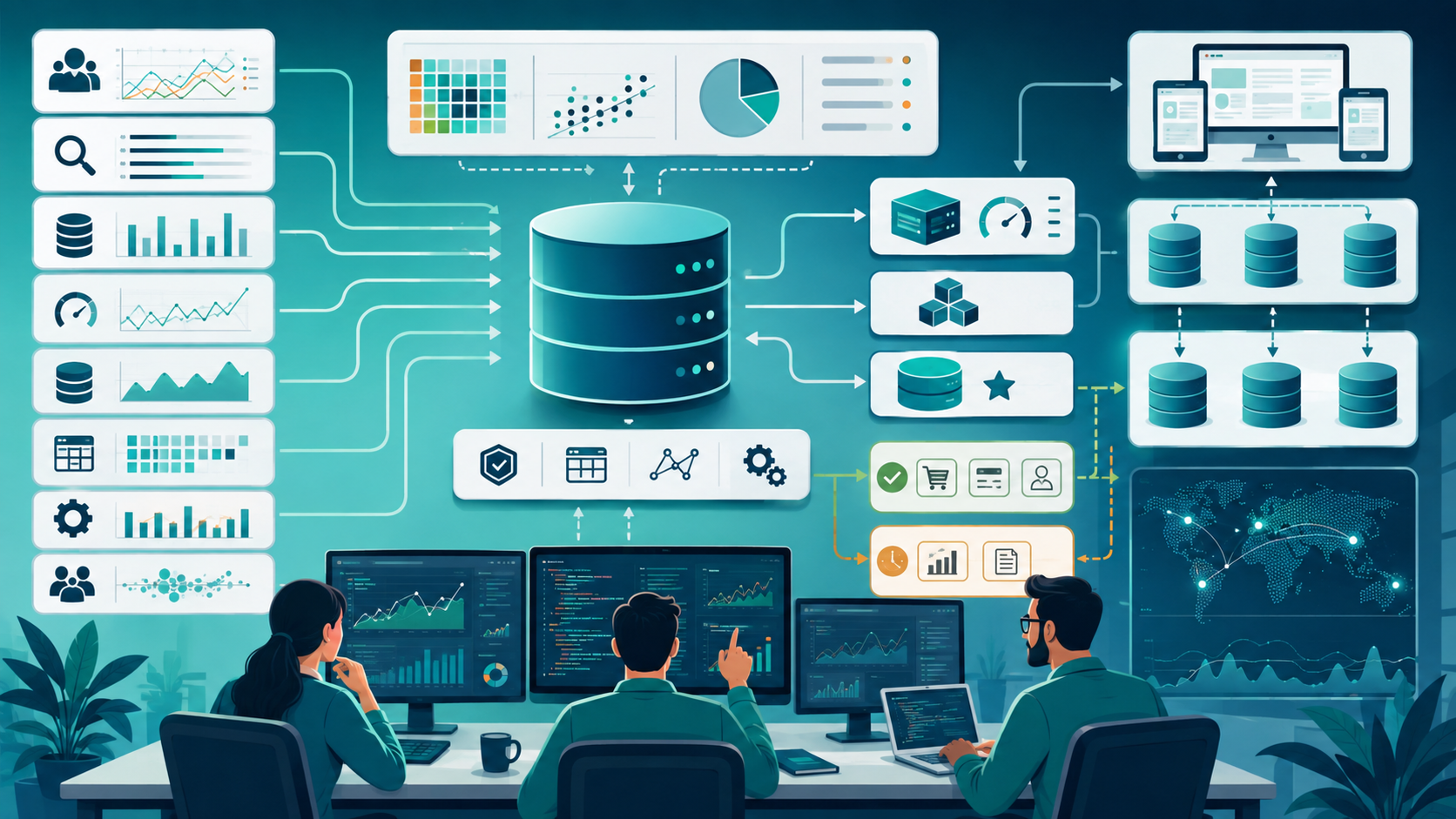
Design the Database Around Real Workloads
One of the most useful lessons from scaling SaaS systems is that database performance is rarely solved by adding hardware alone.
Start by understanding the workload.
Look at:
- Frequently executed queries
- Slow queries
- Read/write ratios
- Transaction volume
- Concurrent connections
- Storage growth
- Large tables
- Background jobs
- Reporting workloads
- Tenant-specific traffic patterns
Use indexing deliberately
Indexing can dramatically improve query performance, but excessive indexing creates additional storage and write overhead.
For multi-tenant applications, tenant-aware access patterns should influence index design.
For example:
CREATE INDEX idx_orders_tenant_created
ON orders (tenant_id, created_at);
The correct index depends on the actual queries.
Do not create indexes simply because a column exists.
Measure first.
Use caching where it actually helps
Caching can reduce repeated database queries, but it introduces another layer of consistency and configuration.
Good candidates often include:
- Frequently accessed configuration
- Stable reference data
- Expensive repeated calculations
- Short-lived session information
Do not use caching to hide inefficient database queries indefinitely.
If a query is unnecessarily expensive, fixing the query may be better than placing another system in front of it.
Consider replication as read demand grows
When read workloads become significantly larger, read replicas can help distribute database traffic.
The important consideration is consistency.
If an application writes data and immediately reads it from a replica, replication delay can sometimes produce unexpected results.
This means replication should be introduced with an understanding of which operations require immediate consistency and which can tolerate some delay.
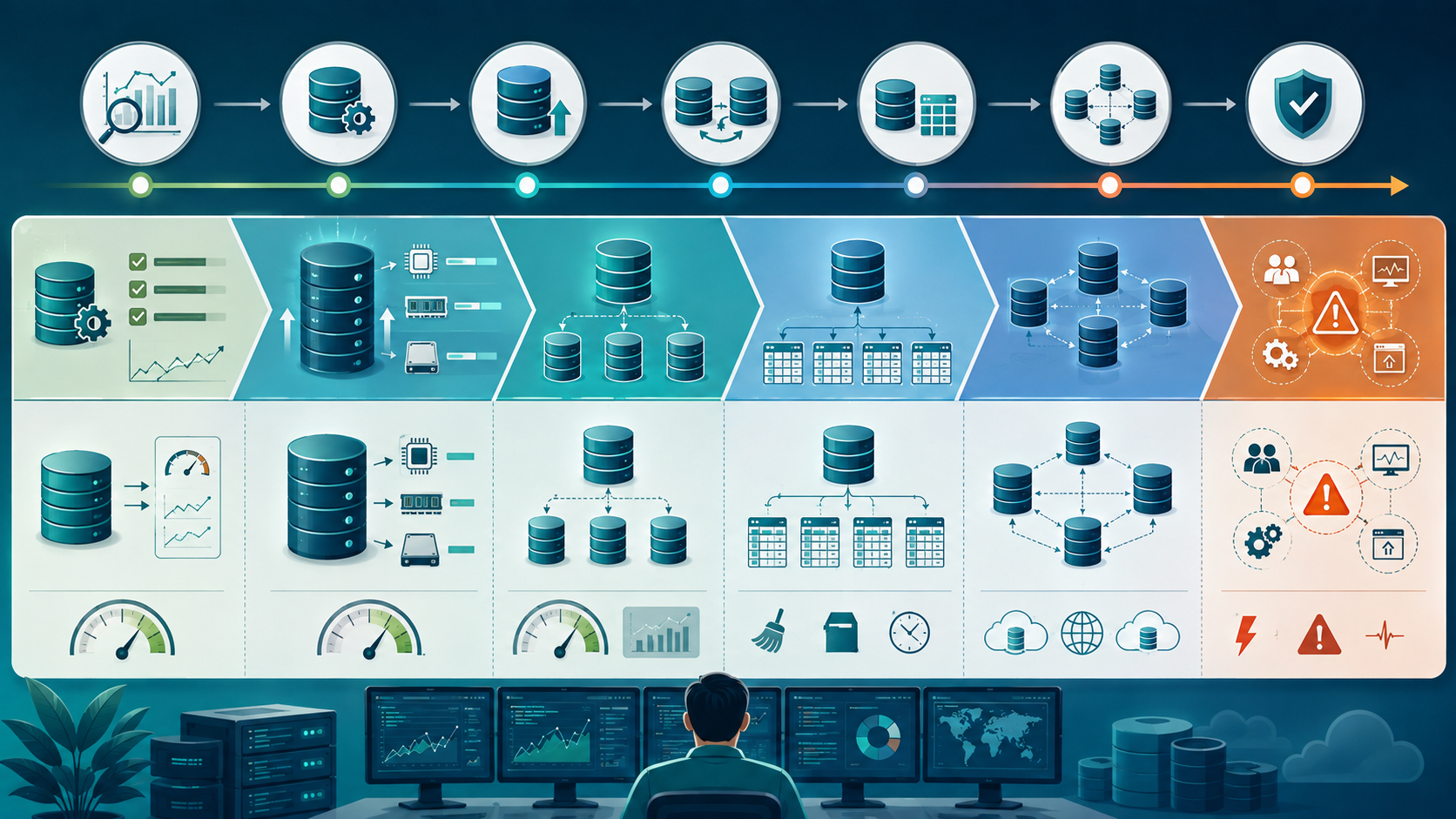
Scaling the Database Without Overengineering
When traffic increases, there are several ways to increase capacity.
Vertical scaling
You can increase the resources available to the database server.
This is often the simplest first step.
More CPU, memory, or storage performance can solve many problems without architectural changes.
For a small team, this simplicity has real value.
Horizontal scaling
Eventually, adding resources to one database may become insufficient.
At that point, teams may consider:
- Read replicas
- Partitioning
- Sharding
- Workload separation
- Distributed databases
But these approaches introduce additional operational complexity.
I would not introduce sharding simply because a SaaS product is growing.
I would introduce it when there is a clearly identified scaling constraint that simpler approaches cannot reasonably solve.
Partition large datasets when necessary
Partitioning can be useful when tables become extremely large.
For example, an event or transaction table might be partitioned based on time.
This can help with:
- Query performance
- Data management
- Maintenance
- Archiving
- Storage growth
Again, partitioning should solve an identified problem rather than become an architectural requirement for every SaaS product.
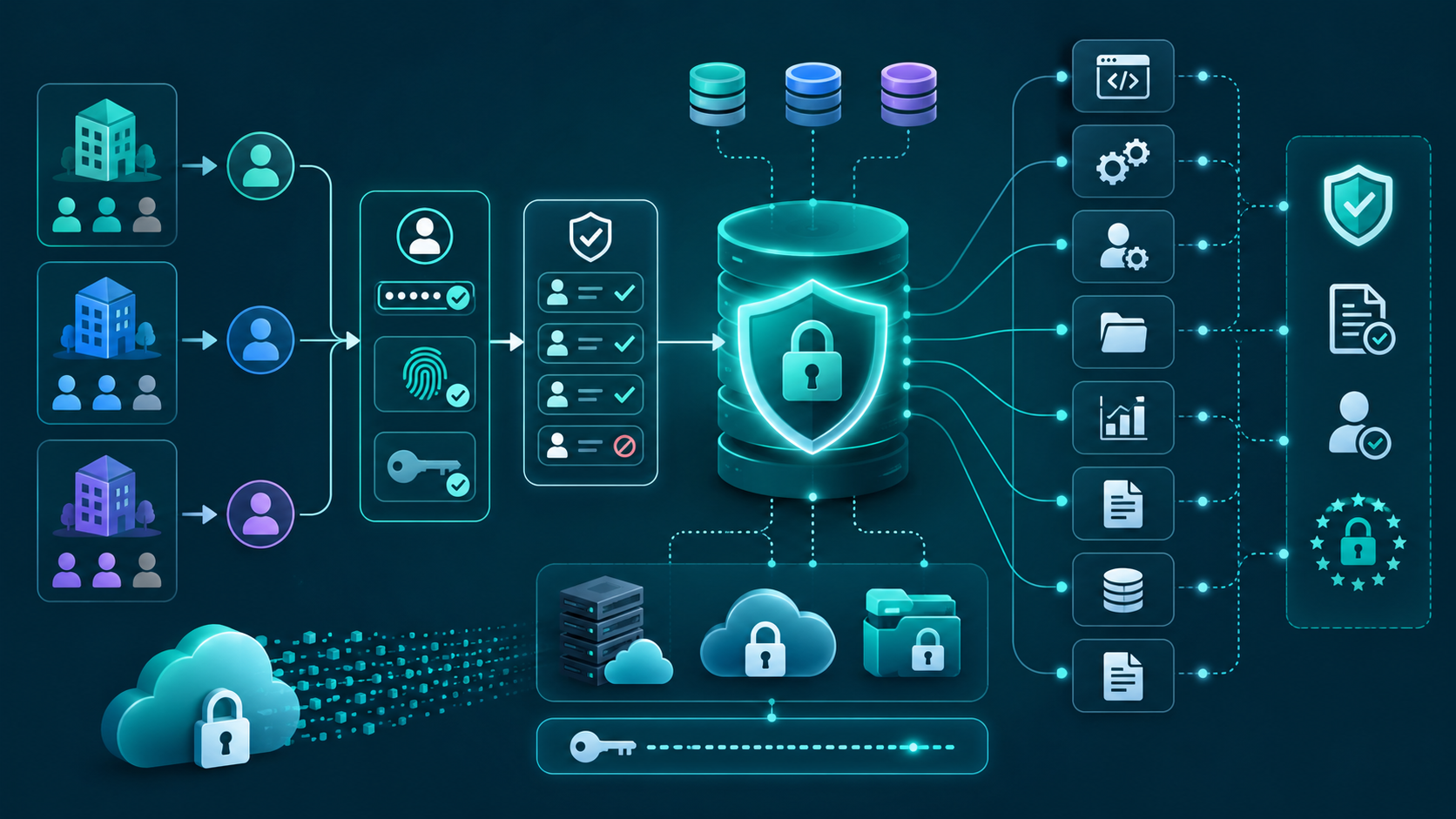
Security, Authentication, and Authorization Need to Work Together
Multi-tenancy makes security more complicated because the application is serving multiple organizations from shared infrastructure.
Authentication answers:
Who is this user?
Authorization answers:
What is this user allowed to access?
Tenant isolation answers:
Which organization's data can this user access?
- API endpoints
- Database operations
- Background workers
- Administrative interfaces
- File storage
- Reports
- Exports
Encryption should also be considered for sensitive information both during transmission and at rest.
For regulated customers, compliance requirements may influence whether a shared architecture is appropriate.
These are related but different concerns.
A robust system should validate tenant context before accessing tenant-specific resources.
Permissions should be enforced consistently across:
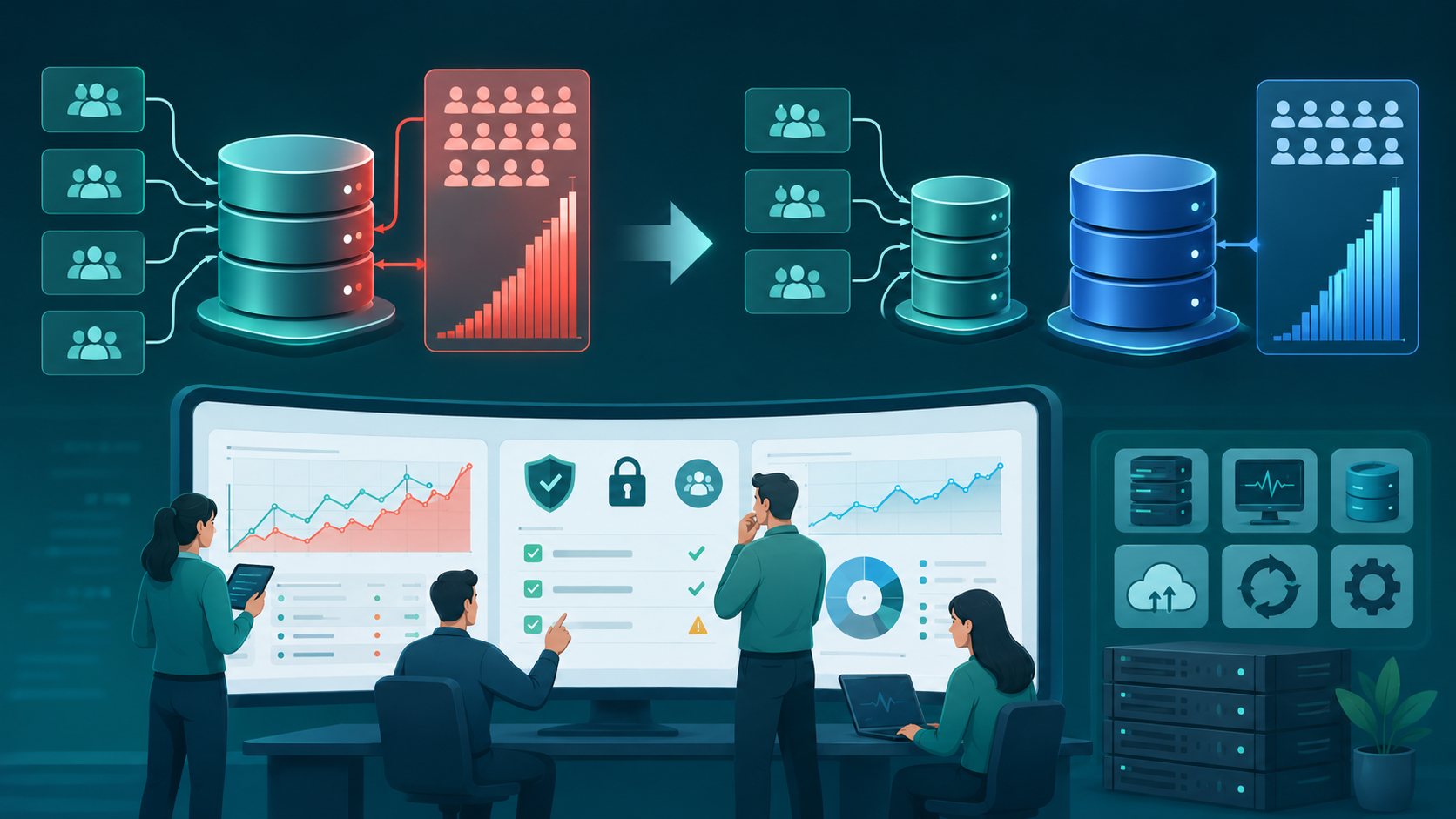
When This Approach Fails
A simple shared-schema architecture is not ideal for every SaaS product.
It can become difficult when customers have dramatically different workloads.
Imagine one enterprise customer generating millions of transactions while hundreds of smaller customers generate relatively little activity.
That single tenant can consume disproportionate resources.
In that situation, the team may need stronger workload isolation.
A hybrid architecture can sometimes work better.
For example:
Standard Customers
       ↓
Shared Database

Large Enterprise Customers
       ↓
Dedicated Database
This allows the majority of customers to use a cost-efficient architecture while giving high-demand customers more isolated resources.
The trade-off is additional provisioning, monitoring, backup, migration, and deployment complexity.
It can still be worthwhile when the workload difference is substantial.
Sustainable Practices for Small Engineering Teams
Good SaaS database architecture is not only about infrastructure. It is also about how the engineering team works.
Document important architecture decisions
Do not rely on one developer remembering why a database decision was made.
Document:
- Tenant model
- Isolation strategy
- Indexing decisions
- Backup approach
- Migration process
- Scaling assumptions
- Recovery procedures
- Security boundaries
This becomes particularly important for remote teams.
Automate provisioning and migrations
Manual database configuration becomes dangerous as the number of tenants grows.
Automation should handle repetitive tasks such as:
- Tenant provisioning
- Schema creation
- Database configuration
- Migration execution
- Backup verification
- Monitoring setup
Automation reduces human error and makes growth easier to manage.
Monitor before making architectural changes
Do not redesign the database because the application feels slow.
Monitor:
- Query latency
- CPU usage
- Memory consumption
- Connection usage
- Storage capacity
- Replication lag
- Error rates
- Slow queries
Observability gives the team evidence for architectural decisions.
Plan for failure
Every production database needs a recovery strategy.
Backups alone are not enough.
Teams should understand:
- How backups are created
- How long they are retained
- How recovery works
- How failover is handled
- How redundancy is maintained
- How recovery time is measured
A backup that has never been tested is not a reliable recovery strategy.
Avoid making every scaling problem a database problem
Sometimes database pressure comes from the application layer.
Poor API design, inefficient background jobs, excessive requests, and unnecessary transactions can all increase database workload.
Before changing the architecture, ask:
Are we actually hitting a database limitation, or are we generating unnecessary database work?
That question can save weeks of engineering effort.
The Architecture I Usually Prefer for Early SaaS Products
For many early-stage SaaS applications, I prefer starting with a simple shared database and carefully designed tenant isolation.
That usually means:
- Make tenant ownership explicit.
- Design queries around tenant access patterns.
- Add appropriate indexes.
- Monitor database performance from the beginning.
- Keep migrations automated.
- Establish reliable backup and recovery processes.
- Separate unusually heavy workloads when necessary.
- Scale vertically before introducing unnecessary distributed complexity.
- Introduce replication when read demand justifies it.
- Consider partitioning or sharding only after measuring a genuine need.
This approach keeps the architecture manageable for a small engineering team while leaving room for future growth.
The objective is not to predict exactly how the product will scale.
It is to avoid creating an architecture that makes future scaling unnecessarily painful.
Conclusion
The hardest part of SaaS database architecture is not choosing between shared schemas, separate schemas, or dedicated databases.
The difficult part is understanding the trade-offs between scalability, isolation, security, reliability, performance, availability, consistency, flexibility, and operational efficiency.
A small SaaS team does not need to build a distributed database infrastructure on day one. At the same time, ignoring tenant isolation and workload growth can create serious problems later.
The most sustainable approach is to start with the simplest architecture that satisfies the product's current requirements, measure real workloads, and evolve the infrastructure when evidence shows that change is necessary.
In practice, good architecture is less about predicting the future and more about making sure your system can adapt when the future arrives.
SaaS Database Architecture: FAQs
Yes. A shared database can be a practical choice for many SaaS products, particularly when tenant isolation is implemented carefully and the workload is manageable.
No. Separate databases provide stronger isolation but also increase provisioning, monitoring, backup, migration, and maintenance requirements. They are more appropriate when workload, security, compliance, or customer-specific requirements justify the additional complexity.
Sharding should generally be considered when a database has a clearly identified scaling limitation that cannot be reasonably addressed through query optimization, indexing, vertical scaling, replication, or partitioning.
Start with measurement. Analyze slow queries, indexing, transaction patterns, concurrency, storage growth, and workload distribution before making major architectural changes.
Treating tenant isolation as only an application-level responsibility. Isolation should be consistently considered across authentication, authorization, queries, APIs, background jobs, caching, exports, and data access.
Reference
Written by

Paras Dabhi
VerifiedFull-Stack Developer (Python/Django, React, Node.js)
I build scalable web apps and SaaS products with Django REST, React/Next.js, and Node.js — clean architecture, performance, and production-ready delivery.
LinkedIn