SaaS Product Development Cost Breakdown

I’ve worked with founders who swear their SaaS MVP will cost “around 3–4 months of dev time.”
Six months later, the product is half-done, the budget is gone, and everyone’s blaming the tech stack.
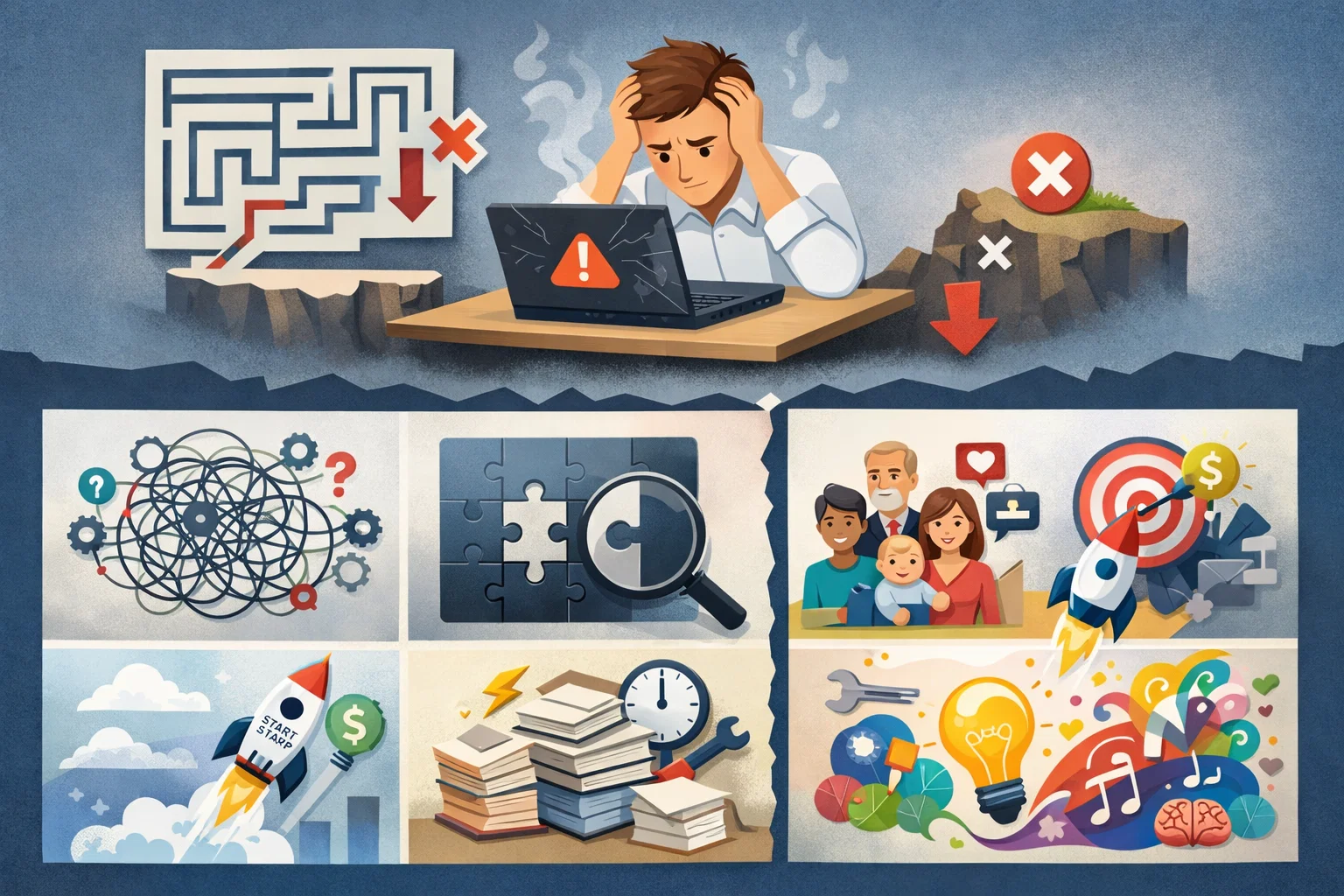
The real problem isn’t bad developers or bad tools.
It’s that most small teams don’t actually understand where SaaS development costs come from — until it’s too late.
This post breaks that down from real projects, not spreadsheets or pitch decks.
Why this problem actually happens

In small teams and early startups, cost estimation usually starts with one question:
“How long will it take to build the features?”
That’s already the first mistake.
In real SaaS projects, feature coding is rarely the most expensive part.
Costs usually creep in from:
- Architecture decisions made too early
- Rewrites caused by unclear product scope
- Ongoing changes driven by early users
- Time lost syncing between devs, founders, and clients
I’ve seen teams with 3 solid developers burn more money than a 10-dev team, simply because decisions kept changing mid-build.
Budget pressure makes it worse
When funds are limited, teams rush choices:
“We’ll fix it later.”
“This is good enough for now.”
“Let’s just hardcode it.”
Those shortcuts don’t disappear — they turn into recurring costs.
Where most developers or teams get this wrong

1. They assume MVP = cheap
Many founders think an MVP simply means building the cheapest possible version of the product.
In reality, an MVP still needs solid architecture, core features, and production-level stability.
Cutting too many corners early usually leads to rewrites, higher costs, and slower progress later.
An MVP is smaller, not automatically cheaper.
In SaaS, even a basic MVP still needs:
Even a basic SaaS MVP still needs:
- Authentication
- User roles
- Data modeling that won’t collapse in 3 months
- Error handling
- Some level of security
I’ve seen founders compare SaaS MVP cost to a landing page or simple CRUD app.
That comparison always fails.
2. They ignore “thinking time” as a cost
Most teams only calculate development hours and forget the time spent on planning, architecture decisions, debugging, and clarifying requirements.
But this “thinking time” is real engineering work and often takes more effort than writing code.
Ignoring it leads to unrealistic timelines, budget overruns, and constant last-minute fixes.
Planning, discussions, refactoring, debugging edge cases — this is real work.
In one startup, we spent more time fixing assumptions than writing new code.
None of that was in the original estimate.
Developers know this, but teams still budget as if coding happens in a straight line.
3. They underestimate post-launch costs
Many teams treat launch day like the finish line, but in reality, it’s just the beginning.
After release, you still need maintenance, bug fixes, updates, server costs, and user support.
Ignoring these ongoing expenses can quickly drain budgets and slow down future development.
Many teams think:
“Once we launch, development cost drops.”
In SaaS, launch is where cost patterns change, not disappear:
Launch changes costs, it doesn’t remove them:
- Bug fixes increase
- Feature priorities shift
- Performance issues appear
- Support questions influence dev work
If you didn’t budget for that, your “development cost” doubles quietly.
Practical solutions that work in real projects
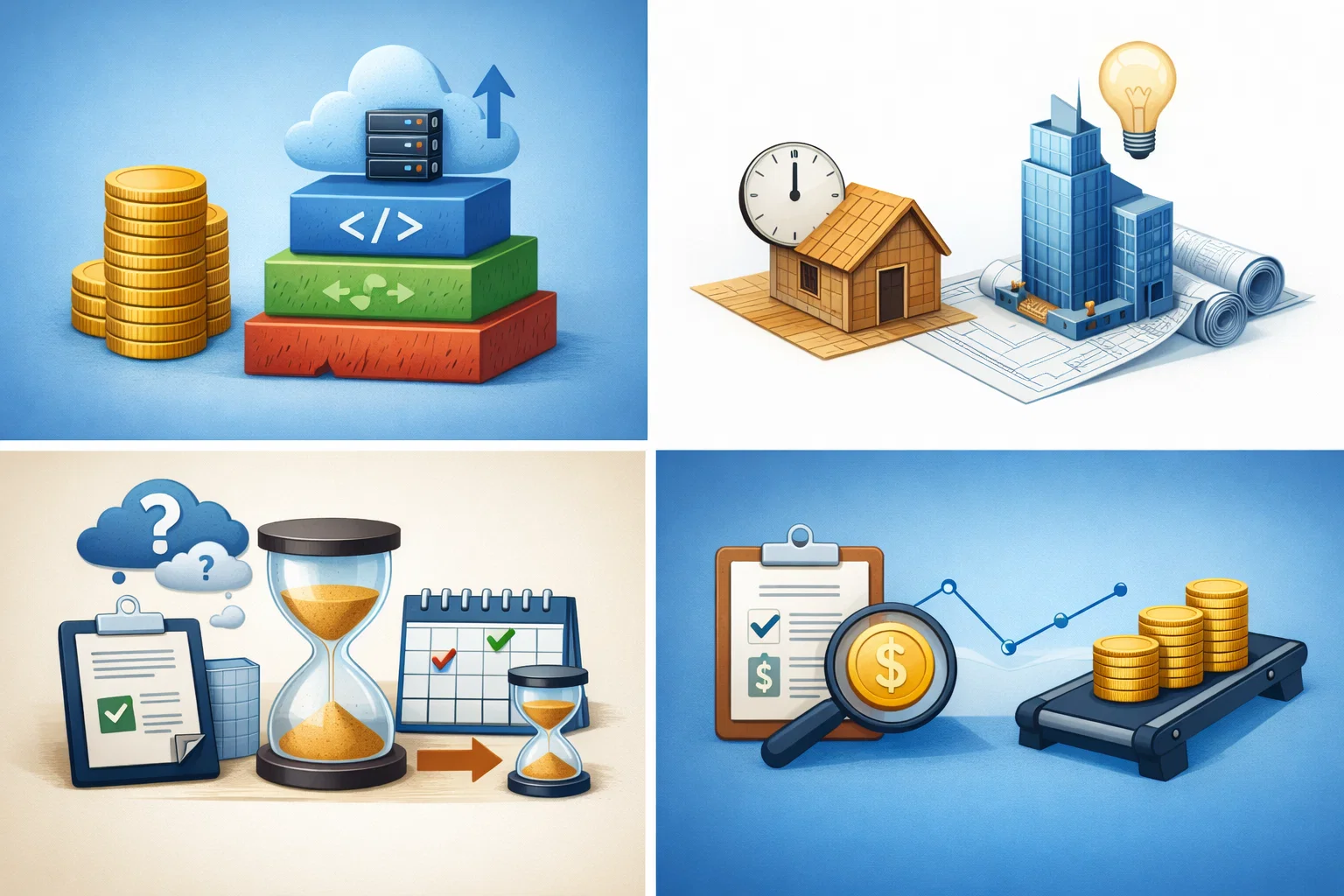
This isn’t about finding cheaper developers. It’s about structuring work so costs stay predictable.
1. Break costs into layers, not features
Estimating by features alone often hides the real complexity behind the scenes.
Costs usually come from layers like frontend, backend, infrastructure, integrations, and testing — not just what users see.
Breaking budgets this way gives clearer estimates and prevents surprises during development.
Instead of estimating per feature, break work into layers:
Core system setup
Before building features, you still need the foundation — project structure, authentication, database setup, environments, CI/CD, and deployments.
This work isn’t visible to users, but it takes significant time and effort.
Skipping or rushing it usually creates bugs and slowdowns later.
Product logic
This is the core business logic that actually makes your SaaS different from every competitor.
It’s rarely simple CRUD — it involves rules, edge cases, and workflows that take real thinking and iteration.
Most development time is spent here, not on the UI.
Change buffer
No matter how well you plan, requirements will shift, users will behave unexpectedly, and refactors will be needed.
A change buffer gives the team room to adapt without breaking timelines or budgets.
Without it, every small surprise turns into a crisis.
Operational overhead
Beyond coding features, there’s ongoing work like deployments, monitoring, bug fixes, support, and server maintenance.
These tasks quietly consume time every week but are essential to keep the product stable.
Ignoring them leads to burnout and unstable releases.
Trade-off
This makes hidden costs visible early.
It feels slower upfront, but saves months later.
2. Delay “perfect” architecture decisions
Trying to design the “perfect” architecture too early usually leads to over-engineering and wasted effort.
At the start, you don’t yet know the real scale or problems your system will face.
Build something simple that works first, then evolve the architecture based on actual needs and data.
I’ve seen teams over-engineer from day one:
- Microservices too early
- Complex event systems with no scale yet
- Abstractions for problems that don’t exist
For small teams:
- Start with boring, simple structures
- Optimize for clarity, not scalability fantasies
- Refactor when pain appears, not before
Pros and cons
Pro: Lower initial cost
Con: Requires discipline to refactor later (not ignore it)
3. Timebox uncertainty, not development
Delays usually come from unclear requirements or unknown technical risks, not the coding itself.
Instead of stretching development timelines, set fixed time limits to research, prototype, or test assumptions.
Once the uncertainty is reduced, implementation becomes faster and far more predictable.
When requirements are fuzzy, don’t estimate features. Estimate exploration time.
Examples:
- We’ll spend 2 weeks validating this flow
- After that, we either simplify or cut it
This prevents infinite iteration, which is a silent budget killer.
I’ve used this in client projects where scope kept moving — it works if everyone respects the timebox.
4. Track cost per decision, not per sprint
Sprints show how much time you spent, but not whether the work actually moved the product forward.
Big product or technical decisions often have a larger cost impact than a week of coding.
Tracking cost per decision helps you focus on high-impact choices and avoid wasting effort on low-value work.
Instead of asking:
How much did this sprint cost?
Ask: Which decisions forced rework?
Real example:
In one SaaS, a late pricing-model change caused:
- Data model rewrite
- API changes
- Frontend refactor
That single decision cost more than 3 earlier features combined.
Seeing cost this way changes how founders prioritize.
When this approach does NOT work
Being honest here matters.
This breakdown approach won’t save you if:
- The founder changes direction every week
- There’s no clear product owner
- Technical debt is ignored intentionally
- The team lacks experience to judge trade-offs
It also doesn’t work well for:
- Highly regulated SaaS (health, finance)
- Products that require heavy upfront R&D
- Teams with zero backend experience trying to “figure it out live”
In those cases, costs are high no matter what — pretending otherwise just delays reality.
Best practices for small development teams

These are habits I’ve seen keep costs under control long-term.
Write down decisions
Important technical and product decisions often live only in someone’s head or get lost in chats. When they aren’t documented, teams repeat the same discussions or make conflicting changes later. Writing decisions down creates clarity, saves time, and helps future developers understand the reasoning behind the code.
One source of product truth
When decisions are scattered across Slack, Notion, Jira, and random calls, confusion is guaranteed. Teams waste time searching for the “latest” answer or building based on outdated info. Keep one single source where final decisions live so everyone stays aligned.
Kill features early
Half-built or low-value features quietly drain time, testing effort, and maintenance costs. The longer they stay, the harder they are to remove. Cutting them early keeps the product focused and saves months of unnecessary work.
Review architecture every few months
Architecture naturally gets messy as features pile up and quick fixes accumulate. Regular reviews help spot unnecessary complexity, dead code, or over-engineering before it becomes technical debt. Small cleanups are far cheaper than big rewrites.
Assume change, plan for recovery
Requirements will change — it’s not a risk, it’s a certainty. Instead of trying to design everything perfectly, build systems that are easy to modify and recover. Flexible code and rollback plans reduce stress when things inevitably shift.
Conclusion
SaaS product development costs aren’t high because developers are slow.
They’re high because small teams underestimate how many decisions turn into code.
If you only budget for features, you’ll always overspend.
If you budget for change, thinking time, and correction — costs stop being surprises.
The goal isn’t cheap development.
It's a predictable development.
That’s what keeps SaaS teams alive long enough to grow.
FAQs
Because ongoing changes, refactors, and post-launch fixes usually cost more than initial feature development.
Yes, but only if they plan for uncertainty and avoid over-engineering early.
For most small teams, yes — it increases rework and delays learning from real users.
Late product decisions that force changes across backend, frontend, and data models.
Usually no — it often increases rework and long-term maintenance effort.
About the Author
Paras Dabhi
VerifiedFull-Stack Developer (Python/Django, React, Node.js) · Stellar Code System
Hi, I’m Paras Dabhi. I build scalable web applications and SaaS products with Django REST, React/Next.js, and Node.js. I focus on clean architecture, performance, and production-ready delivery with modern UI/UX.

Paras Dabhi
Stellar Code System
Building scalable CRM & SaaS products
Clean architecture · Performance · UI/UX