Tools Used By Software Companies In Ahmedabad
I've worked with small teams in Ahmedabad where half the daily frustration wasn't coding — it was dealing with too many tools.
Different clients asking for different setups. Teams switching tools mid-project. Developers spend more time managing workflows than building features.
If that sounds familiar, you're not alone. This happens in almost every small team here at some point.

Why This Problem Actually Happens
Client-Driven Tool Decisions
Most teams don't choose tools based on their needs. They inherit them. In Ahmedabad, a lot of work is client-driven. One client wants a specific project tracker, another insists on a certain CI/CD setup, and suddenly your team is juggling 6–7 tools across projects, which is exactly where better DevOps Services can help standardize delivery and reduce workflow chaos.
The "We Should Use What Big Companies Use" Mindset
I've seen 5-member teams trying to replicate workflows used by companies with 200+ engineers. It looks good on paper, but it slows everything down in practice, especially when teams copy systems that were never designed around their actual business and product needs.
Budget And Timeline Pressure
Startups here move fast. MVP timelines are tight. So instead of evaluating properly, teams pick whatever is popular or "free for now" and figure things out later.
The problem is — later never comes. The stack just grows.
Where Most Developers Or Teams Get This Wrong
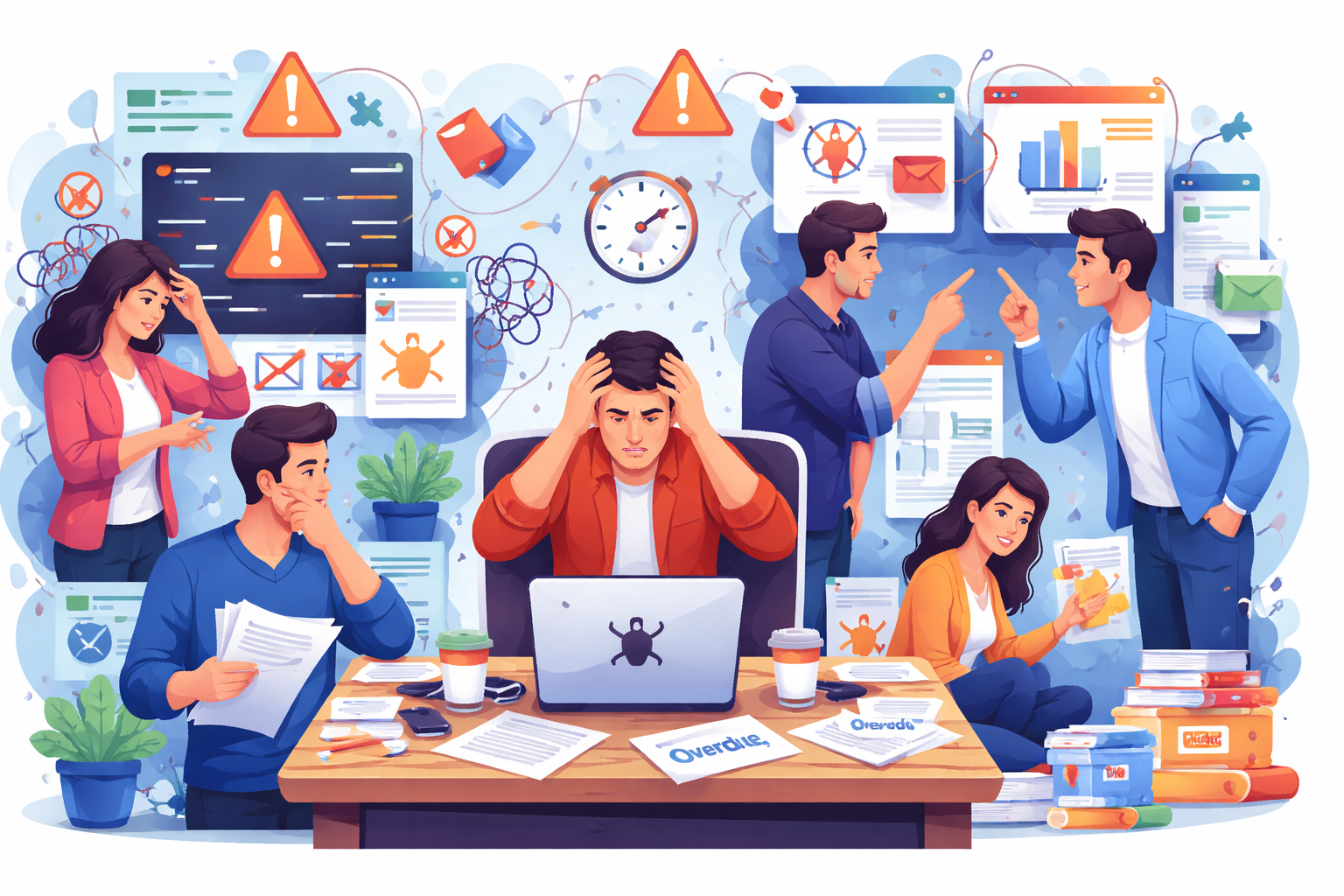
The biggest mistake is assuming more tools = better productivity. It's usually the opposite.
I've seen teams use:
- One tool for tasks
- Another for sprint planning
- A third for documentation
- And something else for internal notes
Half the time, nobody knows where the actual source of truth is.
Choosing Tools Based On Trends
A developer reads about a new workflow online and tries to implement it without asking if the team even needs it. In most startups here, Git workflows are overcomplicated for no reason — feature branches, release branches, hotfix branches, all in a team of 3 developers. It adds process, not value.
Tool Switching Mid-Project
Midway through a project, someone decides to move from one system to another. Data gets lost, context breaks, and the team spends days adjusting instead of delivering. This becomes even more expensive when the work is already moving through active development cycles with ongoing releases and stakeholder feedback.
Over-Automation
Automations look great until they start breaking. Then someone has to maintain the automation instead of the product.
Practical Solutions That Work In Real Projects
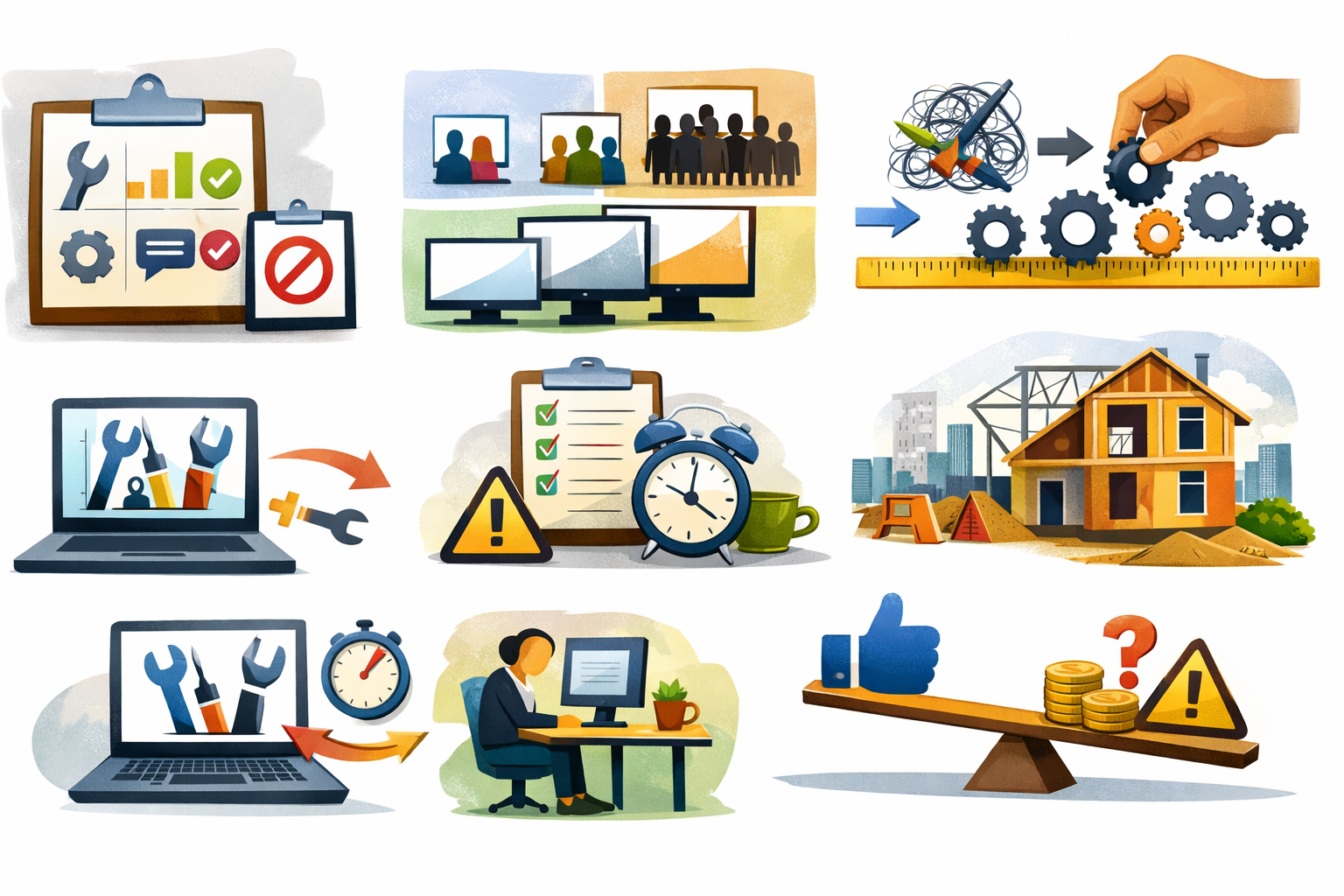
You don't need the "best tools". You need fewer, clearer ones. Here's what has actually worked in small teams I've been part of:
1. Limit Tools Per Category
Most small teams don't need multiple tools doing the same job. One tool for communication, one for task tracking, and one for code management is usually enough. When you reduce overlap, confusion drops and everyone knows where to look. This alone fixes a lot of day-to-day friction.
Keep it simple:
- One tool for communication
- One for task tracking
- One for code management
Anything extra should solve a very specific problem.
2. Choose Tools Based On Team Size
Tool complexity should match your team size, not industry trends. A team of 5 doesn't need the same setup as a team of 50. Simpler tools are easier to onboard, faster to use, and require less maintenance. This becomes easier to understand when you look at the technology stack used by software development companies in Ahmedabad, because the best teams usually choose clarity, speed, and maintainability over unnecessary complexity. Overloading small teams with heavy tools just slows them down.
For teams of 2–10 developers:
- Simpler tools are faster to adopt
- Less onboarding required
- Easier to maintain consistency
Complex systems only start making sense when your team grows.
3. Standardize Early
If every project uses a different setup, things quickly become messy. Standardizing workflows early helps your team stay consistent across projects. It reduces decision fatigue and avoids repeated discussions. Even basic rules bring a lot of clarity.
Even if clients suggest tools, try to:
- Align workflows internally
- Keep naming conventions consistent
- Define how tasks move from "start" to "done"
This reduces confusion across projects.
4. Avoid Switching Tools Mid-Project
Switching tools during development sounds like a quick fix, but it usually creates more problems. You lose context, waste time on migration, and slow down the team. Unless the current tool is completely blocking progress, it's better to stick with it until the project ends.
The cost of switching includes:
- Lost context
- Re-training the team
- Migration issues
Most of the time, it's not worth it.
5. Keep Workflows Boring
Simple and predictable workflows are easier to follow and maintain. You don't need complex branching strategies or multi-step processes for small teams. The less time you spend understanding the process, the more time you spend building. Boring workflows are stable workflows.
This sounds counterintuitive, but boring workflows are stable:
- Simple Git flow
- Clear task statuses
- Minimal automation
Less thinking about process = more focus on actual work.
6. Real-World Example
In one Ahmedabad-based startup I worked with, we reduced the tool stack from 8 tools to 3: communication, task tracking, and version control.
Within a few weeks:
- Fewer missed tasks
- Faster onboarding for new developers
- Less back-and-forth confusion
Nothing "fancy" — just clarity.
Trade-Offs You Should Be Aware Of
A simpler tool stack isn't perfect for every situation. You might miss advanced features or need to do some things manually. As the team grows, this setup may not scale well. But for small teams, these trade-offs are usually manageable compared to the complexity of larger systems.
- Simpler tools may lack advanced features
- Manual work may increase slightly
- Scaling later will require restructuring
But for small teams, the benefits outweigh these downsides.

When This Approach Does NOT Work
This minimal setup isn't a universal solution. It starts breaking when:
1. Team Size Grows Beyond 15–20 Developers
Once your team grows, informal coordination stops working. You start needing structured workflows, clearer role separation, and better tracking systems. Simple tools that worked earlier begin to feel limiting. Without upgrading your setup, communication gaps and delays become common.
2. You're Working With Enterprise Clients
Enterprise clients usually come with fixed processes and tool requirements. You may have to follow their systems for reporting, tracking, or collaboration. This reduces your flexibility in choosing simple tools. Even if your team prefers a lighter setup, client expectations often dictate the stack.
They may require:
- Specific tools
- Detailed workflows
- Compliance tracking
You won't have much flexibility here.
3. Security And Compliance Become Critical
In projects involving sensitive data, basic tools are not enough. You need proper access control, audit logs, and compliance-ready systems. This adds layers of complexity that small-team setups usually avoid, and reliable infrastructure planning often becomes important once security and infrastructure requirements grow. Ignoring this can lead to serious risks, especially in regulated industries.
4. Multiple Cross-Functional Teams Are Involved
When developers, designers, QA, and product teams all work together, coordination becomes more complex. You need better visibility, structured workflows, and shared systems. Simple setups start breaking because they don't handle cross-team dependencies well. At this stage, more robust tooling becomes necessary.
Best Practices For Small Development Teams
If you're running a small team in Ahmedabad, this is what actually helps long-term:
Keep The Tool Stack Minimal
Small teams work faster when there are fewer tools to manage. Every new tool adds overhead — learning, maintaining, and switching between contexts. If a tool doesn't solve a clear problem, it shouldn't be there. A minimal stack keeps things predictable and easier to control.
Assign Ownership
Tools and workflows don't manage themselves. Someone in the team should be responsible for deciding what to use and how it's used. Without ownership, tools become inconsistent and messy over time. Clear responsibility keeps the system stable and avoids random decisions.
Someone should be responsible for:
- Tool decisions
- Workflow consistency
- Cleanup when things get messy
Without ownership, tools drift.
Avoid Unnecessary Integrations
Integrations look helpful but often add hidden complexity. When one tool fails or changes, the entire chain can break. Small teams usually don't need deep integrations to function well. It's better to keep systems loosely connected and easy to manage.
Integrations sound useful, but they:
- Break often
- Add hidden complexity
Only use them if they save real time.
Review Your Stack Every Few Months
Over time, teams accumulate tools they no longer need. Regularly reviewing your stack helps identify what's actually being used. Removing unused or redundant tools reduces clutter and confusion. This keeps your workflow clean and efficient.
Document How Your Team Works
You don't need heavy documentation, but basic clarity is important. Define how tasks move, how code is handled, and where communication happens. This helps new team members onboard faster and reduces dependency on individuals, and even simple quality-check workflows become easier to maintain when the team follows a documented process. Even simple documentation prevents repeated confusion.
Not heavy documentation. Just:
- How tasks move
- How code is managed
- Where communication happens
This reduces dependency on individuals.
Conclusion
Tools are rarely the real problem.
In most Ahmedabad teams I've worked with, the issue was unclear decisions, not bad tools.
Small teams don't need complex stacks. They need clarity, consistency, and fewer moving parts.
If your team feels slow, don't look for a new tool. Look at how many you're already using.
Tools Used By Software Companies In Ahmedabad: FAQs
Most use a simple stack — version control, task tracking, and communication tools — anything beyond that depends on project complexity.
No, more tools usually create confusion and slow teams down, especially in small setups.
Start with your workflow needs, not trends — pick only what solves a clear problem.
Usually not — they add unnecessary complexity unless your team is large or working with strict requirements.
Mostly due to overcomplication, lack of ownership, and copying setups that don't match the team's actual needs.
References
Written by

Paras Dabhi
VerifiedFull-Stack Developer (Python/Django, React, Node.js)
I build scalable web apps and SaaS products with Django REST, React/Next.js, and Node.js — clean architecture, performance, and production-ready delivery.
LinkedIn