
UX optimization techniques for mobile apps
In the age of mobile-first commerce, your e-commerce app isn’t just a sales channel—it’s the heartbeat of your customer experience. Mobile shoppers now account for the majority of online purchases, and even small friction points in product discovery, cart handling, or checkout can lead to lost revenue.
Optimizing your app is about more than speed—it’s about creating a personalized, seamless journey that converts casual browsers into loyal buyers.
Based on years of hands-on experience helping brands scale apps and reduce cart abandonment, this guide shares practical, real-world tactics to improve performance, UX, discoverability, and engagement—without requiring a full redesign.

Why Mobile App Optimization Matters in 2026
Mobile app optimization is no longer optional—it's a survival strategy. Here’s why it matters:
Performance Equals Trust
Slow apps frustrate users and drive uninstalls. Even a 1-second delay in load time can reduce conversions significantly. Compress assets, streamline code, and use lazy loading to create fast experiences that earn trust.
Responsiveness Drives Engagement
Every swipe and tap should feel immediate. Smooth transitions, visual feedback, and gesture-friendly navigation increase session time and reduce frustration.
UX Determines Retention
Overcrowded screens or confusing navigation discourage users, which is why UI-UX Design becomes essential when mobile apps need clearer hierarchy, better flows, and stronger retention without forcing users to think too much.
Clear hierarchy, intuitive icons, and context-aware flows keep shoppers moving toward purchase.
Battery and Resource Efficiency Matter
Apps that drain battery or hog memory are quickly removed. Efficient background processing and caching can prevent uninstalls, especially among power users.
Personalization Enhances Revenue
Shoppers expect tailored experiences. Intelligent recommendations, contextual promotions, and adaptive cart features increase average order value and loyalty.
Understanding App Optimization From a UX Perspective
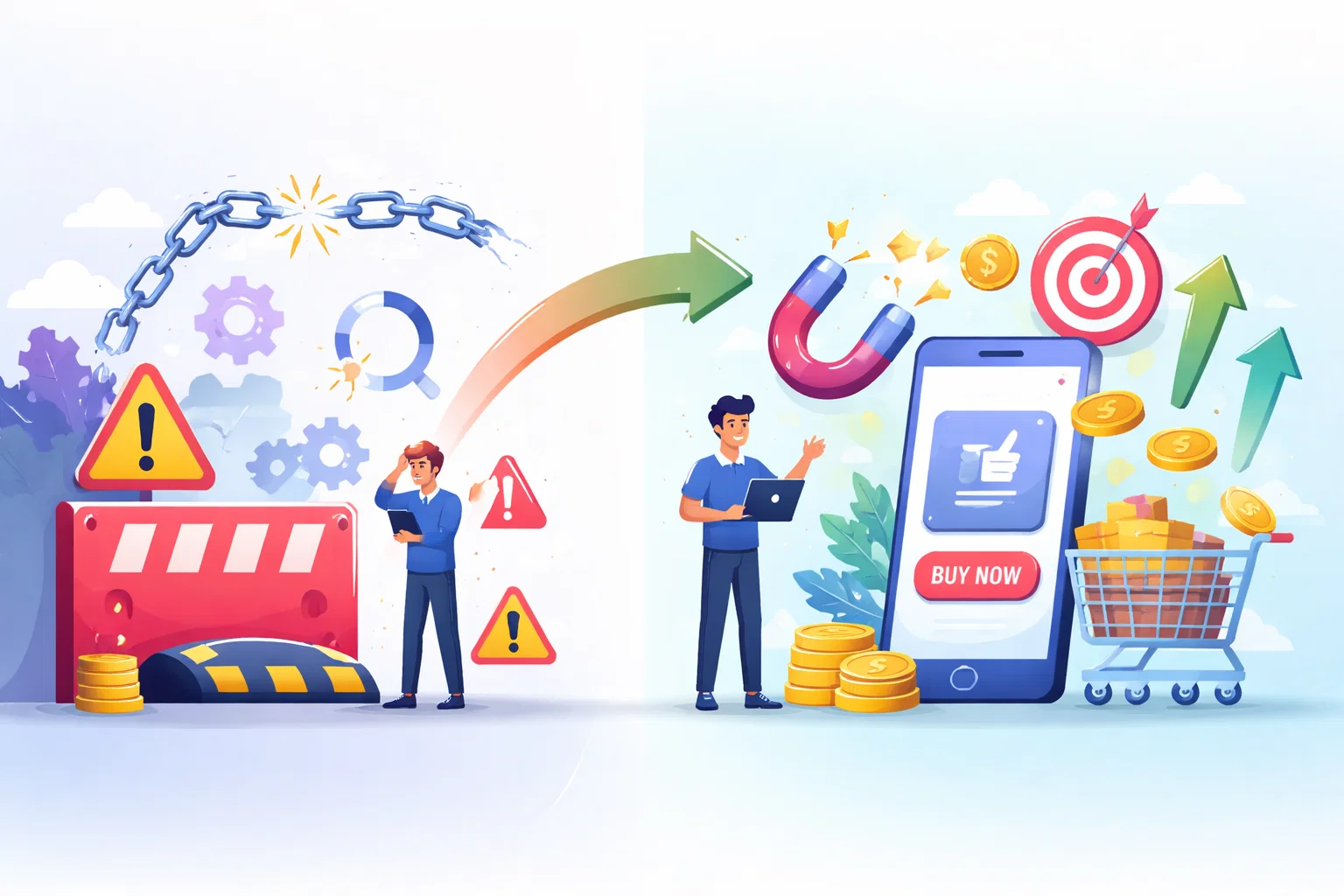
App optimization isn’t just about speed—it’s about the customer journey. In my experience working with e-commerce clients, the most overlooked issue is friction during early engagement—users often leave because the onboarding or product discovery process feels cumbersome.
Key UX-focused tactics include:
Session Replay & Behavior Tracking
Tools like UXCam or Hotjar reveal hesitation points, rage clicks, and repeated navigation loops. For instance, one fashion client discovered users abandoned their app because the size filter was buried in a menu. A simple UI adjustment increased checkout completion by 12%.
Personalized Onboarding
Tailor the first-time experience based on browsing preferences or category interest. For example, showing recommended collections for electronics versus fashion immediately engages the shopper and reduces drop-offs.
Shopping Cohort Analysis
Segment users by behavior—repeat buyers, cart abandoners, or seasonal shoppers—and deliver targeted nudges. Personalized push notifications for back-in-stock items often recover abandoned carts, improving retention by up to 20%.

Core Pillars of Mobile App Optimization
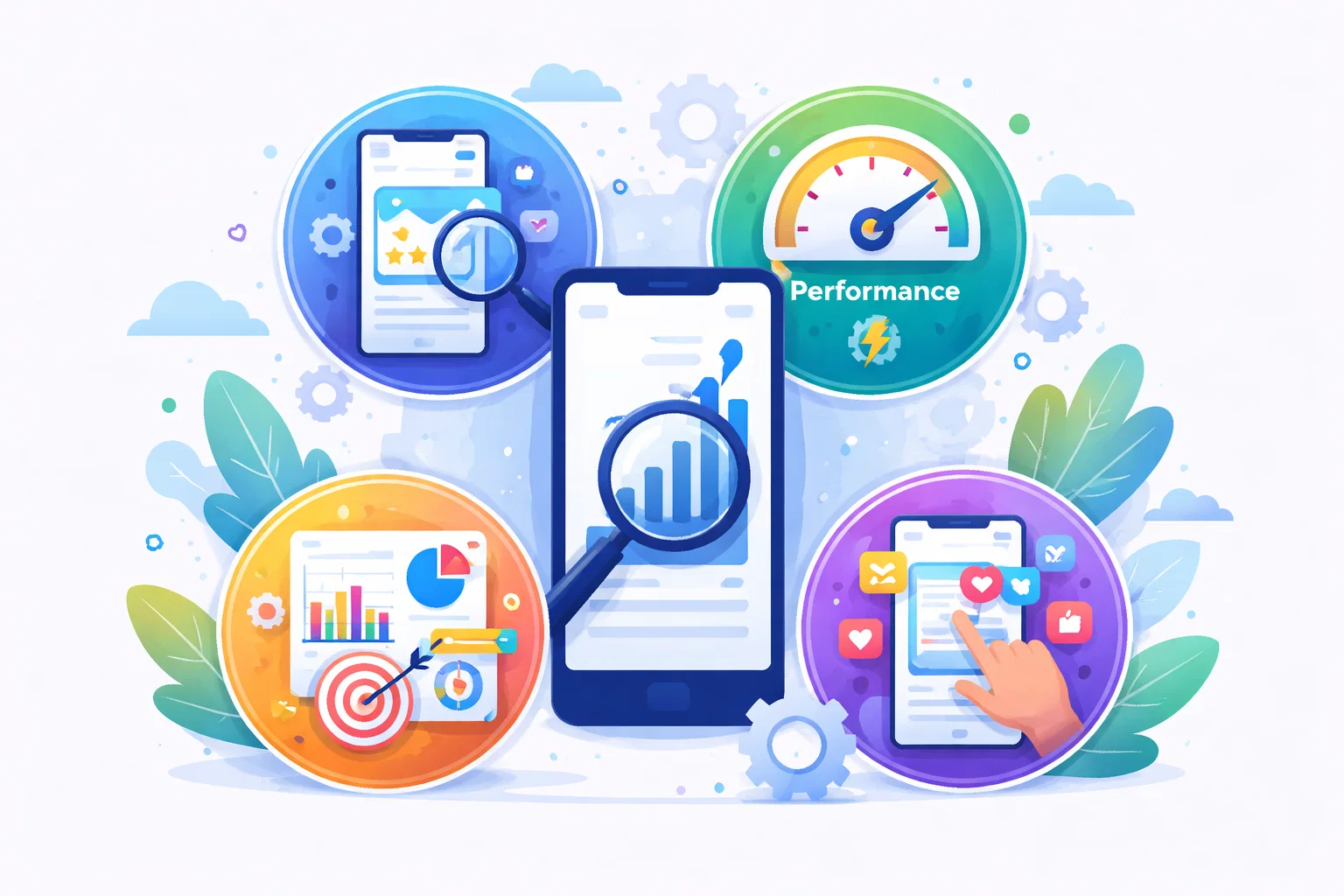
Optimizing an e-commerce app is multidimensional. Here’s the framework I use when auditing and improving apps:
1. Technical Performance & Speed
Ensuring your app loads quickly and runs smoothly is critical for user retention, which is why mobile product work should always account for performance, stability, and responsiveness instead of focusing only on feature delivery.
Optimizing code, compressing assets, and using lazy loading reduces lag, prevents crashes, and builds trust with users.
Why it matters:
Users won’t tolerate lag; even minor delays reduce conversion.
Actionable steps:
Minimize app size, compress images, remove unused code, and use skeleton screens to simulate faster loading.
Pro tip:
Lazy loading of non-critical assets ensures essential content appears immediately, reducing bounce rates.
2. UX & In-App Experience
A clear, intuitive design keeps users engaged and reduces frustration. Simplified navigation, visual cues, and behavior insights help guide shoppers seamlessly from browsing to checkout.
Why it matters:
Confusing layouts or overloaded screens drive drop-offs.
Actionable steps:
Use heatmaps to see which buttons or sections are ignored, and simplify navigation flows. Introduce micro-interactions and visual cues to guide users naturally, because mobile UX improvements that increase app adoption usually come from removing friction instead of adding more features.
Example:
One beauty retailer implemented swipe-to-add gestures on product pages, which increased add-to-cart actions by 18%.
3. Discoverability & ASO
Optimizing your app store presence boosts downloads and visibility. Effective titles, keywords, icons, and screenshots, combined with regular testing, help attract and convert potential users.
Why it matters:
An app that isn’t found won’t be used.
Actionable steps:
Optimize title, description, iconography, and screenshots. Test creatives in-store and iterate based on click-through data.
Pro tip:
Regular updates with seasonal features or deals boost store ranking while maintaining engagement.
4. Retention & Engagement
Why it matters:
Acquiring users is expensive; retaining them multiplies value.
Actionable steps:
Use personalized onboarding, behavioral push notifications, loyalty rewards, and dynamic in-app messaging.
Example:
A footwear app increased 30-day retention by 22% using contextual reminders for wishlisted products.
5. Continuous Testing & Experimentation
Regular testing and iteration ensure your app evolves with user behavior. This plays a major role in finding friction points, validating changes, and improving conversion without relying on guesswork.
A/B tests, feature experiments, and behavior analysis help identify improvements that boost engagement and conversions.
Why it matters:
Apps are dynamic; user behavior changes constantly.
Actionable steps:
A/B test checkout flows, button placements, messaging, and product layouts. Segment results to identify what resonates with each user cohort.
Pro tip:
Tools like Nudge allow rapid experimentation without developer overhead.
6. Personalized Commerce Surfaces
Tailoring product recommendations and shopping experiences to each user increases engagement and sales. AI-driven suggestions, contextual offers, and smart nudges create a frictionless, relevant shopping journey.
Why it matters:
Generic experiences reduce conversion potential.
Actionable steps:
Deploy AI-driven product recommendations, smart bundles, and contextual nudges like inventory urgency or cart recovery offers.
Example:
A home décor brand implemented “Complete the Room” bundles on product pages, boosting average order value by 15%.
Real-World Problems & How to Solve Them
Problem 1: Cart Abandonment
Shoppers often leave due to complicated checkout or unexpected costs. Simplifying the process, offering prefilled forms, and using personalized recovery nudges can significantly reduce drop-offs.
Observation:
Shoppers leave due to hidden costs or long forms.
Solution:
Simplify checkout to 2–3 steps, prefill data where possible, and offer context-sensitive nudges (“Only 2 left in stock!”).
Problem 2: Slow App Launch
Apps that take too long to start frustrate users and lead to uninstalls. Optimizing asset loading, compressing resources, and implementing lazy loading ensures a fast, smooth startup experience.
Observation:
Users uninstall apps that take more than 3 seconds to load.
Solution:
Compress assets, preload essential data, and implement lazy loading. Use session replays to confirm smooth first impressions.
Problem 3: Poor Product Discovery
Observation:
Users fail to find relevant products.
Solution:
Implementing smarter product discovery flows often requires more than visual changes. Advanced recommendation logic can help apps surface relevant products through browsing patterns, purchase history, and contextual recommendations.
Dynamic grids and personalized suggestions make it easier for users to find what they actually want.
Problem 4: Limited Retention
Users may not return after their first visit if the app lacks engaging features. Personalized notifications, loyalty rewards, and gamified experiences encourage repeat use and long-term loyalty.
Observation:
Users rarely return after the first purchase.
Solution:
Introduce loyalty rewards, personalized push notifications, and gamified engagement like streaks or badges for frequent buyers.

Step-by-Step Optimization Workflow
Audit Current Performance:
Start by evaluating your app’s speed, crash rates, and user behavior. Benchmarking key metrics helps identify bottlenecks and prioritize improvements for better engagement and conversions.
Map UX Friction Points:
Analyze user interactions with heatmaps, session recordings, and funnel reports to identify confusing screens or actions. This helps pinpoint areas that slow down the shopping journey or cause drop-offs.
Prioritize Improvements:
Focus on changes that deliver the highest impact first, such as checkout flow, navigation, or product discovery. Prioritizing ensures resources target areas that boost conversions and user satisfaction quickly.
Implement Changes Iteratively:
Rolling out updates step by step instead of all at once is one of the safest ways to improve an app, and product teams usually get better results when they test, measure, and refine gradually rather than redesigning everything in one go.
This allows you to test each improvement, monitor results, and make adjustments without disrupting the overall user experience.
Test & Refine:
Continuously measure the impact of changes using A/B tests and key metrics. Iteratively refining features and flows ensures your app stays aligned with user needs and drives higher engagement.
Personalize & Scale:
Apply AI-driven recommendations, contextual nudges, and tailored experiences to each user. Scaling personalization across your app increases engagement, conversions, and long-term loyalty.

Case Study: Turning Friction into Conversion
Client: Mid-size fashion retailer
Problem: High cart abandonment (~55%) and poor retention.
Solution
Implemented AI-driven product recommendations and dynamic bundles.
Personalized product suggestions and smart bundles were introduced based on browsing and purchase behavior. This increased relevance, improved user experience, and encouraged higher-value purchases.
Simplified onboarding and checkout steps.
Unnecessary screens, form fields, and actions were removed from the user journey. This reduced friction, improved usability, and made it easier for users to complete purchases.
Added exit-intent offers for cart recovery.
Targeted pop-ups and timed incentives were triggered when users attempted to leave the app. This helped re-engage hesitant buyers and recover abandoned carts.
Results
Checkout completion rate increased by 25%
Faster flows and clearer purchase paths reduced drop-offs. More users successfully completed transactions without abandoning their carts.
30-day retention up 20%
Personalization and smoother experiences encouraged users to return. This improvement reflected stronger engagement and long-term app value.
Average order value up 12%
Smart recommendations and bundled offers increased the number of items per order. This directly boosted revenue without increasing traffic or acquisition costs.
This demonstrates the tangible impact of combining technical, UX, and personalization strategies.
Conclusion
Mobile app optimization isn’t a one-time project—it’s a process of continuous learning, testing, and refinement. By focusing on performance, UX, discoverability, engagement, and personalization, you can create an app that not only retains users but actively drives sales growth.
The best apps are those that evolve with their users. Using behavior-driven personalization, A/B testing, and smart commerce surfaces, you can transform friction points into conversion opportunities. Start small, measure impact, and iterate—because in 2026, the smartest apps are also the most adaptable.
UX optimization techniques for mobile apps: FAQs
E-commerce apps focus on shopping behaviors like product discovery, cart interactions, and checkout completion, while general apps optimize for engagement or retention metrics.
Yes. Effective App Store Optimization with well-tested creatives, keywords, and frequent updates levels the playing field for smaller apps.
Not if implemented correctly. Asynchronous loading, lightweight recommendations, and AI-driven nudges deliver tailored experiences without lag.
Checkout completion, repeat purchase rate, average order value, session length, and churn rate are key indicators of performance.
Continuous monitoring is ideal. Monthly audits and weekly micro-tests on features or messaging help apps evolve with changing user behavior.
Written by

Paras Dabhi
VerifiedFull-Stack Developer (Python/Django, React, Node.js)
I build scalable web apps and SaaS products with Django REST, React/Next.js, and Node.js — clean architecture, performance, and production-ready delivery.
LinkedIn