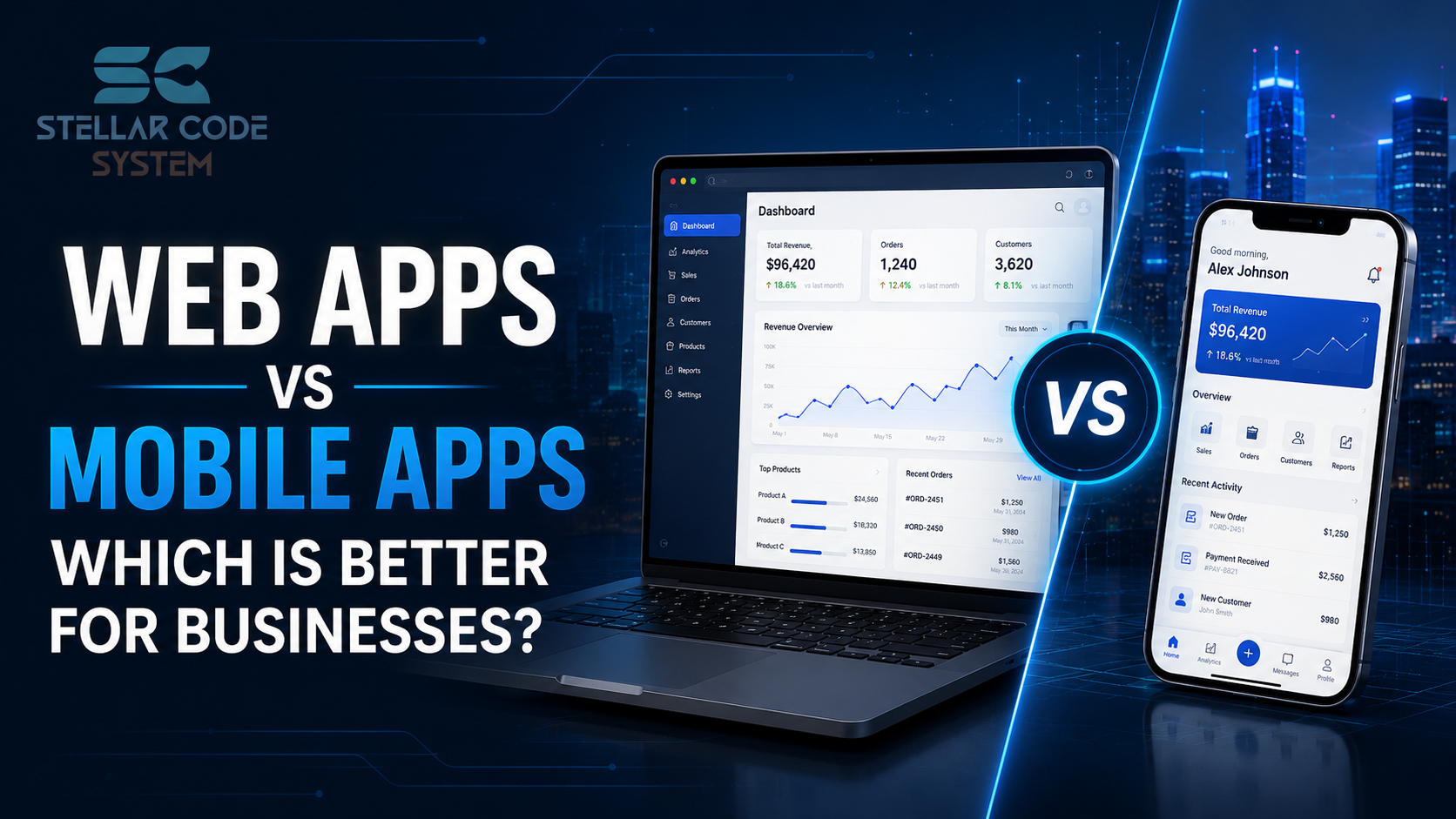
Web Apps vs Mobile Apps: Which Is Better for Businesses?
Many businesses start with the same assumption: if customers use smartphones, a mobile application is automatically the right choice.
In practice, the decision is rarely that simple.
I've worked with startup teams and SaaS products that invested heavily in a native app only to discover that user adoption remained low while development cost and maintenance cost continued growing. I've also seen teams launch web applications quickly, only to hit limitations when customer engagement became heavily dependent on mobile devices.
The challenge is not choosing the most popular option. The challenge is choosing the software solution that aligns with business goals, target audience, budget planning, and long-term growth.
For most small engineering teams, the wrong platform decision creates years of technical debt, duplicate development work, and unnecessary complexity.
Before investing in application development, businesses need to understand where each approach creates value and where it creates problems.

Why This Problem Happens in Real Teams
Most businesses make platform decisions based on assumptions rather than actual usage patterns.
The pressure usually comes from deadlines, competitors, investor expectations, or internal stakeholders who believe every modern product needs a mobile application.
Several factors contribute to poor decisions.
Limited Engineering Resources
Small engineering teams often manage multiple responsibilities, including backend systems, frontend architecture, deployment workflows, security, and integrations. Supporting both web and mobile platforms at the same time can stretch resources thin. This often leads to slower development, increased maintenance, and greater operational complexity.
Small engineering teams often have to support:
- Backend systems
- Frontend architecture
- Deployment workflows
- Security requirements
- Integration projects
- Cloud infrastructure
Adding separate mobile and web development efforts immediately increases complexity.
Focus on Visibility Instead of Functionality
Many businesses prioritize having an app store presence because it appears more credible or modern. However, customer satisfaction often depends more on accessibility, usability, and convenience. In many cases, a well-designed web application delivers greater value than a mobile app.
If customers primarily access services through browsers during work hours, a web application may provide better value.
Misunderstanding User Behavior
Platform decisions frequently rely on assumptions rather than actual customer usage patterns. User preferences vary based on industry, workflows, device usage, and access requirements. Understanding how customers interact with a product helps businesses make more informed technology decisions.
In reality, usage patterns vary significantly depending on:
- Industry
- Customer workflows
- Device compatibility requirements
- Real-time access needs
- Offline access requirements
Without understanding how users interact with the product, platform decisions become guesses.
Scaling Assumptions
Businesses often build for anticipated future growth instead of solving current needs effectively. This can increase development costs, extend deployment timelines, and create unnecessary maintenance challenges. For many early-stage products, a simpler approach enables faster validation and more efficient growth.
This results in:
- Higher development cost
- Longer deployment cycles
- More maintenance burden
- Slower product validation
For early-stage products, simplicity often wins.
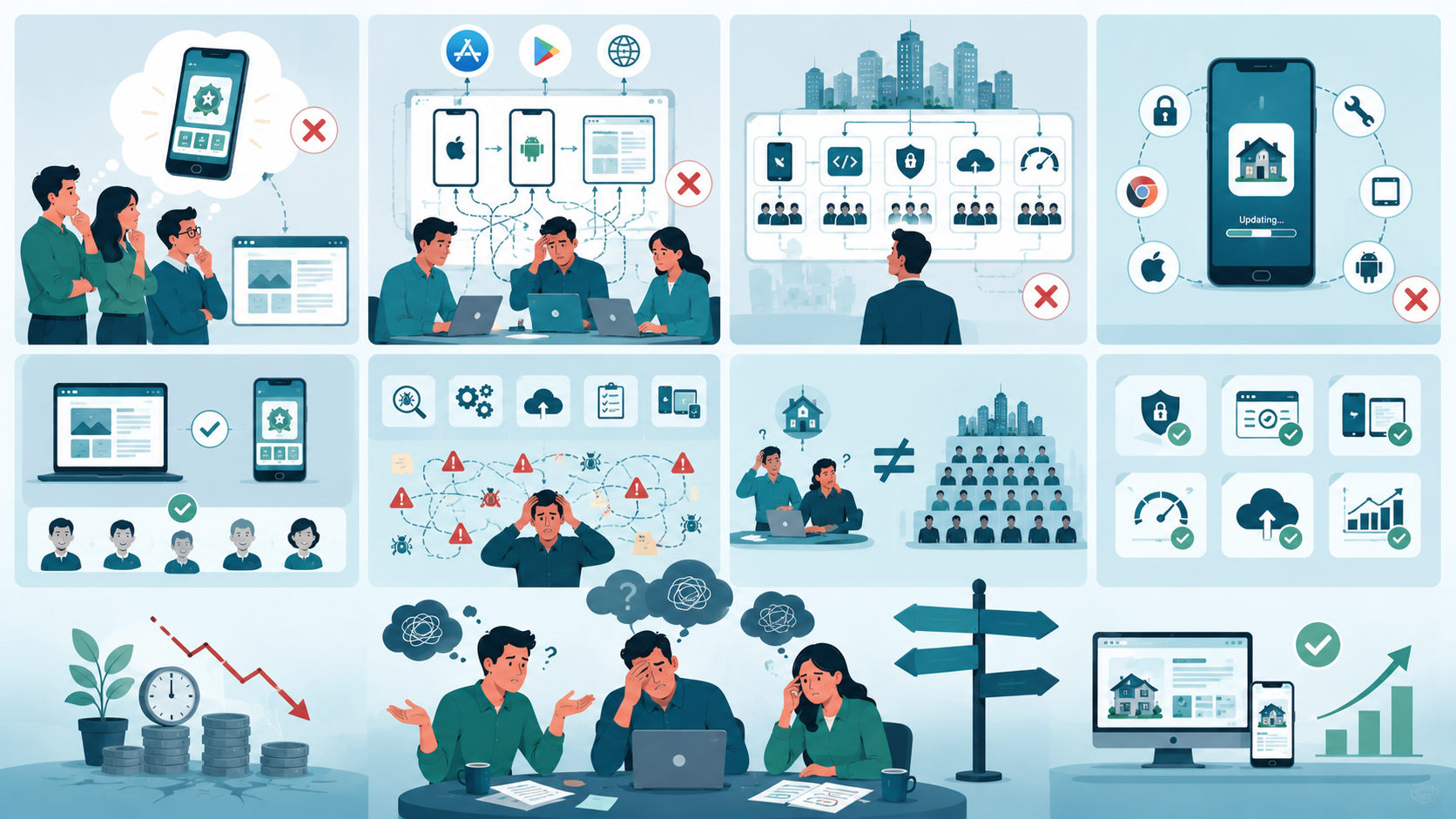
Where Most Teams Make the Wrong Decision
After reviewing dozens of startup projects, I've noticed the same mistakes repeatedly.
Assuming Mobile Apps Are Always Better
A common belief is that mobile applications automatically provide a superior user interface and user experience.
This isn't always true.
For many business workflows, a responsive design accessed through a browser delivers nearly identical functionality without requiring installation.
Most users care about completing tasks quickly, not whether the product is technically a native app.
Building Multiple Platforms Too Early
Many startups try to launch iOS, Android, and web applications simultaneously in an effort to maximize market reach. For small engineering teams, this often creates significant development, testing, and maintenance challenges. As a result, feature delivery slows down and resources become spread too thin across platforms.
I've seen startups attempt to launch:
- iOS application
- Android application
- Web application
all at the same time.
For a team of five developers, this creates significant productivity challenges.
Every new feature requires:
- Additional testing
- More deployment work
- Increased maintenance
- Platform compatibility reviews
The result is usually slower delivery across all platforms.
Copying Large Technology Companies
Large technology companies have specialized teams dedicated to infrastructure, security, mobile development, and performance optimization. Small businesses often lack the resources to support the same level of complexity. Adopting enterprise-style architecture too early can introduce unnecessary engineering bottlenecks and operational overhead.
Large organizations often maintain dedicated teams for:
- Mobile development
- Backend systems
- Security
- Infrastructure
- Performance optimization
Small businesses rarely have those resources.
Copying enterprise architecture often creates unnecessary engineering bottlenecks.
Ignoring Long-Term Maintenance
Many businesses focus heavily on initial development costs while overlooking ongoing maintenance requirements. Each platform requires regular updates, security patches, compatibility testing, and performance monitoring. Over time, these responsibilities can consume more resources than originally anticipated and impact development velocity.
Every platform introduces:
- Updates
- Security patches
- Browser support requirements
- Device compatibility testing
- Performance monitoring
These ongoing responsibilities frequently exceed original expectations.

Practical Fixes That Actually Work
The best platform decision usually starts with customer behavior rather than technology preferences. Working with a US software team for web and mobile product planning helps businesses choose between web apps, mobile apps, and progressive web apps based on customer workflows, budget, maintenance capacity, and long-term growth.
Start With Business Goals
Before choosing between a web app and a mobile app, businesses should clearly define their objectives. Factors such as revenue targets, customer workflows, market reach, and retention goals should guide the decision. Technology works best when it supports business growth rather than driving it.
Before discussing technology stack choices, define:
- Revenue objectives
- Customer workflows
- Market reach expectations
- Conversion rates
- Customer retention targets
Technology should support business growth, not dictate it.
Choose a Web Application When
A web application is often the right choice when users primarily access services through browsers and fast deployment is important. It offers lower development costs, easier maintenance, and broad platform compatibility. For many SaaS products, a web app provides the quickest and most cost-effective path to market.
A web application often makes sense if:
- Users work primarily on desktops
- Accessibility is a priority
- Fast deployment is important
- Budget planning is constrained
- Broad browser support is required
Benefits include:
- Lower development cost
- Easier updates
- Faster deployment
- Better platform compatibility
- Simplified maintenance
For many SaaS products, web applications provide the fastest path to market.
Choose a Mobile Application When
Mobile applications are valuable when users need offline access, push notifications, or device-specific functionality. They are particularly effective for products that rely on frequent smartphone interactions. In these cases, the additional investment in native development can deliver a better user experience.
A mobile application becomes more valuable when users require:
- Offline access
- Device-specific features
- Push notifications
- Frequent smartphone interactions
- Enhanced performance
Examples include:
- Field service tools
- Delivery platforms
- Fitness products
- Consumer engagement applications
In these scenarios, native app capabilities justify additional investment.
Consider Progressive Web Apps
Progressive web apps combine many advantages of both web and mobile experiences. They provide responsive interfaces, mobile-friendly functionality, and simplified deployment processes. For businesses testing new ideas or products, PWAs can reduce development risk while maintaining flexibility.
They offer:
- Mobile-friendly interfaces
- Responsive design
- Simplified deployment
- Reduced development effort
For businesses validating a new product, progressive web app development can significantly reduce risk.
Prioritize Core Functionality
Businesses should focus on solving customer problems before investing heavily in platform-specific features. Identifying the functionality that drives adoption, engagement, and retention helps teams allocate resources effectively. A product that delivers value consistently is often more important than the platform it runs on.
Ask:
- Which features generate value?
- Which workflows drive adoption?
- Which functionality affects retention?
Many teams spend months optimizing platform decisions while neglecting the features users actually need.
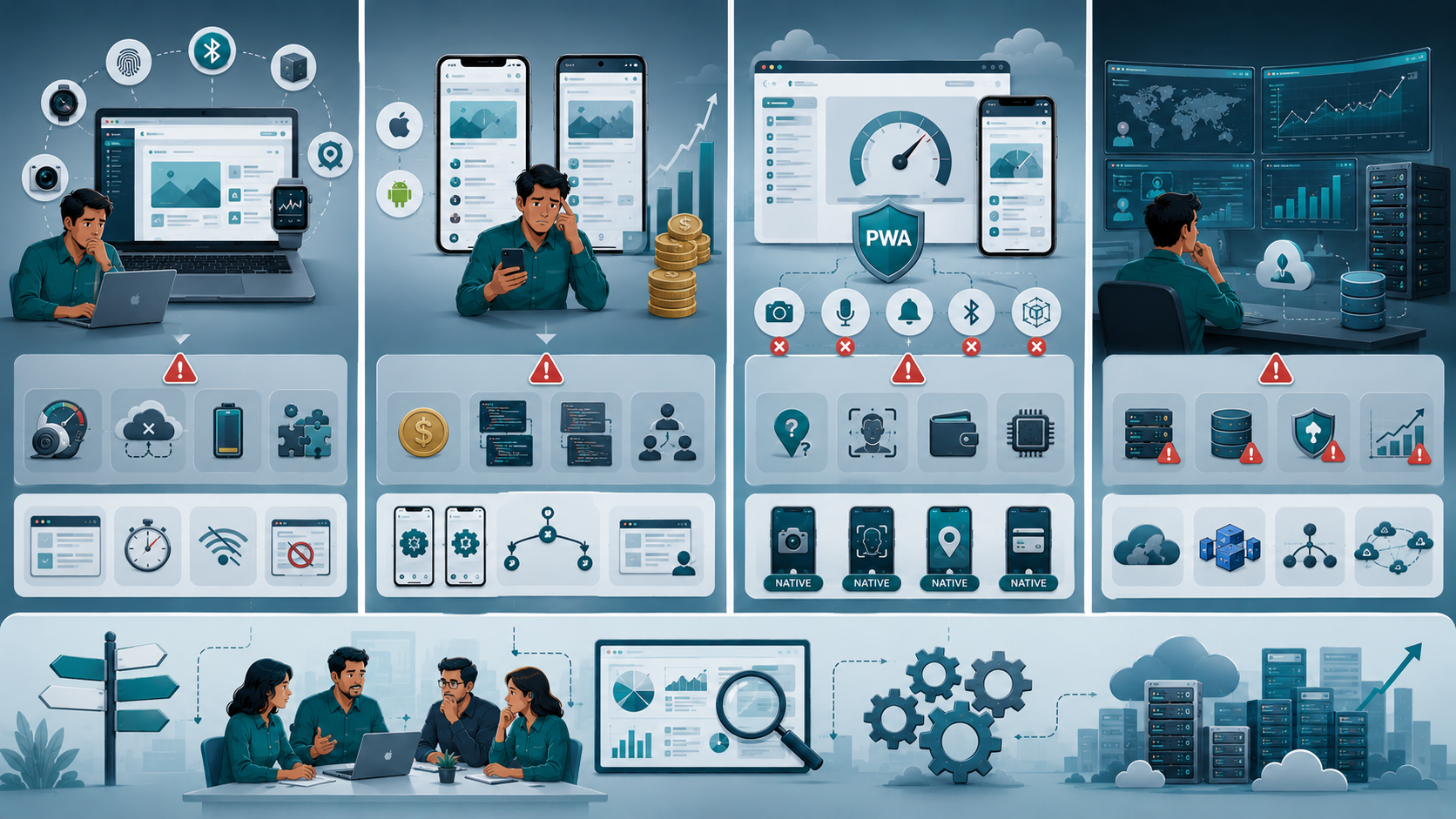
When This Approach Fails
No platform strategy works in every situation.
Businesses should understand the limitations.
Web Applications Become Limiting When
Web applications work well for many business use cases, but they can struggle with advanced device integration and complex offline functionality. Products that depend on hardware-specific capabilities or intensive background processing may encounter performance limitations. In these situations, native mobile applications often provide a more reliable solution.
Web applications may struggle when products require:
- Advanced device integration
- Intensive background processing
- Complex offline functionality
- Hardware-specific capabilities
At this point, native mobile development often becomes necessary.
Mobile-First Strategies Become Expensive
Building a mobile-first product can significantly increase development and maintenance efforts, especially when multiple platforms require support. Small teams may find it difficult to manage separate codebases efficiently. Costs tend to rise further when most users still prefer desktop-based workflows.
Mobile applications can create challenges when:
- Development resources are limited
- Multiple platforms require support
- Customer workflows remain desktop-focused
The cost of maintaining separate codebases grows quickly.
Progressive Web Apps Have Boundaries
Progressive web apps offer a strong balance between accessibility and functionality, but they are not suitable for every scenario. Some platform-specific features and advanced device capabilities remain better supported by native applications. Businesses should evaluate actual user needs rather than adopting technologies based on popularity.
Rapid Scaling Changes Requirements
A platform choice that performs well during early growth may become less effective as usage expands. Increasing user demand often introduces new performance, security, and infrastructure challenges. Regularly reviewing architecture decisions helps ensure the platform continues to support long-term scalability and business growth.
Performance, scalability, cloud infrastructure, and security requirements often evolve alongside growth.
Regular evaluation remains necessary.
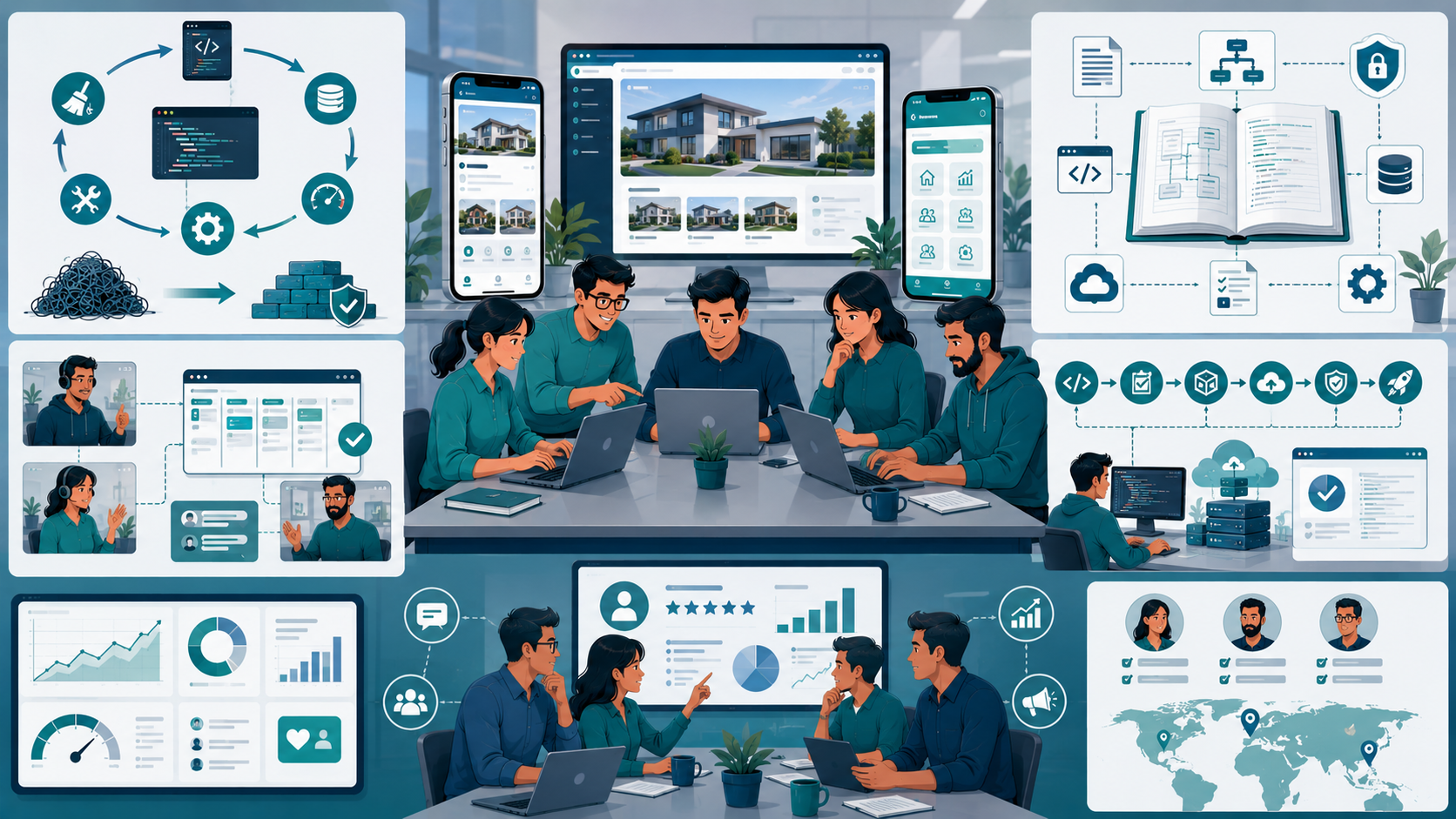
Sustainable Practices for Small Engineering Teams
Regardless of platform choice, long-term success depends on engineering discipline.
Reduce Technical Debt Continuously
Technical debt can quickly slow development and increase maintenance costs if left unaddressed. Regular efforts such as refactoring, dependency updates, and architecture improvements help keep systems stable and maintainable. Small, consistent improvements often prevent expensive rebuilds in the future.
Schedule recurring work for:
- Refactoring
- Architecture cleanup
- Dependency updates
- Performance improvements
- Maintenance improvements
Small investments prevent larger rebuilds.
Improve Collaboration Standards
Effective collaboration is essential for distributed engineering teams working across different locations and time zones. Clear ownership, transparent communication, and well-defined responsibilities help teams work more efficiently. Strong collaboration practices reduce bottlenecks and improve overall productivity.
Focus on:
- Clear ownership
- Transparent communication
- Consistent workflows
- Shared responsibilities
- Defined accountability
Effective coordination reduces bottlenecks.
Prioritize Documentation
Comprehensive documentation helps teams maintain consistency and retain important knowledge as projects grow. Recording architecture decisions, deployment workflows, integrations, and security requirements improves transparency. Good documentation also reduces reliance on individual team members and simplifies onboarding.
Maintain:
- System architecture
- Integration requirements
- Deployment workflows
- Security decisions
- Infrastructure documentation
Good documentation reduces dependency on individual developers.
Simplify Deployment
Complicated deployment processes increase the likelihood of errors and delays. Establishing repeatable deployment procedures, automated testing, and reliable rollback plans improves system stability. Simpler deployment workflows help teams release updates with greater confidence and consistency.
Aim for:
- Repeatable deployments
- Automated testing
- Clear rollback procedures
- Consistent release schedules
Simple deployment workflows improve reliability.
Review Business Requirements Regularly
Business requirements rarely remain unchanged as products and markets evolve. Regular reviews help ensure that development priorities continue to align with customer needs and business goals. This approach prevents unnecessary work and supports more effective long-term decision-making.
What made sense six months ago may no longer align with business goals.
Review:
- Customer feedback
- User adoption trends
- Conversion rates
- Market reach
- Platform performance
Continuous evaluation prevents costly mistakes.
Conclusion
The question is not whether web apps or mobile apps are universally better.
The better option depends on business requirements, customer behavior, available resources, and long-term objectives.
The biggest mistake businesses make is assuming every product needs a native mobile application from day one.
For many startups and SaaS products, a web application or progressive web app provides faster deployment, lower development cost, simpler maintenance, and broader accessibility.
The most practical approach is usually the simplest one that solves customer problems effectively while allowing the engineering team to maintain quality, security, performance, and sustainable growth.
Web Apps vs Mobile Apps: Which Is Better for Businesses: FAQ
In most cases, yes. Web applications typically require fewer resources to build, deploy, update, and maintain.
They can be. Products that rely on frequent smartphone interactions, notifications, or offline access often benefit from mobile applications.
Many businesses choose based on trends rather than actual customer workflows and business requirements.
Often yes. Progressive web apps can provide strong functionality while reducing development complexity and cost.
Usually not. Most small engineering teams benefit from validating one platform first before expanding to additional platforms.
Reference
Written by

Paras Dabhi
VerifiedFull-Stack Developer (Python/Django, React, Node.js)
I build scalable web apps and SaaS products with Django REST, React/Next.js, and Node.js — clean architecture, performance, and production-ready delivery.
LinkedIn