
Why Does Software Maintenance Cost Increase After Launch?
The launch goes smoothly, the team finally ships, and everyone assumes the expensive part is over.
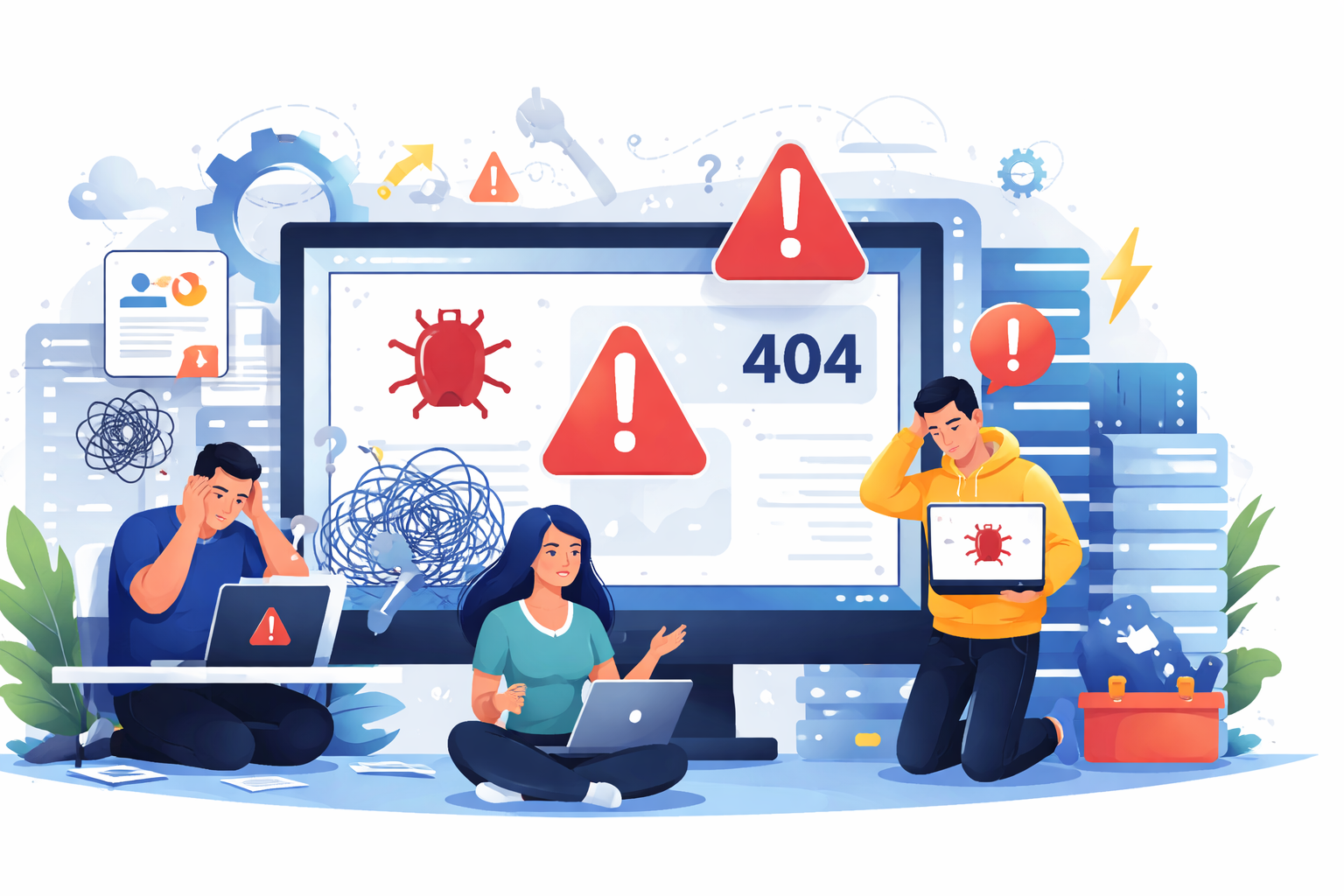
Then three months later, the same product starts eating more engineering time than feature work. Small bugs turn into recurring support tickets, one dependency update breaks login, and database queries that were fine during testing suddenly slow down under real traffic.
I’ve seen this happen in startups and client projects repeatedly. The software didn’t suddenly become bad. The real issue is that production complexity only starts after launch, and that’s where maintenance costs begin to rise.

Why This Problem Actually Happens
Most rising maintenance costs come from issues that stay invisible until real users start using the system at scale.
The first reason is technical debt created during the MVP phase. In small teams, speed usually wins over maintainability. Hardcoded rules, duplicated logic, weak abstractions, and rushed integrations help you launch faster, but they create expensive patch work later.
The second issue is poor observability. If logs are inconsistent, alerts are missing, and there’s no slow query tracking, every bug investigation becomes manual detective work. What should take 20 minutes turns into half a day.
I’ve also seen tight coupling between modules become a silent cost driver. A small pricing logic change unexpectedly affects invoices, reports, and notifications because too much business logic is shared across unrelated services.
Then real data growth starts hitting the database. Queries that performed fine with 5,000 records often break down at 500,000. Suddenly the team is spending time on indexing, pagination fixes, and caching instead of roadmap work.
Another major cost increase comes from third-party dependency changes. Payment gateways, shipping APIs, auth providers, and cloud SDKs all evolve after launch. Even if your product features stay the same, external systems force maintenance work.
Security patches and framework upgrades are another unavoidable layer. The longer these are delayed, the more expensive they become.
Where Most Developers Or Teams Get This Wrong
The most common mistake is treating launch as the finish line.
In reality, launch is where software moves from controlled assumptions into uncontrolled behavior. Real users create workflows the team never predicted. Edge cases multiply quickly.
I’ve seen teams skip tests because “we’ll add them after launch.” That usually never happens. Six months later, every fix feels risky because nobody knows what might break.
Another common mistake is optimizing for build speed only. During startup MVP work, teams often choose the fastest implementation path:
- direct database calls from controllers
- business logic inside UI layers
- copy-paste service methods
- minimal validation
These shortcuts save two weeks early and create six months of recurring maintenance cost.
Many founders also underestimate change requests disguised as small tweaks. A simple field change often touches schema migrations, exports, API contracts, and admin workflows.
The biggest cost spikes rarely come from one large problem. They come from dozens of small poorly-isolated fixes.
Practical Solutions That Work In Real Projects
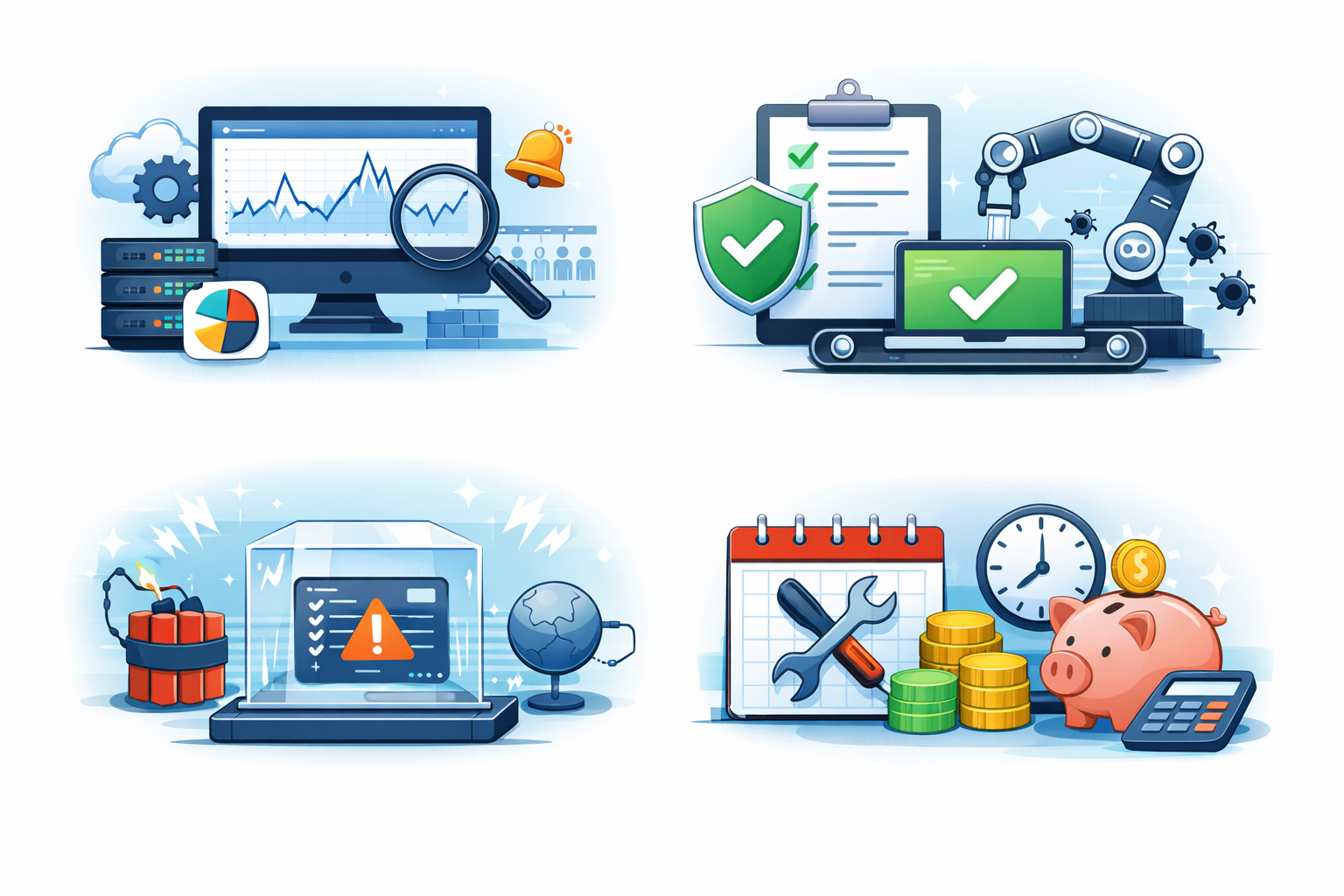
The only reliable way to control post-launch maintenance cost is to make the product easier to debug, safer to change, and cheaper to evolve.
1) Build Observability Early
Most maintenance costs rise because teams spend too much time finding issues instead of fixing them. Good logs, error alerts, and query monitoring make production problems visible fast. In real projects, faster debugging directly lowers support hours and reduces repeated emergency fixes.
Start with the basics:
- structured logs with request IDs
- centralized error alerts
- slow query monitoring
- failed job dashboards
- API retry visibility
This dramatically reduces debugging hours.
A bug that takes 5 minutes to locate is far cheaper than one requiring multiple developers to reproduce manually.
2) Protect Critical Workflows With Tests
Not every module needs heavy test coverage, but critical workflows always do. Payment, login, onboarding, and permissions are expensive when they fail in production. A focused test layer around these flows prevents small code changes from turning into costly post-launch incidents.
Don’t try to test everything.
Focus on the workflows that are expensive when broken:
- payment processing
- user onboarding
- authentication
- admin permissions
- data sync jobs
Even a small test suite around these areas reduces emergency fixes.
The trade-off is obvious: writing tests slows the first release slightly, but it prevents repeated production firefighting.
3) Isolate Unstable Business Rules
Business logic changes more often than teams expect after launch. When pricing, approval rules, or permissions are scattered across controllers and UI code, even small updates become risky. Isolating these rules into service layers or config-based workflows makes future changes faster and much cheaper.
The parts that change most often should never be deeply embedded across the codebase.
Move them into:
- service layers
- feature flags
- configuration-based rules
- versioned workflow modules
This is especially useful for startup products where pricing, permissions, and approval flows evolve constantly.
I’ve seen teams cut maintenance hours significantly just by removing business rules from controllers and UI logic.
4) Budget Maintenance Before Launch
A common mistake is treating maintenance as an unplanned expense after release. In real projects, bug fixes, scaling issues, dependency upgrades, and support tickets start almost immediately, which is why working with a long-term software development partner in Ahmedabad helps teams plan realistic post-launch costs from the beginning. Setting aside a maintenance budget before launch prevents sudden cost pressure and keeps roadmap decisions realistic.
This is where most teams fail financially.
Before release, split expected maintenance into:
- bug fixes
- infra scaling
- dependency upgrades
- production support
- third-party API changes
- emergency patches
If the budget assumes only feature work is expensive, the team will always feel blindsided after launch.
When This Approach Does NOT Work
These strategies help, but they are not universal.
Unstable Product Requirements
They become less effective when the business model itself changes every month. If product requirements are unstable, maintenance cost control becomes harder because architecture decisions keep shifting.
Legacy Systems With Poor Documentation
This also breaks down in legacy systems with poor documentation. When ownership history is unclear, even small fixes require reverse engineering.
High Developer Turnover
High developer turnover is another failure point. Good maintenance systems still depend on engineers understanding why the code exists.
Vendor-Heavy Systems
I’ve also seen vendor-heavy systems become expensive regardless of internal code quality. If your app depends on unstable third-party APIs, a lot of maintenance cost remains outside your control.

Best Practices For Small Development Teams
For teams with limited budget and 2–10 developers, sustainability matters more than perfect architecture.
The practices that consistently help are:
- write handoff-ready code
- document failure-prone workflows
- track repeated bug patterns
- audit dependencies monthly
- review infrastructure cost trends
- reserve sprint capacity for maintenance
- release with rollback plans
- avoid merging fast fixes without root-cause notes
One habit I strongly recommend is tracking recurring bug categories.
If login issues, payment retries, or report exports keep breaking, the issue is usually architectural, not accidental. Solving the root pattern reduces long-term cost far more than fixing tickets individually.
Conclusion
Software maintenance costs increase after launch because the real complexity of the product only appears in production.
Real users, real traffic, external API changes, growing databases, and hidden edge cases all expose weaknesses that never show up during development.
In my experience, rising maintenance cost is rarely caused by bad engineers. It’s usually the delayed price of launch shortcuts, missing observability, weak testing, and evolving business logic.
The teams that control these costs best are not the ones writing perfect code. They are the ones making the system easier to debug, safer to change, and realistic to support with a small team.
Why Does Software Maintenance Cost Increase After Launch?: FAQs
Because production exposes real usage patterns, unexpected bugs, scaling issues, and external dependency changes that development environments rarely reveal.
Prioritize observability, automated testing for critical workflows, modular business logic, and scheduled dependency updates before user scale increases.
For products that run for years, yes. Ongoing support, infrastructure evolution, and continuous bug prevention often exceed the initial build budget.
Traffic growth, database bottlenecks, third-party API failures, emergency security patches, and rushed client-side change requests are the most common causes.
References
Written by

Paras Dabhi
VerifiedFull-Stack Developer (Python/Django, React, Node.js)
I build scalable web apps and SaaS products with Django REST, React/Next.js, and Node.js — clean architecture, performance, and production-ready delivery.
LinkedIn