
Business Automation Software Company In Ahmedabad
I've worked with a few startups in Ahmedabad that rushed into automation thinking it would fix operational chaos. On paper, it made sense — less manual work, faster execution.
But within a few months, things started breaking. Automations failed silently, edge cases piled up, and teams ended up doing manual work again just to stay afloat.
The issue wasn't the automation company. It was the timing and approach.
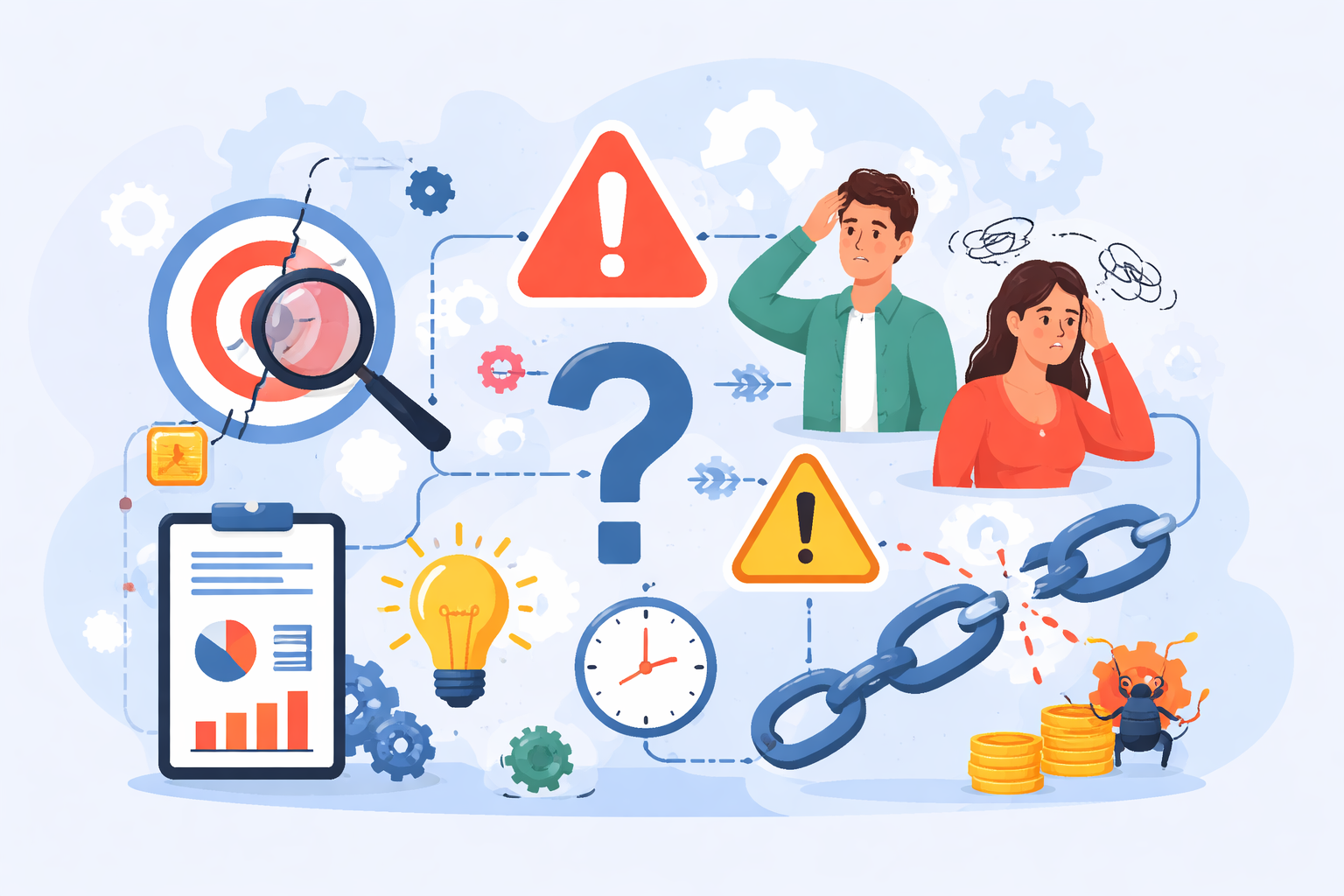
Why this problem actually happens
Most startups don't start automation with clarity. They start with frustration.
"We're wasting time doing repetitive tasks" → "Let's automate this quickly" → "We'll refine it later." That "later" rarely happens.
In early-stage teams, especially when working with a business automation software company in Ahmedabad, there are real constraints: limited budgets, aggressive timelines, no dedicated system architect, and constantly evolving business logic.
So automation gets built on top of half-defined workflows, inconsistent data, and changing requirements. And now your automation depends on unstable inputs.
Automating broken workflows
Teams often try to automate processes that are already messy or undefined. When duplicates, unclear steps, and manual fixes exist, automation only amplifies the confusion. Instead of saving time, it makes debugging harder and errors more difficult to trace.
- Duplicate entries exist
- Steps aren't clearly defined
- Manual overrides are common
Automation just makes these harder to debug.
Expecting the vendor to figure everything out
Many teams assume the automation vendor will handle business logic and edge cases. In reality, vendors only build based on what you provide, not what you intend. This gap leads to systems that work technically but fail in real-world scenarios, which is why choosing the right software development company in Ahmedabad matters before starting any automation project.
- Vendors follow your requirements
- They don't fully understand your edge cases
- Long-term maintainability is often ignored
Over-engineering too early
Small teams sometimes build overly complex systems in the name of scalability. Adding event-driven setups or complex pipelines too soon increases maintenance overhead, especially when early automation is treated like a full software platform instead of a controlled workflow improvement. It shifts focus away from solving core business problems.
- Event-driven systems
- Complex pipelines
This adds unnecessary complexity instead of solving real problems.
Ignoring failure scenarios
Most automation is built for perfect conditions, not real-world failures. Issues like API errors, bad data, or unexpected actions are often ignored. Without proper failure handling, these systems break silently and create bigger problems later.
- API failures
- Data issues
- Unexpected user behaviour
Without failure handling, systems break quickly.
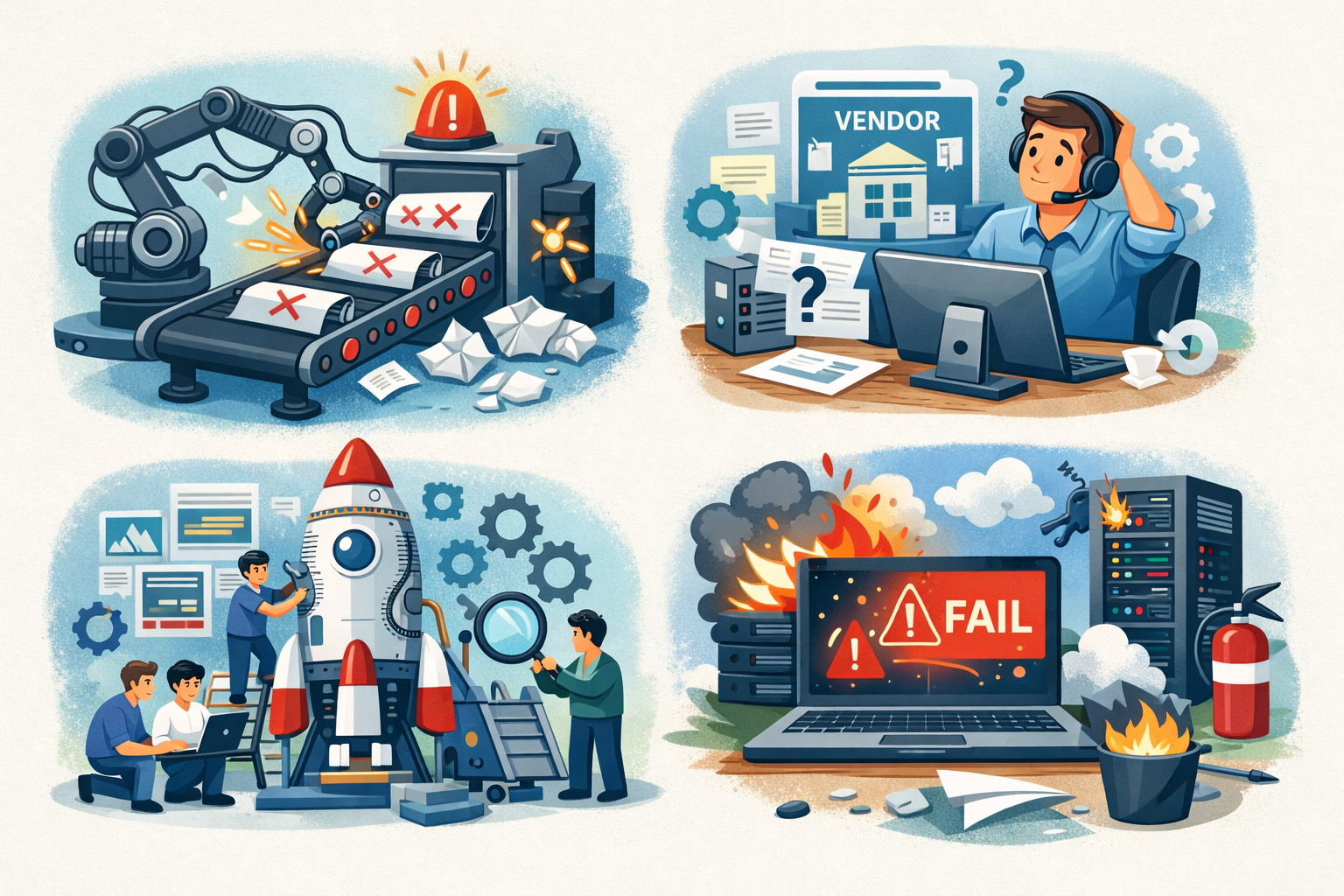
Where most developers or teams get this wrong
Even experienced teams make the same mistakes when it comes to automation.
Skipping process documentation
Teams jump straight into building automations without documenting how the process actually works. Without this, assumptions fill the gaps. Assumptions lead to wrong implementations. Wrong implementations lead to automations that technically run but produce incorrect results.
No testing with real data
Automations are often tested with ideal or controlled data, not the messy data that exists in production. Real data has inconsistencies, missing fields, and unexpected values. This is exactly why proper validation matters before any automation is treated as reliable. Testing with perfect data creates false confidence. The issues only appear after the system goes live.
Treating automation as a one-time build
Business processes change, but automations are often built and forgotten. When the underlying workflow evolves, the automation breaks or produces wrong outputs. Without regular review, these silent failures accumulate. What worked six months ago may be causing problems today.
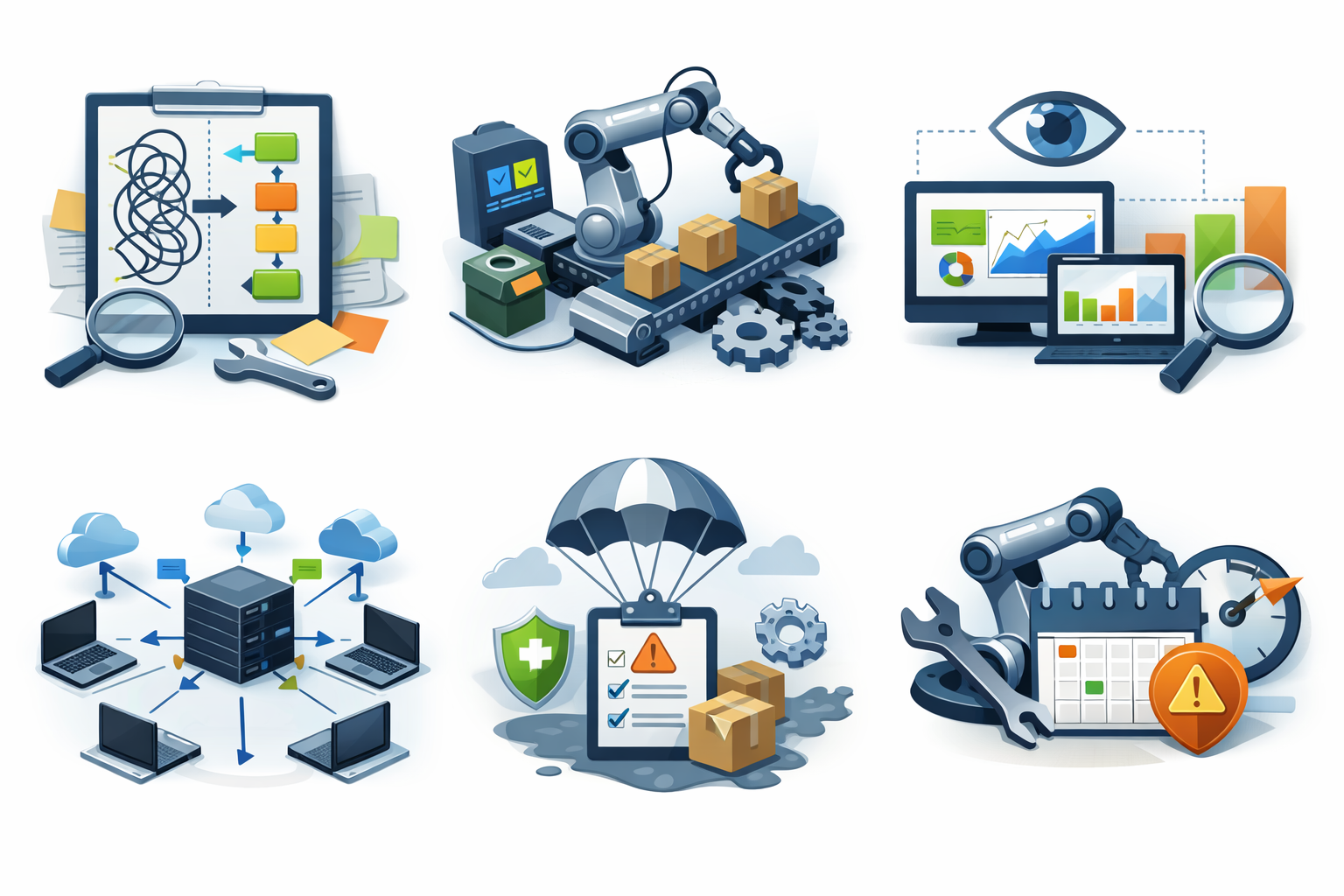
Practical solutions that work in real projects
Fix the workflow before automating
Before automating anything, the process itself needs to be clear and stable. Mapping the workflow helps uncover gaps, inconsistencies, and edge cases that usually get ignored. If a task still depends heavily on human judgement, automation will likely fail. Clean processes lead to reliable automation.
- Map the full process
- Identify edge cases
- Remove unnecessary steps
If it needs human judgement often, don't automate yet.
Start with semi-automation
Jumping directly into full automation is risky for small teams. Starting with manual triggers and observing outcomes gives better control and understanding of real usage. Logging results during this phase helps identify hidden issues early. It's a safer way to evolve toward full automation.
- Trigger actions manually
- Observe outputs
- Log results
This helps catch real-world issues early.
Add visibility before complexity
Without proper logging and monitoring, automation becomes a black box. You won't know what's working or where things are failing. Adding visibility ensures every action and failure is trackable, and strong monitoring practices make that visibility far easier to maintain as the system grows. This makes debugging faster and prevents long-term system confusion.
- Log every action
- Track failures
- Add monitoring
Without visibility, debugging becomes guesswork.
Keep logic centralised
Spreading automation logic across multiple systems creates unnecessary complexity. It becomes difficult to track, update, and debug workflows. Keeping logic in one place makes the system more predictable and maintainable. Simplicity here saves a lot of time later.
- Keep it in one place
- Make it predictable
Design for failure from day one
Automation should always assume things will go wrong at some point. Defining retry mechanisms, alerts, and fallback options makes the system more resilient. Without this, even small failures can break the entire flow. Planning for failure ensures smoother long-term operations.
- Retry logic
- Alerts
- Fallbacks
Don't assume success.
Avoid the "set and forget" mindset
Automation is not a one-time setup that runs perfectly forever. It requires continuous monitoring, updates, and occasional cleanup. Business needs evolve, and automation must adapt with them. Treating it as an ongoing system prevents it from becoming outdated or unreliable.
- Monitoring
- Iteration
- Cleanup
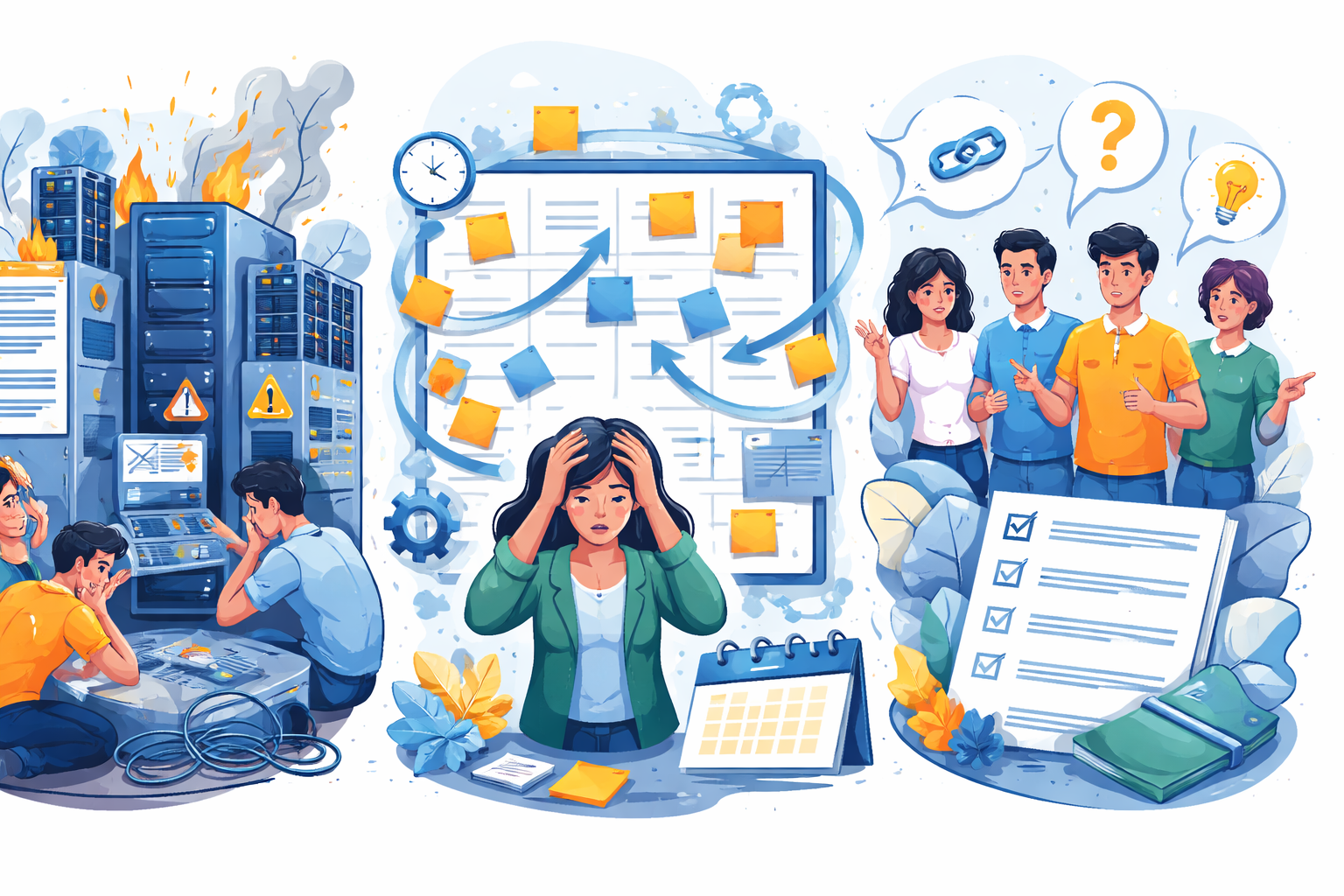
When this approach does NOT work
High-scale systems from day one
When a system is expected to handle real-time processing or heavy load from the start, shortcuts don't work. You need a solid architecture with scalability, fault tolerance, and performance in mind much earlier than most teams expect. Gradual or patch-based automation approaches usually fail under pressure. In these cases, investing in proper system design upfront is necessary.
Constantly changing workflows
Automation depends on stability, and constantly changing workflows make it unreliable. Every small change can break existing logic and create unexpected issues. This leads to frequent fixes and higher maintenance effort. For such environments, keeping processes semi-automated is often more practical.
Teams without ownership
Automation systems need clear responsibility, or they quickly fall apart. When no one owns the system, failures go unnoticed and unresolved. Over time, small issues stack up into bigger problems. Clear ownership ensures accountability and consistent maintenance.
- Failures get ignored
- Issues pile up
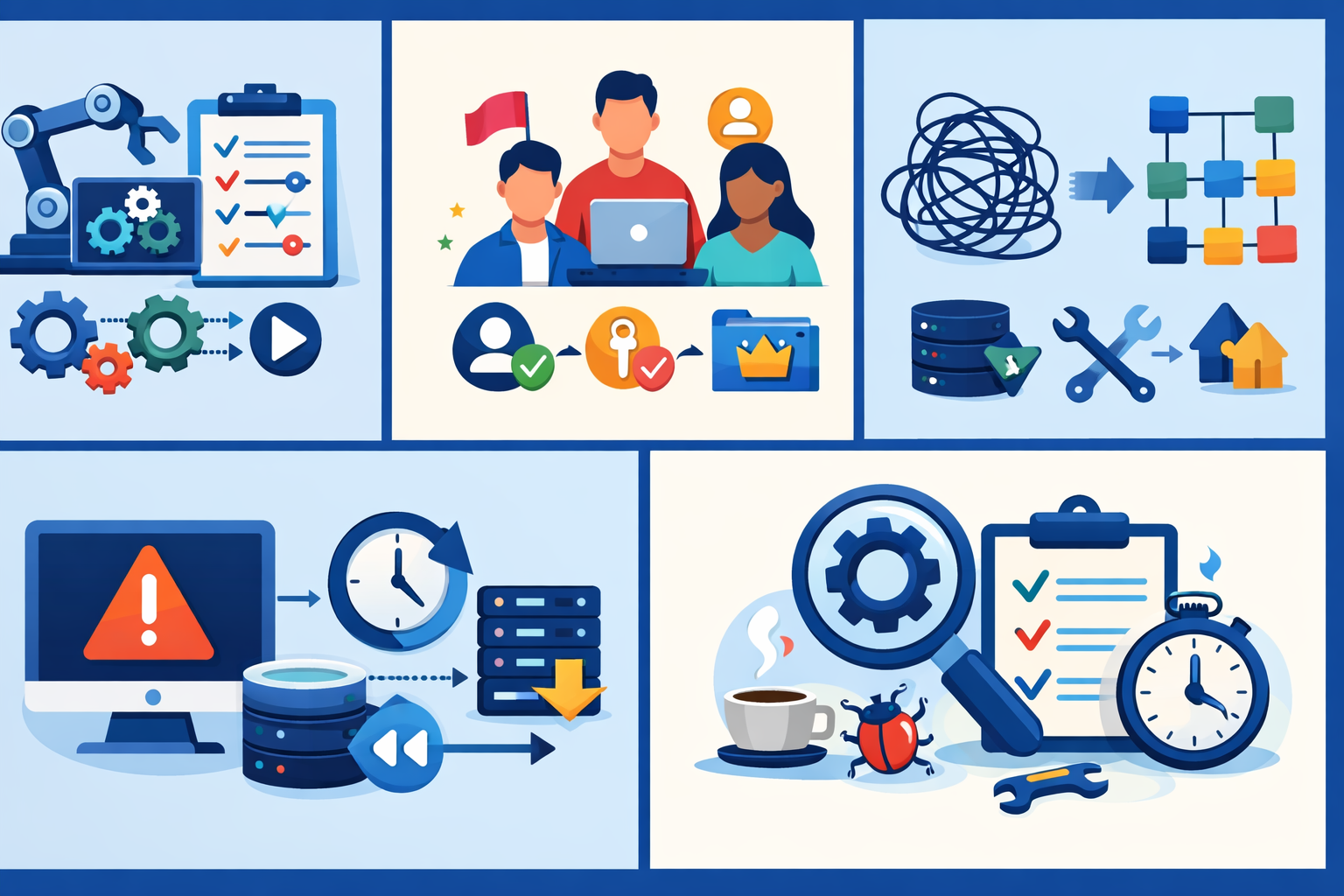
Best practices for small development teams
Keep automation simple
Simple automation systems are easier to understand, debug, and maintain. Overcomplicating logic often creates more problems than it solves. Small teams benefit more from straightforward, predictable systems. Simplicity helps reduce long-term technical debt.
Define clear ownership
Every automation process should have a specific person responsible for it. This ensures someone is monitoring, maintaining, and improving the system. Without ownership, issues are often ignored or delayed. Clear responsibility keeps systems reliable over time.
Limit dependencies
The more tools and services involved, the higher the chances of failure. Each dependency adds complexity and potential points of breakdown. Keeping the system lean makes debugging and maintenance much easier. Fewer moving parts lead to more stability.
Build rollback mechanisms
Automation should always have a way to recover from failure. Being able to stop processes quickly and restore data is critical. Without rollback options, even small issues can cause major damage, which is why thoughtful Custom Software Development matters when automation starts affecting real business operations. This safety net makes automation more reliable and less risky.
- Stop automation
- Recover data
Review automation regularly
Automation systems are not static and need regular evaluation. Over time, some workflows become outdated or unnecessarily complex. Periodic reviews help identify inefficiencies and remove unused logic. This keeps the system clean, relevant, and easier to manage.
- Monthly review
- Remove unused logic
- Simplify flows
Conclusion
Most automation failures aren't technical — they come from poor decisions made early on. Teams either rush into it without clarity or try to build something overly "perfect" before understanding real usage. Both approaches lead to fragile systems that need constant fixing.
What consistently works is taking a slower, more deliberate path: fix the process before touching automation, start small and validate with real data, build visibility so issues don't stay hidden, and design systems assuming things will fail.
Good automation doesn't feel complex or magical — it just works quietly in the background. If your team is spending more time maintaining automation than benefiting from it, something is off.
In the end, automation is not about replacing work instantly. It's about gradually building systems that your team can trust.
FAQ
Only if your workflows are stable. Otherwise, you'll automate confusion.
Because edge cases and real-world usage weren't considered early.
No. Start with partial automation and expand gradually.
Not always. Poor automation often increases debugging effort.
If it runs consistently without confusion, it's ready to automate.
References
Written by

Paras Dabhi
VerifiedFull-Stack Developer (Python/Django, React, Node.js)
I build scalable web apps and SaaS products with Django REST, React/Next.js, and Node.js — clean architecture, performance, and production-ready delivery.
LinkedIn