Cost Comparison Custom Software VS Saas Tools
A few years ago, our 5-person team spent three months building an internal CRM.
We thought we were “saving money” by not paying for SaaS.
By month four, we had bugs, no reports, and zero time left for the actual product.
We finally switched to a paid tool and realized we’d burned more money on engineering time than the SaaS would’ve cost for two years.
If you’re stuck choosing between building custom or paying for SaaS, this is probably the same trap.
Why this problem actually happens
On paper, custom software looks cheaper.
SaaS tools show up as a clear monthly bill.
Custom work feels “free” because your team is already on payroll.
That’s the first illusion.
In small teams (2–10 devs), every hour spent building internal tools is an hour not spent on your core product. But founders rarely calculate that cost properly.
What usually drives the decision:
- “We can build this in 2–3 weeks”
- “SaaS is too expensive monthly”
- “We want full control”
- “Lock-in is scary”
I’ve heard all of these. I’ve said them too.
The real constraints are:
- Too few engineers
- Tight deadlines
- Constant feature requests
- No dedicated ops or tooling team
So internal tools get built halfway, then abandoned. Or worse — maintained forever.
And now you’ve accidentally created another product to support.
Where most developers or teams get this wrong
This is where experience changes your thinking.
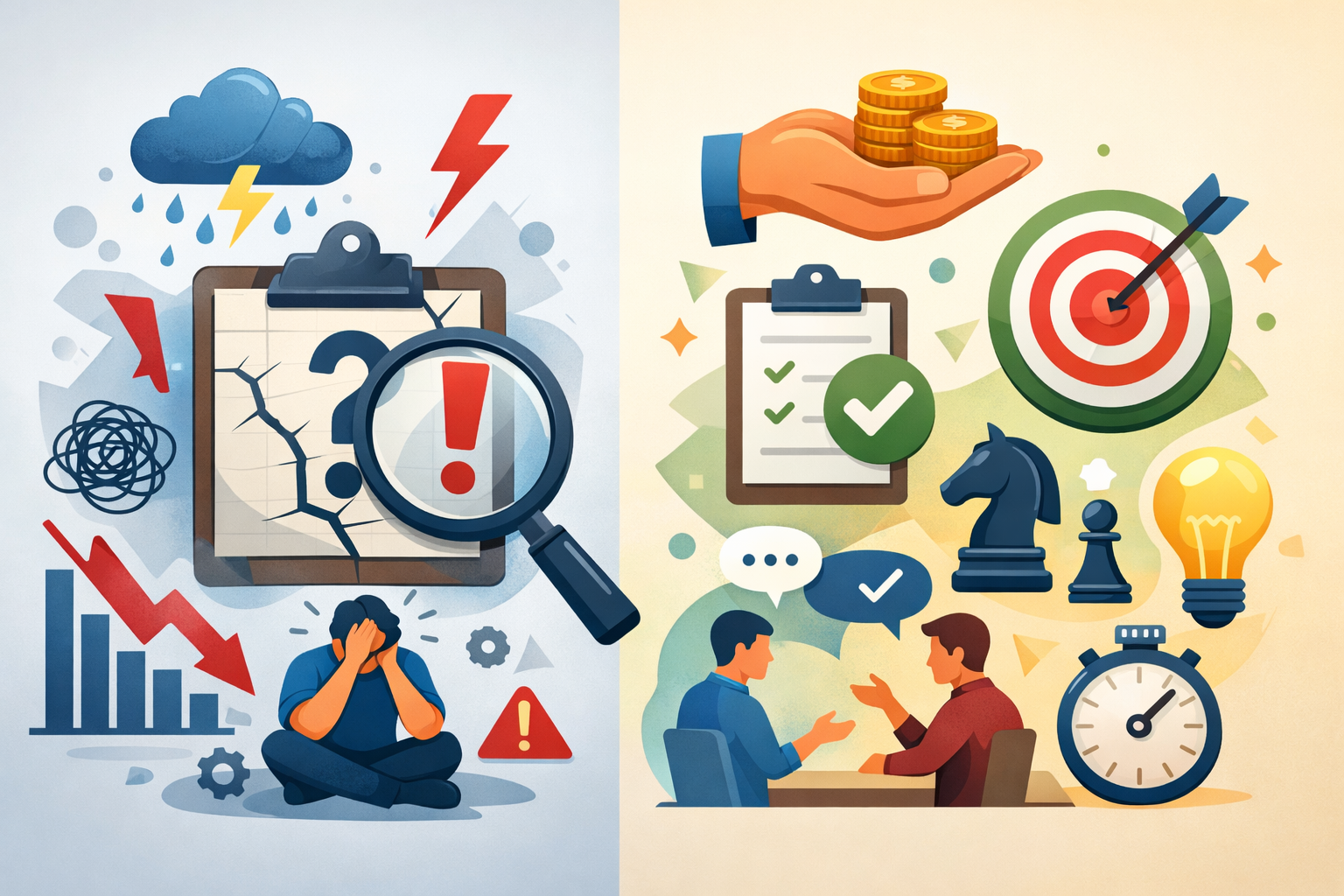
Most teams compare subscription price vs build time, but they ignore everything else.
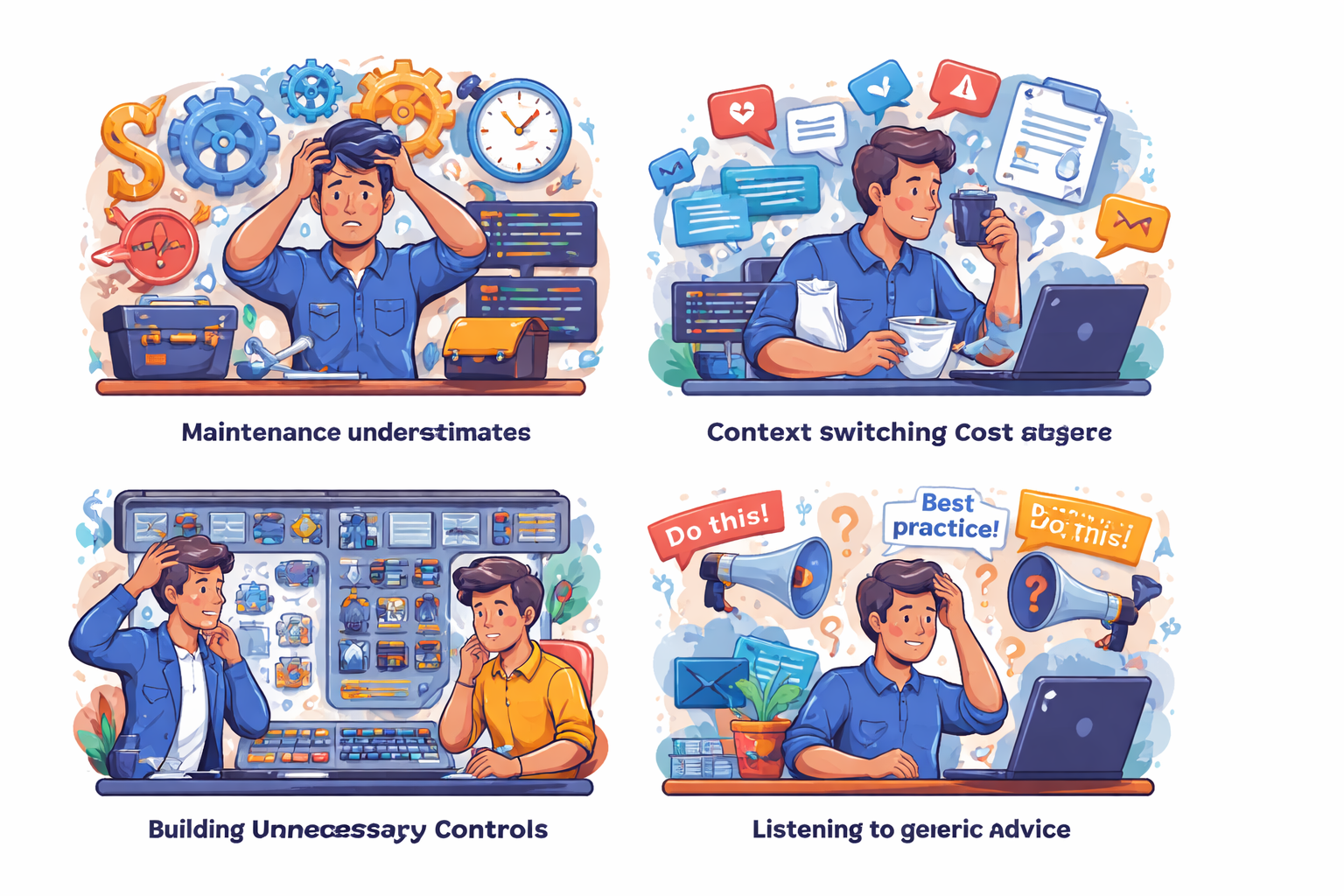
Mistake 1: Underestimating maintenance
Most internal tools aren’t expensive to build — they’re expensive to maintain, which is why Custom Software Development usually ends up costing more over time when teams only think about launch effort and ignore the long tail of fixes, tweaks, and upkeep.
After launch, small bugs, feature tweaks, and support requests keep eating developer time every week.
What looked like a one-time effort slowly turns into a permanent side project you never planned for.
“I’ll just build a simple dashboard.”
Simple never stays simple.
You’ll soon need:
- auth and permissions
- backups
- exports
- edge case fixes
- UI polish
- bug support from non-tech teammates
I’ve seen a “2 week” admin panel turn into 6 months of small fixes.
Mistake 2: Ignoring context switching cost
Every time a developer jumps from core product work to fix an internal tool, focus breaks, and product work slows down even more when engineers keep moving between unrelated systems instead of shipping the main product cleanly.
It takes time to reload context, understand the old code, and then switch back again.
These small interruptions add up and quietly slow down delivery more than most teams realize.
Every time you touch internal tools:
- you leave core product work
- you lose flow
- features ship slower
That hidden productivity hit is bigger than the SaaS bill.
Mistake 3: Building for control you don’t need
Teams often build from scratch because they want “full control,” but most internal workflows don’t actually need that level of customization.
You end up spending weeks recreating basic features that a ready-made tool already handles well.
All that effort rarely adds real business value — it just increases maintenance burden.
Teams say they want “full control.”
But honestly?
Most startups just need:
- CRUD
- reports
- notifications
- integrations
Nothing special.
You’re not building a competitive advantage. You’re rebuilding something that already exists.
Mistake 4: Listening to generic advice
A lot of online advice is written for large teams with dedicated platform engineers, not small startups.
Following “always build in-house” or “avoid lock-in at all costs” sounds smart but ignores your limited time and bandwidth.
What works for a 50-person team can easily slow down or break a 5-person team.
Online advice says:
“Always build in-house to avoid lock-in.”
That works if you have 40 engineers.
Not 4.
Small teams should optimize for speed and focus, not ownership of everything.
Practical solutions that work in real projects
Here’s the approach that has worked consistently for me across startups and agency projects.
Not perfect. Just practical.
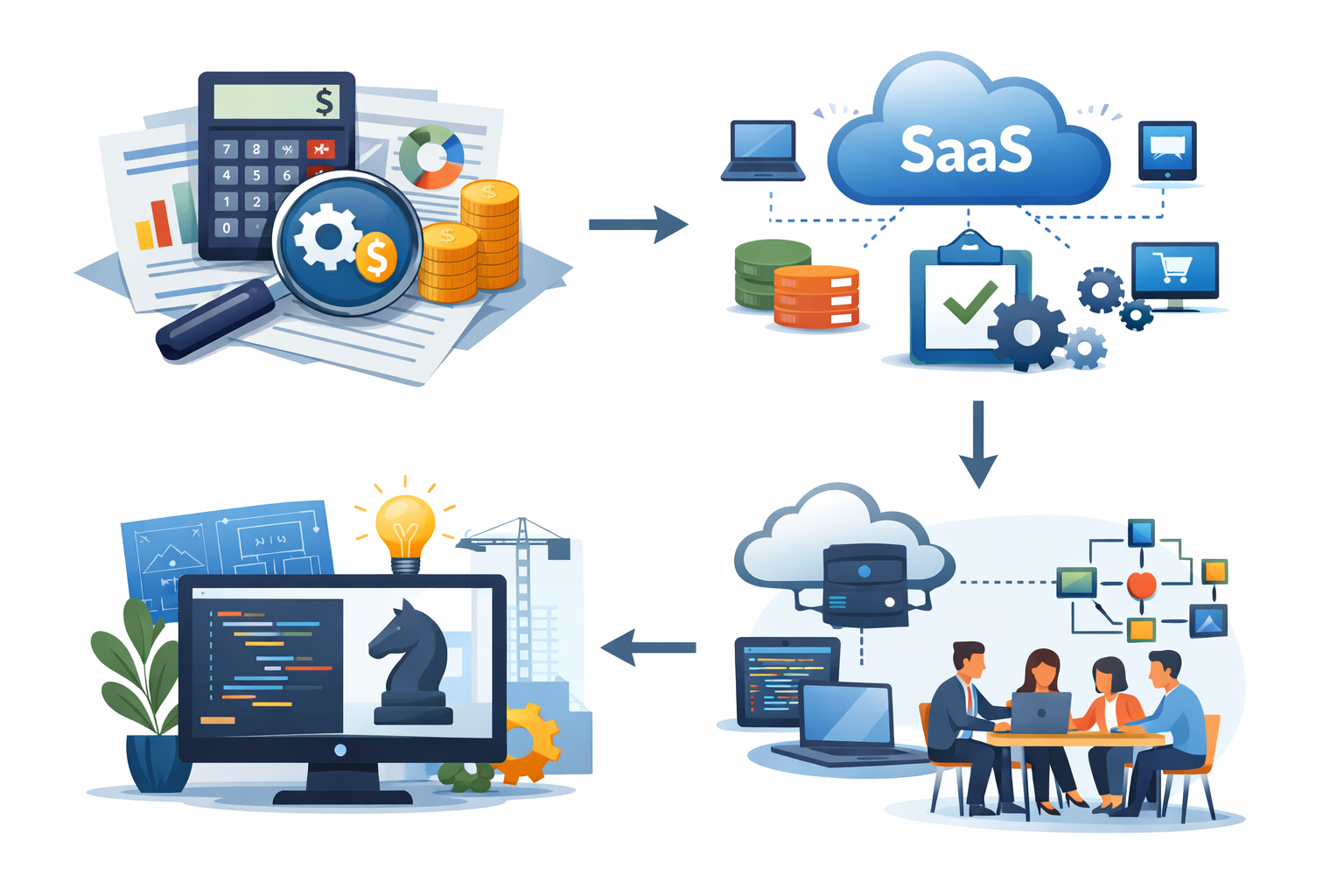
Step 1 — Calculate real engineering cost
Before deciding to build, estimate the actual time your team will spend and convert it into money, not just hours.
Include development, reviews, testing, and at least a few months of maintenance — not just the “happy path” build time.
Seeing the real cost on paper makes the cost comparison of custom software and SaaS much easier to evaluate, because it shows whether building internally is actually cheaper or just looks cheaper at the beginning.
Before building anything, do this:
- hours to build × developer hourly cost
- add 30–50% for maintenance
Example:
- 120 hours × ₹1500/hr = ₹1.8L
- maintenance = ~₹2.5–3L
Now compare that with SaaS yearly pricing.
Suddenly SaaS looks cheap.
Step 2 — Default to SaaS for “commodity” problems
If the problem is something every company needs — like billing, auth, CRM, or support — it’s usually not worth building yourself, because internal effort should usually stay focused on the workflows that actually differentiate your product instead of rebuilding standard business tools.
These tools don’t create competitive advantage, they just keep the business running.
Pay for a reliable SaaS, set it up quickly, and keep your team focused on the product that actually matters.
If it’s not your core product, don’t build it.
Use SaaS for:
- CRM
- helpdesk
- analytics
- email automation
- billing
- internal dashboards
- authentication
These are solved problems.
Rebuilding them rarely adds value.
Step 3 — Build only when it’s strategic
Only invest in custom builds when the feature directly impacts your product’s differentiation or core workflow.
If it affects how customers experience or pay for your product, it might be worth owning.
Otherwise, you’re just creating extra systems to maintain without real business return.
Custom makes sense when:
- it’s your core differentiator
- SaaS can’t support your workflow
- cost scales badly with usage
- or you need deep system integration
For example:
We built our own job scheduler because existing tools couldn’t handle our data model. That directly affected the product. Worth it.
But we never built our own ticketing system again.
Step 4 — Hybrid approach (works best for small teams)
In most small teams, the sweet spot is mixing SaaS with light custom code instead of going fully one way, and teams often benefit from this approach because they can move faster without taking full ownership of every supporting system.
Use ready-made tools for the heavy lifting, then add small scripts or integrations to fit your workflow.
You get speed and reliability without owning a large system that drains engineering time.
What I use most:
- SaaS for 80%
- small custom glue code for 20%
Examples:
- SaaS CRM + small scripts
- SaaS billing + custom reports
- SaaS auth + thin wrappers
This keeps control without owning everything.
Trade-offs
SaaS pros
- fast setup
- less maintenance
- predictable cost
SaaS cons
- less flexibility
- recurring bill
- some lock-in
Custom pros
- full control
- perfect fit
Custom cons
- hidden cost
- long-term burden
- slows core work
Small teams usually suffer more from the cons than they benefit from the pros.
When this approach does NOT work
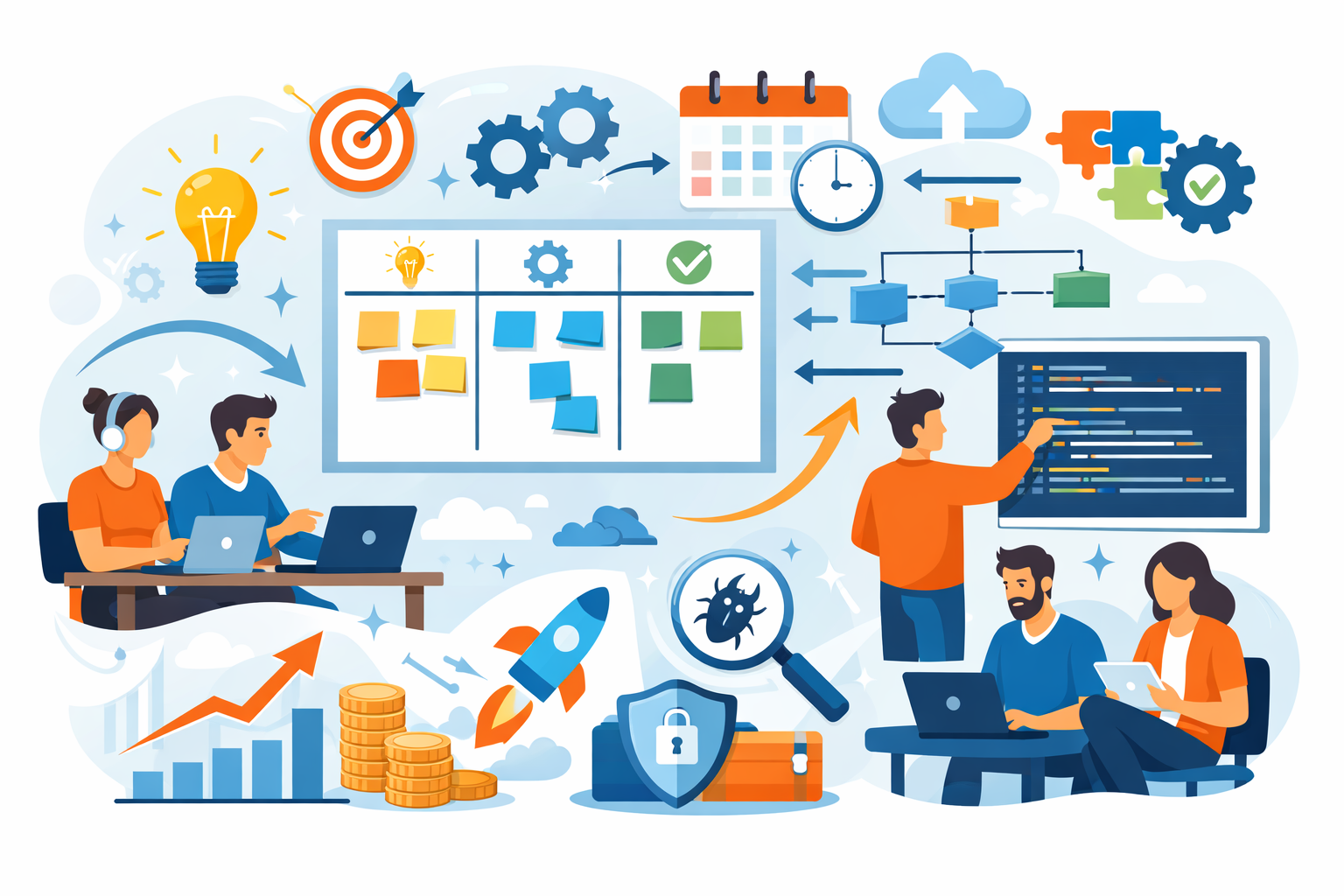
SaaS-first isn’t always right.
I’ve seen it fail too.
Avoid SaaS-heavy setups when:
- strict compliance (finance/healthcare/gov)
- heavy customization needed
- offline/edge environments
- extreme scale where SaaS pricing explodes
- or you already have a large platform team
Also, too many SaaS tools can create integration chaos.
10 tools stitched together badly is worse than one simple internal system.
So don’t blindly add subscriptions either.
Best practices for small development teams
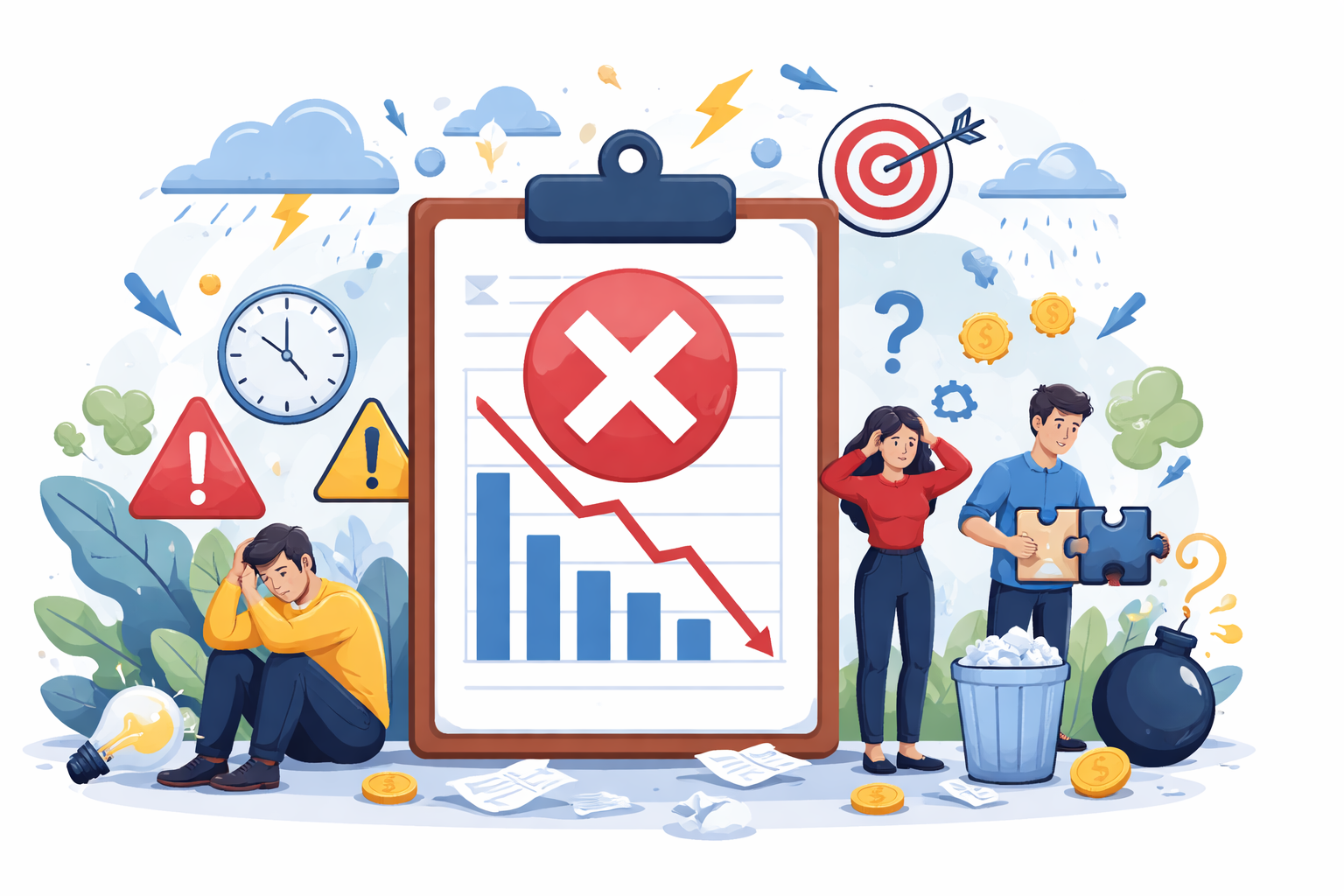
These habits saved us more money than any tech choice.
Keep ownership clear
Every internal tool or integration should have one clear owner, not “the team.”
When no one is responsible, bugs sit longer and maintenance gets ignored.
Assigning ownership keeps decisions faster and prevents small problems from turning into long-term messes.
Treat internal tools like real products
If a tool is used daily by your team, it deserves the same care as anything customer-facing.
Add basic tests, clear versioning, and short docs so future changes don’t feel risky or confusing.
Otherwise it slowly turns into “that fragile thing” everyone avoids touching until it breaks.
Prefer boring solutions
In small teams, reliability matters more than clever architecture, and long-term maintainability both improve when the stack stays simple, predictable, and easy for the team to support.
Simple, well-known tools are easier to debug, hire for, and maintain under pressure.
The boring choice usually ships faster and causes fewer late-night surprises than something “smart” or trendy.
Review costs quarterly
SaaS bills and internal tool maintenance costs creep up quietly over time.
Set a reminder every quarter to list what you’re paying for and what you’re actually using.
Canceling or simplifying just a few unused tools can save more than any optimization work.
Optimize for focus
Small teams don’t lose time because of hard problems — they lose it to constant distractions.
Too many tools, side projects, and “quick fixes” split attention and slow everything down.
Protect developer focus so most hours go to the core product, not internal overhead.
Don’t build for ego
It’s tempting to create flashy internal tools to “show skill” or “own everything,” but this rarely helps the business.
Every feature you build adds maintenance and context-switching costs.
Focus on tools that actually solve problems — not ones that make you look clever.
Conclusion:
The real cost difference between custom software and SaaS isn’t the invoice.
It’s developer time.
In small teams, time is your most expensive asset.
If a tool isn’t your competitive advantage, don’t build it. Rent it, move on, and ship your product faster.
Every internal system you own is another thing that can wake you up at 2 AM.
I’ve learned to own fewer things.
Life — and releases — got much simpler.
FAQs
Usually no. Once you include build time and maintenance, custom costs more for small teams.
Only when it directly impacts your core product or SaaS can’t meet critical needs.
Rarely for small teams. Speed gained early usually outweighs future migration risk.
If integrations become messy or onboarding takes days, you’ve added too many.
Ongoing maintenance and context switching — not the initial development time.
References
Written by

Paras Dabhi
VerifiedFull-Stack Developer (Python/Django, React, Node.js)
I build scalable web apps and SaaS products with Django REST, React/Next.js, and Node.js — clean architecture, performance, and production-ready delivery.
LinkedIn