Custom Software Solutions for Small Businesses in India: A Practical, Decision-Focused Guide (2026)
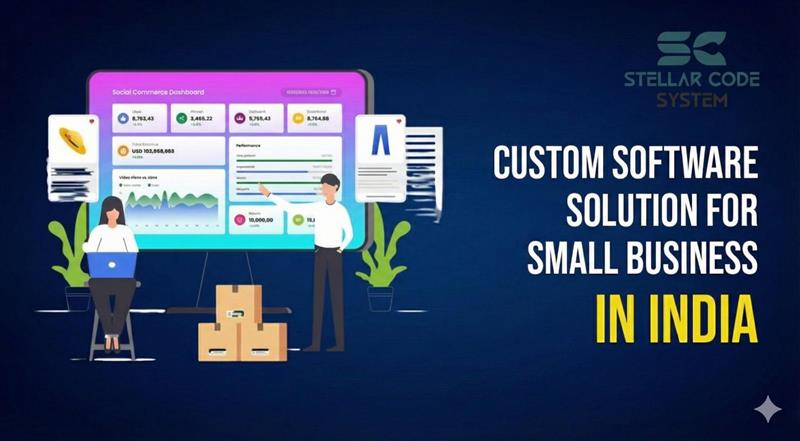
On paper, this looks efficient.
In reality, this is exactly what most of the small business owners I’ve worked with complain about:
❌ Data scattered across 5–7 platforms
❌ Monthly subscriptions quietly piling up
❌ Manual work to connect systems that were never built to work together
❌ Software forcing the business to change — instead of supporting how it actually runs
This is usually the moment when small businesses start exploring custom software solutions.
Not because it sounds fancy — but because off-the-shelf tools stop solving real problems.
In this guide, I’ll walk you through:
• What custom software really means for small businesses
• When it makes sense (and when it doesn’t)
• Real buyer problems we see in Indian and overseas clients
• Practical examples and mini case studies
• A clear step-by-step roadmap
• Costs, risks, and how to choose the right development partner
This is written from the perspective of a software development team that has helped startups and small companies in India, the US, and the UK replace messy tool stacks with focused, scalable systems.
What Custom Software Actually Means for a Small Business
Custom software is not “big enterprise software.”
Custom software is not “big enterprise software
It is purpose-built software designed around how your business already works — your workflows, your customers, your internal processes, your growth plans.
Instead of adjusting your operations to fit a tool, the tool is built to fit your operations.
For a small business, custom software usually means:
- One centralized system instead of many disconnected apps
- Only the features you truly need (nothing bloated)
- Full control over upgrades, security, and integrations
- Software that evolves as your business evolves
Examples from real projects:
- A service company replacing WhatsApp + Excel + accounting software with one internal operations platform
- A small ecommerce brand building a custom order + vendor + logistics dashboard
- A real estate agency creating a CRM that matches how their sales teams actually work on the ground
Why Many Small Businesses Outgrow Ready-Made Software
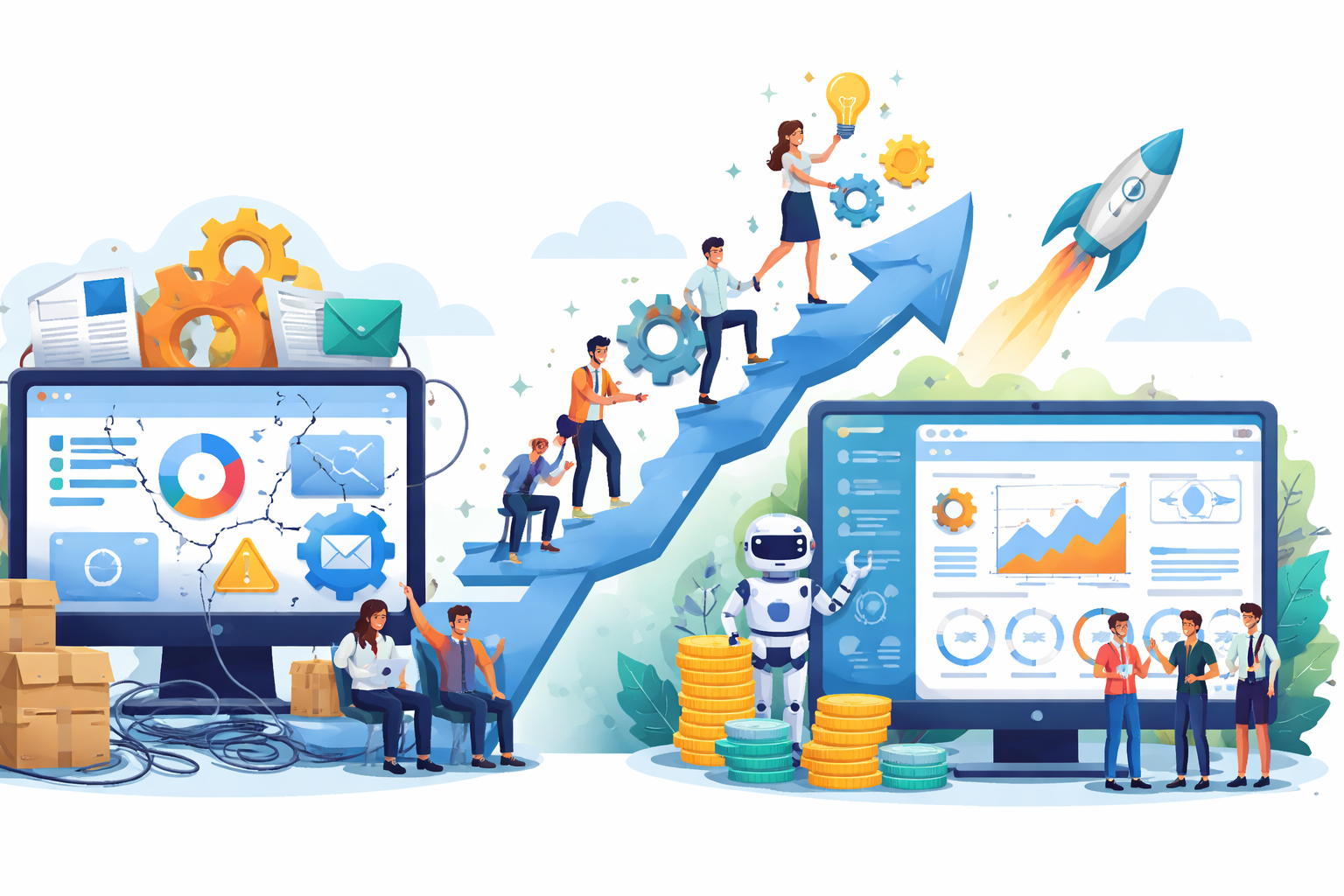
Off-the-shelf tools are not bad. They are excellent when you are just starting.
But problems usually appear when a business gains momentum.
Here are the most common triggers we see before a company moves to custom software:
1. Tools Stop Matching Business Reality
Generic software assumes generic processes.
Small businesses rarely operate generically.
You end up doing workarounds, maintaining parallel spreadsheets, or training staff to “adjust to the software.”
That friction becomes a hidden cost.
2. Costs Look Low — Until You Calculate Properly
₹1,500 here.
₹3,000 there.
$49/month.
$99/user/month.
After 2–3 years, many small businesses are paying far more than a one-time custom system would have cost — and still don’t fully own anything.
3. Data Is Trapped Everywhere
When sales, support, finance, and operations live in separate tools, decision-making becomes slow and inaccurate.
Custom systems centralize data — which directly improves forecasting, customer experience, and operational control.
4. Growth Becomes Technically Painful
New services, new branches, new compliance needs, new customer journeys.
Off-the-shelf software rarely adapts smoothly to growth.
Custom software is built with that evolution in mind.
Types of Custom Software That Actually Help Small Businesses
Rather than listing generic categories, here’s how small businesses usually invest in custom software in the real world:
✔ Business Operations Platforms
Business Operations Platforms are custom-built software systems that centralize a company’s core activities—such as sales, projects, finance, staff workflows, and reporting—into one unified platform.
Instead of managing multiple disconnected tools, small businesses use a single solution to automate processes, improve visibility, reduce manual work, and gain real-time control over daily operations.
These platforms are designed around how the business actually works, making them scalable, efficient, and decision-focused.
One system to manage:
- Customers
- Orders or projects
- Billing
- Staff workflows
- Reports
Why it matters
These replace 4–6 separate subscriptions.
✔ Custom CRM Systems
Custom CRM Systems are tailor-made customer relationship platforms built around your exact sales process, customer journey, and business model.
Unlike generic CRMs, they help small businesses capture leads, track interactions, automate follow-ups, and manage pipelines in a way that fits how teams actually work.
The result is better lead management, higher conversions, stronger customer relationships, and complete control over customer data.
Not every business needs Salesforce.
We often build lightweight CRMs designed around:
- The exact sales pipeline
- Local market behavior
- Industry-specific follow-ups
- Integration with WhatsApp, calling systems, accounting tools
Result
Higher conversion, cleaner data, simpler training.
✔ Internal Process Automation Tools
Internal Process Automation Tools are custom software solutions designed to eliminate repetitive manual work and streamline everyday business operations.
They automate workflows such as approvals, data entry, reporting, task routing, and inter-department coordination—reducing errors, saving time, and improving overall efficiency.
These tools help small businesses operate faster, more accurately, and with greater control over internal processes.
Used for:
- Vendor coordination
- Approvals
- Document handling
- Compliance workflows
- Field staff tracking
Why it matters
These rarely exist in ready-made tools — but save enormous time.
✔ Ecommerce & Client Portals
Ecommerce & Client Portal Tools are custom-built digital platforms that allow businesses to sell products, manage customers, and deliver services through a secure online system.
These solutions go beyond standard ecommerce software by offering personalized user experiences, custom workflows, advanced integrations, and real-time data control.
They help small businesses improve customer engagement, streamline transactions, and build scalable online operations tailored to their exact business model.
Custom portals allow businesses to control:
- Customer experience
- Pricing logic
- Vendor access
- Inventory behavior
- Payment flows
- Analytics
Why it matters
This is where small brands often outperform bigger competitors.
✔ Industry-Specific Systems
Industry-Specific Systems are custom software solutions built to meet the exact operational, regulatory, and workflow needs of a particular industry—such as real estate, healthcare, education, logistics, or manufacturing.
Unlike generic software, these tools include specialized features, compliance support, and tailored automation that align with real-world industry processes.
They help small businesses improve efficiency, ensure accuracy, and gain a competitive edge through technology designed specifically for their sector.
We frequently see demand in:
- Real estate
- Healthcare support services
- Logistics
- Education
- Manufacturing vendors
Why it matters
Where compliance, workflows, and reporting don’t fit standard SaaS tools.
Real Buyer Problems Custom Software Solves
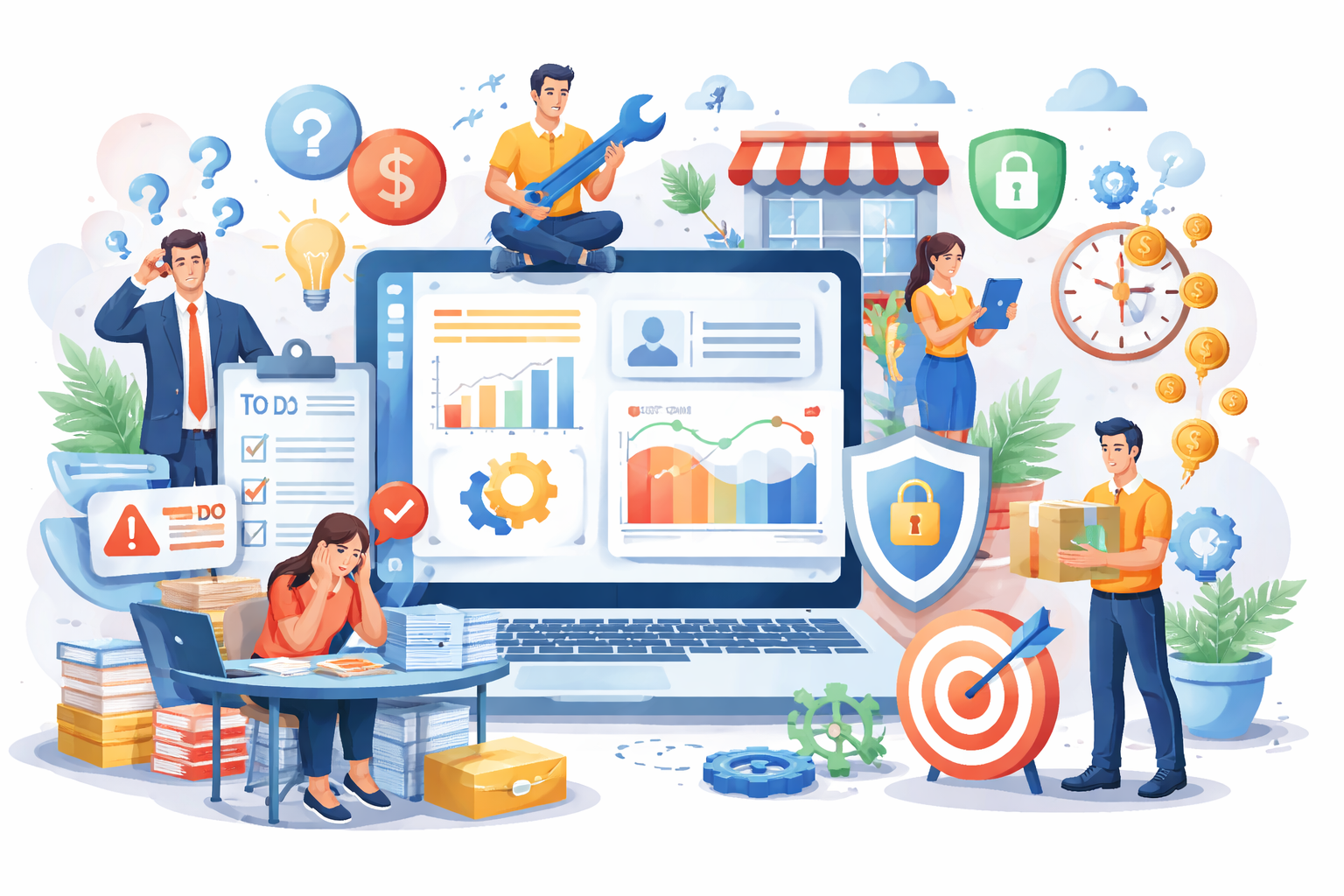
Here are a few problems small business owners regularly bring to us:
- “Our staff spends more time updating software than serving customers.”
- “We can’t see real profit numbers without manually combining reports.”
- “Every department uses different tools and blames each other.”
- “We lose leads because nothing is properly connected.”
- “We are scaling — but our systems are slowing us down.”
Custom software directly targets these issues by:
- Eliminating duplicate data entry
- Automating routine tasks
- Unifying departments
- Creating management-level visibility
- Supporting controlled scaling
Case Studies from Real Projects
Case 1: Service Company Operations System (India → UK clients)
Problem:
Separate tools for HR, task tracking, invoicing, and reporting
Using multiple disconnected tools creates data silos, confusion, and duplicate work. Teams waste time switching between systems, and important information often gets lost, leading to poor coordination and slower decision-making.
Heavy dependency on spreadsheets
Over-reliance on spreadsheets increases the risk of errors, version conflicts, and data loss. As the business grows, spreadsheets become difficult to manage and fail to provide real-time visibility into operations.
Missed deadlines and revenue leakage
Lack of system integration and automation leads to poor tracking of tasks, projects, and billing. This results in delayed deliveries, unbilled work, lost invoices, and direct impact on cash flow and profitability.
Solution:
- Built a single internal operations platform
- Automated project allocation, timesheets, and invoicing
- Management dashboard with real-time KPIs
Outcome:
- ~30% reduction in operational overhead
- Faster billing cycles
- Improved client retention
Case 2: Small Ecommerce Brand
Problem:
Shopify plugins couldn’t support their custom pricing model
Standard Shopify plugins were too rigid to handle complex and dynamic pricing rules. This forced manual adjustments, caused pricing inconsistencies, and limited the brand’s ability to offer personalized or bulk-based pricing.
Inventory errors
Disconnected systems and manual stock updates led to frequent inventory mismatches. This caused overselling, stockouts, delayed fulfillment, and reduced customer trust.
Poor visibility into vendor performance
The business lacked real-time insights into vendor delivery times, quality, and costs. Without accurate performance data, it became difficult to optimize suppliers or control operational efficiency.
Solution:
- Custom backend integrated with store
- Smart inventory and vendor logic
- Automated reorder system
Outcome:
- Fewer stockouts
- Better margins
- Higher customer satisfaction
Case 3: Real Estate Consultancy
Problem:
Leads lost between portals, agents, and WhatsApp
Leads coming from multiple portals and WhatsApp were not centralized in one system. This caused delays, missed inquiries, and poor ownership, resulting in lost opportunities and inconsistent customer handling.
No structured follow-up
There was no automated or standardized follow-up process in place. Agents relied on memory and personal notes, leading to missed calls, cold leads, and lower conversion rates.
Management blind to actual pipeline quality
Management lacked real-time visibility into lead stages, agent performance, and deal probability. Without clear pipeline data, forecasting was inaccurate and decision-making was based on assumptions instead of facts.
Solution:
- Custom CRM designed around field sales behavior
- Lead routing + auto reminders
- Mobile-first dashboards
Outcome:
- Higher closing rate
- Shorter sales cycles
- Stronger broker accountability
Step-by-Step: How Small Businesses Should Approach Custom Software
Step 1: Map Problems, Not Features
Forget software for a moment.
List:
Bottlenecks
Bottlenecks occur when specific processes or teams slow down the entire workflow. They increase waiting time, create backlogs, and reduce overall productivity, often highlighting where automation or system improvements are needed.
Repetitive tasks
Repetitive manual tasks such as data entry, reporting, and follow-ups consume valuable time and increase the risk of human error. Automating these tasks allows teams to focus on higher-value business activities.
Data gaps
Data gaps arise when information is missing, outdated, or scattered across systems. This limits visibility, weakens decision-making, and prevents businesses from getting a complete, real-time view of operations.
Growth constraints
Growth constraints happen when existing systems cannot handle increased customers, staff, or transactions. Without scalable software, expansion leads to inefficiencies, higher costs, and operational instability.
Good software begins with business clarity.
Step 2: Define Business Outcomes
Instead of “we need an app,” define:
What should become faster?
Identify processes that currently waste time, such as approvals, reporting, order processing, or customer response. Faster workflows improve productivity, service quality, and overall business agility.
What should become cheaper?
Look for operations that drive recurring costs, including software subscriptions, manual labor, and error correction. Optimizing these areas through custom software directly improves profit margins.
What should become more accurate?
Focus on areas where errors impact revenue, customer trust, or compliance, such as billing, inventory, or data reporting. Improved accuracy reduces risk and strengthens decision-making.
What should become scalable?
Evaluate systems that struggle as volume increases, like customer handling, transaction processing, or staff coordination. Scalable software ensures your business can grow without operational breakdowns.
This drives correct technical decisions.
Step 3: Build a Minimum Viable System
Start with:
Core workflows
Core workflows are the primary processes that keep your business running, such as lead handling, order management, service delivery, and billing. Custom software should first optimize and automate these workflows to create immediate operational impact.
Critical integrations
Critical integrations connect your software with essential tools like payment gateways, accounting systems, CRM platforms, or third-party services. These integrations eliminate manual data transfer, reduce errors, and ensure smooth information flow across systems.
Essential reporting
Essential reporting provides real-time insights into sales, operations, finance, and performance metrics. A strong reporting system helps business owners track progress, identify issues early, and make informed decisions based on accurate data.
Avoid trying to digitize everything at once.
Step 4: Choose a Development Partner, Not Just a Vendor
A good custom software company will:
Challenge weak assumptions
A good development partner doesn’t just follow instructions — they question unclear ideas and test whether a solution truly solves the business problem. This prevents wasted investment and leads to smarter, more effective software.
Suggest simpler solutions
Experienced teams focus on solving problems in the most practical way, not the most complex way. They often identify simpler, more cost-effective approaches that deliver faster results and easier adoption.
Understand business, not just code
Strong software partners take time to understand your industry, workflows, and revenue model. This business-first mindset ensures the final product supports real operations, not just technical specifications.
Plan for long-term support
Custom software must evolve as the business grows. A reliable partner plans for maintenance, upgrades, security, and scalability to protect your investment over the long term.
India has strong advantages here — skilled engineers, product thinking, and cost efficiency.
Step 5: Test with Real Users Early
Your staff and customers must touch the product while it’s being built.
This prevents expensive redesigns later.
Step 6: Improve Continuously
Custom software is not a one-time product.
It becomes a business asset that grows with you.
How Much Does Custom Software Cost for Small Businesses?
There is no fixed price — but realistic ranges help.
For small businesses in India working with experienced development teams:
- Simple internal systems: $6,000 – $12,000 — Covers basic workflows and process automation for small teams.
- CRM or operations platforms: $10,000 – $25,000 — Includes customer management, task tracking, and integrated reporting.
- Advanced multi-module products: $25,000 – $50,000+ — Comprehensive solutions with multiple modules, complex workflows, and full scalability for growing businesses.
What actually drives cost:
Number of workflows
How many distinct processes the system must support (e.g., lead capture, approval flows, reporting). More workflows = higher complexity and cost.
Integrations
Tools the system must connect with (CRM, payment gateways, email tools, analytics, ERP, etc.). Identify must-have vs nice-to-have integrations.
Security requirements
Data protection needs such as encryption, role-based access, audit logs, compliance (GDPR, ISO, SOC 2), and secure authentication (2FA, SSO).
User roles
Different permission levels required (admin, manager, editor, viewer, client). Clear role definitions prevent data misuse and operational errors.
Scalability expectations
Ability to handle growth in users, data, traffic, or workflows without performance issues or major rework.
👉 Custom software vs years of inefficiency, subscriptions, and lost opportunities.
Risks to Be Aware Of (And How to Avoid Them)

Custom software is powerful — but only when done correctly.
Common mistakes:
No clear business ownership
Without a dedicated owner guiding the project, software development can lose direction, fail to meet business needs, and result in wasted time and resources.
Over-engineering
Adding unnecessary features or complexity slows development, increases costs, and makes the software harder to use and maintain.
Choosing cheap teams without domain understanding
Working with inexperienced or low-cost developers who don’t understand your industry often leads to misaligned solutions, errors, and poor long-term value.
No long-term roadmap
Without planning for future updates, scalability, and support, software quickly becomes outdated, limiting growth and forcing expensive replacements.
How smart businesses protect themselves:
Start small
Begin with the most critical workflows and features to minimize risk, gather early feedback, and ensure the software delivers immediate value.
Demand documentation
Comprehensive documentation ensures your team understands the system, making onboarding, troubleshooting, and future upgrades much easier.
Insist on modular architecture
Modular software design allows you to add or modify features without disrupting the entire system, ensuring flexibility and scalability as your business grows.
Prioritize maintainability
Well-structured, clean code reduces long-term costs, simplifies updates, and prevents technical debt from slowing down operations.
Choose partners, not freelancers
Working with experienced software development partners ensures accountability, domain expertise, and reliable long-term support, rather than temporary or inconsistent solutions.
Signs Your Business Is Ready for Custom Software
You are likely ready if:
Your team uses 4+ tools daily
Juggling multiple disconnected tools wastes time, creates errors, and slows down collaboration across departments.
Reporting requires manual work
Manual consolidation of data drains resources and increases the risk of mistakes, making timely and accurate decision-making difficult.
Customers experience inconsistency
When processes aren’t standardized or centralized, customers receive uneven service, reducing satisfaction and loyalty.
You’re planning expansion
Growing teams, customers, or locations will strain existing tools that weren’t designed to scale, creating bottlenecks and inefficiencies.
Software costs are rising but value isn’t
Paying for multiple subscriptions that don’t fully meet business needs increases costs without improving productivity or outcomes.
You’re building a long-term brand, not just short-term sales
Strategic businesses need systems that support sustainable growth, consistent service quality, and operational efficiency over the long term.
Conclusion
Custom software is not an expense.
When built properly, it becomes:
- Your operational backbone
- Your competitive advantage
- Your scalability engine
- Your data intelligence layer
Small businesses that invest early — and wisely — often outgrow competitors who remain dependent on rigid tools.
If you are serious about building a streamlined, scalable, and resilient business, custom software solutions are no longer optional. They are strategic.
FAQs: custom software solutions for small business in india
Custom software is a solution specifically built to meet the unique operational needs of a small business. Unlike off-the-shelf tools, it aligns with your workflows, automates processes, and scales with your growth.
Although the initial investment may be higher, custom software reduces costs over time by eliminating multiple subscriptions, minimizing errors, streamlining operations, and improving overall efficiency.
Small businesses often benefit from custom solutions such as business operations platforms, CRMs, internal process automation tools, ecommerce/client portals, and industry-specific systems tailored to their workflows.
Development time depends on complexity. Simple systems can take 2–3 months, CRM or operations platforms 4–6 months, and advanced multi-module systems 6–12 months, including testing and deployment.
Look for a partner who understands your business, challenges assumptions, offers practical solutions, provides long-term support, and uses modular, maintainable architecture instead of just writing code.
About the Author
Paras Dabhi
VerifiedFull-Stack Developer (Python/Django, React, Node.js) · Stellar Code System
Hi, I’m Paras Dabhi. I build scalable web applications and SaaS products with Django REST, React/Next.js, and Node.js. I focus on clean architecture, performance, and production-ready delivery with modern UI/UX.

Paras Dabhi
Stellar Code System
Building scalable CRM & SaaS products
Clean architecture · Performance · UI/UX