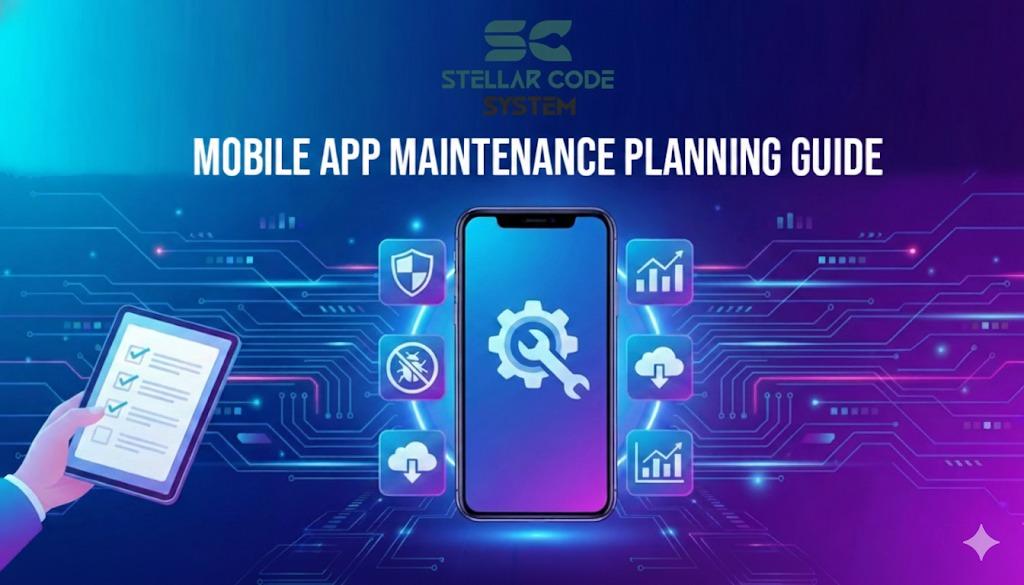
Mobile App Maintenance Planning Guide Checklist
I’ve worked on apps where every release felt stressful. Not because features were hard — but because something random always broke.
Push notifications stopped. Payments failed. Builds wouldn’t compile on a new OS.
We weren’t bad developers.
We just never planned for maintenance — only launches.
That’s what quietly kills small teams.
Why this problem actually happens
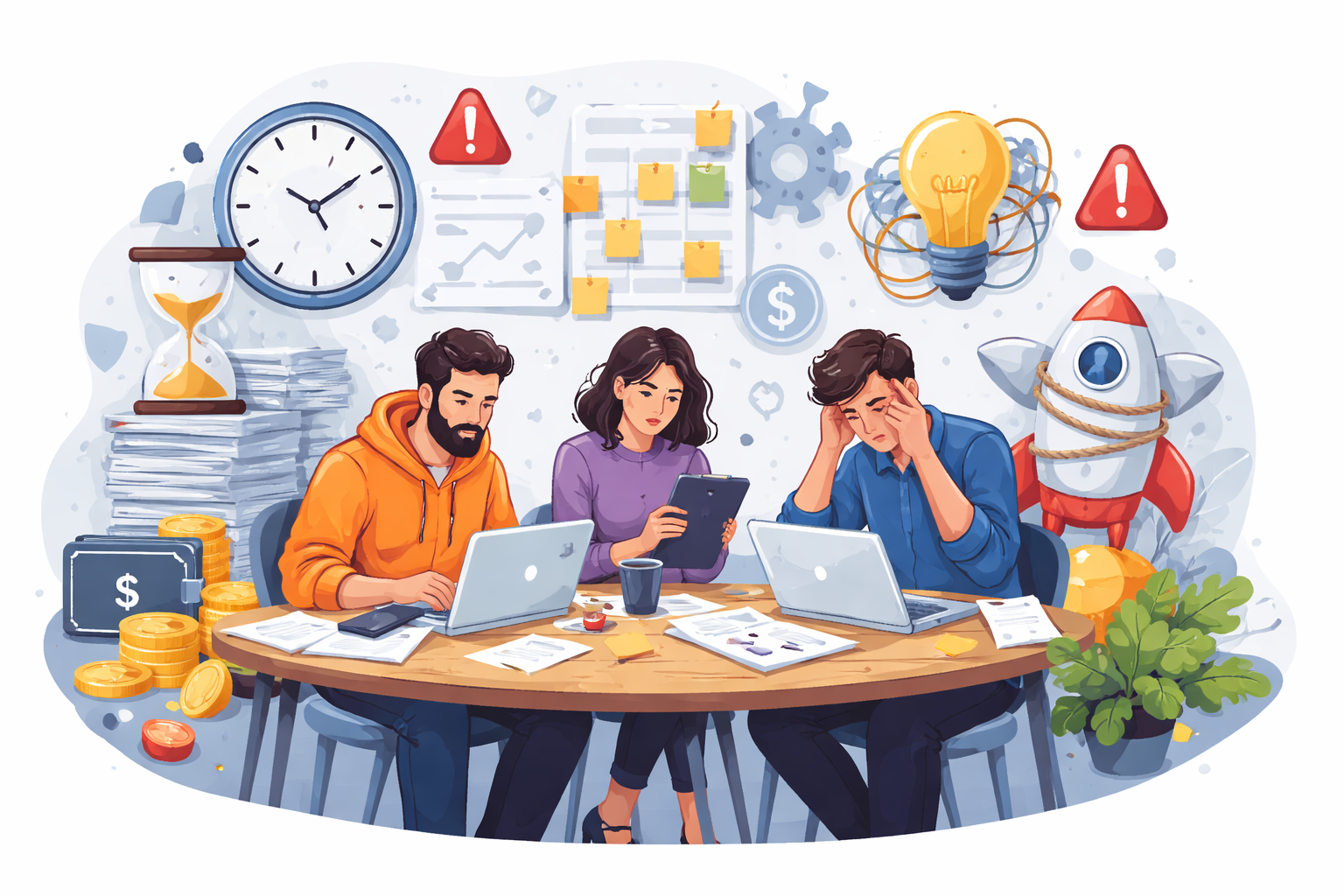
Maintenance problems rarely come from “bad code.”
They come from how small teams operate.
In most startups I’ve worked with, the pattern is the same:
- Ship MVP fast
- Add features non-stop
- Ignore cleanup
- Assume “we’ll fix later”
- Later never comes.
Small teams have real constraints:
Small teams have real constraints:
- 2–5 developers wearing multiple hats
- No dedicated QA
- No release engineer
- No time budget for refactors
So maintenance becomes reactive instead of planned.
Also, founders usually think maintenance just means “fix bugs.”
It’s not.
It’s:
- SDK updates
- OS updates
- dependency upgrades
- crash monitoring
- performance issues
- small UX fixes
- CI/CD breakage
- store policy changes
None of these look urgent… until everything breaks at once.
That’s why apps feel stable for months and then suddenly collapse.
Where most developers or teams get this wrong
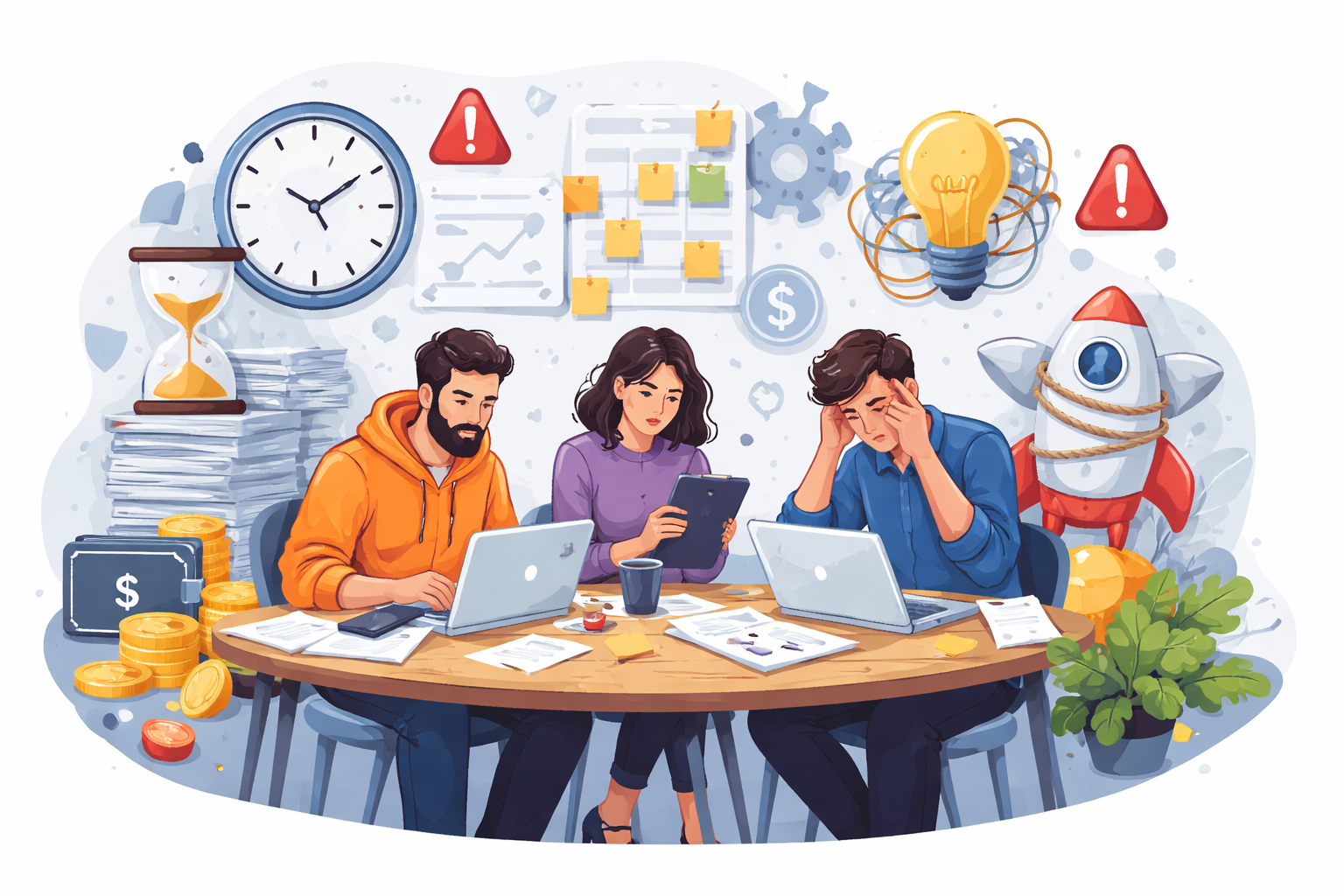
I’ve made these mistakes myself.
And I’ve seen almost every small team repeat them.
1. Treating launch as the finish line
A lot of small teams mentally treat v1 as “done,” like the hard part is over once the app is live. In reality, launch is when real-world problems start showing up — crashes, edge cases, performance issues, and user behavior you never predicted. If you stop planning after release, maintenance piles up fast and you end up firefighting instead of improving the product.
Teams celebrate v1 like it’s the end.
In reality, v1 is where maintenance work begins.
After launch, real users do weird things your test cases never covered.
That’s when the real bugs show up.
2. No time allocated for “boring” work
Most small teams pack every sprint with features and deadlines, leaving zero space for upgrades, refactors, or cleanup. The “boring” tasks keep getting postponed because they don’t look urgent, but they quietly pile up in the background. After a few months, you’re forced into risky big fixes and emergency patches that cost way more time than regular maintenance ever would.
Most sprints look like:
- 100% features
- 0% maintenance
So upgrades pile up.
Then six months later you’re jumping 10 dependency versions at once and everything breaks.
3. No ownership
In small teams, maintenance tasks often fall into a gray area where everyone assumes someone else will handle them. Crash reports, dependency updates, and releases get ignored simply because no one is clearly responsible. Without ownership, small issues linger and slowly turn into bigger, harder-to-fix problems.
Classic small-team issue:
“Who handles crashes?”
“Uh… whoever notices?”
When ownership is unclear, nothing gets done consistently.
4. Over-engineering early
Early-stage apps often get complex architectures, extra layers, and fancy patterns that feel “future-proof” but slow everything down. For small teams, this usually means more code to maintain, more bugs, and harder debugging. In most cases, simple and boring setups are easier to ship, easier to understand, and far cheaper to maintain over time.
I’ve seen teams build complex architectures thinking it’ll reduce maintenance.
It usually increases it.
More layers = more things to break.
Small apps need boring setups, not clever ones.
5. Ignoring metrics
When teams don’t track crashes, performance, or release stability, they end up relying on guesswork instead of data. Problems only surface when users complain, which usually means the issue has already hurt trust or retention. Basic metrics give you early warnings, so you can fix small issues before they turn into production fires.
If you don’t track crashes, performance, or release stability, you’re flying blind.
Maintenance becomes guesswork instead of decisions.
Practical solutions that work in real projects
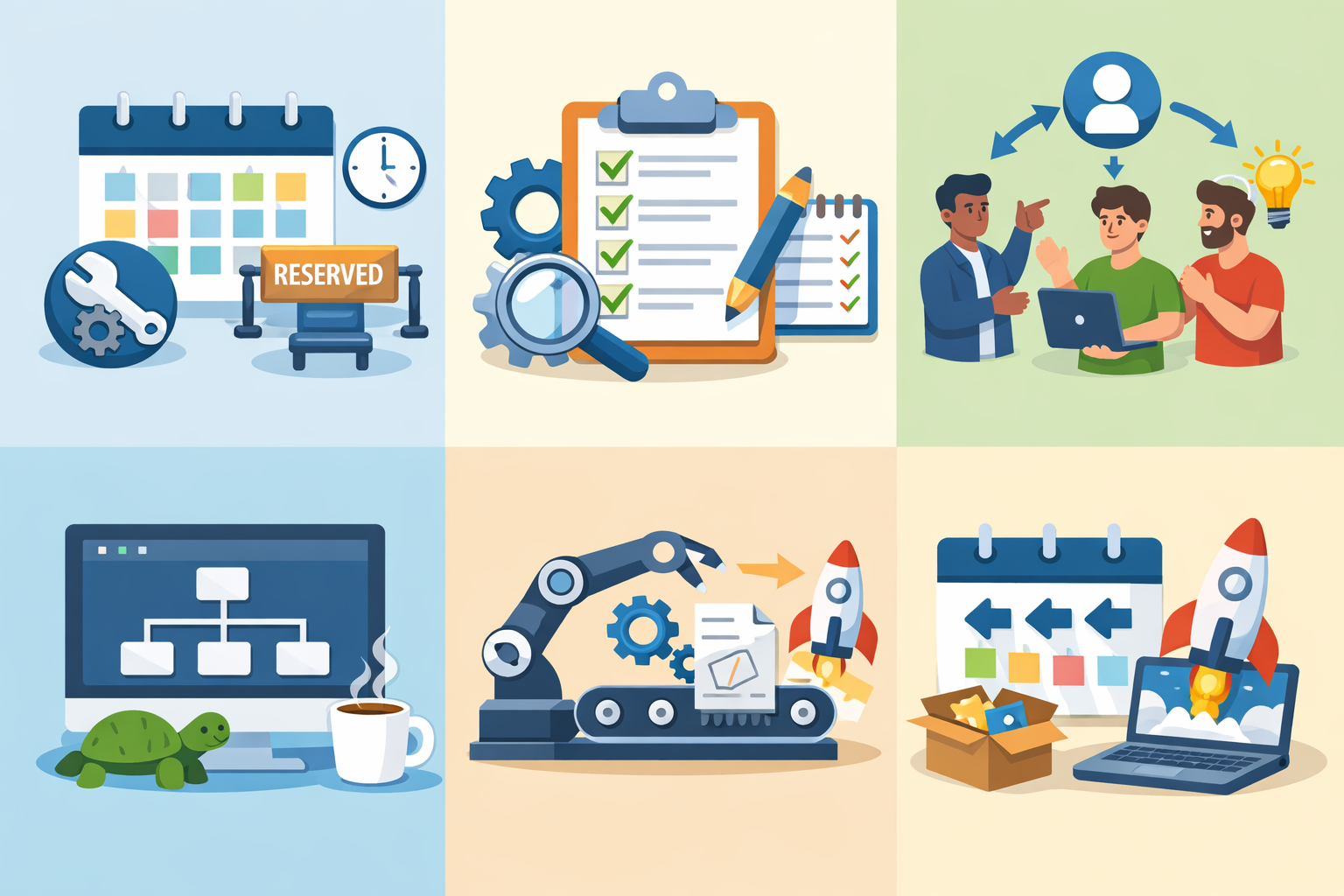
These aren’t “best practices from blogs.”
These are things we implemented after painful failures.
1. Reserve maintenance capacity every sprint
If every sprint is packed only with new features, maintenance work never happens until something breaks. Blocking out dedicated time for bug fixes, upgrades, and small cleanups keeps the app stable without last-minute chaos. It may feel slower short term, but it prevents the bigger delays that come from emergency firefighting later.
Non-negotiable.
We block:
- 20–30% of sprint time for:
- upgrades
- bug fixes
- small refactors
- tests
If we don’t use it, great.
But it’s always reserved.
This alone stopped most emergencies.
Trade-off: slower feature velocity
Benefit: fewer production fires
Worth it every time.
2. Create a simple maintenance checklist
Relying on memory for maintenance never works, especially when the team is busy shipping features. A small, repeatable checklist for weekly and monthly tasks keeps things from slipping through the cracks. It removes decision fatigue and turns maintenance into a routine habit instead of a last-minute scramble.
Nothing fancy. Just a recurring list:
Weekly:
- review crashes
- check logs
- fix top 1–2 issues
Monthly:
- dependency updates
- SDK upgrades
- store warnings
Quarterly:
- OS beta testing
- performance review
- remove dead code
This removes thinking overhead.
We just follow the list.
3. Assign clear ownership
When everyone is responsible for maintenance, no one really is. Assigning clear ownership for things like releases, crashes, and dependency updates ensures someone is always watching those areas. It creates accountability and keeps small issues from being ignored until they become bigger problems.
Every app needs:
- one person owning releases
- one owning crash triage
- one owning dependencies
Even in a 3-person team.
Ownership doesn’t mean doing everything.
It means someone is responsible for noticing.
Huge difference.
4. Keep the architecture boring
Simple architecture is easier to understand, debug, and maintain, especially for small teams with limited time. Fancy patterns and extra layers might look impressive, but they usually add complexity without real benefits early on. Boring, predictable setups reduce surprises and make onboarding and fixes much faster.
After years of pain, I default to:
- simple folder structure
- minimal abstractions
- fewer libraries
- less “magic”
Every dependency adds maintenance cost.
Ask: “Will this save time 6 months from now?”
If not, skip it.
5. Automate the repetitive stuff
If a maintenance task has to be done manually every time, it will eventually be skipped. Things like builds, tests, crash reporting, and dependency updates should run automatically so the team doesn’t rely on memory or discipline. Automation reduces human error and frees up time to focus on actual problems instead of routine chores.
Things that helped us:
- automatic crash reporting
- CI builds on every PR
- dependency update bots
- release scripts
Anything manual will eventually be skipped.
Automation turns maintenance into background work.
6. Plan small, frequent releases
Big, infrequent releases bundle too many changes together, which makes debugging painful when something breaks. Smaller, regular releases keep the risk low and make it easier to spot what caused an issue. For small teams, this approach reduces stress and turns maintenance into a steady, manageable process instead of a high-pressure event.
Big releases are risky.
We moved to:
- weekly or bi-weekly small releases
Smaller changes = easier debugging.
Maintenance becomes continuous instead of scary.
When this approach does NOT work

This planning style isn’t perfect.
It struggles in some cases.
Extremely early MVPs
When you’re still validating the idea, strict maintenance processes can slow you down more than they help. At this stage, speed and learning matter more than clean structure or perfect stability. Heavy planning only makes sense once real users depend on the app — before that, keeping things lightweight and flexible is usually the smarter move.
If you’re still validating the idea, heavy maintenance planning is overkill.
Move fast first.
But once you have paying users, you must switch.
One-developer side projects
If you’re solo and part-time, strict processes can slow you down.
Just keep a lightweight checklist.
Heavily regulated or enterprise apps
In regulated or enterprise environments, simple maintenance routines usually aren’t enough. You’re dealing with compliance checks, audits, security reviews, and strict release processes that add extra layers of work.
These apps require more formal testing and documentation, so lightweight startup-style practices need to be expanded or tightened to avoid legal and operational risks.
These need formal QA, audits, security reviews.
The simple system here won’t be enough.
You’ll need stricter processes.
Best practices for small development teams
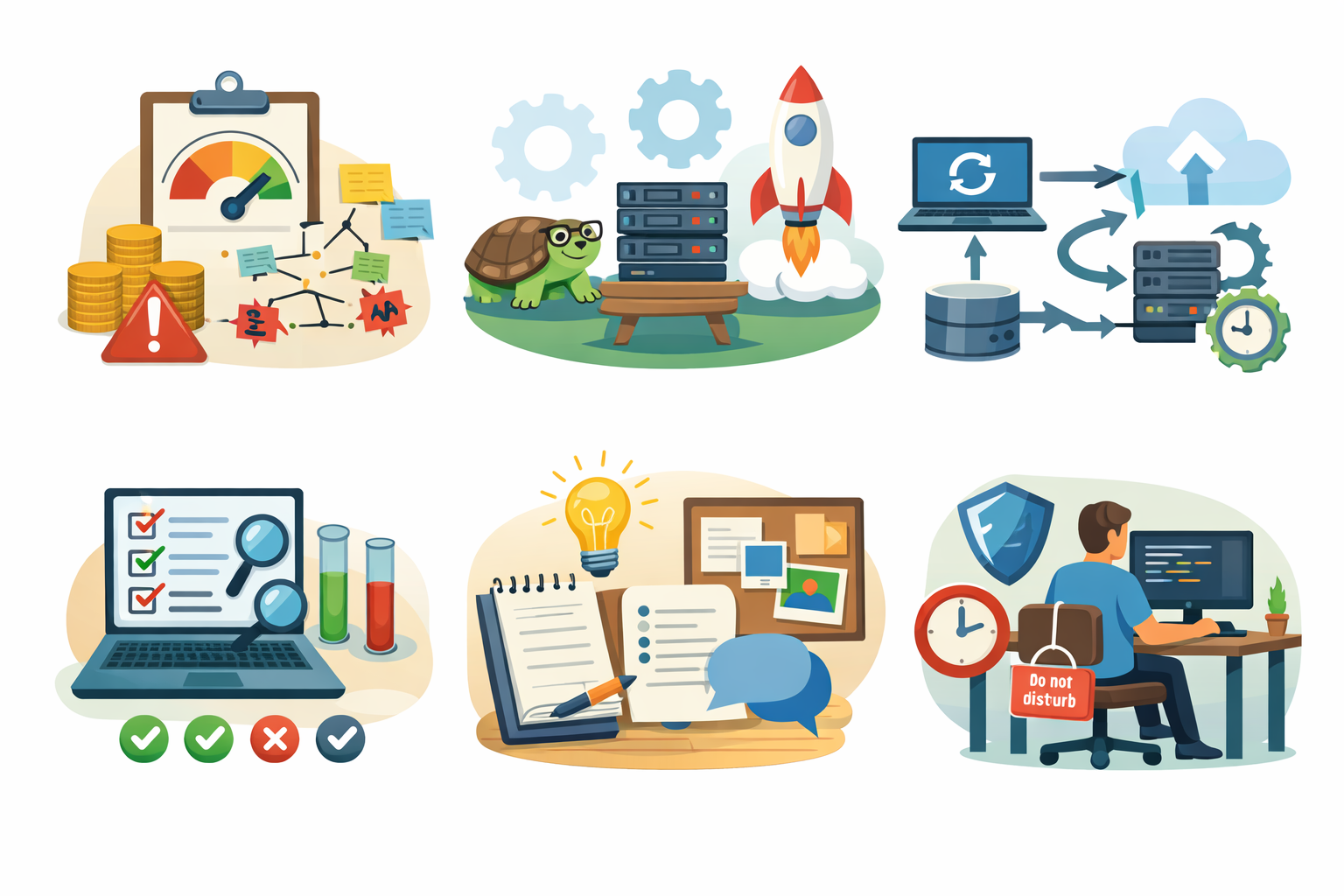
These habits helped us more than any tool or framework.
Keep technical debt visible
Technical debt becomes dangerous when it’s hidden or treated like “we’ll fix it someday.” If it’s not tracked alongside features, it never gets prioritized and slowly makes the codebase harder to change.
Keeping it visible on the board forces the team to address small issues regularly before they turn into expensive rewrites.
Track it like features.
If it’s not on the board, it won’t get done.
Prefer stability over cleverness
Clever solutions might feel satisfying to build, but they often confuse future you and the rest of the team. Simple, predictable code is easier to debug, test, and maintain under pressure.
In small teams, boring and stable usually beats smart and fancy every time.
Boring code survives longer.
Fancy patterns create future headaches.
Update continuously, not in batches
Small, regular updates are much easier to handle than jumping several versions at once. When you batch upgrades, you introduce too many changes together and debugging becomes messy and time-consuming.
Updating continuously keeps risk low and turns maintenance into a routine task instead of a stressful project.
Small updates hurt less.
Big upgrades hurt a lot.
Write fewer but meaningful tests
Trying to test everything usually leads to bloated, fragile test suites that slow the team down. Instead, focus on the flows that actually hurt the business when they break.
A small set of high-value tests gives better protection with far less maintenance overhead.
Focus on:
- critical flows
- payments
- auth
- onboarding
Don’t chase 100% coverage.
Document decisions lightly
You don’t need long specs or heavy documentation for every change, but writing down key decisions saves a lot of future confusion.
A few short notes about why something was built a certain way helps new teammates — and your future self — understand the context quickly.
Short notes like:
“Why we chose X over Y”
Six months later, you’ll forget.
In the future you will thank me.
Protect developer time
When developers are constantly pulled into urgent requests, meetings, and last-minute features, maintenance work never gets done properly.
Context switching kills focus and leads to rushed fixes that create more bugs later.
Protecting uninterrupted time for engineering work keeps quality higher and prevents burnout in small teams.
Constant feature pressure kills maintenance.
If everything is urgent, nothing is stable.
Conclusion
Mobile apps don’t become messy because teams are careless.
They become messy because maintenance is invisible work.
Small teams naturally prioritize features and postpone upkeep — until everything breaks at once.
What finally worked for us wasn’t better tools or smarter architecture.
It was simple planning:
Reserve time.
Assign ownership.
Do small fixes constantly.
Maintenance isn’t extra work.
It is work.
FAQs
Because dependencies weren’t updated regularly, so multiple breaking changes hit at once.
Around 20–30% of sprint time is realistic and prevents bigger issues later.
Short delays are fine, but stacking many versions makes upgrades risky and painful.
Not for small teams. Clear ownership within the team is usually enough.
Usually no. Simple checklists and automation work better than complex systems.
About the Author
Paras Dabhi
VerifiedFull-Stack Developer (Python/Django, React, Node.js) · Stellar Code System
Hi, I’m Paras Dabhi. I build scalable web applications and SaaS products with Django REST, React/Next.js, and Node.js. I focus on clean architecture, performance, and production-ready delivery with modern UI/UX.

Paras Dabhi
Stellar Code System
Building scalable CRM & SaaS products
Clean architecture · Performance · UI/UX