
UI UX Design Services in Ahmedabad for Software Products
I've worked on multiple products where the UI looked polished in Figma, but once we shipped it, things started breaking — flows didn't make sense, edge cases weren't handled, and users dropped off.
Developers struggled to interpret designs that looked "complete" but weren't build-ready. Founders assumed design was done, yet the product still felt confusing in real usage.
The problem usually isn't the availability of UI/UX design services in Ahmedabad — it's how design fits (or doesn't fit) into the actual development workflow.
Why this problem actually happens
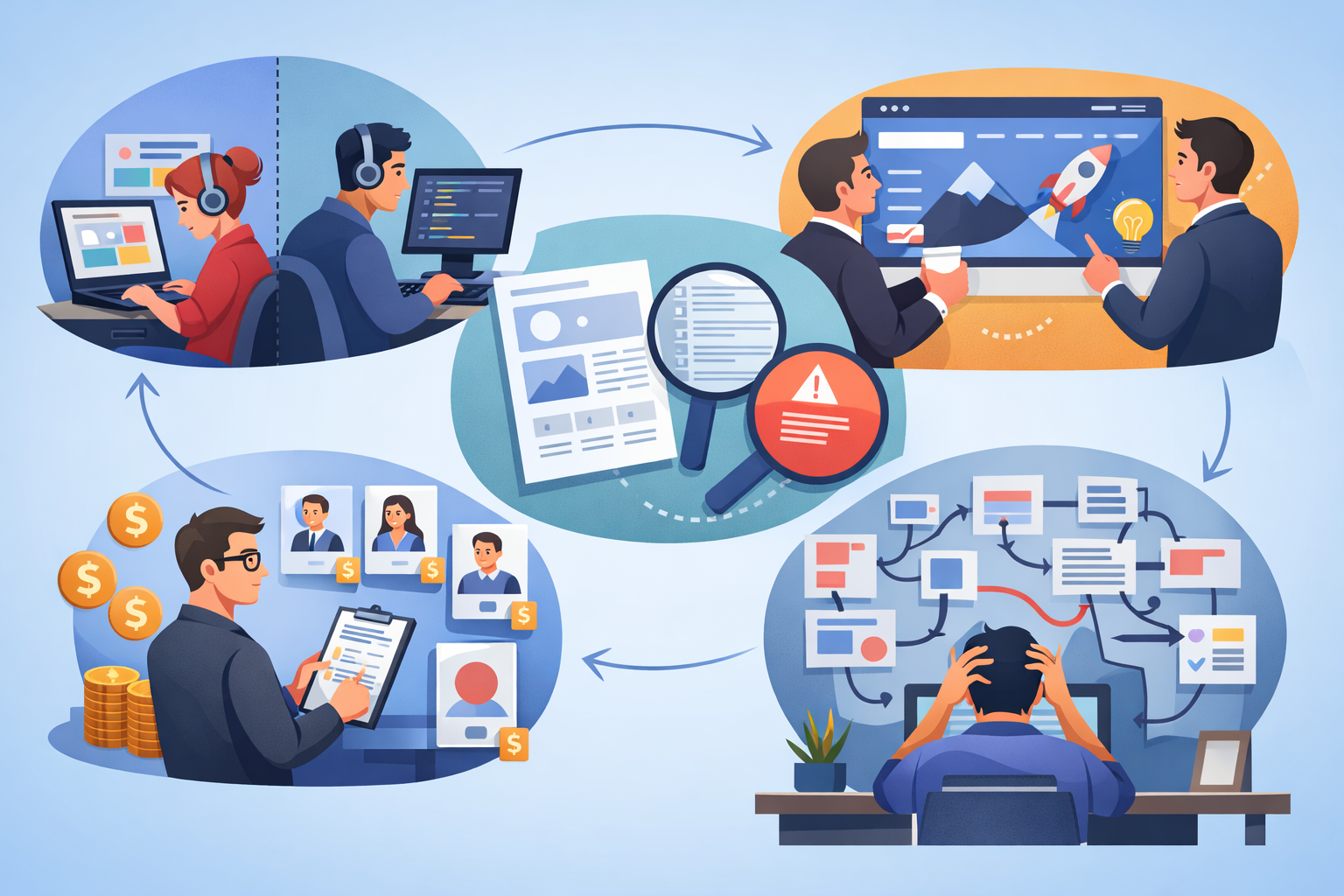
Designers and developers work in silos
Design and development often happen in isolation, which creates gaps during implementation. Designers focus on visuals, while developers deal with constraints later. By the time issues are discovered, rework becomes expensive, which is why stronger UI/UX Design Services alignment matters much earlier than most product teams expect. Real alignment should happen before design is finalized.
UI is created without real data or edge cases
Most designs are built using perfect dummy data that doesn't reflect real scenarios. In production, APIs return missing fields, long text, or unexpected values. This leads to broken layouts and poor user experience, especially in products that later depend on broader browser-based workflows with real users, real content, and live system behavior. Designing with realistic data reduces these risks early.
Founders prioritize visuals over usability
Many founders focus heavily on how the product looks rather than how it works. A visually appealing UI can still fail if users can't complete tasks easily. Usability issues often show up only after launch. Good products balance aesthetics with functional clarity.
Hiring decisions are cost-driven
Teams often choose designers based on lower pricing instead of experience or product thinking. This leads to designs that look good but lack depth in user flows. Short-term savings result in long-term inefficiencies. Investing in the right skills reduces rework later.
No user flow validation before development
Screens are approved individually without testing the complete user journey. This causes confusion when users move from one step to another. Missing transitions and unclear actions create friction. Validating flows early avoids major usability issues.
Where most teams get this wrong
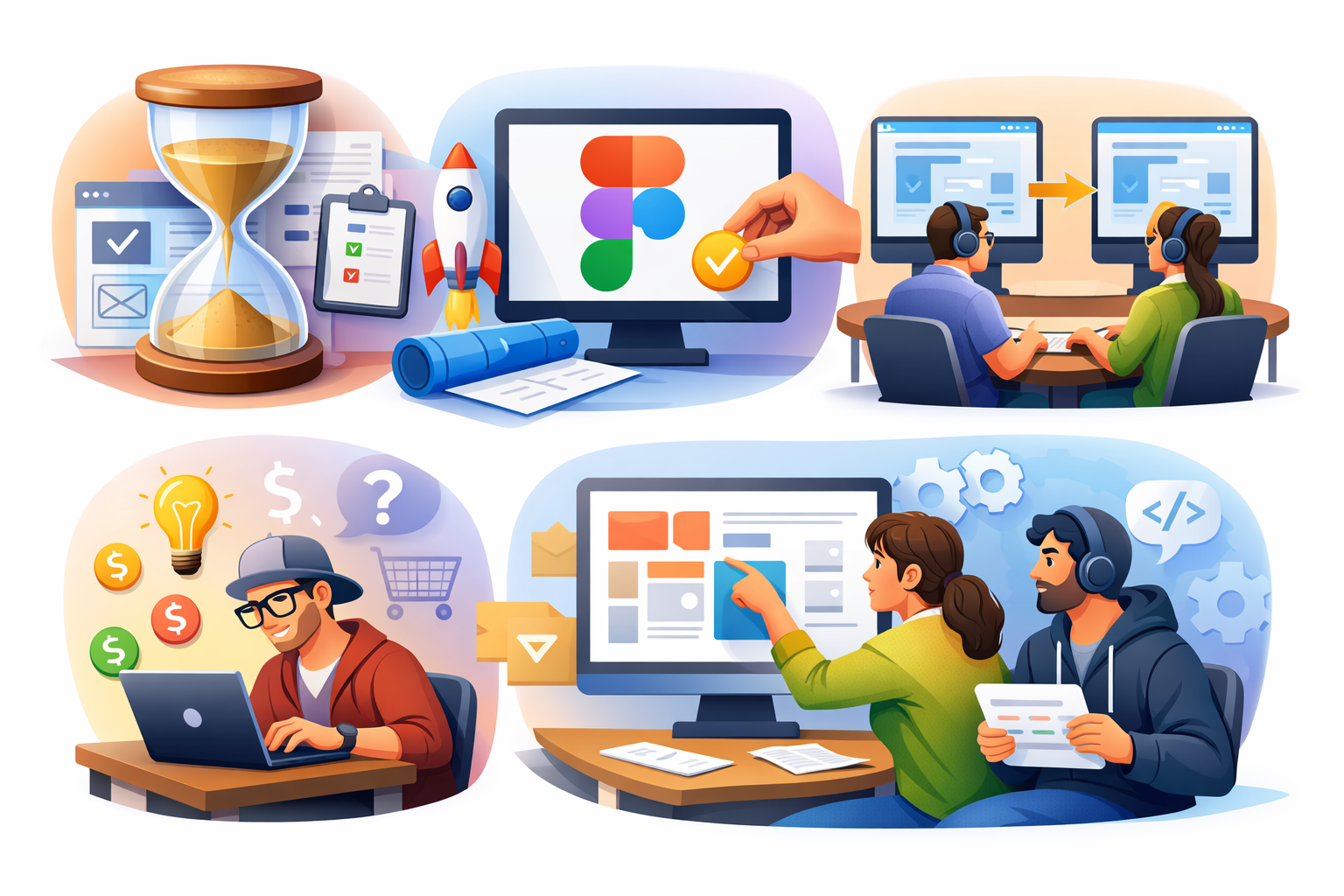
Treating UI/UX as a one-time task
Teams often consider design as something to "finish" before development starts. In reality, UX needs continuous iteration based on feedback. Without updates, the product quickly becomes outdated. Ongoing refinement is key to improving usability.
Assuming Figma = finished product
Design files are treated as final deliverables instead of collaborative tools. They don't account for real-world behavior, performance, or technical limitations. Developers still need to interpret and adapt designs. Thinking of Figma as a starting point works better.
Copying designs without context
Many teams replicate UI patterns from popular platforms without understanding their purpose. What works for one product may not work for another. Context, user needs, and business logic are often ignored. This leads to confusing and inconsistent user experiences.
Hiring freelancers without product understanding
Most designs are built using perfect dummy data that doesn't reflect real scenarios. In production, APIs return missing fields, long text, or unexpected values. This leads to broken layouts and poor user experience, especially in products that later depend on broader browser-based workflows with real users, real content, and live system behavior. Designing with realistic data reduces these risks early.
No developer involvement during design phase
Developers are often brought in only after designs are finalized. This leads to unrealistic expectations and technical challenges. Early involvement helps identify feasibility issues. It also ensures smoother implementation and fewer revisions.
In many projects, designs are approved without technical discussions. Developers later struggle to implement complex or unclear interactions. Startups often approve UI before backend or data structures are ready — adjustments during development become unavoidable.
Practical solutions that actually work in real projects
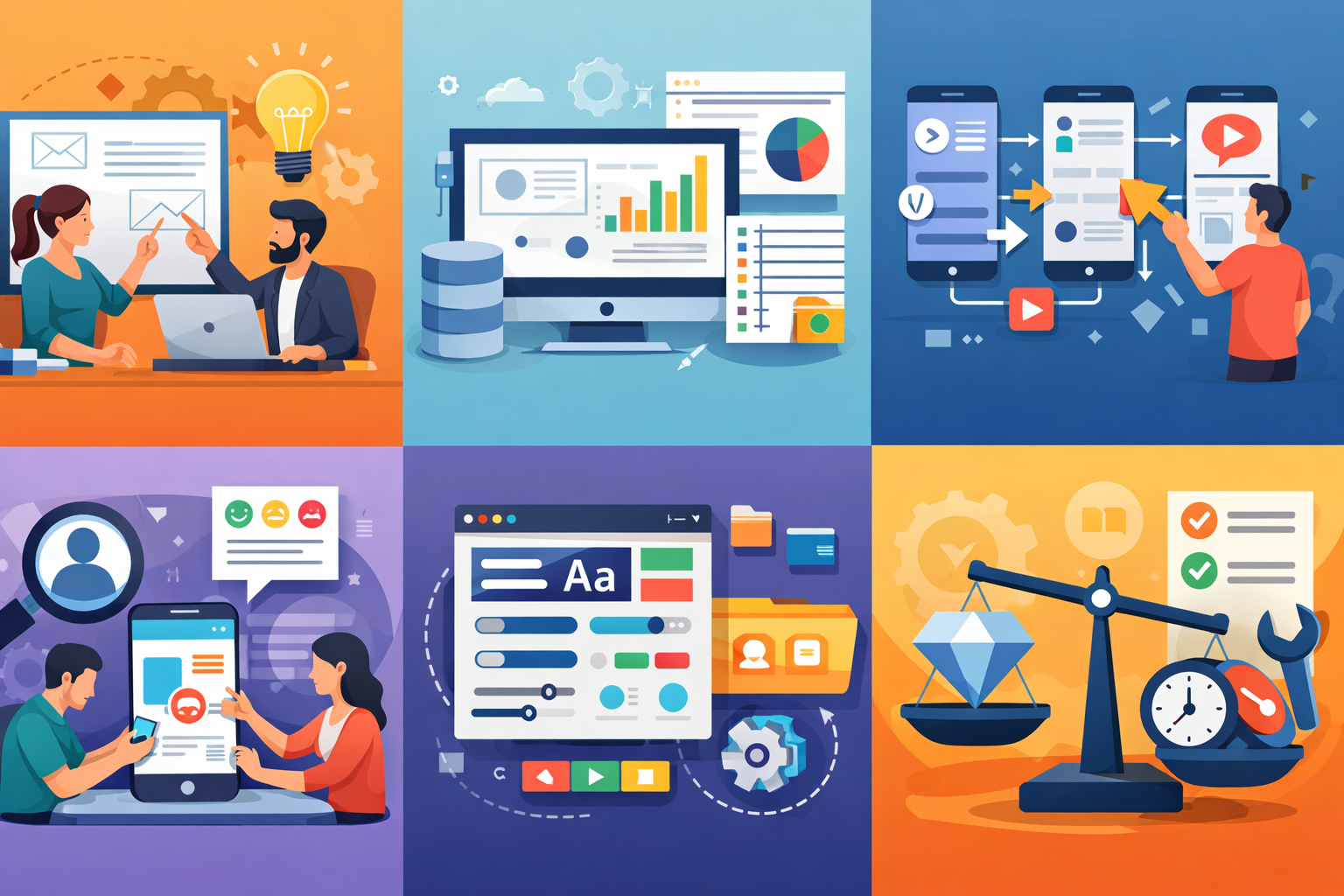
Involve developers early
Bringing developers into the design phase improves feasibility and clarity. Quick discussions can prevent unrealistic features. It also aligns both sides on expectations, and this becomes even more important when the roadmap may later include smarter behavior, automation, or advanced product capabilities that depend on clear product flows from the start. This reduces back-and-forth during development.
- Quick feasibility checks before finalising screens
- Validate complex interactions with the dev team
- Align expectations on what's buildable
Design with real data
Using realistic or sample API data improves accuracy in design. It helps identify layout issues, empty states, and edge cases early. This leads to more reliable UI during development. It also enhances overall usability.
- Use API-like data instead of placeholder text
- Handle empty and error states in design
- Test layouts with real-length content
Break design into flows, not screens
Designing isolated screens ignores how users actually navigate the product. Focusing on complete flows ensures smoother interactions. It helps identify missing steps or confusion points. This approach improves usability significantly.
Example flow: Login → Dashboard → Action → Result
Do lightweight usability testing
You don't need a large budget to test usability. Even a few users can reveal major issues. Observing real interactions provides practical insights. Early testing helps fix problems before development is complete.
- Test with 3–5 real users
- Observe behavior without guiding them
- Fix obvious issues before development
Keep design systems simple
Small teams often overcomplicate design systems unnecessarily. Complex systems slow down both design and development. Keeping components simple ensures faster implementation. Consistency matters more than complexity.
- Avoid over-engineering component libraries
- Focus on consistency across screens
Trade-offs to be aware of
Improving collaboration and validation takes extra time initially. It may slightly slow down early progress. However, it reduces major rework later. The overall development cost and effort become more efficient.
Downsides
- Slightly slower start to development
- More collaboration time required upfront
Upside
- Fewer development reworks
- Lower overall cost of product delivery
When this approach does NOT work
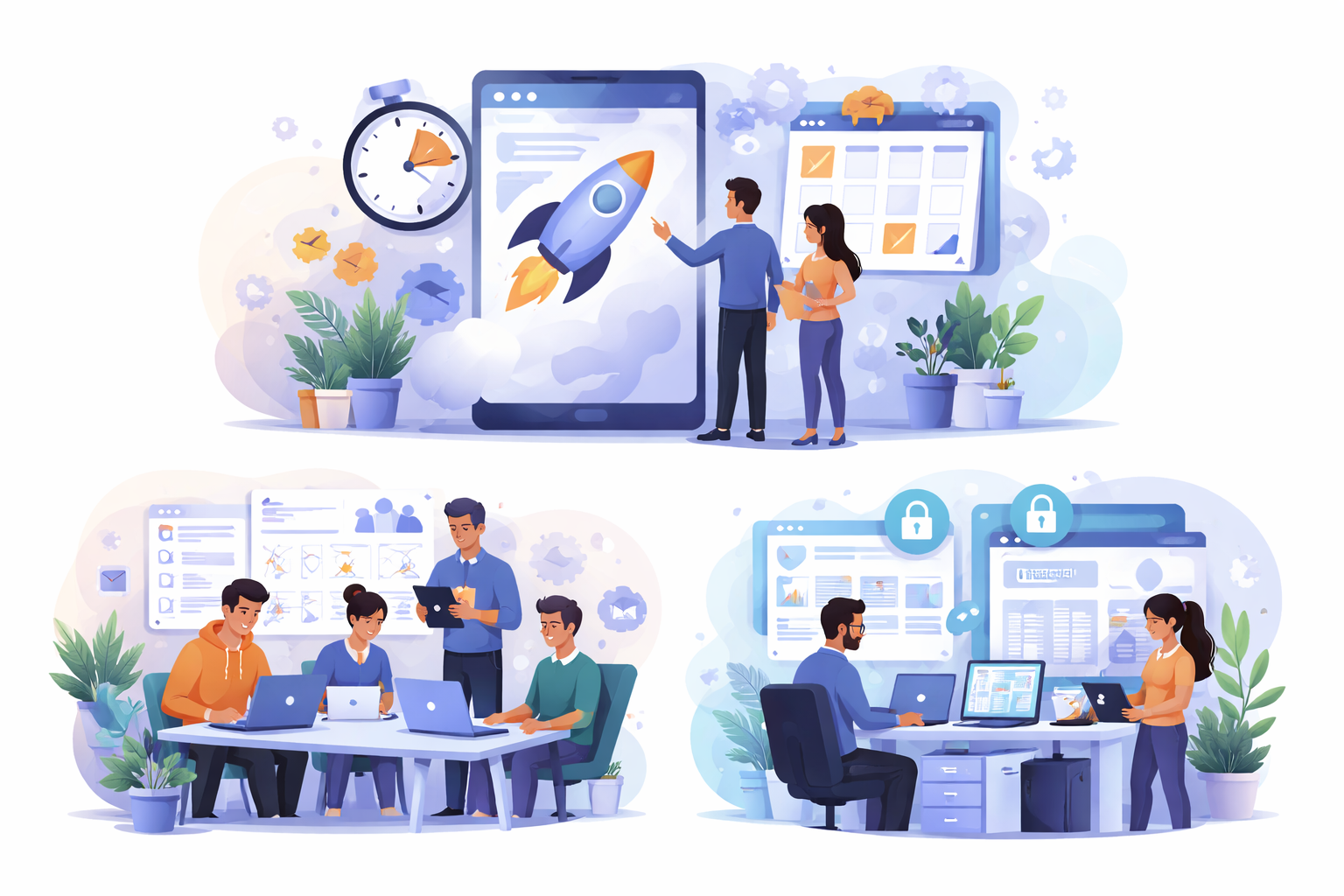
Ultra-fast MVPs (2–3 weeks)
In very short timelines, structured UX processes are difficult to follow. The focus shifts to delivering something functional quickly. Some usability compromises are expected. Speed becomes the main priority.
Very small teams
When one or two people handle everything, UX processes take a backseat. There's limited time for research or testing. Decisions are made quickly to keep things moving. Simplicity becomes essential in such setups.
Internal tools
Internal tools don't always require polished UX. Functionality is usually more important than experience. Teams using the product can adapt quickly. Investing heavily in design may not provide strong returns here.
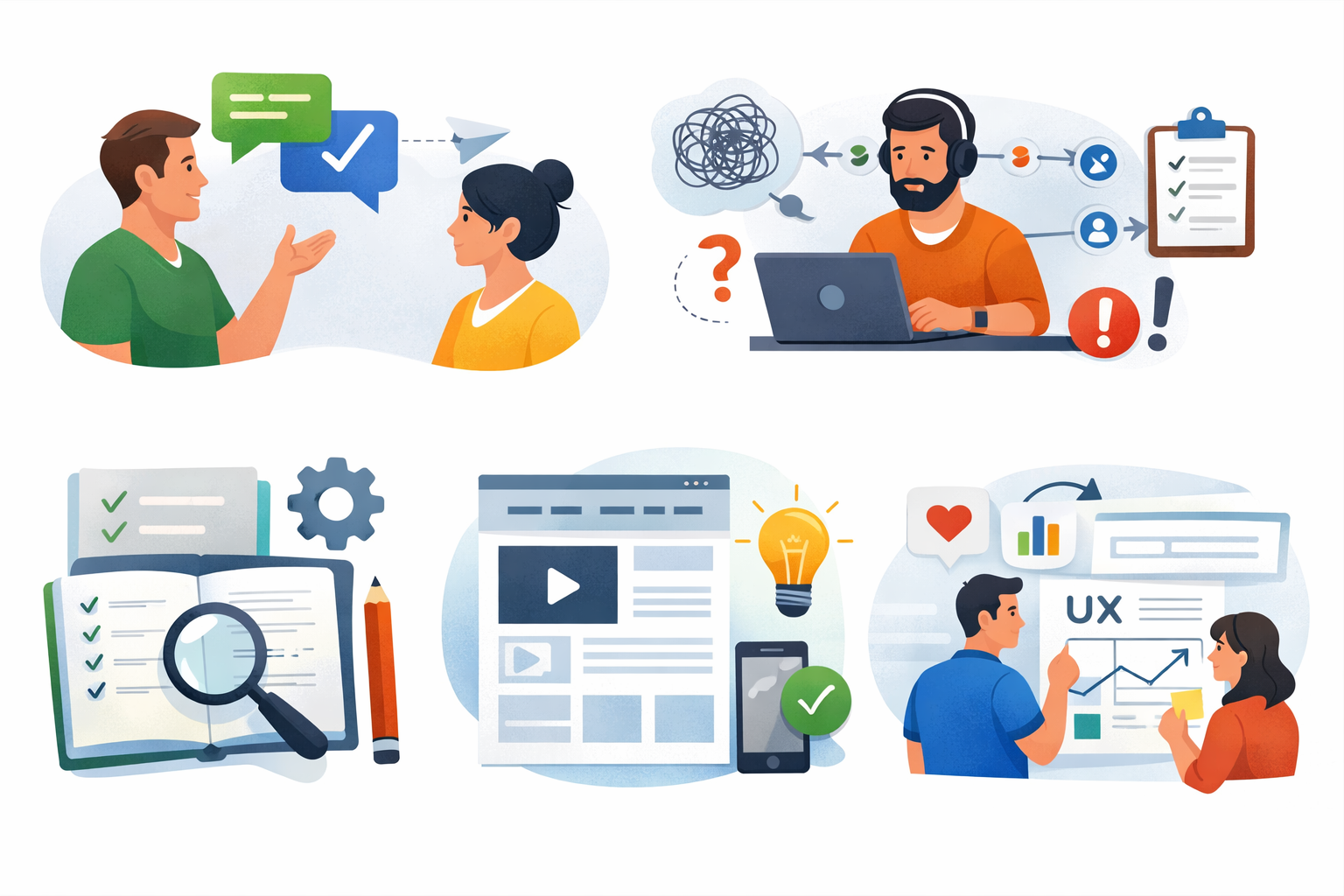
Best practices for small development teams
Keep communication direct
Direct communication between designers and developers avoids delays. Small teams usually work better with a software product development team with strong UI UX expertise because it reduces misunderstandings and speeds up decisions. Quick discussions are more effective than long documentation. This improves overall workflow efficiency.
Avoid long feedback chains
Too many stakeholders create confusion and slow progress. Feedback becomes inconsistent and difficult to manage. Keeping decision-making focused improves clarity. Smaller feedback loops lead to faster execution.
Use simple documentation
Heavy documentation is rarely followed in small teams. Simple notes, comments, or quick recordings work better. The goal is clarity, not complexity, and lightweight workflow documentation also becomes easier to manage when product and design decisions are captured in a simple way. Easy-to-understand documentation speeds up development.
Prioritise usability over visuals
A product should be easy to use before it looks perfect. Users care more about completing tasks than visual design. Over-focusing on aesthetics can hurt functionality. Usability should always come first.
Revisit UX after real usage
The first version of any product is never perfect. Real user behavior reveals actual issues. Iterating based on feedback improves the product over time. Continuous improvement is key to good UX.
Good UX comes from iteration, not perfect planning.
Conclusion
UI/UX problems in software products rarely come from a lack of designers or poor design tools. In most cases, the real issue is how design is handled within the development process — disconnected workflows, unrealistic assumptions, and lack of validation with real users.
From what I've seen across startups and client projects, even good design work fails when developers aren't involved early, real data isn't considered, and user flows aren't properly thought through. The result is a product that looks polished but feels broken in actual usage.
For teams looking at UI/UX design services in Ahmedabad for software products, the focus shouldn't just be on hiring talent. It should be on building a workflow where design and development move together, not separately.
FAQs
No. Without proper workflow integration, even good designers can fail to deliver usable products.
Because design focused on visuals, not real user flows and edge cases.
Yes. It prevents unrealistic designs, reduces implementation issues, and leads to better outcomes.
Focus on simple flows, lightweight testing, and continuous iteration based on real feedback.
Yes, but only at a functional level — avoid over-designing early versions of the product.
References
Written by

Paras Dabhi
VerifiedFull-Stack Developer (Python/Django, React, Node.js)
I build scalable web apps and SaaS products with Django REST, React/Next.js, and Node.js — clean architecture, performance, and production-ready delivery.
LinkedIn