AI in Custom Software Development: 10 Powerful Business Benefits
Adding AI to a SaaS product often looks simple from the outside.
A team connects an API, sends some data to a model, gets a response, and puts that response into the product. The first version may take a few days.
The problems usually appear later.
The AI output becomes part of important workflows. Product teams start depending on it. More data gets added. Users expect better results. Developers introduce prompts, background jobs, model changes, monitoring, and fallback logic. Suddenly, what started as one AI feature has become another system that the engineering team has to maintain.
This is one of the biggest problems I’ve seen when working with Artificial Intelligence inside SaaS products and client applications: teams treat AI as a feature instead of treating it as part of the application architecture.
The issue is not whether AI works. The issue is whether the surrounding system can continue working when the AI behavior changes.
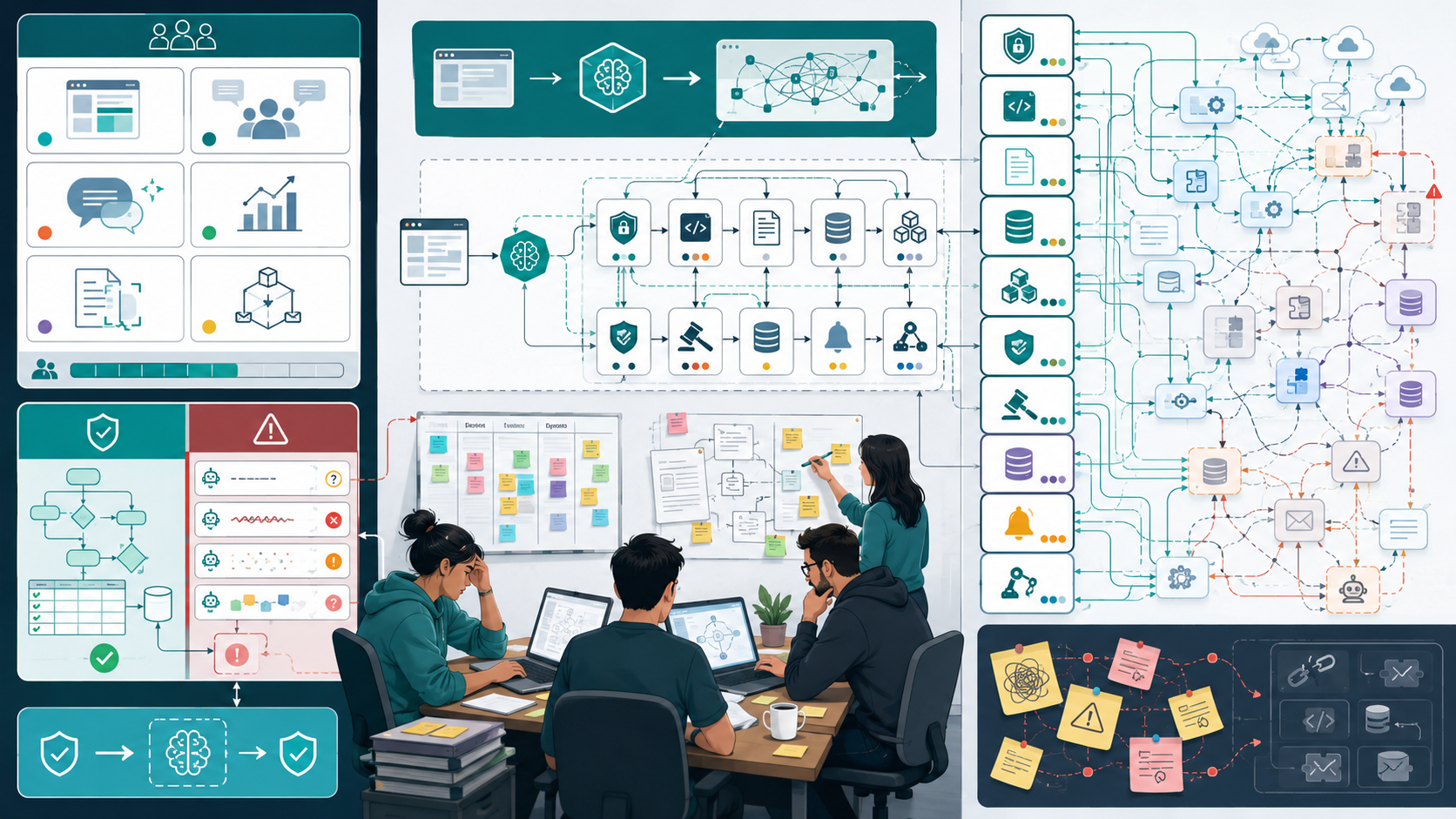
Why AI Integration Becomes a Maintenance Problem in Real Teams
Most small engineering teams do not intentionally create a fragile AI architecture. It usually happens because they are trying to validate a product quickly.
A typical team may have two to five developers, an aggressive roadmap, and a customer asking for an AI-powered capability. The easiest decision is usually to put the AI call directly inside an existing service.
That works initially.
But the application gradually accumulates dependencies around the AI behavior.
For example:
User
  ↓
Frontend
  ↓
API
  ↓
Business Logic
  ↓
AI Model
  ↓
Database
A few months later, the actual workflow may look more like:
User
 ↓
Frontend
 ↓
API
 ↓
Authentication
 ↓
Business Logic
 ↓
Prompt Construction
 ↓
Data Processing
 ↓
Vector Database
 ↓
AI Model
 ↓
Model Inference
 ↓
Validation
 ↓
Business Rules
 ↓
Database
 ↓
Notification / Workflow
The AI model is only one part of the system.
This distinction matters.
A model can change behavior after a provider update, prompt modification, data change, or model upgrade. Your application therefore needs boundaries around the AI layer.
Limited engineering resources make the problem worse
Small teams often prioritize visible product features over internal architecture.
That is understandable.
A founder wants the AI assistant shipped. Customers want the recommendation feature. Product managers want automated document processing.
Nobody wants to spend two weeks designing an abstraction layer that users cannot see.
The result is often technical debt.
The team creates an AI integration directly inside an existing service, hardcodes prompts, stores model-specific assumptions in business logic, and moves forward.
Six months later, replacing the model becomes difficult because the entire application depends on those assumptions.
AI introduces different failure behavior
Traditional application logic generally behaves predictably.
If:
price × quantity = total
the result should be deterministic.
AI applications are different.
An AI model can return an incomplete answer, unexpected structure, irrelevant information, or a response that technically looks valid but is logically wrong.
That means AI Algorithms, Model Training, and Model Inference need to be treated differently from conventional business logic.
The application needs validation around the model rather than blindly trusting it.
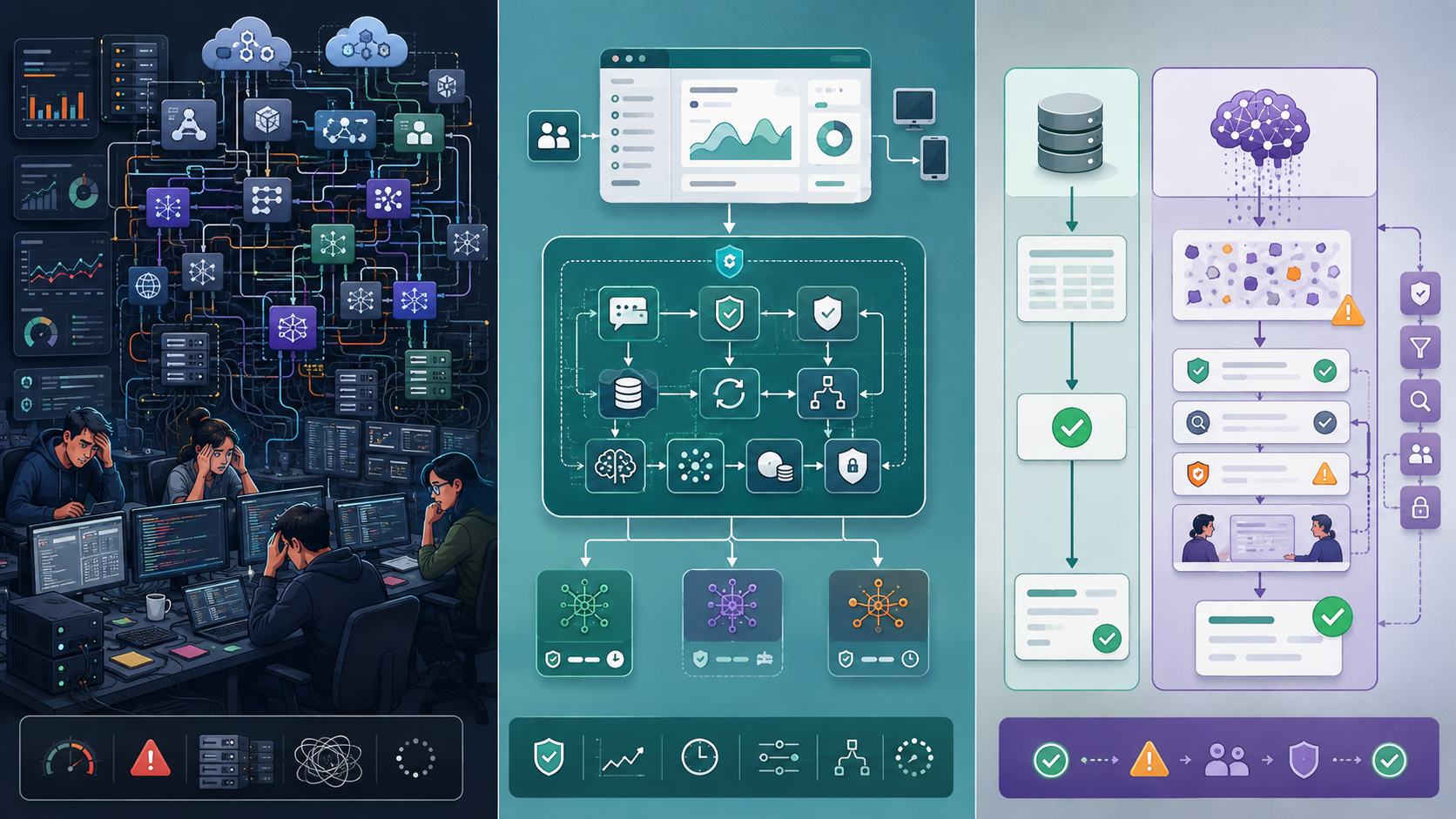
Where Most Teams Make the Wrong Decision
One common mistake is assuming that AI integration is primarily a model-selection problem.
It is not.
The difficult part is usually the system surrounding the model.
I have seen teams spend considerable time comparing models while ignoring questions such as:
- What happens when the model times out?
- What happens when the response is invalid?
- What data is allowed to reach the model?
- Where is the prompt maintained?
- How do we test AI behavior?
- How do we monitor incorrect responses?
- Can another model replace the current one?
- What happens when AI is unavailable?
These questions become more important as the application grows.
Copying large AI architectures too early
The opposite mistake is overengineering.
A small SaaS product does not necessarily need a distributed AI platform, multiple model providers, complex orchestration, or a large-scale AI Governance system on day one.
I have seen teams build infrastructure for millions of requests before they have a few hundred real users.
That creates another problem: the engineering team spends more time maintaining infrastructure than improving the actual product.
A better approach is to create architectural boundaries without building unnecessary infrastructure.
For example, instead of calling a model directly from ten different application modules, create one controlled AI service.
Application
     ↓
AI Service
     ↓
Model Provider
Later, the AI service can handle:
- model selection
- prompt management
- request validation
- logging
- retries
- response validation
- cost tracking
- fallback behavior
The architecture stays simple while preserving room for growth.
Treating AI like a normal API
Another common mistake is assuming that an AI API behaves like a normal CRUD API.
It doesn't.
A database query usually gives you a predictable structure.
An AI response may need additional validation.
For example, if the application expects:
{
  "priority": "high",
  "summary": "..."
}
the application should validate that structure before passing it into another workflow.
This is where Software Engineering, Software Architecture, and Software Design become important. AI should operate inside controlled application boundaries rather than directly controlling critical business operations.
Read More:
AI Agent Development Company In USA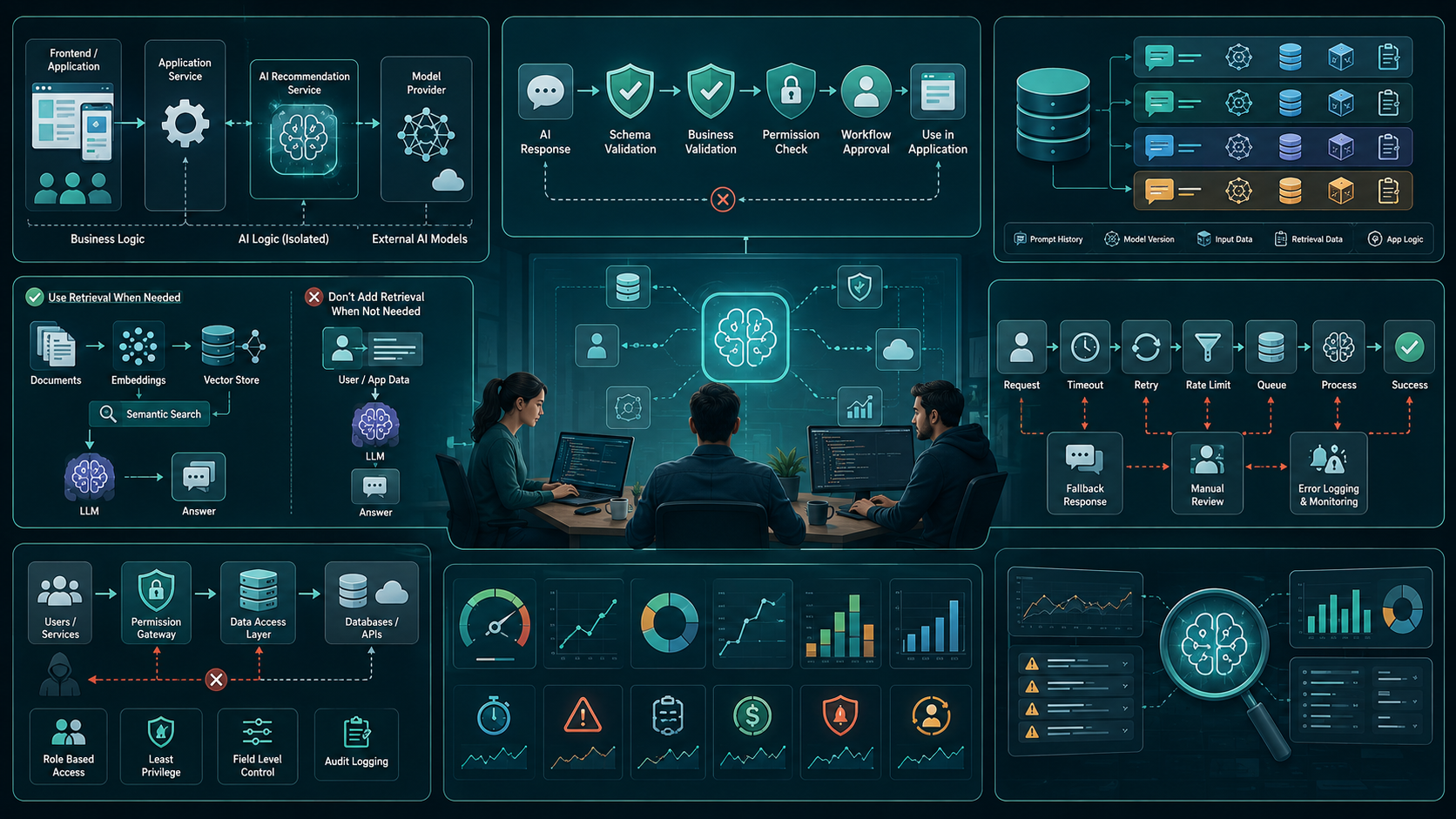
Practical Fixes That Actually Work
You do not need a huge AI platform to make an AI-enabled application maintainable. Working with a custom AI software engineering partner in the USA helps teams separate AI logic from business logic, validate model responses, version prompts, control data access, monitor failures, and scale AI features only when real usage justifies it.
You need clear boundaries and a few engineering disciplines.
1. Separate AI logic from business logic
Do not scatter AI calls throughout the application.
Instead, isolate them behind an internal service or module.
For example:
Order Service
     ↓
AI Recommendation Service
     ↓
Model Provider
The order service should care about the business result.
It should not need to know which model, prompt format, or provider produced that result.
This makes AI Integration easier to change later.
2. Validate every important AI response
AI output should not automatically become trusted application data.
Use schema validation and business rules.
For example:
AI response
    ↓
Schema validation
    ↓
Business validation
    ↓
Application workflow
This becomes especially important for applications involving financial decisions, customer communication, document processing, or automated actions.
3. Keep prompts versioned
Prompt Engineering should not be treated as editing a random string in production code.
A prompt can directly affect application behavior.
Store meaningful prompt versions and record which version generated an important result.
This is particularly useful when working with Large Language Models and LLM Integration.
When output quality changes, developers need to determine whether the cause was:
- the model
- the prompt
- the input data
- the retrieval layer
- the application logic
Without versioning, debugging becomes guesswork.
4. Use retrieval only when the product needs it
Teams often add Retrieval-Augmented Generation because it is popular.
That does not mean every AI feature needs it.
If an application needs to answer questions from thousands of internal documents, retrieval can make sense.
The architecture might look like:
Documents
   ↓
Data Processing
   ↓
Embeddings
   ↓
Vector Database
   ↓
Semantic Search
   ↓
LLM
But if the AI feature simply summarizes a small piece of data already available in the request, adding a vector database may introduce unnecessary complexity.
Use retrieval because the product requires it, not because the architecture looks impressive.
5. Design for failure
Every AI workflow should have a failure path.
For example:
AI Request
    ↓
Success → Validate → Continue
    ↓
Failure
    ↓
Retry / Fallback / Manual Review
This becomes important with Real-Time Processing.
If an AI feature is part of a user-facing workflow, a model timeout should not bring down the entire application.
Use sensible:
- timeouts
- retries
- rate limits
- fallback responses
- queue-based processing
- error logging
- monitoring
6. Control data access
AI features frequently interact with sensitive application data.
Data Security should therefore be part of the architecture from the beginning.
Do not give an AI component unrestricted access to every database table.
Use controlled data access and explicit permissions.
This is particularly important when AI Applications operate across customer records, internal documents, or enterprise systems.
7. Measure the system, not just the model
Teams often measure AI quality but ignore application performance.
Track both.
Useful metrics include:
- response latency
- model failure rate
- token consumption
- infrastructure cost
- validation failures
- user corrections
- successful task completion
- fallback frequency
This gives the engineering team a more realistic view of whether the feature is actually working.

When This Approach Fails
Separating AI behind a clean service boundary is useful, but it is not a universal solution.
A lightweight architecture can become insufficient when the product reaches substantial scale.
For example, an application with millions of requests may require dedicated infrastructure for:
- model routing
- caching
- queue management
- observability
- workload isolation
- cost optimization
- security controls
At that point, Cloud Computing, distributed services, and more advanced infrastructure may become necessary.
The same applies to complex AI Agents.
An agent that can call tools, retrieve information, perform multiple steps, and make decisions introduces more failure points than a simple text-generation feature.
You also need to consider whether the team has enough engineering capacity to maintain that complexity.
A two-person team should not automatically build the architecture that makes sense for a fifty-person engineering organization.
The right architecture depends on traffic, product complexity, risk, budget, and team capability.
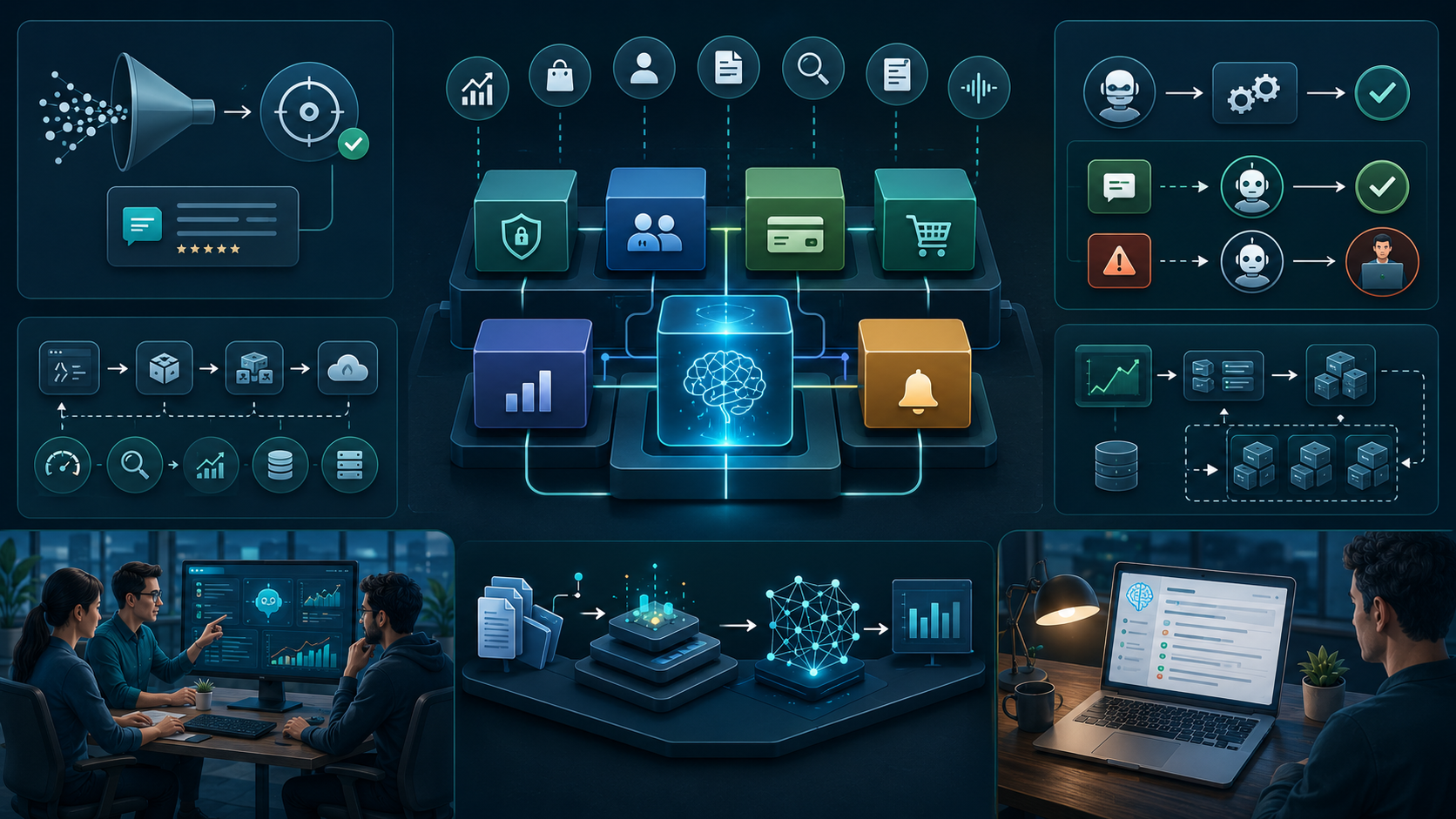
Sustainable Practices for Small Engineering Teams
The biggest improvement most teams can make is reducing unnecessary complexity.
You do not need to predict exactly how your product will scale.
You need to make today's architecture easy to change.
Keep the first AI implementation narrow
Start with one measurable use case.
For example:
Reduce the time required to classify incoming support requests.
That is easier to evaluate than:
Add AI throughout the customer support platform.
A narrow use case gives the team a clear baseline.
Build AI as an application capability
Think about AI as one capability within the product.
It can support:
- Predictive Analytics
- Recommendation Systems
- Personalization
- document analysis
- classification
- search
- summarization
- workflow assistance
The AI should support the product's business logic rather than become the product architecture itself.
Keep architecture modular
A modular system makes future AI Solutions easier to evolve.
Your application may contain:
Authentication
Users
Billing
Orders
Reporting
AI
Notifications
The AI module can evolve independently without forcing every other module to change.
This is especially useful for Custom Software and Enterprise Software, where requirements usually change over time.
Automate repetitive workflows carefully
AI Automation, Intelligent Automation, Workflow Automation, and Business Process Automation can deliver significant value.
But automation should follow a simple principle:
Automate low-risk decisions first and introduce human review where mistakes are expensive.
For example, automatically categorizing support tickets is relatively low risk.
Automatically approving a high-value financial transaction is very different.
Plan for scalability without overbuilding
Scalability does not mean building the largest possible architecture.
It means having a reasonable path to handle increased demand.
Similarly, Performance Optimization should be based on measured bottlenecks rather than assumptions.
A simple queue may solve today's workload. A distributed processing system may be appropriate later.
Document important AI decisions
Documentation does not need to be extensive.
Record:
- why a model was selected
- what data it receives
- expected output
- known limitations
- fallback behavior
- prompt versions
- important business rules
This prevents future developers from reverse-engineering decisions made months earlier.
It also supports responsible Digital Transformation because the organization can understand where AI is actually being used instead of treating it as an unexplained black box.
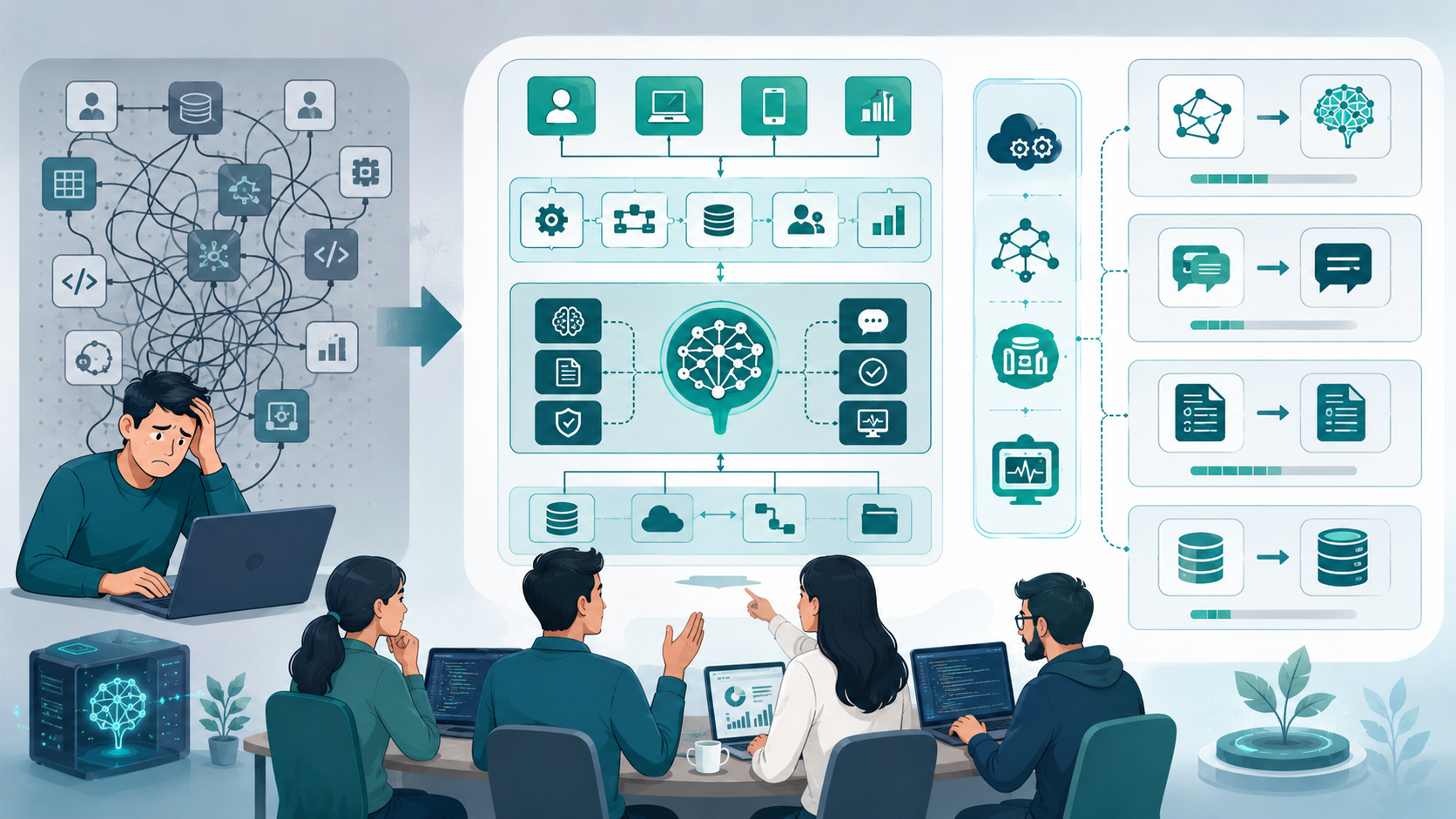
The Real Lesson About AI in Custom Software Development
The difficult part of building AI-enabled applications is rarely sending the first request to a model.
The difficult part is keeping the system reliable after that first request becomes an important part of the product.
AI in Custom Software Development works best when the AI layer is treated as an evolving engineering component rather than a magical feature.
Start small.
Keep AI logic separate from core business logic.
Validate outputs.
Control data access.
Version prompts.
Monitor failures.
Avoid unnecessary infrastructure.
Then scale the architecture when actual usage justifies it.
The biggest mistake small engineering teams make is not choosing the wrong AI model. It is allowing model-specific assumptions to spread throughout the application.
A maintainable AI system gives developers room to replace models, change prompts, improve data pipelines, introduce new AI capabilities, and adapt to changing requirements without rewriting the entire product.
That flexibility is usually worth more than having the most sophisticated AI architecture on day one.
Conclusion
AI can add real value to custom software, but the biggest challenge is not connecting an AI model to an application. The real challenge is building an AI system that remains reliable, secure, maintainable, and scalable as the product grows.
Small engineering teams should avoid both extremes: treating AI as a simple API call and overengineering the entire system before there is real demand. A better approach is to start with a specific business problem, isolate AI logic from core business logic, validate model outputs, protect application data, monitor performance, and introduce more advanced infrastructure only when usage requires it.
The most sustainable approach to AI in custom software development is simple: start small, design for change, measure real-world results, and add complexity only when the product justifies it. This allows teams to adopt AI without turning an initially useful feature into long-term technical debt.
AI in Custom Software Development: 10 Powerful Business Benefits: FAQs
Yes, when it solves a specific user problem. Start with a narrow use case that has a measurable outcome instead of adding AI simply because competitors are using it.
Yes. Keeping AI behind a service or module makes it easier to change models, prompts, providers, and validation rules without modifying unrelated application code.
No. A Vector Database is useful when the application needs semantic retrieval across large collections of information. Simple classification, summarization, or transformation tasks may not require one.
Validate model output before using it in business workflows. Add schema validation, business rules, access controls, logging, and human review for high-risk operations.
Usually not at the beginning. Most small teams can get further by using existing models and focusing their engineering effort on data quality, application integration, evaluation, and user experience. Building or training specialized models becomes more reasonable when the product has enough unique data, scale, or performance requirements to justify it.
Reference
Written by

Paras Dabhi
VerifiedFull-Stack Developer (Python/Django, React, Node.js)
I build scalable web apps and SaaS products with Django REST, React/Next.js, and Node.js — clean architecture, performance, and production-ready delivery.
LinkedIn