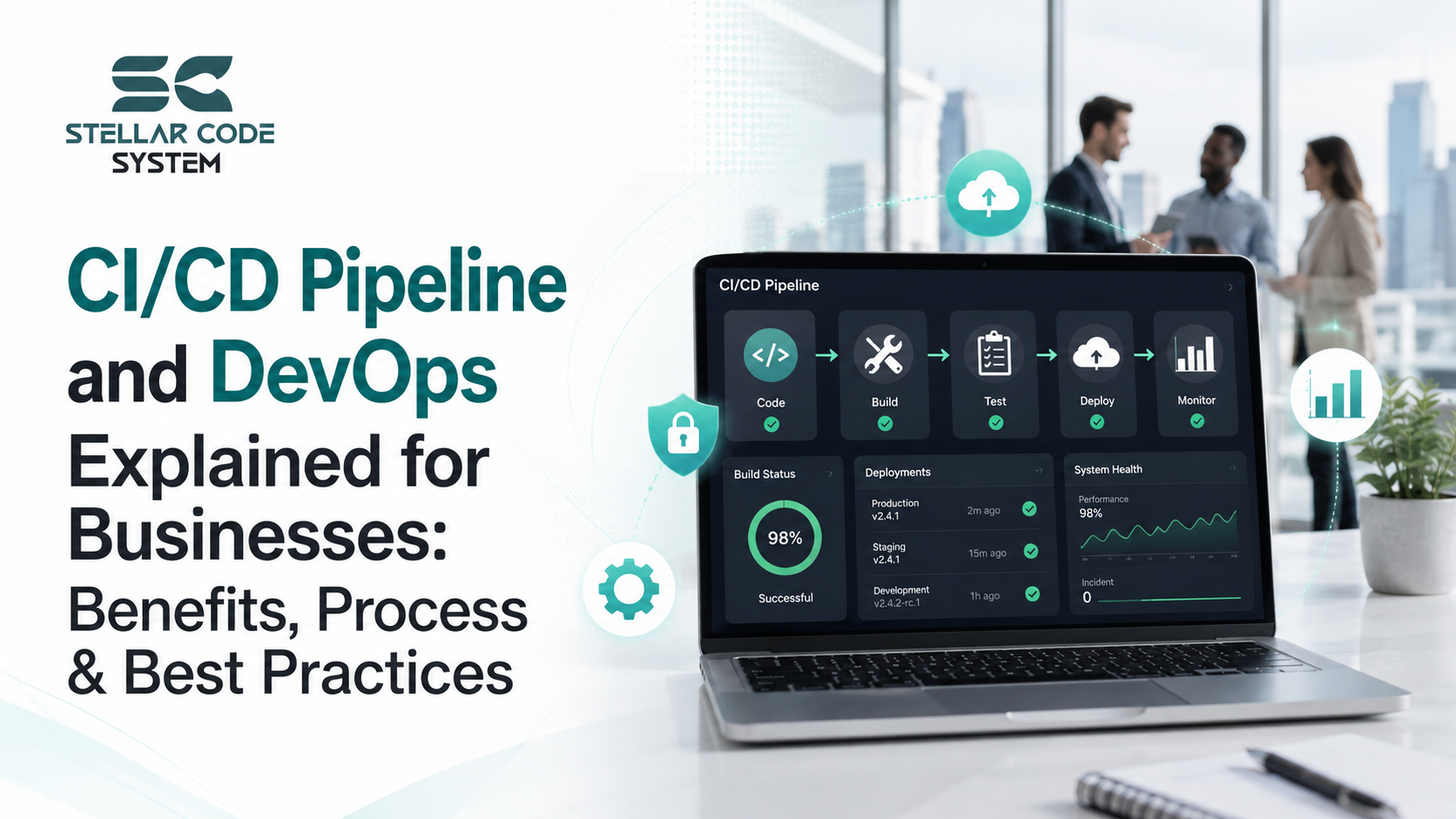
CI/CD Pipeline and DevOps Explained for Businesses: Benefits, Process & Best Practices
Many startup teams reach a point where software releases start feeling unpredictable.
A deployment that worked perfectly last week suddenly breaks production. A small code change creates unexpected issues. Developers spend more time troubleshooting than building new features.
The assumption is usually that adding more developers will solve the problem. In reality, the issue often comes from missing delivery processes rather than engineering capacity.
I've worked with SaaS products and remote engineering teams across multiple countries, and one pattern appears repeatedly. Teams grow their product faster than they grow their deployment workflows. As complexity increases, releases become slower, riskier, and more stressful.
This is where CI/CD pipelines and DevOps practices become important—not because they're trendy, but because they solve very real operational problems. A software development company in USA for DevOps-driven products can help growing teams connect automation, testing, deployment reliability, and long-term scalability with real business delivery needs.

Why This Problem Happens in Real Teams
Most startups begin with speed as the primary goal.
The first version of a product is usually built by a small team focused entirely on shipping features. During this stage, manual deployments seem manageable.
Over time, several challenges emerge:
- More developers are making changes simultaneously.
- Multiple environments require configuration management.
- Customer expectations increase.
- Release frequency grows.
- Backend systems become more interconnected.
- Infrastructure complexity increases.
As development accelerates, manual processes become bottlenecks.
Teams start experiencing:
- Failed deployments
- Inconsistent environments
- Missing validation steps
- Production outages
- Delayed releases
- Increased technical debt
The root cause is rarely bad developers.
The issue is usually a lack of automation and standardization across the software delivery process.
Without proper integration and deployment workflows, every release becomes a high-risk event.
Where Most Teams Make the Wrong Decision
One of the biggest mistakes I see is assuming DevOps means adopting complex tools.
Many startups immediately start discussing:
- Kubernetes
- Microservices
- Advanced orchestration platforms
- Multi-cloud infrastructure
- Enterprise-grade monitoring systems
The problem is that these decisions often arrive too early.
I've seen startups introduce containerization and virtualization before they even had a stable deployment process.
Instead of improving efficiency, complexity increases.
Another common mistake is treating DevOps as a job title rather than a team responsibility.
Development teams continue writing code while operations teams handle deployments separately.
This creates communication gaps and weak collaboration.
In remote teams, the situation becomes even worse.
Nobody fully owns:
- Release management
- Build quality
- Deployment reliability
- Production monitoring
As a result, issues remain hidden until customers discover them.
Many teams also obsess over tooling while ignoring process maturity.
A sophisticated pipeline cannot compensate for poor engineering practices.
If repositories are disorganized, testing is inconsistent, and releases lack governance, automation simply moves problems faster.
Practical Fixes That Actually Work
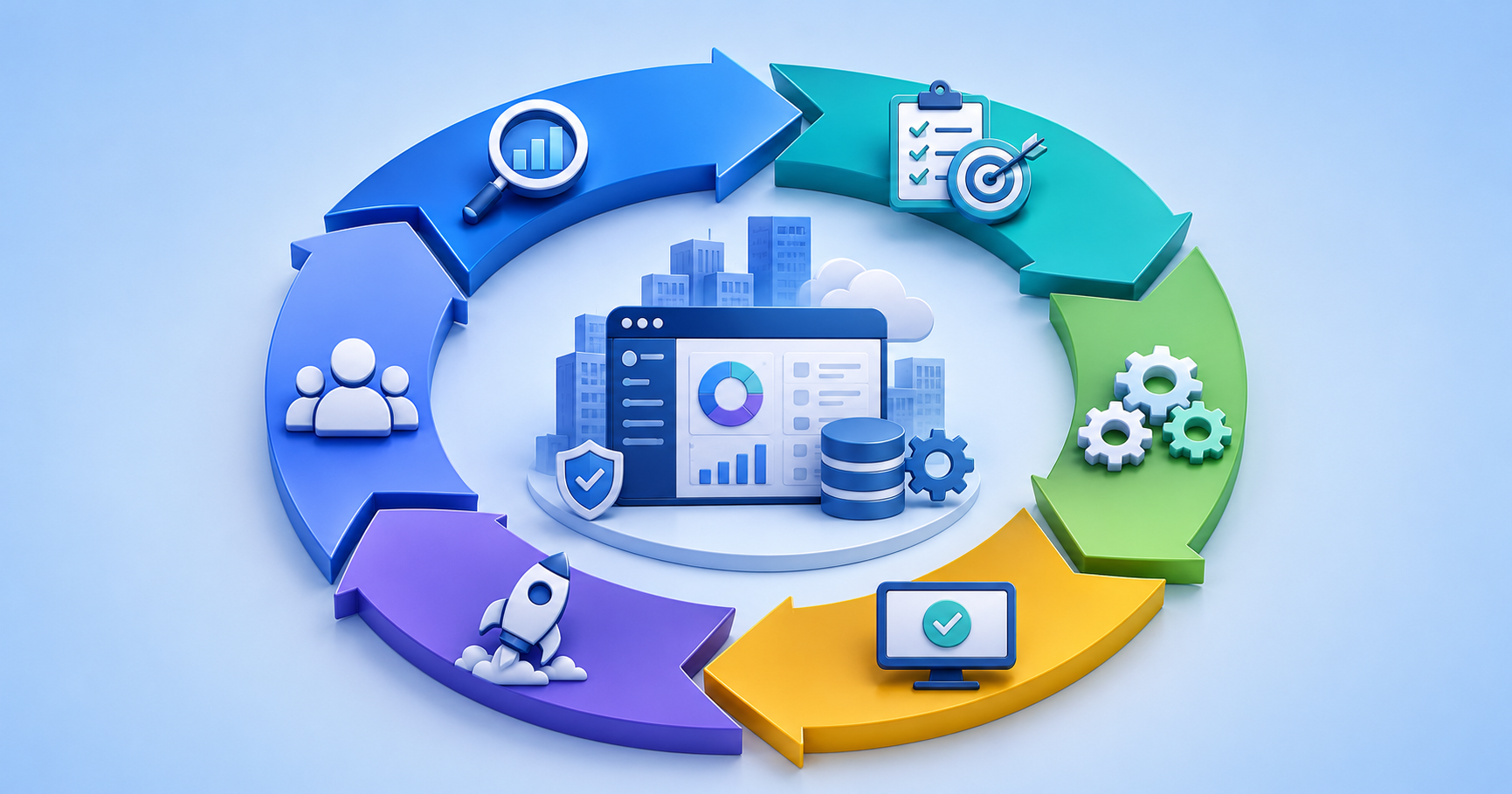
The most successful teams focus on simplifying their delivery process before introducing advanced infrastructure.
1. Standardize Every Build Process
A standardized build process ensures every code change follows the same reliable workflow from development to production. Consistent procedures reduce deployment errors, improve team collaboration, and make software releases more predictable. This approach helps organizations maintain quality while scaling development efforts.
Every commit should follow the same path.
A typical workflow might include:
- Code commit
- Automated build
- Automated testing
- Validation checks
- Deployment approval
- Production release
This consistency improves reliability and reduces deployment surprises.
2. Automate Testing Early
Implementing automated testing early in the development lifecycle helps teams identify issues before they reach production. Automated tests provide rapid feedback, improve code quality, and reduce the time spent on repetitive manual testing. As projects grow, automation becomes essential for maintaining development speed and reliability.
Start with:
- Unit tests
- API tests
- Integration tests
- Smoke tests
Testing automation creates immediate feedback for developers and prevents common regressions.
3. Treat Infrastructure as Code
Managing infrastructure through code creates a repeatable and documented process for provisioning and configuring environments. This approach minimizes human error, improves consistency across systems, and simplifies disaster recovery. Infrastructure as Code also enables faster deployments and more efficient environment management.
Infrastructure provisioning should be documented and repeatable.
Benefits include:
- Better traceability
- Faster recovery
- Easier maintenance
- Improved consistency
When environments can be recreated automatically, operational resilience improves significantly.
4. Improve Deployment Visibility
Deployment visibility gives teams clear insights into application performance, build health, and release outcomes. By monitoring key metrics and system behavior, organizations can quickly identify issues and optimize deployment processes. Better observability leads to faster problem resolution and improved system reliability.
Monitor:
- Deployment success rates
- Build failures
- Application performance
- Resource utilization
- Error rates
Better visibility helps teams identify engineering bottlenecks before they affect customers.
5. Reduce Release Size
Smaller and more frequent releases help teams deliver updates with lower risk and greater confidence. Incremental deployments make it easier to identify issues, roll back changes when necessary, and gather user feedback quickly. This strategy improves software stability while supporting continuous improvement.
Smaller releases provide:
- Faster feedback
- Easier troubleshooting
- Better continuity
- Improved availability
Frequent releases often outperform large monthly deployments.
Example Workflow
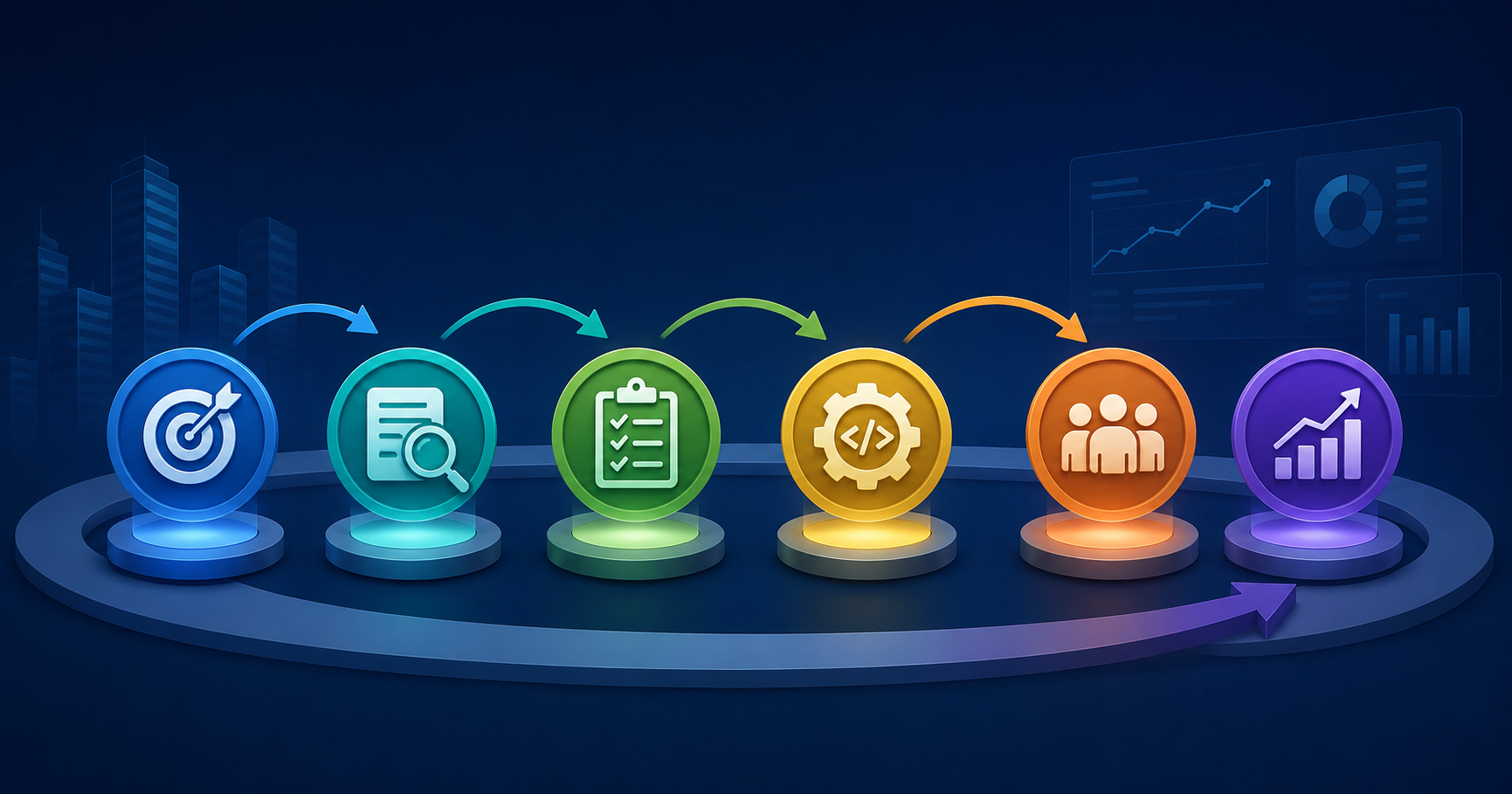
A practical CI/CD pipeline for a growing SaaS product might look like:
- Developer pushes code.
- Automated integration begins.
- Tests execute automatically.
- Security checks run.
- Build artifacts are created.
- Deployment proceeds to staging.
- Monitoring validates system health.
- Production deployment occurs.
This process reduces manual effort while increasing deployment confidence.
When This Approach Fails
CI/CD and DevOps practices are valuable, but they are not universal solutions.
There are situations where additional investment may not provide immediate value.
For example:
Very Small Teams
Small startups and lean development teams often do not require complex CI/CD pipelines or advanced automation frameworks. Simple deployment processes can be sufficient when release frequency is low and team communication is direct. The key is choosing tools and workflows that match the team's size and operational needs.
Highly Regulated Industries
Organizations operating in regulated sectors must balance automation with strict compliance and security requirements. Approval workflows, audits, and documentation often remain essential parts of the release process. These controls help ensure regulatory standards are met without compromising system integrity.
Human reviews remain necessary.
Complex Legacy Systems
Legacy applications frequently present technical challenges that make modern automation difficult to implement. Older architectures may require significant updates before they can support continuous integration and delivery practices. Modernization efforts often serve as the foundation for long-term operational improvements.
Large Distributed Enterprises
Managing software delivery across large organizations requires additional governance, security controls, and standardized processes. Multiple teams, locations, and business units increase the complexity of maintaining consistency and quality. Strong oversight helps ensure reliable software delivery at scale.

Sustainable Practices for Small Engineering Teams
Sustainable engineering practices help small teams maintain productivity without creating unnecessary complexity. By focusing on automation, clear processes, and manageable workloads, teams can deliver software efficiently over the long term. A balanced approach supports growth while reducing operational stress and technical debt.
Prioritize Documentation
Documentation supports:
- Knowledge sharing
- Faster onboarding
- Reduced operational risk
- Better collaboration
Well-documented workflows reduce dependency on individual developers.
Keep Architecture Simple
Most startups do not need sophisticated architectures early.
Simple systems improve:
- Maintenance
- Performance
- Reliability
- Team velocity
Complexity should be introduced only when necessary.
Make Monitoring Part of Development
Monitoring should not be an afterthought.
Observability helps teams understand:
- System behavior
- Failure patterns
- User impact
- Scaling issues
This improves decision-making and operational efficiency.
Build a DevSecOps Mindset
Security should be integrated into workflows rather than added later.
Security validation during development helps prevent costly fixes after deployment.
Focus on Sustainable Iteration
The goal is not maximum speed.
The goal is sustainable acceleration.
Teams that continuously improve their workflows often outperform teams that chase constant optimization.
Small improvements compounded over time produce significant business results.

Understanding the Difference Between CI, CD, and DevOps
Many business leaders use CI/CD and DevOps interchangeably, but they represent different concepts within modern software delivery.
What Is Continuous Integration (CI)?
Continuous Integration is the practice of automatically integrating code changes into a shared repository.
Key objectives include:
- Early bug detection
- Faster validation
- Reduced merge conflicts
- Improved development collaboration
Every code change is automatically tested before becoming part of the main codebase.
What Is Continuous Delivery (CD)?
Continuous Delivery ensures software can be released safely at any time.
Benefits include:
- Faster releases
- Reduced deployment risk
- Improved reliability
- Better customer responsiveness
The deployment process becomes predictable and repeatable.
What Is Continuous Deployment?
Continuous Deployment takes automation one step further.
Once testing passes:
- Changes move directly into production
- No manual approval is required
- Releases happen continuously
This approach works best for mature engineering organizations with strong testing practices.
What Is DevOps?
DevOps is a culture and operating model that improves collaboration between development, operations, security, and business stakeholders.
DevOps emphasizes:
- Automation
- Collaboration
- Shared accountability
- Continuous improvement
- Faster feedback loops
CI/CD serves as one of the primary implementation mechanisms for DevOps.

Key Business Benefits of CI/CD Pipelines
Technology leaders often focus on technical outcomes, but executives care about business results.
Faster Time-to-Market
Organizations can release features more frequently.
Benefits include:
- Faster customer feedback
- Quicker innovation cycles
- Improved competitiveness
- Better product-market fit
Lower Operational Costs
Automation reduces manual work associated with:
- Testing
- Deployments
- Infrastructure provisioning
- Environment management
Engineering resources can focus on product development rather than repetitive tasks.
Improved Customer Satisfaction
Reliable deployments reduce:
- Downtime
- Service disruptions
- Application instability
Customers experience more consistent software performance.
Better Risk Management
Smaller releases make it easier to:
- Identify issues quickly
- Roll back changes safely
- Isolate failures
- Maintain business continuity
Increased Engineering Productivity
Developers spend less time on:
- Manual testing
- Deployment coordination
- Environment troubleshooting
This improves overall team productivity.

Common CI/CD Pipeline Stages Explained
Understanding pipeline stages helps stakeholders evaluate delivery maturity.
Source Control Stage
Code changes are stored in repositories.
Common activities include:
- Version control
- Branch management
- Code reviews
- Collaboration
Build Stage
The application is compiled and packaged automatically.
Objectives include:
- Build validation
- Dependency management
- Artifact generation
Testing Stage
Automated tests verify quality.
Typical testing layers:
- Unit testing
- Integration testing
- API testing
- End-to-end testing
Security Stage
Modern pipelines increasingly include security scanning.
Examples:
- Dependency scanning
- Vulnerability detection
- Secret management validation
- Compliance checks
Deployment Stage
Applications move through environments such as:
- Development
- Staging
- Production
Automated deployment reduces human error.
Monitoring and Feedback Stage
After deployment, teams track:
- Application performance
- Error rates
- User experience
- Infrastructure health
Monitoring closes the feedback loop.

Popular CI/CD Tools Used by Modern Engineering Teams
Different organizations choose different tooling based on complexity and scale.
Jenkins
Widely adopted open-source automation server.
Strengths:
- Highly customizable
- Large plugin ecosystem
- Strong community support
GitHub Actions
Integrated directly into GitHub repositories.
Benefits:
- Easy setup
- Native workflow automation
- Suitable for startups and SaaS teams
GitLab CI/CD
Provides development and deployment capabilities in a single platform.
Advantages:
- Built-in pipelines
- Security scanning
- Strong DevOps integration
CircleCI
Popular among cloud-native startups.
Features:
- Fast build execution
- Scalable infrastructure
- Flexible workflows
Azure DevOps
Frequently used by enterprise organizations.
Offers:
- CI/CD pipelines
- Project management
- Repository hosting
- Test management

CI/CD Metrics Every Business Should Track
Deployment success should be measured objectively.
Deployment Frequency
How often software reaches production.
Higher frequency often indicates healthier delivery processes.
Lead Time for Changes
Measures the time from code commit to production release.
Shorter lead times improve responsiveness.
Change Failure Rate
Tracks how often deployments cause incidents.
Lower failure rates indicate higher quality.
Mean Time to Recovery (MTTR)
Measures how quickly teams restore service after failures.
Faster recovery improves customer experience.
Test Coverage
Indicates the percentage of code validated through testing.
Higher coverage often reduces defects.

Signs Your Business Is Ready for CI/CD Adoption
Not every organization needs advanced pipelines immediately.
You may be ready if:
- Releases are becoming stressful
- Deployment mistakes occur regularly
- Multiple developers work on the same codebase
- Testing consumes excessive time
- Customers expect frequent updates
- Infrastructure management is becoming difficult
- Growth is increasing operational complexity
These indicators suggest automation can provide measurable value.
Conclusion
Most CI/CD and DevOps problems are not caused by technology limitations.
They stem from inconsistent processes, manual deployments, poor collaboration, and growing operational complexity.
The biggest mistake small engineering teams make is adopting advanced infrastructure before establishing reliable workflows.
Strong automation, consistent testing, clear deployment pipelines, and effective monitoring usually deliver far more value than introducing additional architectural complexity.
The most successful SaaS teams focus on building reliable systems that support long-term scalability rather than chasing the latest DevOps trend.
Frequently Asked Questions
A CI/CD pipeline improves deployment reliability, reduces manual work, and allows teams to release software faster with lower risk.
Yes, but they should start with basic automation, testing, and deployment workflows rather than enterprise-level infrastructure.
No. Containerization is useful when environment consistency becomes difficult to manage, but many early-stage products succeed without it.
Automated testing, standardized workflows, documentation, and monitoring significantly reduce deployment-related errors.
Most teams introduce complex tools before improving their development processes, creating unnecessary operational overhead.
Reference
Written by

Paras Dabhi
VerifiedFull-Stack Developer (Python/Django, React, Node.js)
I build scalable web apps and SaaS products with Django REST, React/Next.js, and Node.js — clean architecture, performance, and production-ready delivery.
LinkedIn