
Cloud migration services India
Most small teams in India don’t struggle with cloud migration because the cloud is hard.
They struggle because the existing application has years of hidden dependencies, rushed deployment habits, and zero rollback discipline.
Teams often spend weeks planning infrastructure, only to break production because one cron job, queue worker, or file storage path was missed.
The migration itself is rarely the problem. The unknowns inside the legacy system are.
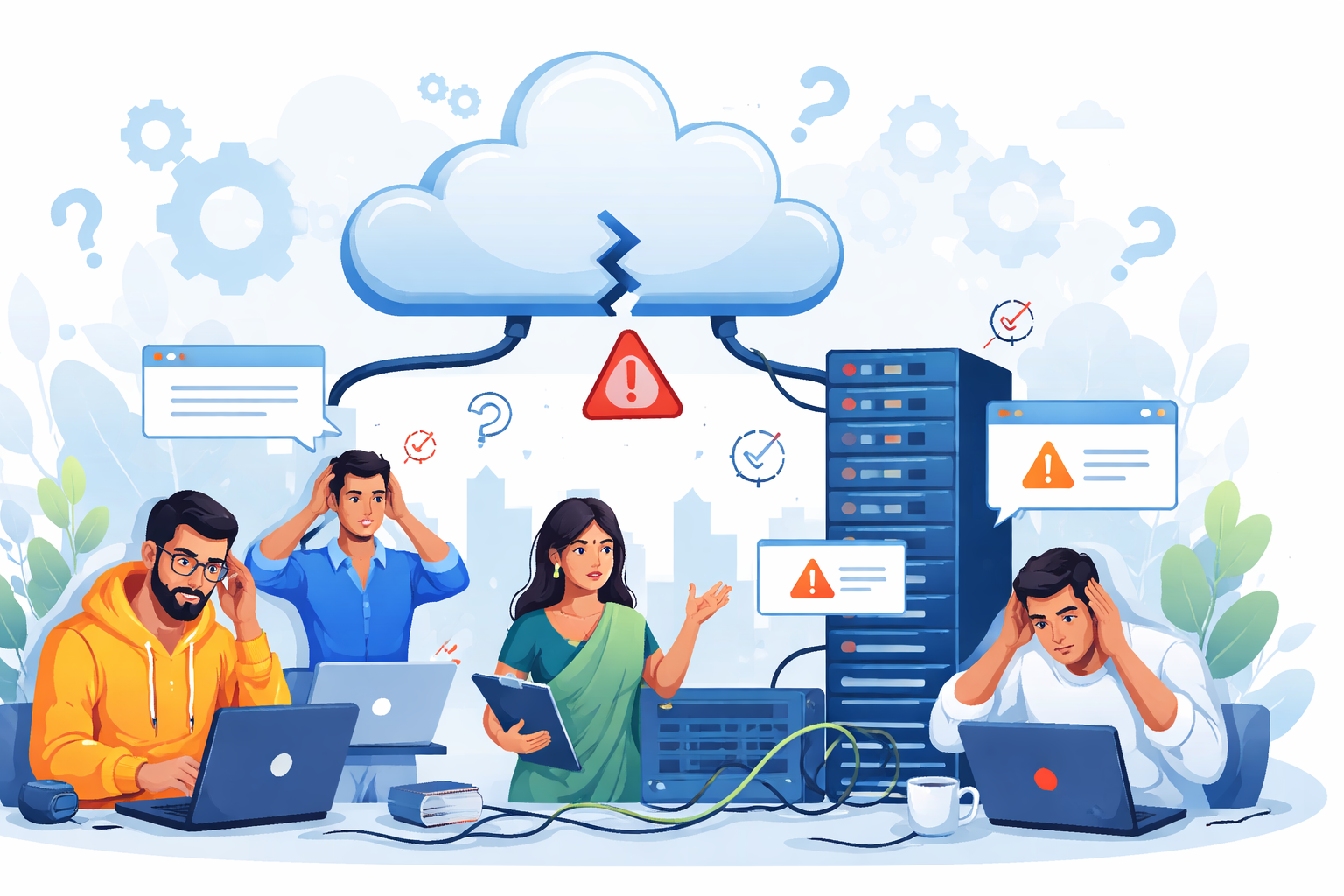
Why cloud migration projects fail in small Indian teams
In most Indian startups and SMB projects, migration starts only when pain becomes urgent.
Usually the trigger is one of these:
- server costs rising on unmanaged VPS
- production outages from aging infrastructure
- scaling issues during traffic spikes
- client pressure for better uptime
- security concerns around old hosting
By this point, the team is already under delivery pressure.
That is where failures begin.
The most common reason is incomplete dependency mapping. Teams know the main app server, database, and API layer, but forget the invisible pieces: background jobs, internal scripts, backup tasks, reporting services, old webhooks, and admin cron jobs. This hidden dependency problem is one of the biggest migration risk factors in real projects.
The second issue is rollback planning being treated as optional.
Founders often approve migration windows assuming we can always switch back, but there is no tested rollback path for databases, object storage, or session state.
That assumption becomes expensive very quickly.
Small teams also underestimate post-migration cloud cost behavior. A direct lift-and-shift often keeps old peak-sized servers running 24/7, which is why working with a cloud consulting company in India helps teams plan migration, sizing, and cost control together instead of treating them as separate problems.
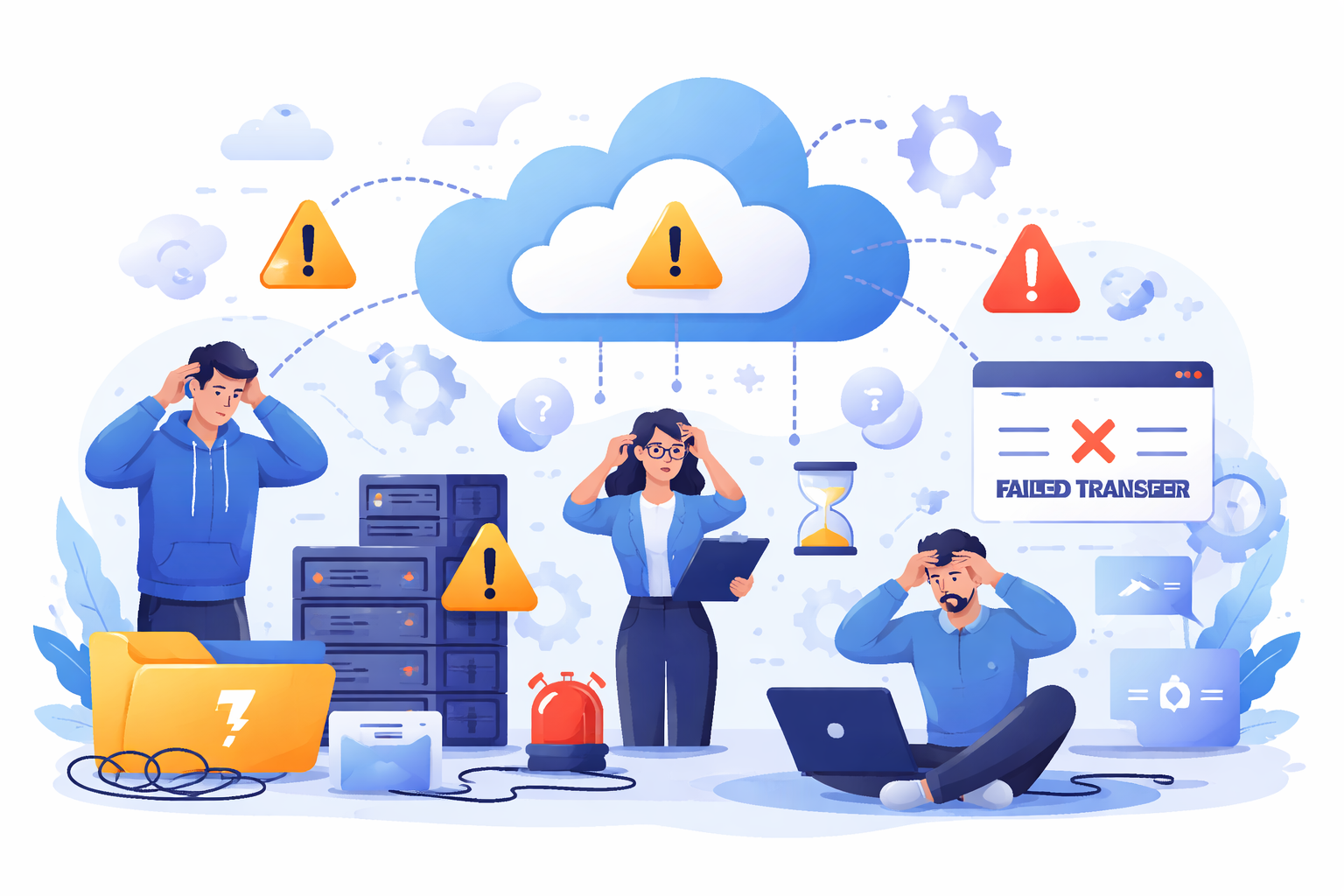
Where most teams get cloud migration wrong
The biggest mistake is trying to move everything in one release window.
This usually comes from business pressure: We only want one maintenance downtime.
Technically, that is where risk multiplies.
Teams often migrate:
- app servers
- database
- Redis/session layer
- queue workers
- media storage
- cron jobs
All in one night.
The issue is that failures stop being isolated.
For example, authentication can break after cutover because session files are still being written to local disk paths that no longer exist in containers.
The app looks healthy, but login is completely broken.
Another common mistake is copying bad architecture into the cloud unchanged.
A monolith with oversized VMs, local file assumptions, direct DB access from multiple services, and no queue isolation will still be fragile after migration. It just becomes a more expensive fragile system. This is exactly why lift-and-shift everything often creates long-term cost and scaling issues.
Most startups also skip staging traffic simulation.
Without production-like traffic replay, latency spikes and DB lock behavior only show up after real users hit the migrated system.
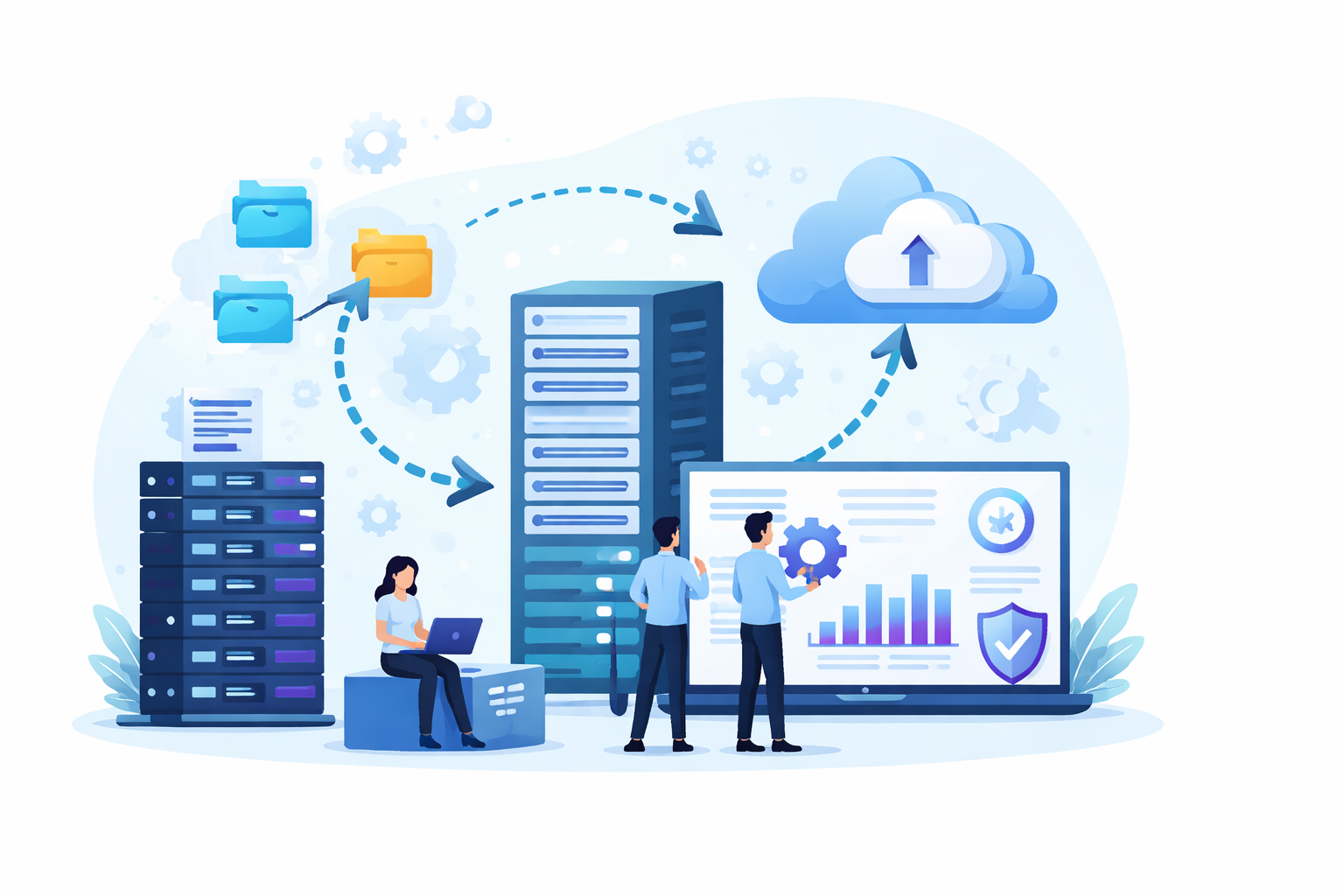
Practical migration approach that works in real projects
What has worked best for small teams is phased migration with rollback at every wave.
This is the flow I usually trust.
1) Audit legacy dependencies first
Before starting any cloud migration, identify everything the application quietly depends on in production.
This includes cron jobs, background queues, storage paths, callback URLs, and network allowlists that are often undocumented.
In real projects, these hidden dependencies are what usually break first after migration.
A proper audit makes the rest of the migration plan predictable.
Before moving anything, map:
- cron jobs
- queue workers
- local storage paths
- SMTP and webhook dependencies
- payment callbacks
- analytics scripts
- firewall/IP allowlists
This stage prevents 80% of production surprises.
2) Separate stateful services early
Stateful components like databases, cache, and storage need their own migration path because rollback is harder once data changes.
Moving them early in isolated validation steps reduces cutover risk and helps teams test consistency before touching APIs.
Once the data layer is stable, stateless services become much easier to shift.
This order keeps failures smaller and easier to recover from.
Move databases, storage, and cache layers first in isolated validation steps.
Stateless APIs are usually easier to migrate after that.
This separation makes rollback realistic.
3) Move low-risk workloads first
Start with workloads that do not directly affect critical customer flows, such as dashboards, reports, and background jobs.
These systems expose networking, permissions, and storage issues without putting production revenue paths at risk.
It gives the team real migration feedback while keeping rollback simple.
This is usually the safest way to uncover cloud environment gaps early.
Start with:
- internal dashboards
- reporting services
- background workers
- read replicas
- static assets
These workloads reveal hidden network and IAM issues without impacting critical user flows.
4) Shift APIs in waves
Instead of routing all traffic at once, move API requests gradually in controlled percentages.
A wave-based rollout helps validate real production behavior under load while keeping the blast radius small.
If latency, auth, or database errors appear, traffic can be shifted back quickly.
This method is one of the most reliable ways to reduce migration downtime.
Instead of full cutover, migrate API traffic gradually:
- 10%
- 25%
- 50%
- 100%
This gives real traffic validation and fast rollback if error rates rise.
5) Monitor DB latency after cutover
The migration is not finished when traffic switches. The real validation starts in the next 24 hours.
Database latency, connection limits, queue delays, and cache misses often reveal hidden scaling issues only under live load.
Watching these signals closely helps teams catch performance regressions before users notice them.
This is where phased migrations prove their long-term stability.
The first 24 hours matter more than the migration window.
Watch:
- slow queries
- connection pool exhaustion
- queue lag
- storage IOPS
- failed webhooks
- cache miss spikes
This phased approach is what consistently reduces downtime and budget overruns. It also aligns with how successful cloud migration frameworks prioritize wave-based rollout.
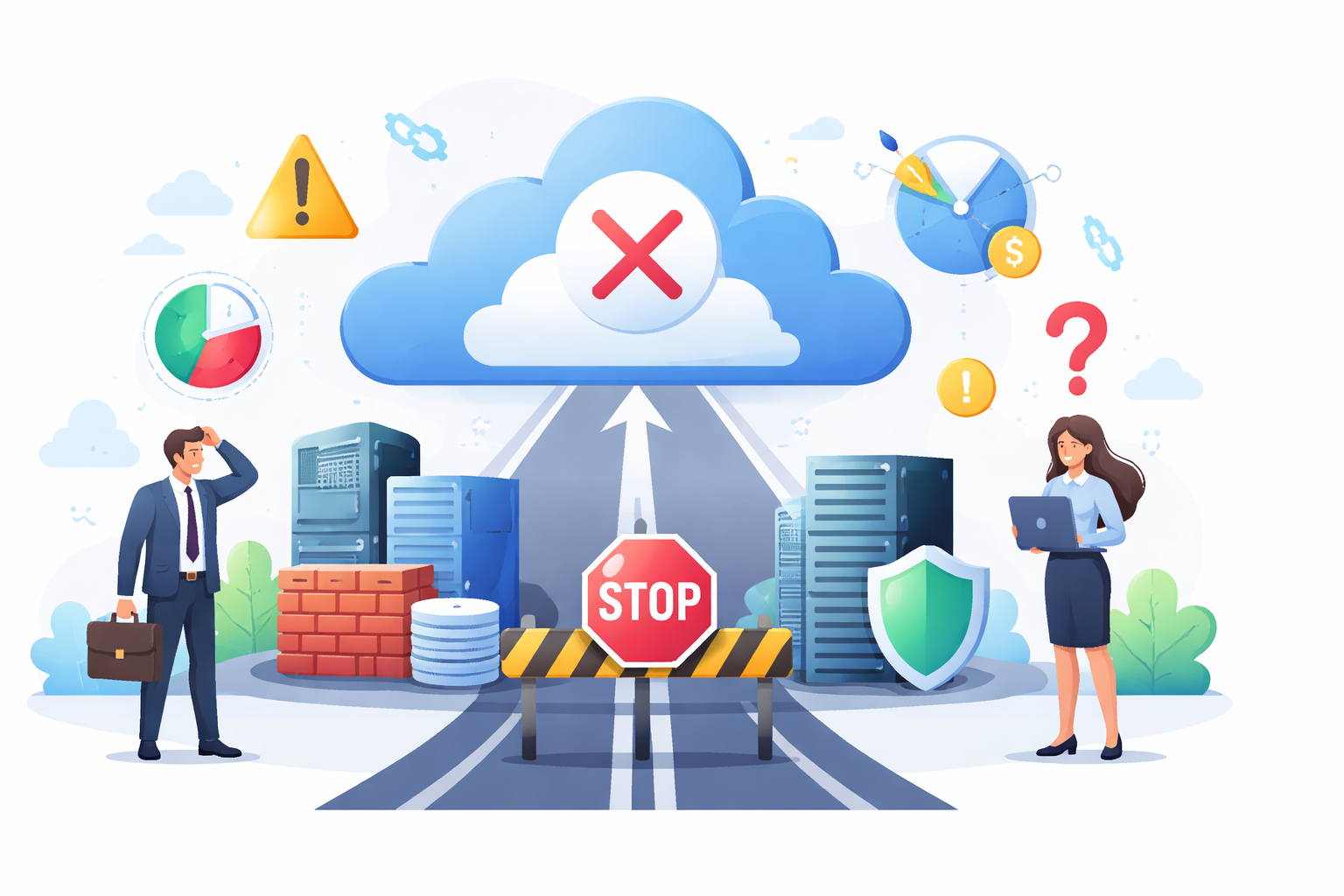
When cloud migration is NOT the right move
Sometimes migration is simply too early.
I usually advise delaying when:
- the product architecture changes every sprint
- database schema is unstable
- the monolith is tightly coupled with office or on-prem systems
- no one owns infra after deployment
- there is no backup verification process
- compliance requirements are still unclear
In these cases, cloud migration can increase operational debt faster than it reduces hosting problems.
The cloud magnifies architecture decisions.
If the system is unstable already, moving it just relocates instability.

Best practices for small teams using cloud migration services in India
For small Indian teams with limited budgets, the best long-term results come from discipline, not aggressive modernization.
The practices that consistently work:
- migrate in phases, never one-shot
- treat rollback as a production feature
- assign one owner per workload
- enable cost alerts before migration
- validate backups with restore testing
- right-size workloads after 2 weeks
- retire dead services immediately
- document queue, cache, and storage assumptions
One hard lesson from real migrations: post-migration cost optimization should begin immediately, not after three months.
Unused services, oversized instances, and forgotten snapshots are common reasons Indian SMB cloud bills grow unexpectedly.
Conclusion
Successful cloud migration services India projects are rarely about moving fast.
They work when teams focus on dependency clarity, phased migration waves, tested rollback, realistic database cutover, and post-migration cost ownership.
The cloud platform itself is rarely what breaks.
What breaks is the assumption that legacy systems are simpler than they actually are.
For small teams, the safest migration is usually the one that moves slower, in smaller waves, with better visibility.
FAQ: Cloud migration services India
For most small SaaS or custom software teams, a safe phased migration takes 2 to 8 weeks, depending on database complexity and hidden dependencies.
Only as a short-term move. It reduces migration time but often keeps old performance and cost problems unchanged.
The safest way is phased traffic shifting, database replication validation, and a rollback path tested before cutover.
Missing hidden dependencies like cron jobs, local file storage, and queue workers causes the most production issues.
Yes, when scaling, uptime, or security is becoming a bottleneck. But without workload cleanup and cost ownership, the savings can disappear quickly.
Reference
Written by

Paras Dabhi
VerifiedFull-Stack Developer (Python/Django, React, Node.js)
I build scalable web apps and SaaS products with Django REST, React/Next.js, and Node.js — clean architecture, performance, and production-ready delivery.
LinkedIn