Legacy Software To Cloud Migration Services In India for Enterprises
Most legacy software migrations don’t fail during deployment — they fail quietly after go-live.
Everything looks fine at first. The application is running on the cloud, servers are stable, and dashboards show healthy. But within days, cracks start appearing. Finance reports don’t match historical data. Background jobs stop executing. Some users face random slowdowns, while others experience login issues that never existed before.
In almost every legacy application cloud migration India project, the root cause wasn’t the cloud platform or tooling. It was a lack of visibility into how the legacy system actually behaved in production. Years of undocumented dependencies, tightly coupled database logic, and hidden operational workflows don’t magically adapt just because the infrastructure changes.
This is especially common when teams attempt legacy software to cloud migration services in India using a lift-and-shift mindset — moving servers first and figuring out problems later. That approach might work for simple systems, but for real-world enterprise software, it often introduces more instability than it removes.
This article focuses on a specific, real problem: why legacy migrations fail when teams skip dependency mapping, phased rollout, and clear rollback ownership — and what small teams can realistically do to avoid that outcome.
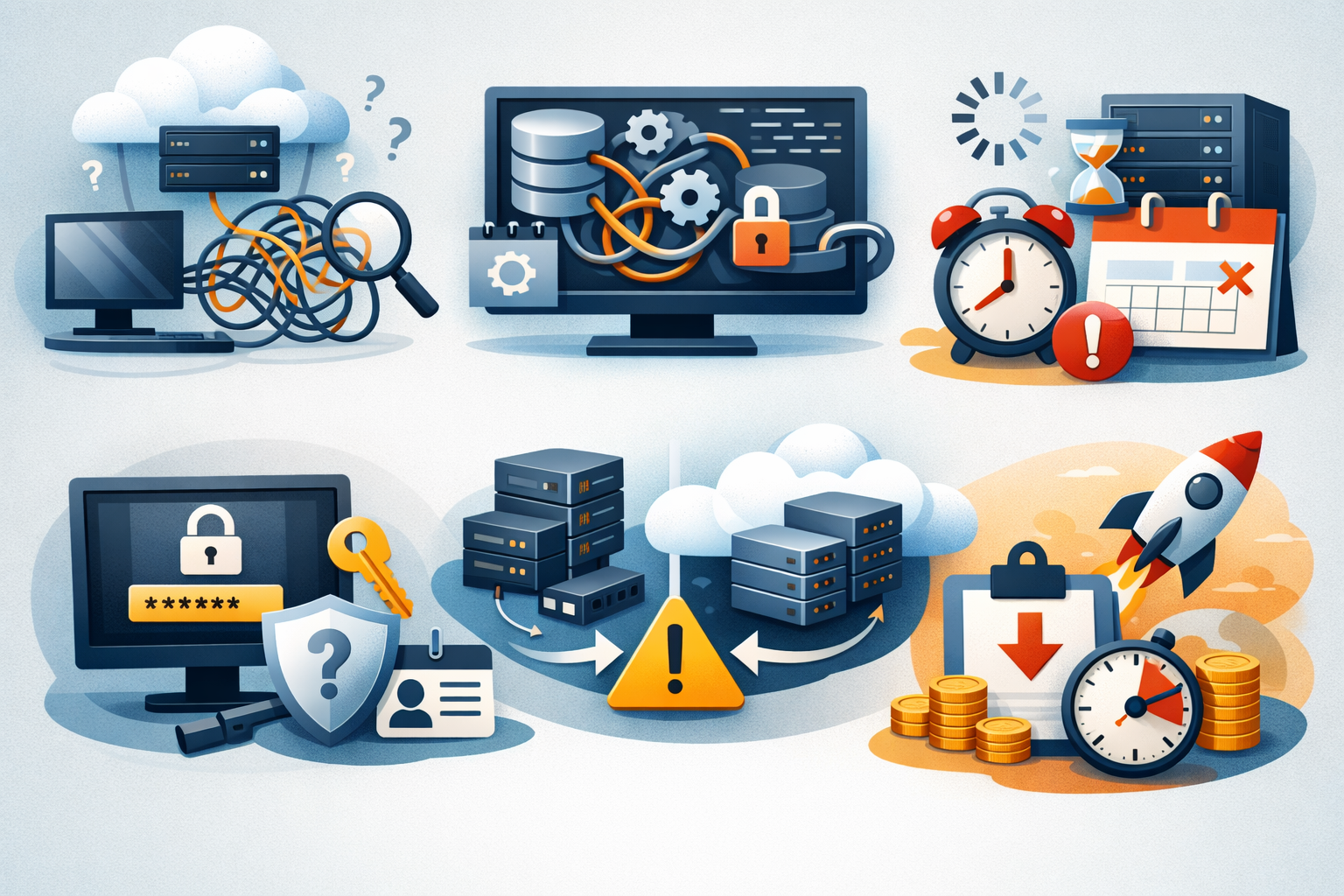
Why legacy cloud migration projects actually fail
Most failures are not because of cloud platforms. They happen because legacy systems behave in ways no one has documented.
1. Undocumented dependencies
In many legacy system modernization India projects, critical functionality lives outside the main application — in cron jobs, scripts, and reporting tools. These dependencies are rarely documented and often missed during migration. When teams move only the app server, these hidden pieces break silently. This leads to operational gaps that are difficult to trace post-migration.
In many legacy system modernization India projects, critical dependencies exist outside the main codebase:
- hidden cron jobs on separate servers
- Excel exports triggered via internal scripts
- old reporting tools directly querying production DB
Teams migrate the app server, but forget these invisible pieces.
2. Tightly coupled database logic
Legacy systems often embed business logic inside stored procedures, triggers, and scheduled DB jobs. During cloud migration for enterprise software India, even small DB changes can break this logic. Teams may not notice immediately, but reporting and data accuracy start degrading. This results in silent data inconsistencies, which are harder to detect than system crashes.
Legacy systems often push business logic into:
- stored procedures
- triggers
- scheduled DB jobs
During cloud migration for enterprise software India, teams often move the app but DB triggers behave differently, or change the DB engine and reporting logic breaks.
Result: silent data inconsistencies, which are the worst kind of failure.
3. Background jobs & cron failures
Background jobs like billing, inventory sync, and email processing are common failure points. On-prem setups rely heavily on OS schedulers, local paths, and internal networking assumptions. When moved to the cloud, these dependencies often break without alerts. As a result, critical backend processes stop functioning without immediate visibility.
Cron jobs are the biggest hidden risk:
- billing jobs
- inventory sync
- email queues
On-prem setups often rely on OS-level schedulers, hardcoded file paths, and local network assumptions. Once moved to the cloud, these fail quietly.
4. Old authentication/session assumptions
Many legacy applications are designed for single-server environments with sticky sessions. In cloud environments, stateless architectures and load balancers disrupt this setup. This leads to issues like session drops, login loops, or inconsistent user experiences. These problems typically surface only after real users start accessing the system.
Legacy apps often assume sticky sessions, single server auth, and no load balancer. In cloud, stateless scaling breaks session logic, and login loops or random logouts start happening.
5. Infrastructure mismatch
Lift-and-shift migrations ignore the fact that legacy apps are built for low-latency, on-prem networks. Cloud environments introduce network delays and different disk I/O behavior. This often results in slower performance even after successful migration. The system works, but not as efficiently as before.
Lift-and-shift looks easy, but old apps expect low-latency LAN, cloud introduces network hops, and disk I/O behaves differently.
In India, this gets worse when the wrong region is selected and no latency testing is done.
6. Budget-driven rushed migrations
In many legacy software modernization services projects, tight budgets lead to rushed timelines. Vendors often prioritize quick VM migrations over proper system understanding. Testing is limited, and edge cases are ignored. The migration appears successful initially, but failures start surfacing within weeks.
In many legacy software modernization services engagements, timelines are unrealistic, vendors push quick VM migration, and testing is minimal. You get a successful migration that breaks after two weeks.
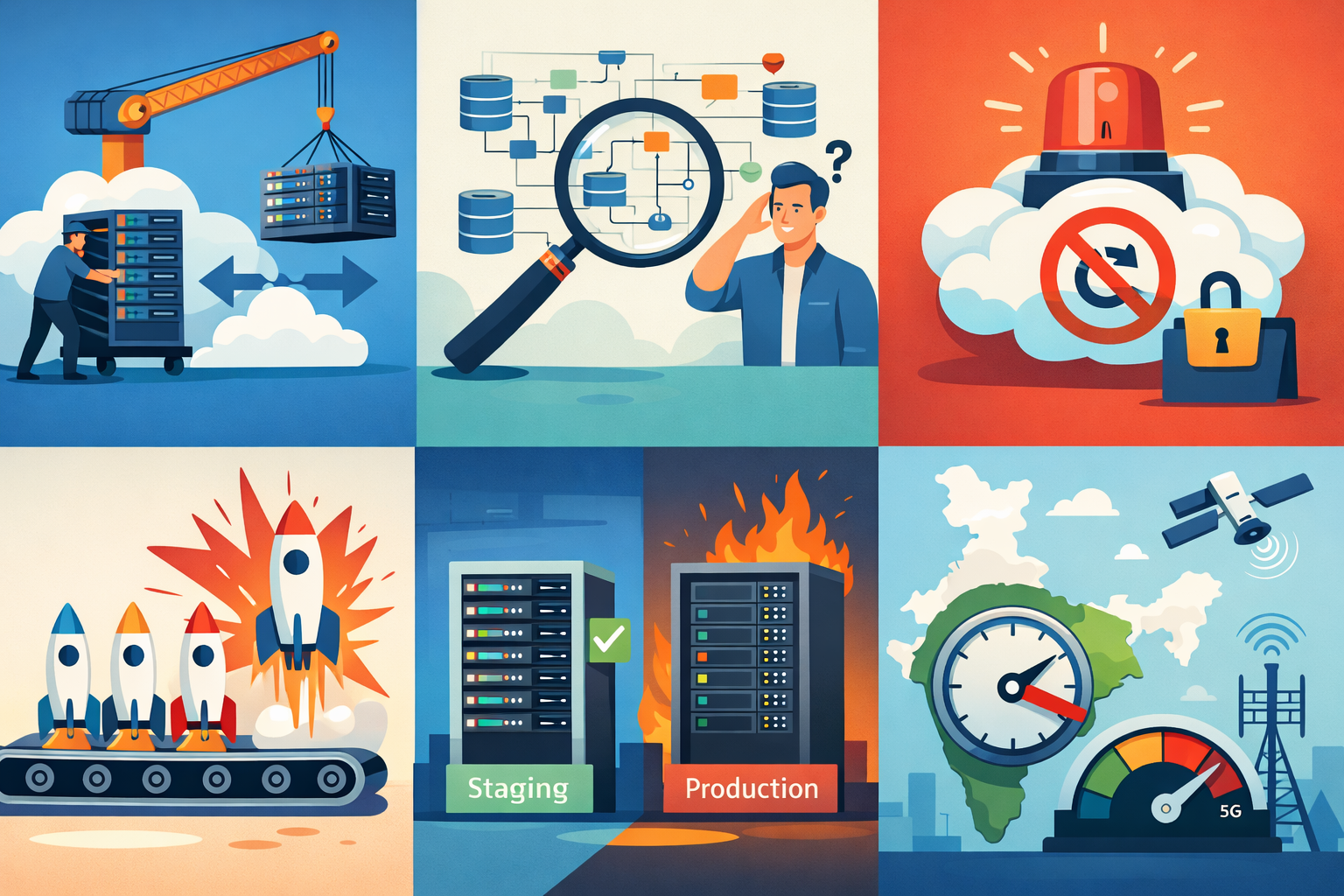
Where most Indian teams get this wrong
This is where things consistently go off-track.
1. Overusing lift-and-shift
Many teams assume they can move legacy systems to the cloud first and optimize later. In reality, this often leads to higher infrastructure costs without performance improvement. The core technical debt remains unchanged, and cloud benefits are not fully realized. In several cases, lift-and-shift has increased costs significantly without adding scalability.
Teams assume: Let’s move first, optimize later.
Reality:
- costs increase
- performance drops
- technical debt remains
Lift-and-shift can increase AWS bills by 40% without any scalability benefit.
2. Migrating infra before understanding data flow
A common mistake is migrating servers without analyzing how data moves across the system. This leads to unexpected data issues after deployment. Without proper data flow mapping, debugging becomes complex and time-consuming. A structured understanding of data dependencies should always come before infrastructure migration.
Common mistake: move servers, then debug data issues.
Correct approach: map data flow, then migrate.
3. No rollback ownership
Migration plans usually focus on deployment but ignore rollback responsibility. When failures occur, teams are unsure who should take action. This results in delays, confusion, and increased business impact. Clear rollback ownership is critical to handle unexpected issues quickly.
Everyone talks about migration. No one owns rollback.
So when things break:
- confusion
- delays
- business impact increases
4. No wave-based release
Many teams still follow a big-bang deployment approach, moving the entire system at once. This increases risk and makes it harder to isolate failures. In practice, a multi-cloud services company in India will usually recommend a phased or module-wise rollout because controlled traffic migration helps detect issues early without affecting all users.
Teams do big-bang deployment instead of module-wise rollout and controlled traffic migration.
5. Assuming staging = production
Teams often rely on staging environments for validation, assuming it reflects real-world behavior. However, legacy systems behave differently under actual production loads and data patterns. Background jobs, edge cases, and user behavior only surface in live environments. This mismatch leads to unexpected failures after deployment.
In legacy systems, production data patterns are unique, cron load behaves differently, and edge cases only appear in real usage.
6. Ignoring India-specific latency
Cloud deployments often default to nearby regions like Singapore without proper latency testing. However, users in Tier-2 and Tier-3 Indian cities may experience slower response times. This results in poor user experience despite successful migration. Proper region selection and latency testing are essential for performance optimization.
Apps get deployed in Singapore region by default, but users are in Tier-2 Indian cities. Result: slower response times and user complaints despite the cloud upgrade.
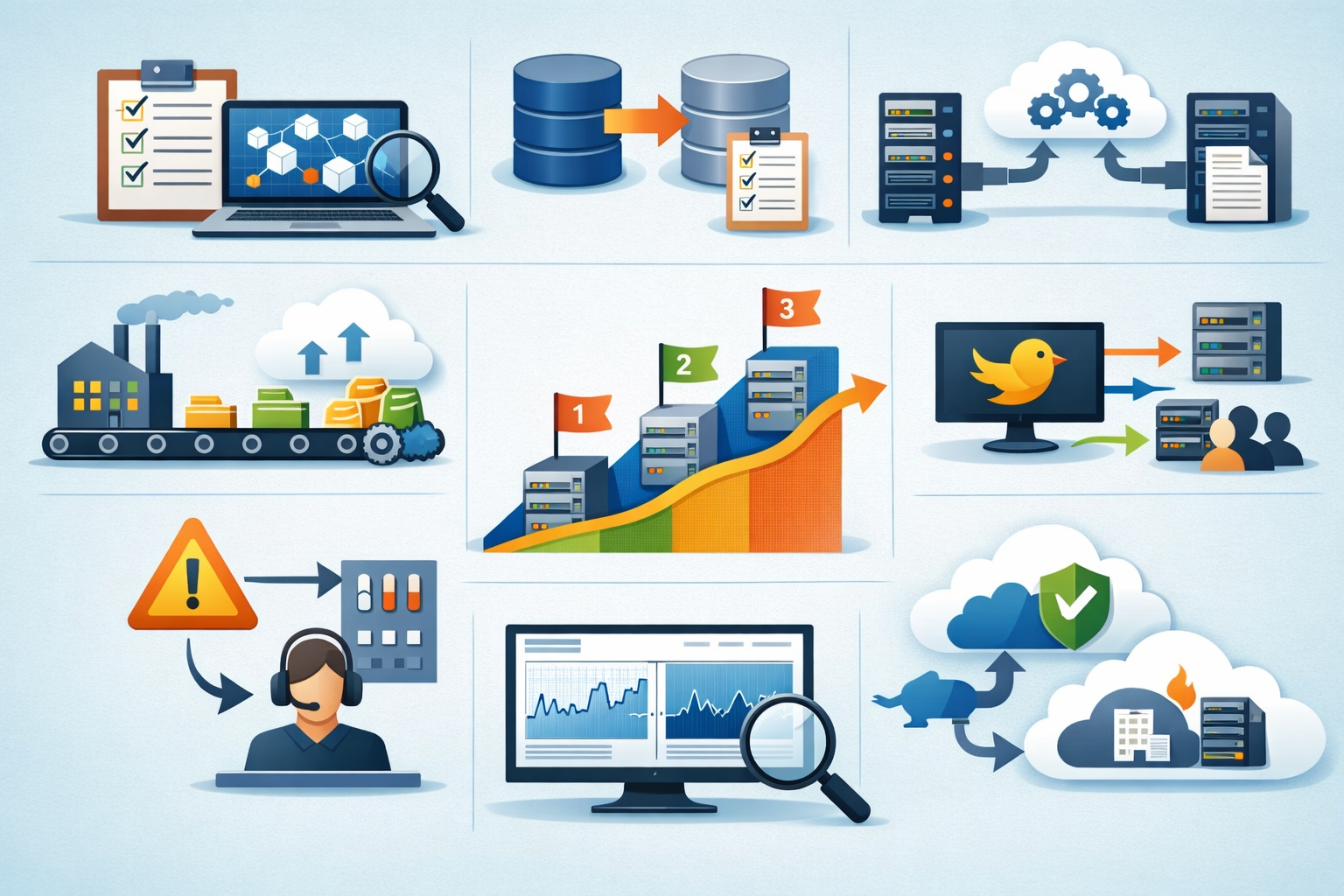
Practical migration fixes that work
This is what actually works in real migrating old software to cloud in India projects.
1. Dependency inventory first (non-negotiable)
Before starting any migration, teams must identify all hidden dependencies across the system. This includes cron jobs, database triggers, external integrations, and file system usage. Skipping this step leads to unexpected failures after deployment. A complete dependency inventory reduces migration risk significantly.
Before touching cloud:
- list all cron jobs
- identify DB triggers
- track external integrations
- audit file system usage
If you skip this, migration risk multiplies.
2. Database cutover checklist
A proper database migration requires clear planning around data sync and rollback strategies. Teams should define downtime windows and maintain backup snapshots before switching. Without validation queries, data inconsistencies can go unnoticed. A structured checklist ensures safer and predictable DB transitions.
Always define:
- data sync strategy (one-way / bi-directional)
- downtime window
- rollback DB snapshot
Never switch DB without validation queries.
3. Separate background jobs early
Legacy cron jobs should be decoupled from the main application before migration. Moving them into dedicated workers or queue-based systems improves control and visibility. This also allows independent scaling and easier monitoring. Early separation reduces the chances of silent failures post-migration.
Move cron jobs into:
- dedicated workers
- queue-based systems
Why:
4. Phased migration (wave-based)
Instead of migrating the entire system at once, teams should adopt a phased approach. Moving modules step-by-step allows better monitoring and issue isolation. Gradual traffic shifting helps validate system behavior in real conditions. This approach significantly lowers deployment risk.
Instead of full system migration, do:
- module 1 → monitor
- module 2 → gradual traffic
- full rollout → after validation
5. Canary traffic strategy
Canary releases involve routing a small percentage of users to the new cloud environment. This allows teams to compare performance and logs with the existing system. Real-world issues can be detected early without impacting all users. It acts as a safety layer before full rollout.
Route:
- 5% users → cloud
- compare logs with on-prem
This catches real-world failures early.
6. Assign rollback ownership
A clear rollback plan is essential for handling failures during migration. Teams must define who is responsible, how rollback will be executed, and what data will be restored. Without ownership, response time increases during critical issues. Proper planning ensures faster recovery and minimal business impact.
Define clearly:
- who triggers rollback
- how long rollback takes
- what data gets restored
Without this, rollback becomes chaos.
7. Shadow testing using production logs
Shadow testing involves replaying real production traffic in the new environment. This helps identify hidden bugs and performance bottlenecks before going live. It provides a realistic view of system behavior under actual load. This step is crucial for validating migration readiness.
Replay:
- real user requests
- production traffic patterns
This exposes hidden bugs and performance gaps.
8. DR (Disaster Recovery) validation
Disaster recovery should not be assumed — it must be tested. Teams need to verify backup restoration, failover processes, and recovery timelines. Without validation, recovery plans may fail during real incidents. Proper DR testing ensures business continuity in case of failures.
Don’t assume backup works. Test:
- restore time
- failover process
Trade-offs (real talk)
Approach
Benefit
Cost
- slow phased migration — lower risk — more time
- dependency mapping — fewer surprises — initial effort
- canary releases — safer rollout — monitoring complexity
But in practice, this is cheaper than fixing production failures.
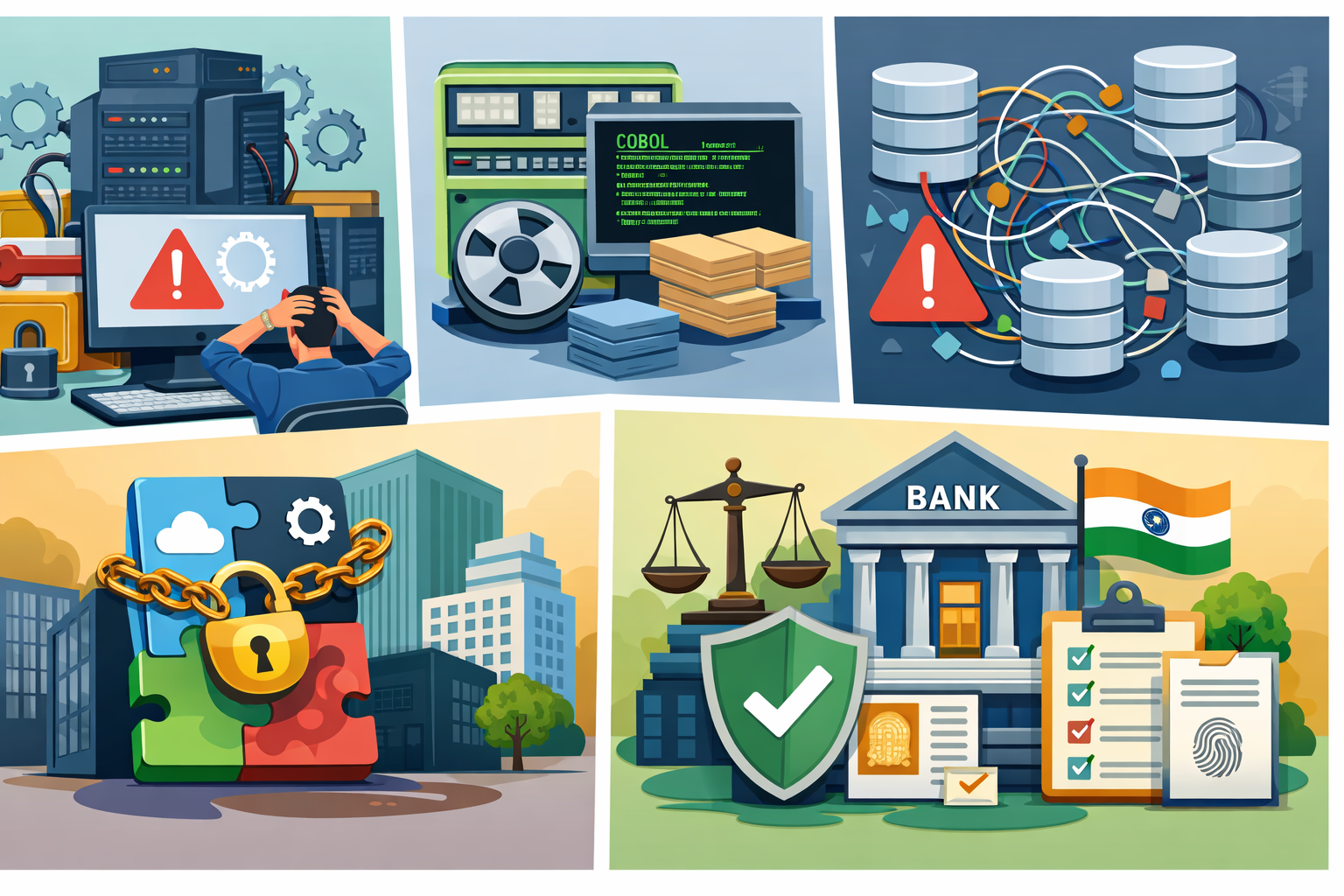
When this migration approach does NOT work
Let’s be honest — not every system can be migrated safely using standard approaches.
1. Highly stateful monoliths
These systems rely heavily on in-memory sessions and tightly coupled components. Without clear separation of concerns, scaling or migrating them becomes complex. Moving such applications to the cloud often breaks session handling and internal workflows. They usually require partial refactoring before migration.
Session-heavy and no separation of concerns make these especially risky.
2. COBOL / mainframe workloads
Legacy mainframe systems are not designed for cloud-native environments. Simply moving them to the cloud doesn’t solve underlying architectural limitations. These systems typically require full re-architecture or modernization. Migration without transformation often leads to higher costs and limited benefits.
These require full re-architecture, not just cloud migration.
3. Shared database chaos
In many legacy setups, multiple applications directly interact with a single database. There is often no clear ownership or control over data changes. This creates conflicts and unexpected issues during migration. Without restructuring data access, cloud migration becomes highly risky.
Multiple apps writing to the same DB with no ownership clarity is a major blocker.
4. Vendor-locked enterprise systems
Some enterprise tools are tightly controlled by third-party vendors. This limits flexibility in how and when migration can happen. Any change depends on vendor support, timelines, and constraints. As a result, migration becomes slower and less predictable.
Control is limited, and migration depends on vendor support.
5. BFSI compliance-heavy systems in India
Banking and financial systems operate under strict regulatory requirements. Data residency, audit trails, and zero downtime are critical constraints. Direct cloud migration is often not feasible without additional safeguards. These cases usually require hybrid architectures and phased modernization.
Strict data residency, audit requirements, and zero downtime expectations make these far more complex.
In such cases, legacy software to cloud migration services in India require:
- hybrid strategies
- partial modernization first
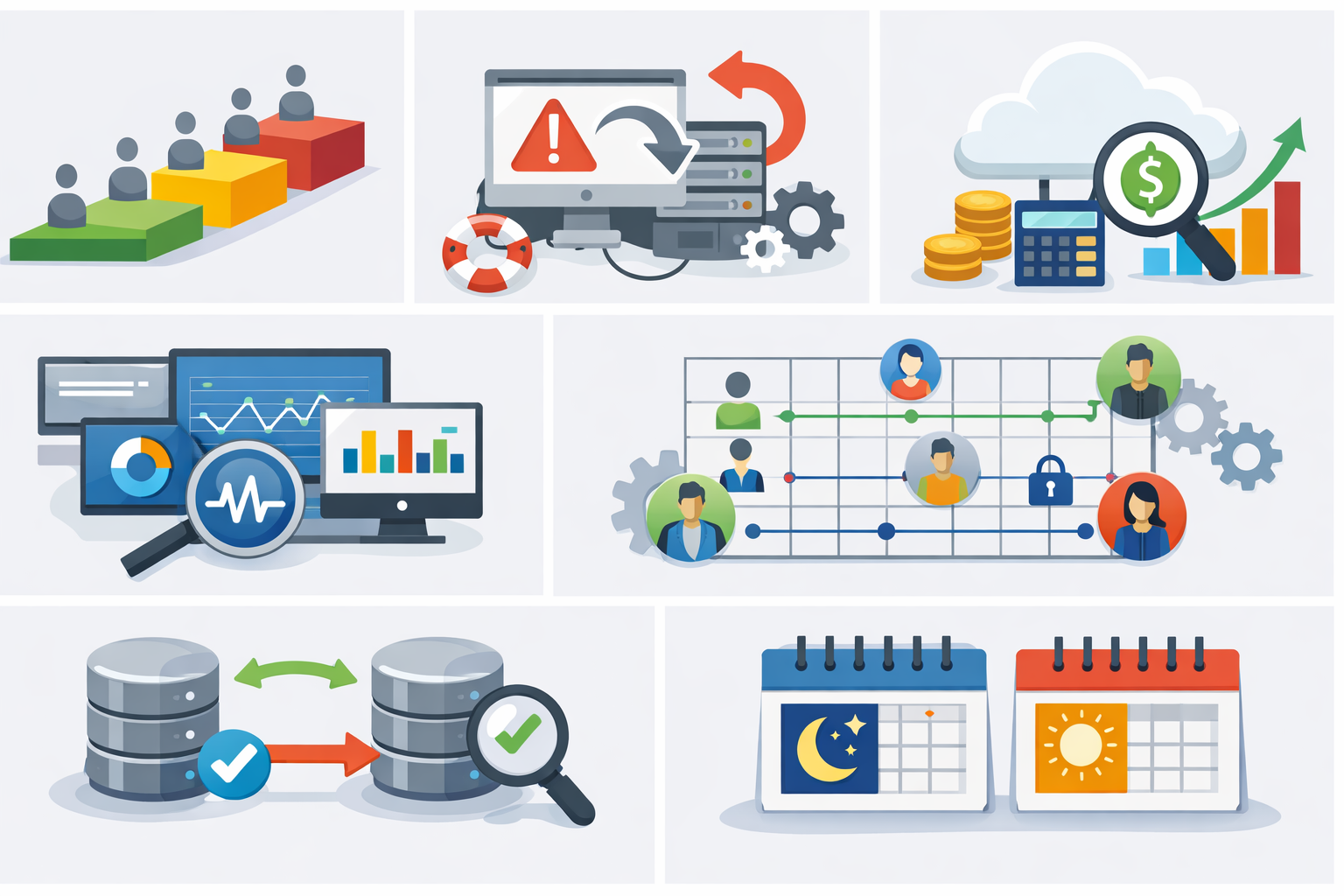
Best practices for small migration teams
If you’re a 2–10 developer team, this matters most.
1. Use wave-based rollout always
Small teams should avoid migrating everything at once. A phased rollout helps manage risk and isolate issues early. It allows better monitoring and controlled deployment. This approach is more practical with limited resources.
Never deploy everything at once.
2. Run rollback drills
Rollback plans should be tested before actual migration. Simulating failure scenarios helps teams prepare for real incidents. It ensures faster recovery when something goes wrong. Without drills, rollback execution can become chaotic.
Simulate failure before actual migration.
3. Track cloud cost from day one
Cloud costs can grow quickly if not monitored early. Tagging services, environments, and teams helps track usage effectively. This prevents unexpected billing surprises. Cost visibility is critical for small teams with limited budgets.
Tag:
- services
- environments
- teams
Avoid surprise bills.
4. Add observability early
Basic observability should be in place before migration. Logs, metrics, and alerts help identify issues quickly. Without proper visibility, debugging becomes difficult and slow. Early setup improves system reliability post-migration.
Minimum:
- logs
- metrics
- alerts
Without this, debugging is guesswork.
5. Define ownership matrix
Clear ownership avoids confusion during migration and incidents. Teams should define responsibilities for infrastructure, database, and rollback actions. This ensures faster decision-making during critical situations. Lack of ownership often leads to delays.
Clarify:
- infra owner
- DB owner
- rollback owner
6. Test DB replication properly
Database replication should be validated thoroughly before cutover. Teams must check data consistency and handle edge cases. Assuming replication works without testing can lead to data loss. Proper validation ensures a smooth transition.
Don’t assume sync works:
- validate data consistency
- check edge cases
7. Choose safe release windows (India context)
Timing of deployment plays a crucial role in minimizing risk. Avoid migrations during peak business hours or critical financial periods like month-end. Choosing low-traffic windows reduces impact in case of failure. This is especially important for Indian business operations.
Avoid:
- month-end (finance load)
- peak business hours
Conclusion
After working on multiple cloud migration for enterprise software India projects, one pattern is very clear: migration success has very little to do with cloud technology — and everything to do with how well you reduce uncertainty before the move.
Legacy systems are not just codebases. They are ecosystems built over years, sometimes decades, with hidden dependencies, manual workflows, and assumptions that no longer exist in documentation. When teams rush into migration without fully understanding these layers, the cloud simply exposes the weaknesses faster.
The biggest mistake is treating migration as an infrastructure task instead of a system-behavior problem. Moving a VM or database is easy. Predicting how billing jobs, reporting logic, authentication flows, and background processes will behave after the move is where real engineering effort is required.
Successful legacy system modernization India efforts follow a different mindset:
- they map dependencies before migration
- they move systems in controlled phases
- they assign clear rollback ownership
- they validate behavior using real production patterns
Yes, this approach is slower upfront. It requires more planning, more coordination, and sometimes difficult trade-offs. But in practice, it leads to fewer production incidents, more predictable costs, and far less business disruption.
At the end of the day, legacy software modernization services are not about moving systems to the cloud faster — they’re about moving them safely.
If your team can reduce unknowns before migration, the cloud becomes an advantage. If not, you’re simply relocating complexity — and paying more to manage it.
FAQs
Only for stable, low-change systems. For tightly coupled applications, it usually increases cost and keeps existing technical debt without solving core issues.
Use phased rollout, canary traffic, and pre-defined rollback ownership. Avoid big-bang deployments.
If the system has hidden integrations or outdated runtime dependencies, partial modernization reduces migration risk significantly.
Undocumented dependencies — especially cron jobs, DB triggers, and external scripts — are the most common cause of post-migration failures.
Depends on system complexity, but realistic migrations take longer due to dependency mapping and phased rollout. Fast migrations usually mean higher risk.
Reference
Written by

Paras Dabhi
VerifiedFull-Stack Developer (Python/Django, React, Node.js)
I build scalable web apps and SaaS products with Django REST, React/Next.js, and Node.js — clean architecture, performance, and production-ready delivery.
LinkedIn