
What Affects Custom Software Development Cost?
A custom software project rarely becomes expensive because of one feature.
In my experience working with startups, SaaS products, and remote engineering teams, the bigger problem is that the initial estimate is often based on incomplete information. Once development begins, requirements become clearer, integrations behave differently than expected, security requirements become more detailed, or the product needs to support more users than originally planned.
That is when the original estimate starts moving.
A feature that looks simple from the product side can involve database changes, APIs, authentication, encryption, testing, deployment, and ongoing maintenance.
The real question is therefore not simply, “How much does custom software cost?”
A better question is:
What technical, product, and operational factors determine the amount of engineering effort required?
This guide breaks those factors down from a practical engineering perspective.
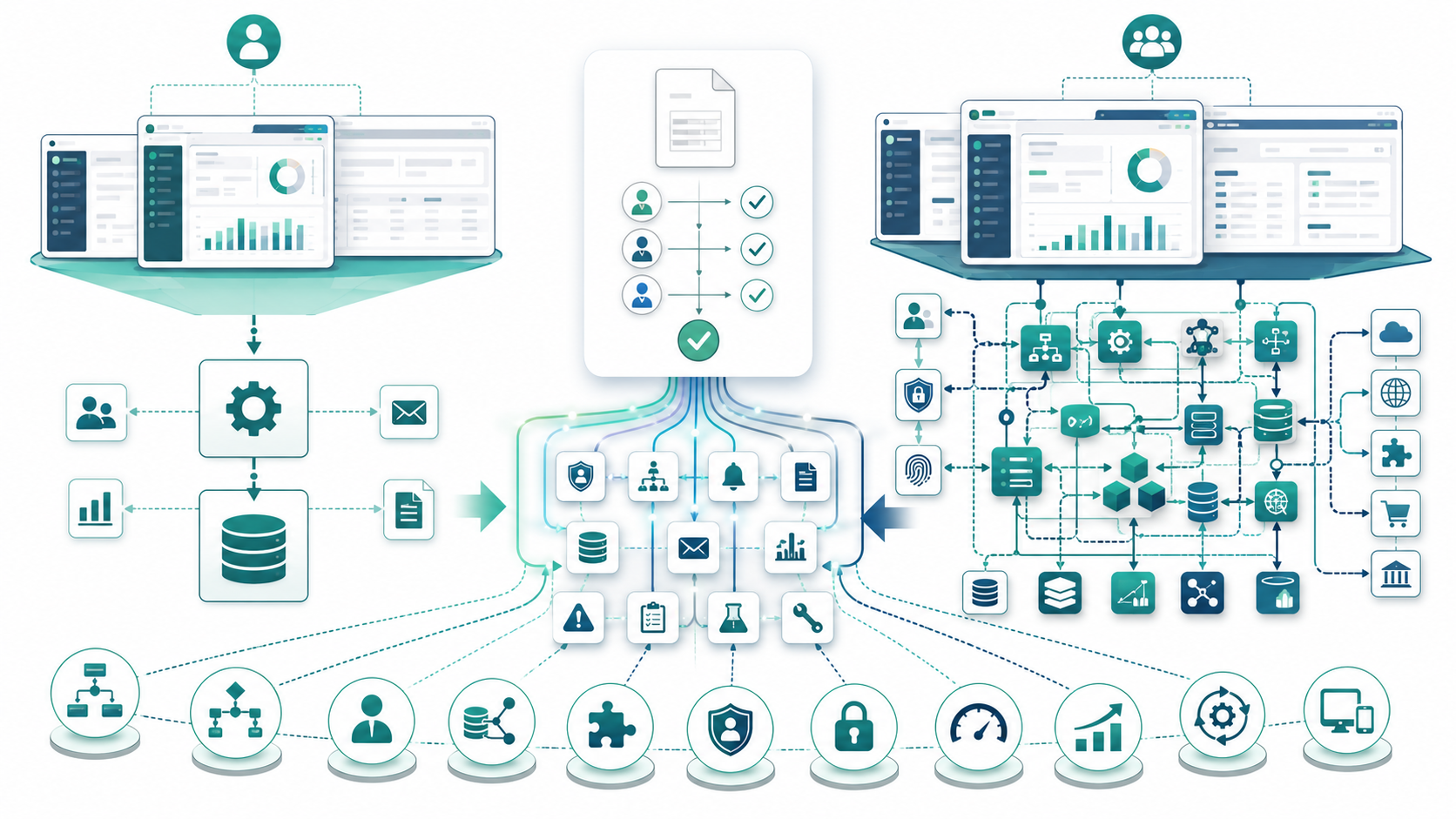
Project Complexity Is Usually the First Major Cost Driver
Complexity is one of the strongest indicators of engineering effort.
Two applications can have the same number of screens but require completely different levels of work.
A simple internal dashboard may mostly involve forms, database operations, and reporting. A SaaS platform may involve multiple organizations, complex permissions, APIs, automation, real-time processing, security controls, and third-party systems.
The visible interface does not tell you the actual engineering workload.
What Makes a Software Project Complex?
Software complexity increases when a project involves multiple workflows, business rules, integrations, security requirements, and user roles. More dependencies usually mean more development, testing, and maintenance effort.
Complexity usually comes from the interaction between:
- Business workflows
- Rules and conditions
- User roles
- Data relationships
- External integrations
- APIs
- Authentication
- Security requirements
- Performance expectations
- Scalability
- Automation
- Compatibility requirements
For example, “users can approve invoices” sounds like one feature.
In production, that could involve permissions, approval levels, notifications, audit records, database transactions, email integration, reporting, and exception handling.
Each additional dependency increases the amount of engineering effort required.
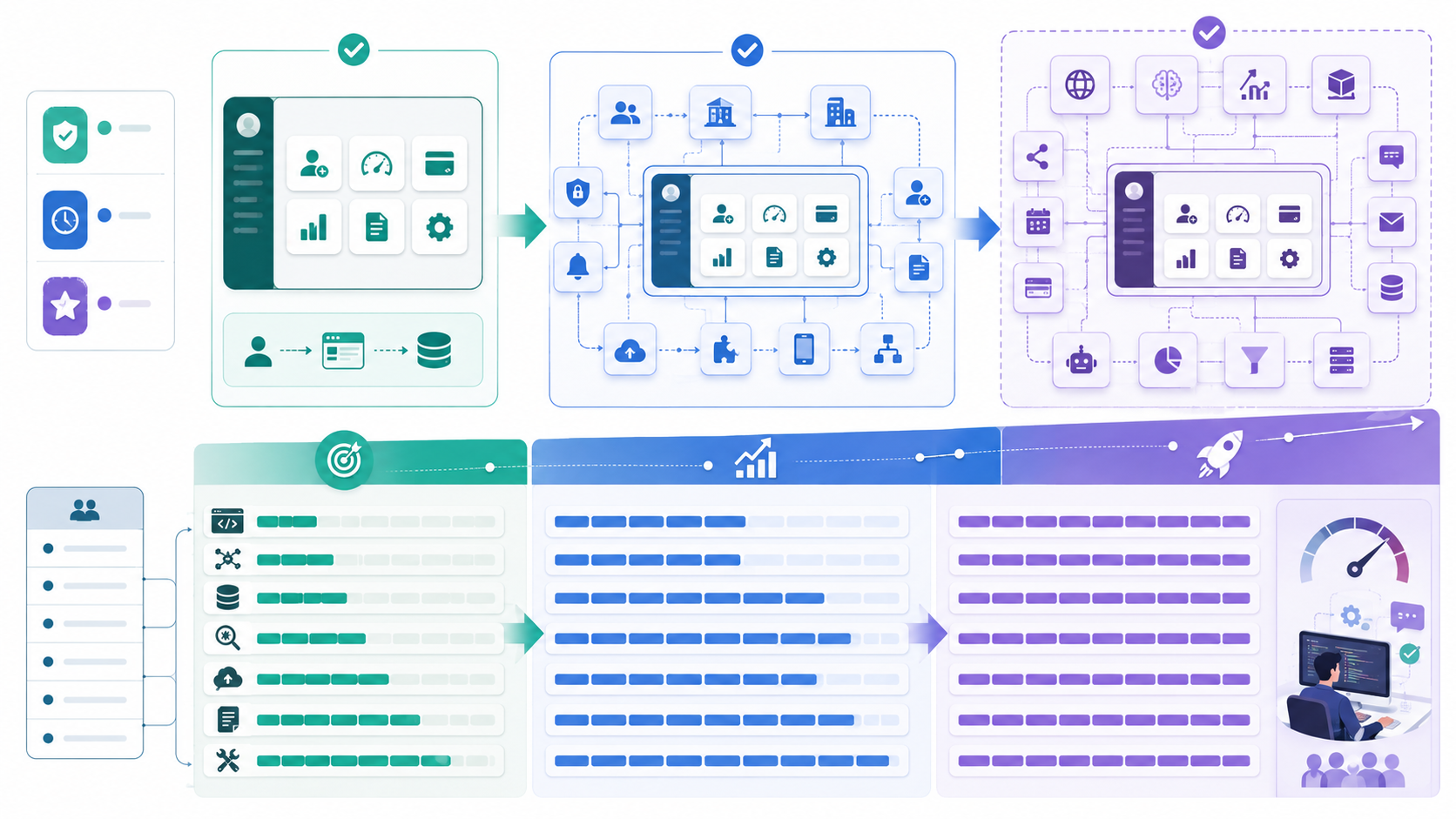
Scope Determines How Much Work Actually Exists
Scope defines what the team is expected to build.
This is where many projects start to become difficult.
A product may begin with a relatively small set of requirements and gradually accumulate additional functionality.
How Scope Expansion Increases Development Effort
Adding features, workflows, integrations, or user roles can significantly increase the overall workload. Even small scope changes may affect existing architecture, APIs, databases, and testing.
A startup might initially request:
- User registration
- Dashboard
- Billing
- Reporting
- Administration
Later, the product team may request:
- Multiple organizations
- Advanced permissions
- Notifications
- Data exports
- Additional integrations
- Mobile compatibility
- Workflow automation
Each request may seem reasonable individually.
Together, they can significantly change the workload.
This is why scope should clearly distinguish between must-have functionality, future features, and optional improvements.
A project estimate becomes much more reliable when everyone understands what is actually included.
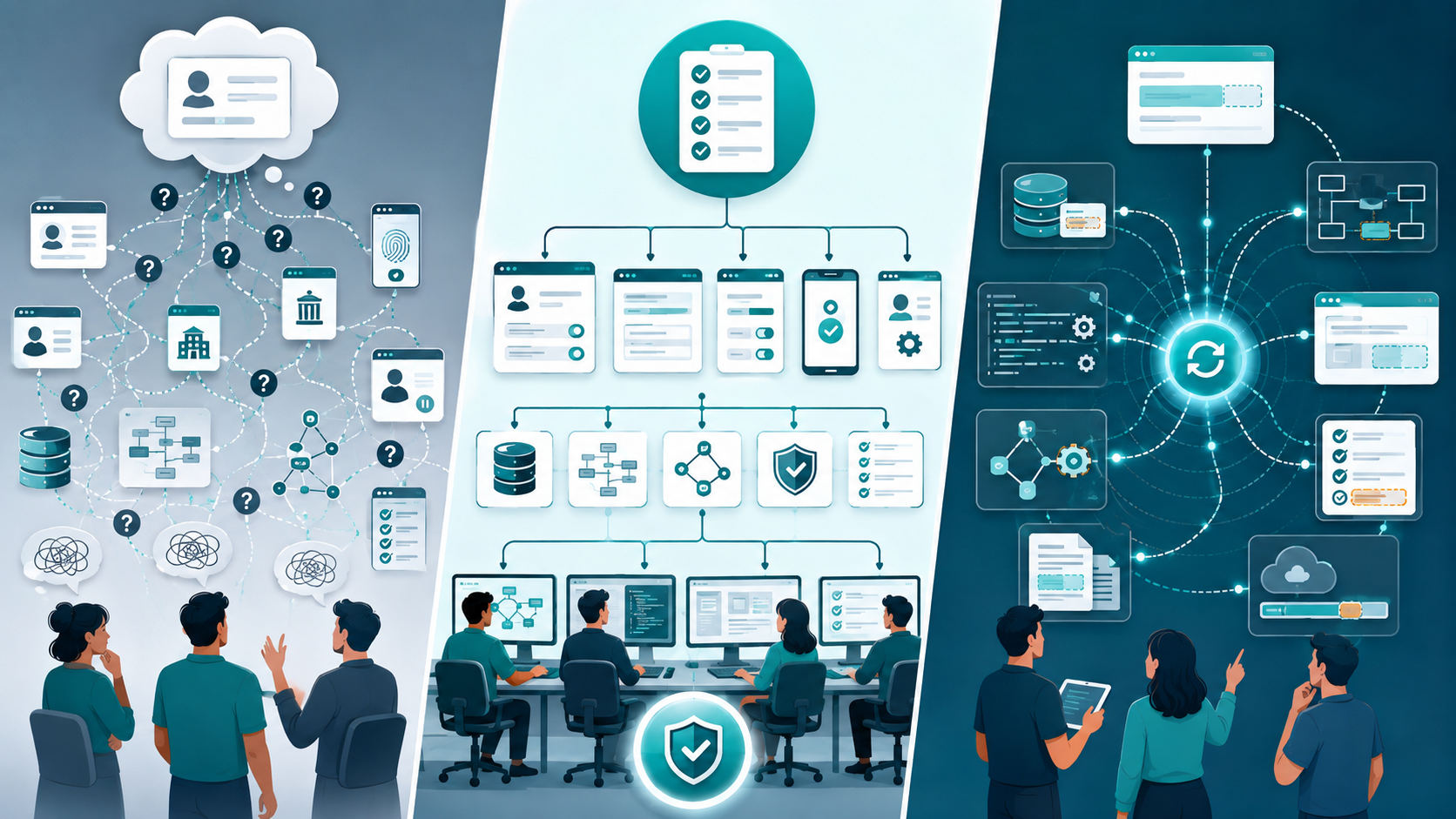
Requirements and Specifications Affect the Estimate
Requirements determine what the software is expected to do. Working with a US custom software development partner for accurate estimates helps teams clarify scope, specifications, workflows, integrations, security expectations, testing needs, deployment assumptions, and project risks before development begins.
Specifications determine how precisely those requirements are defined.
A statement such as “users can manage their account” is not enough for an accurate estimate.
Why Detailed Requirements Matter
Clear requirements help developers understand functionality, specifications, user behavior, and technical expectations before development begins. Better-defined requirements also make estimates more accurate and reduce rework.
Developers need to understand questions such as:
- Can users change their email?
- Can they enable MFA?
- Can they delete their account?
- Can administrators modify user permissions?
- Can one user belong to multiple organizations?
- What happens when an account is suspended?
Each answer affects functionality, database design, APIs, security, and testing.
The more ambiguity exists in the requirements, the greater the estimation risk.
What Happens When Requirements Change?
Changing requirements during development can affect architecture, functionality, database structures, APIs, and testing. Uncontrolled revisions often increase development effort and push project deadlines.
Changing requirements during development is normal.
The problem is pretending that changes have no technical impact.
A seemingly small requirement may affect:
- Database structures
- Backend logic
- Frontend workflows
- APIs
- Testing
- Documentation
- Deployment
That is why change requests should be evaluated according to their downstream impact rather than simply their visible size.

Functionality and Features Can Hide Significant Engineering Work
A feature should not be estimated only by what appears on the screen.
Why a Simple Feature Can Require Complex Backend Work
A feature that looks simple in the interface may require authentication, database logic, APIs, validation, automation, and error handling behind the scenes. The actual engineering effort depends on the complete workflow.
Consider:
Add automated invoice processing.
The feature may require:
- Data ingestion
- Validation
- Database processing
- Business rules
- API integration
- Error handling
- Notifications
- Permissions
- Audit logging
- Testing
- Deployment
- Monitoring
The UI may take a short time to build.
The complete functionality may require much more effort.
Evaluate Workflows, Not Just Screens
Estimating only the number of screens can underestimate the real workload. Developers should evaluate user workflows, business rules, integrations, data processing, security, and failure scenarios.
When estimating a project, I prefer to evaluate the complete workflow.
Ask:
- What happens before the user performs the action?
- What happens after it?
- What happens when something fails?
- Who has permission to perform it?
- What data is created or changed?
This approach produces a much more realistic understanding of the workload.

Software Architecture Influences Both Initial and Long-Term Cost
Architecture determines how the system is organized and how its components communicate.
Choosing the Right Architecture for the Product
Architecture should match the product's current requirements, expected workload, scalability needs, and available engineering expertise. The goal is to build a reliable foundation without unnecessary complexity.
A small SaaS application may not need a highly distributed architecture from day one.
A well-structured modular application can sometimes be easier for a small engineering team to develop, test, deploy, and maintain.
Architecture should be based on:
- Current requirements
- Expected workload
- Team expertise
- Scalability needs
- Security requirements
- Integration complexity
- Operational capacity
Why Overengineering Increases Development Effort
Overengineering introduces additional infrastructure, components, deployment processes, and maintenance responsibilities before they are actually needed. For small teams, this can consume resources without delivering meaningful product value.
I have seen startups introduce complex architecture long before they actually needed it.
More services can mean:
- More deployment processes
- More infrastructure
- More monitoring
- More debugging
- More documentation
- More communication
- More operational responsibility
Modern architecture is not automatically better architecture.
The right architecture is the one that solves the current problem while leaving reasonable room for future growth.

Technology and Framework Choices Affect Development Effort
Technology decisions influence both development speed and long-term maintenance.
How Developer Expertise Influences Cost
Developer experience affects development speed, architecture decisions, debugging, testing, and maintenance. An experienced team can often reduce rework and handle technical problems more efficiently.
Developer experience and expertise affect:
- Programming speed
- Debugging
- Architecture decisions
- Testing
- Security
- Maintenance
- Problem solving
This does not mean teams should only use familiar technologies.
It means technology selection should consider the actual capabilities of the engineering team.
Choosing Technology Based on Project Requirements
Technology should be selected according to project requirements, performance, security, compatibility, and long-term maintenance. Choosing a framework only because it is popular can introduce unnecessary complexity.
Do not choose a framework simply because it is popular.
Consider:
- Product requirements
- Performance
- Compatibility
- Security
- Developer availability
- Ecosystem maturity
- Maintenance requirements
The best technology is the one that solves the actual engineering problem without introducing unnecessary complexity.
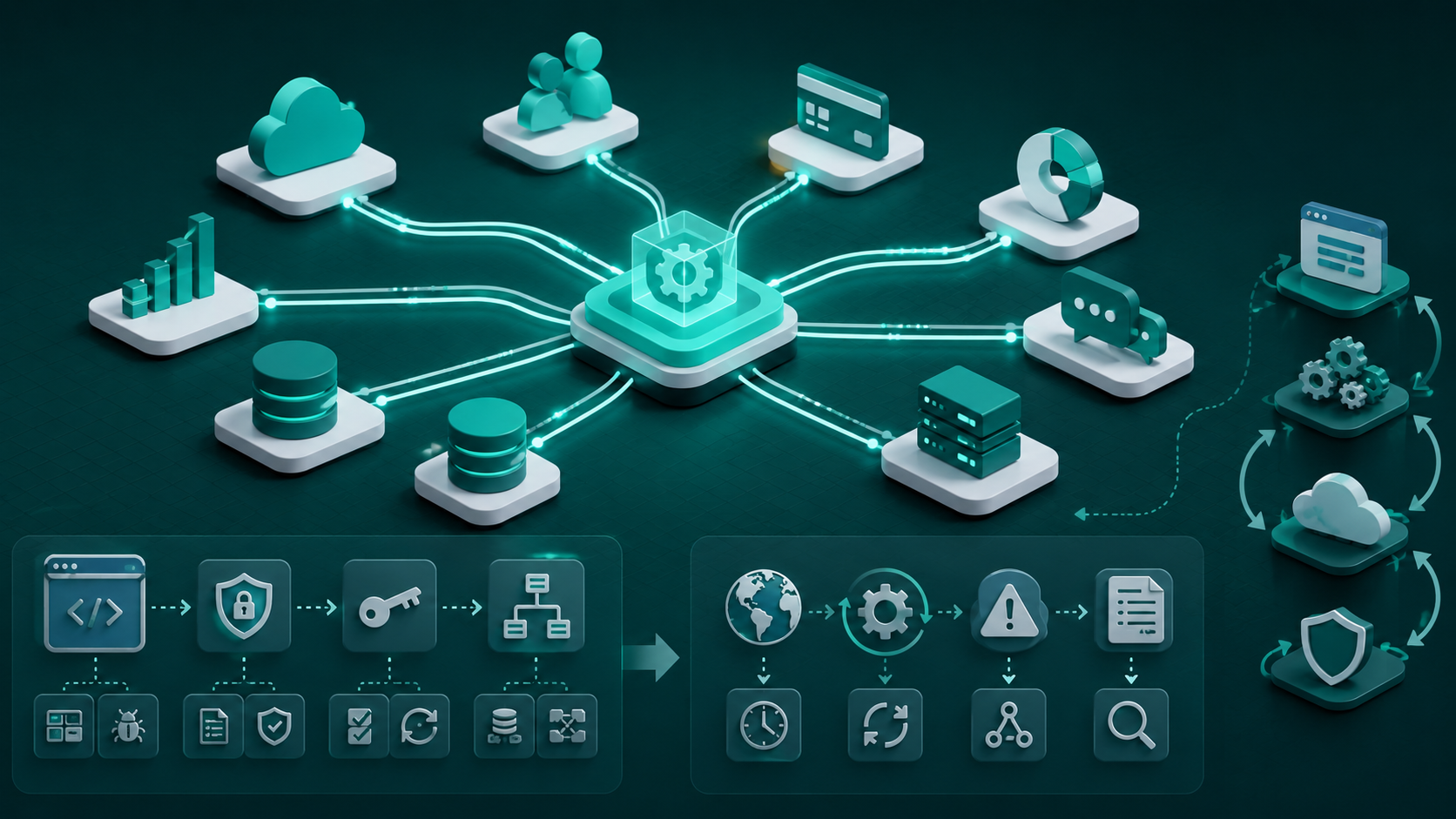
API and Third-Party Integration Can Increase the Workload Quickly
Integrations are often underestimated during planning.
Hidden Work Behind API Integrations
API integrations often require authentication, data mapping, error handling, retries, webhooks, synchronization, and testing. The visible integration may be simple, but the backend workload can be substantial.
An integration can involve:
- Authentication
- API credentials
- Data mapping
- Rate limits
- Error handling
- Retries
- Webhooks
- Synchronization
- Logging
- Monitoring
- Testing
For example, “connect the application to a CRM” does not describe the actual engineering work.
The team needs to understand exactly what data needs to move between systems and how failures should be handled.
Why Third-Party Dependencies Create Ongoing Maintenance
Third-party platforms can change their APIs, authentication methods, rate limits, or supported features. These changes may create additional maintenance, compatibility, and debugging work.
External platforms change.
APIs get updated. Authentication methods change. Rate limits change. Endpoints are deprecated.
Therefore, an integration can create ongoing maintenance requirements after the initial deployment.
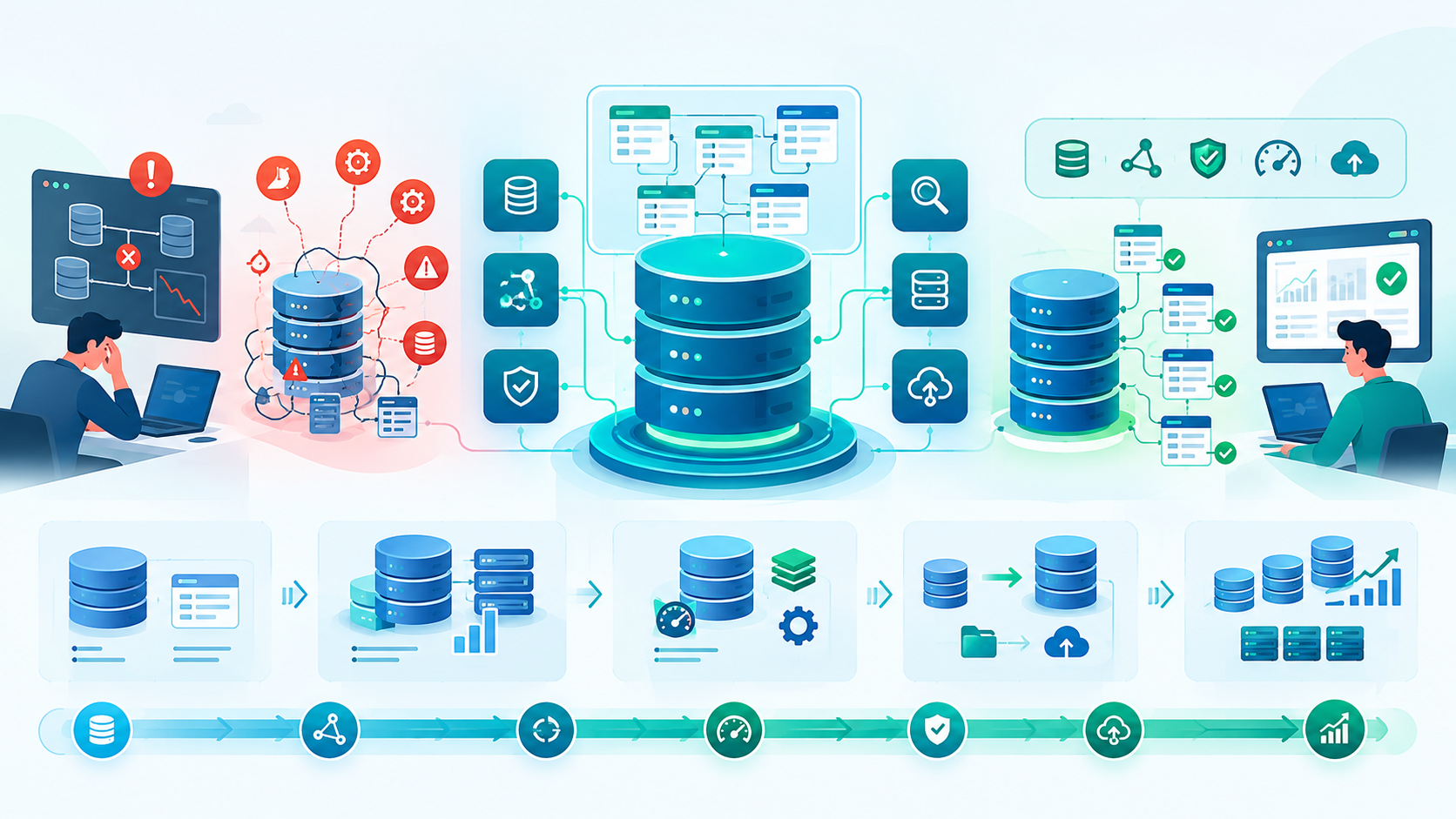
Database Requirements Can Change the Architecture
The database becomes increasingly important as the product grows.
Database Complexity and Data Relationships
Database requirements become more demanding when applications contain complex relationships, transactions, validation, migrations, and large amounts of data. Poor database design can also increase future development effort.
Database work can involve:
- Data modeling
- Relationships
- Indexes
- Transactions
- Validation
- Migrations
- Backups
- Data integrity
Poor database decisions can create problems throughout the application.
Performance, Migration, and Scalability Considerations
Growing data volumes can require query optimization, indexing, caching, migration, archiving, and load testing. Database decisions made for an MVP may need to evolve as usage increases.
The team may need:
- Query optimization
- Indexing
- Caching
- Data migration
- Archiving
- Load testing
A database design that works for an MVP may require modification as the product grows.

Security, Authentication, and Encryption Add Real Engineering Work
Security is not a feature that should simply be added at the end.
Authentication and Authorization Requirements
Authentication and authorization determine who can access the system and what they can do. Features such as MFA, role-based permissions, account verification, and API authorization add engineering and testing requirements.
Authentication can include:
- Registration
- Login
- Password recovery
- MFA
- Session management
- Role-based permissions
- API authorization
- Account verification
Authorization becomes particularly important for SaaS products with multiple organizations and user roles.
Encryption and Data Protection
Sensitive applications may require encryption, secure authentication, secrets management, access controls, and appropriate data retention. These requirements can influence architecture, infrastructure, and development effort.
Depending on the product, developers may need to consider:
- Encryption in transit
- Encryption at rest
- Secrets management
- Secure authentication
- Access controls
- Data retention
Compliance and Security Requirements
Compliance requirements can affect how data is stored, accessed, monitored, and protected. They may also require additional documentation, testing, security controls, and deployment processes.
Products operating in regulated industries may have additional compliance requirements.
These can influence architecture, documentation, access controls, testing, monitoring, and deployment.
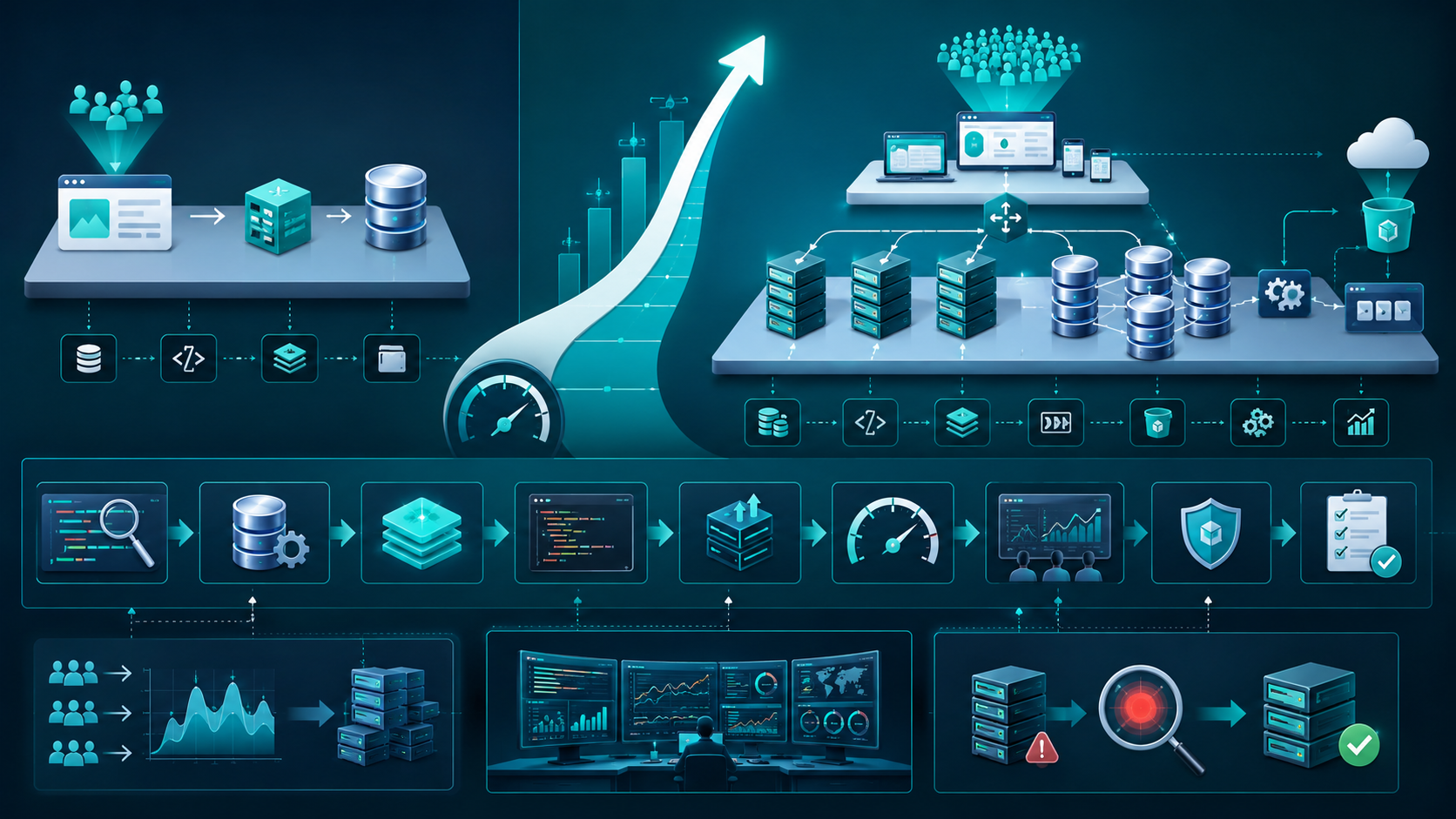
Scalability and Performance Requirements Change the Engineering Approach
A system designed for hundreds of users may require different engineering decisions from one designed for millions.
How Scalability Affects Architecture
Scalability requirements influence databases, infrastructure, APIs, caching, storage, and background processing. The architecture should support realistic growth without introducing unnecessary complexity too early.
Scalability can influence:
- Database architecture
- Infrastructure
- APIs
- Caching
- Background processing
- Storage
- Monitoring
The important point is not to overbuild for hypothetical traffic.
Design around realistic requirements and known growth expectations.
Performance Optimization and Load Testing
Performance issues may require query optimization, caching, profiling, infrastructure improvements, and load testing. Identifying bottlenecks early can prevent expensive architectural changes later.
Performance problems can require:
- Query optimization
- Caching
- Profiling
- Load testing
- Infrastructure changes
- Code optimization
Testing performance early can reveal architectural problems before they become expensive to fix.
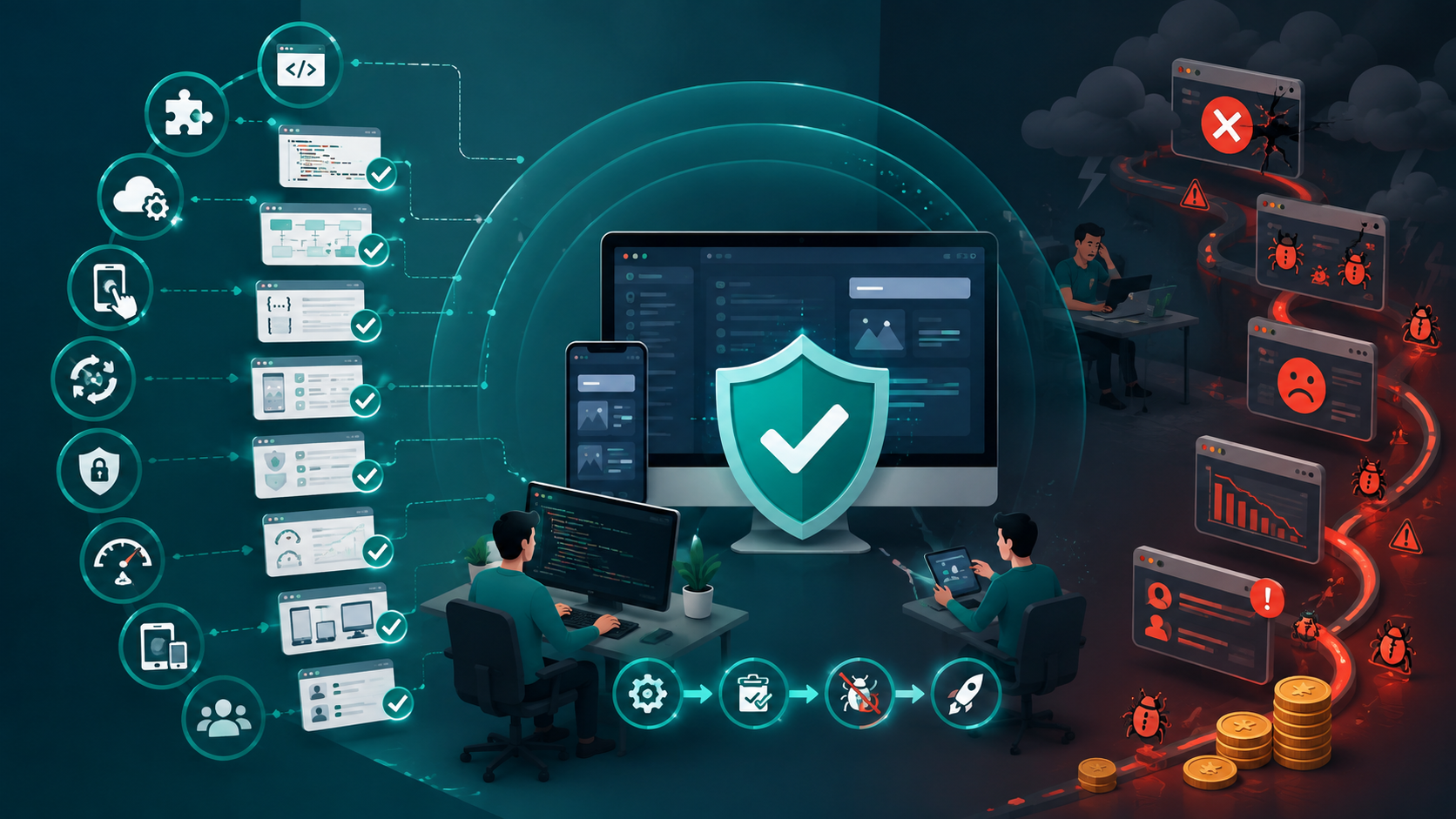
Testing and Debugging Are Part of the Real Cost
Testing is engineering work, not leftover work.
Types of Testing Required
Testing can include unit, integration, API, UI, regression, security, performance, and compatibility testing. The appropriate testing level depends on the product's functionality, risk, and reliability requirements.
Depending on the product, testing may include:
- Unit testing
- Integration testing
- API testing
- UI testing
- Regression testing
- Security testing
- Performance testing
- Compatibility testing
- User acceptance testing
Why Skipping Testing Can Increase Long-Term Costs
Skipping testing may reduce short-term development effort but increase production defects and debugging work. Strong testing helps prevent new changes from breaking existing functionality.
Reducing testing can appear to save time.
But defects discovered in production are often more expensive to investigate and fix.
Testing also reduces the risk that a new feature will break an existing workflow.
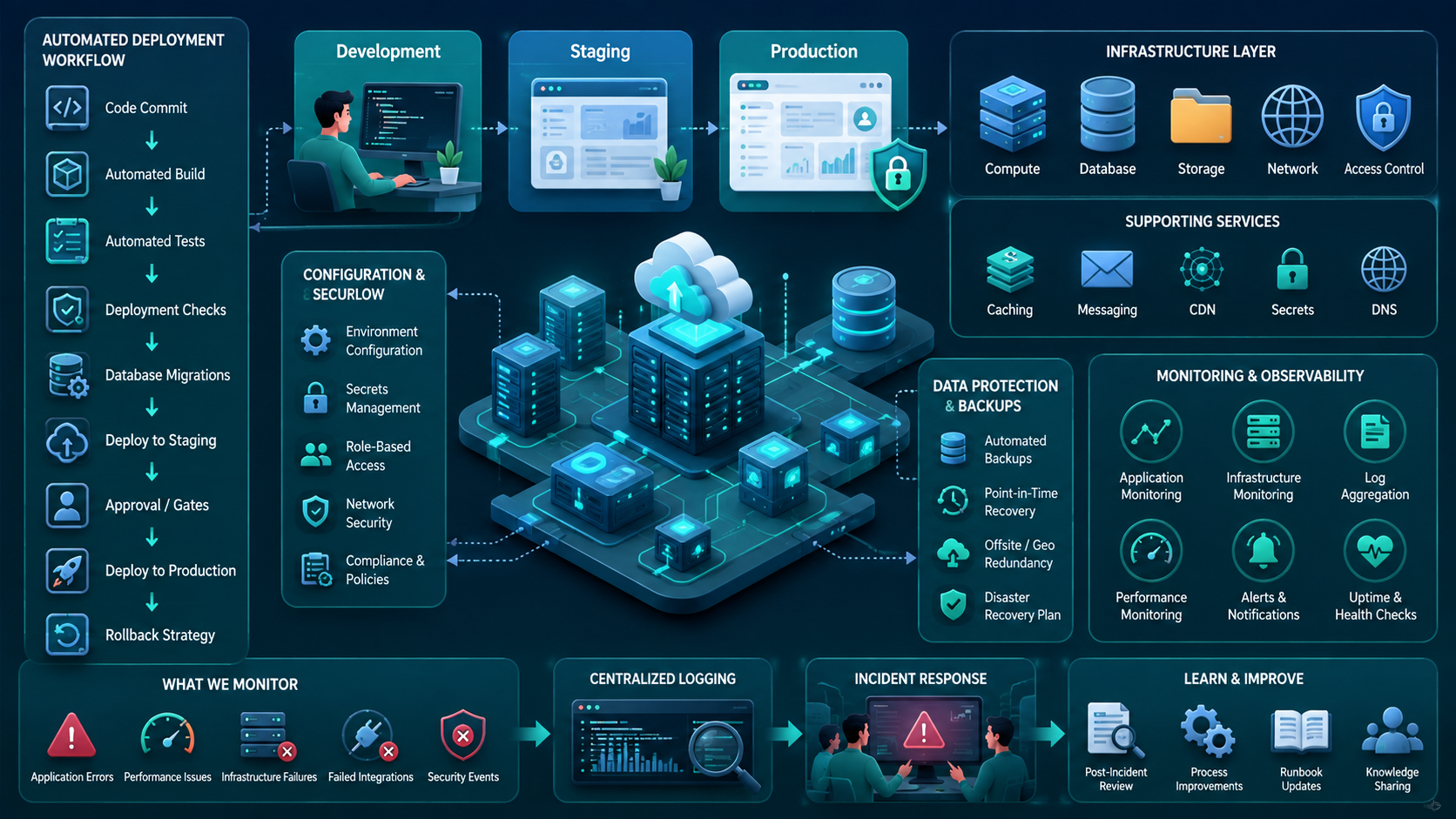
Deployment and Infrastructure Affect More Than the Launch
Production deployment requires more than moving code to a server.
Production Infrastructure Requirements
Production systems may require hosting, databases, storage, backups, logging, monitoring, access controls, and separate environments. These infrastructure requirements contribute to both initial and ongoing costs.
Depending on the application, infrastructure can include:
- Development environment
- Staging environment
- Production environment
- Database hosting
- Storage
- Backups
- Monitoring
- Logging
- Access controls
Automation and Deployment Workflows
Automated builds, testing, deployment checks, migrations, and rollback processes reduce repetitive manual work. A reliable deployment workflow also helps teams release changes more consistently.
Automation can reduce repetitive manual work.
A deployment workflow may include:
- Automated builds
- Automated testing
- Deployment checks
- Database migrations
- Rollbacks
Monitoring, Backups, and Recovery
Production monitoring helps teams identify application errors, performance issues, infrastructure failures, and security events. Backups and recovery processes reduce the impact of unexpected failures.
Production systems also need visibility and recovery mechanisms.
Monitoring can help identify:
- Application errors
- Performance problems
- Infrastructure failures
- Failed integrations
- Security events
Team Size, Expertise, and Resources Affect the Budget
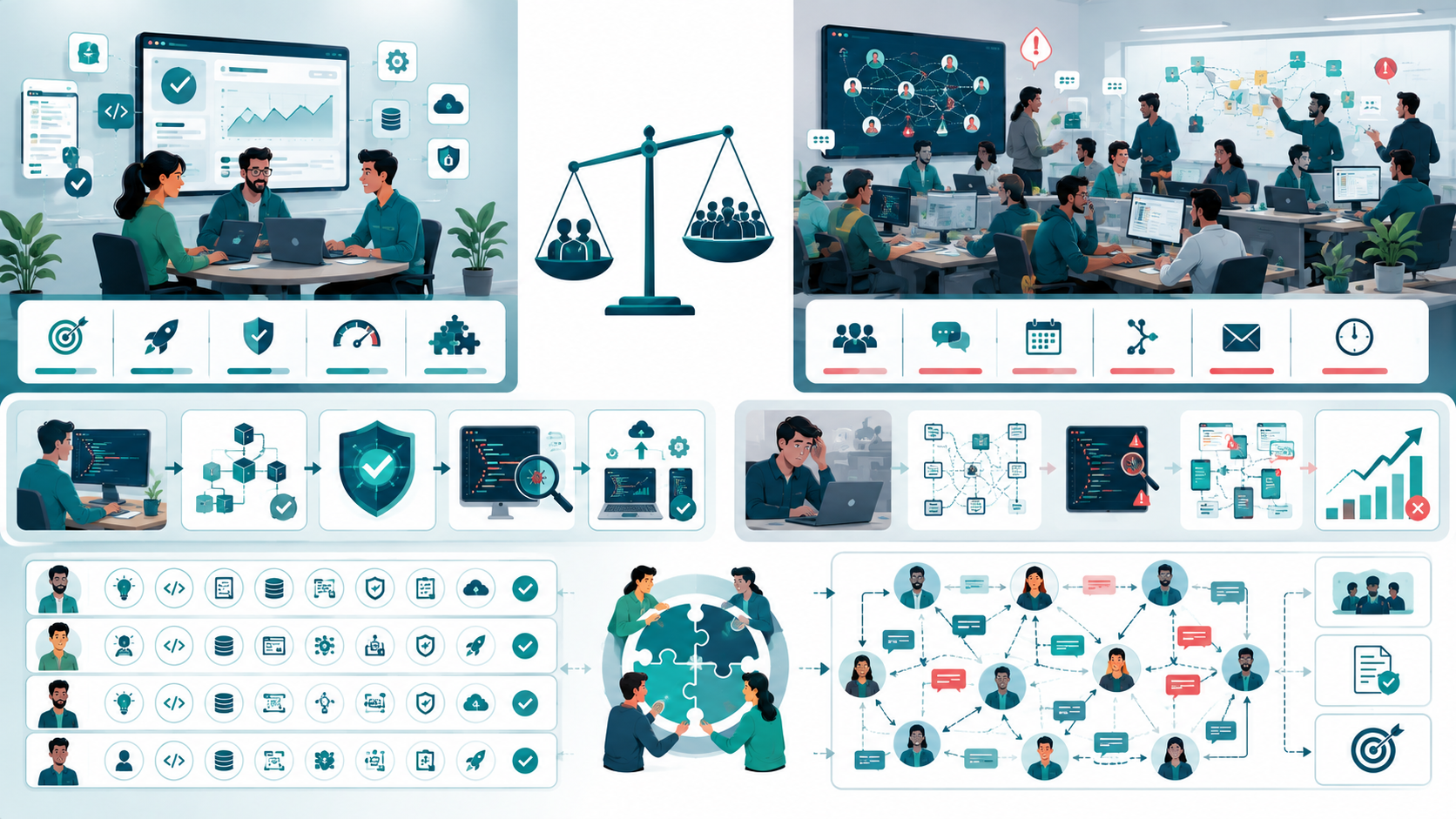
The team itself is a major part of project effort.
How Team Size Influences Development Effort
A larger team does not always deliver faster because additional developers create communication and coordination overhead. A small, experienced team can sometimes be more efficient for a focused product.
More developers do not automatically mean faster development.
A larger team can create additional:
- Communication
- Coordination
- Management
- Collaboration overhead
A small experienced team may be more efficient for a focused product.
Developer Experience and Technical Expertise
Experienced developers can identify architectural problems, technical risks, and implementation issues earlier. Their expertise can reduce unnecessary rework and improve long-term maintainability.
Experienced developers can often identify architectural problems earlier and avoid unnecessary rework.
This is particularly important when requirements are unclear or technical risk is high.
Communication and Collaboration Overhead
As teams grow, more time can be spent coordinating architecture, APIs, requirements, ownership, testing, and deployment. Clear responsibilities and documentation help control this overhead.
Every developer needs context.
When teams become larger, more time may be spent discussing:
- Architecture
- APIs
- Requirements
- Ownership
- Testing
- Deployment
Team structure should therefore match project complexity.

Timeline and Deadlines Can Increase Development Effort
A deadline can directly affect resources and engineering decisions.
How Tight Deadlines Affect Resources
Aggressive deadlines may require additional developers, QA capacity, parallel development, and faster decision-making. However, adding resources cannot eliminate technical dependencies or make every task parallelizable.
If a six-month project needs to be delivered in three months, the team may need:
- Additional developers
- Additional QA capacity
- Parallel development
- Faster decision-making
- More project management
But adding resources cannot solve every timeline problem.
Some work has technical dependencies that must happen sequentially.
Balancing Scope, Time, and Quality
When deadlines are fixed, teams usually need to adjust scope, resources, quality expectations, or the technical approach. Trying to maximize all three at once can create unrealistic development pressure.
When the deadline cannot move, teams usually have to reconsider:
- Scope
- Resources
- Quality expectations
- Technical approach
Trying to keep all three unchanged can create unrealistic expectations.

Communication, Collaboration, and Management Have a Cost
Communication is an engineering resource.
Challenges With Remote Development Teams
Remote teams may work across different time zones, working hours, organizations, and responsibilities. Clear communication and documentation become essential for keeping development aligned.
Remote teams may work across different:
- Time zones
- Working hours
- Languages
- Organizations
- Responsibilities
That makes clear documentation especially important.
How Poor Communication Creates Rework
Unclear requirements can lead to incorrect implementation and repeated revisions. The resulting rework can affect development, testing, deployment, and project deadlines.
A vague requirement can lead to incorrect implementation.
Then the team has to:
- Identify the misunderstanding.
- Explain the expected behavior.
- Revise the implementation.
- Retest it.
- Redeploy it.
The coding mistake may have been small, but the total rework can be significant.

How Outsourcing and Development Location Affect Cost
Development location can affect rates, talent availability, communication, and time-zone overlap.
Onshore, Nearshore, and Offshore Development
Different development locations involve trade-offs in cost, expertise, availability, communication, and time-zone overlap. The right model depends on the project's requirements and collaboration needs.
Each model has different trade-offs around:
- Cost
- Availability
- Communication
- Time zones
- Collaboration
- Expertise
- Management
There is no universal model that is cheapest for every project.
Why Hourly Rates Don't Tell the Full Story
A lower hourly rate does not always mean a lower overall project cost. Development effort, revisions, management, communication, and maintenance should also be considered when comparing options.
A lower hourly rate does not necessarily produce a lower total project cost.
The real comparison should consider:
Rate + development effort + revisions + management + communication + maintenance.
A more experienced team may have a higher rate but require fewer hours and fewer revisions.

Prototyping Can Reduce Cost Before Development Gets Expensive
Prototyping is particularly useful when technical uncertainty is high.
When to Build a Technical Prototype
A prototype is useful when there is uncertainty around APIs, performance, architecture, data processing, or new technology. Testing these assumptions early can prevent expensive development mistakes.
Consider a prototype when you are uncertain about:
- API behavior
- Performance
- Architecture
- Data processing
- Third-party compatibility
- New technology
Validating APIs, Architecture, and Technical Risks
Small technical experiments can validate important assumptions before full development begins. This helps teams identify compatibility issues and architectural risks while changes are still inexpensive.
A small technical experiment can sometimes prevent months of development based on an incorrect assumption.
That is one of the most practical ways to reduce project risk.
Revisions and Change Requests Are Often Hidden Cost Drivers
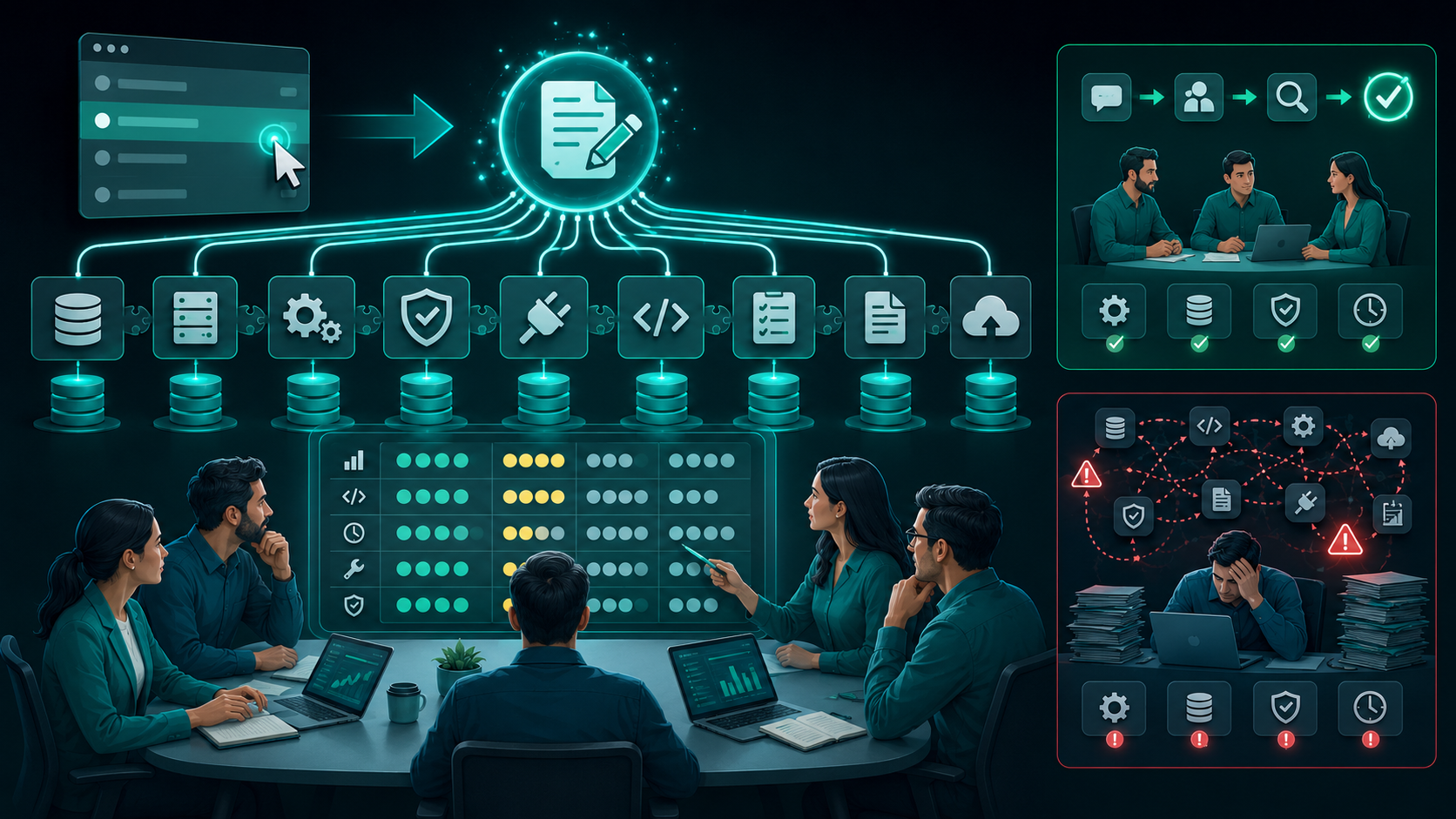
Changes are normal in software development.
The problem is unmanaged change.
How Small Changes Create Larger Technical Impact
A small requirement change can affect databases, APIs, validation, reports, permissions, integrations, and testing. The technical impact should therefore be evaluated before accepting the change.
Changing one field may affect:
- Database
- APIs
- Validation
- Reports
- Permissions
- Integrations
- Testing
The visible change may be small while the technical impact is large.
Managing Scope Changes
Every change should be reviewed for business value, engineering effort, dependencies, timeline impact, and maintenance requirements. This keeps scope decisions aligned with the project's available resources.
Before accepting a change, evaluate:
- Business value
- Engineering effort
- Dependencies
- Timeline impact
- Maintenance impact
This keeps product decisions connected to technical reality.
Risk and Uncertainty Should Be Part of the Estimate
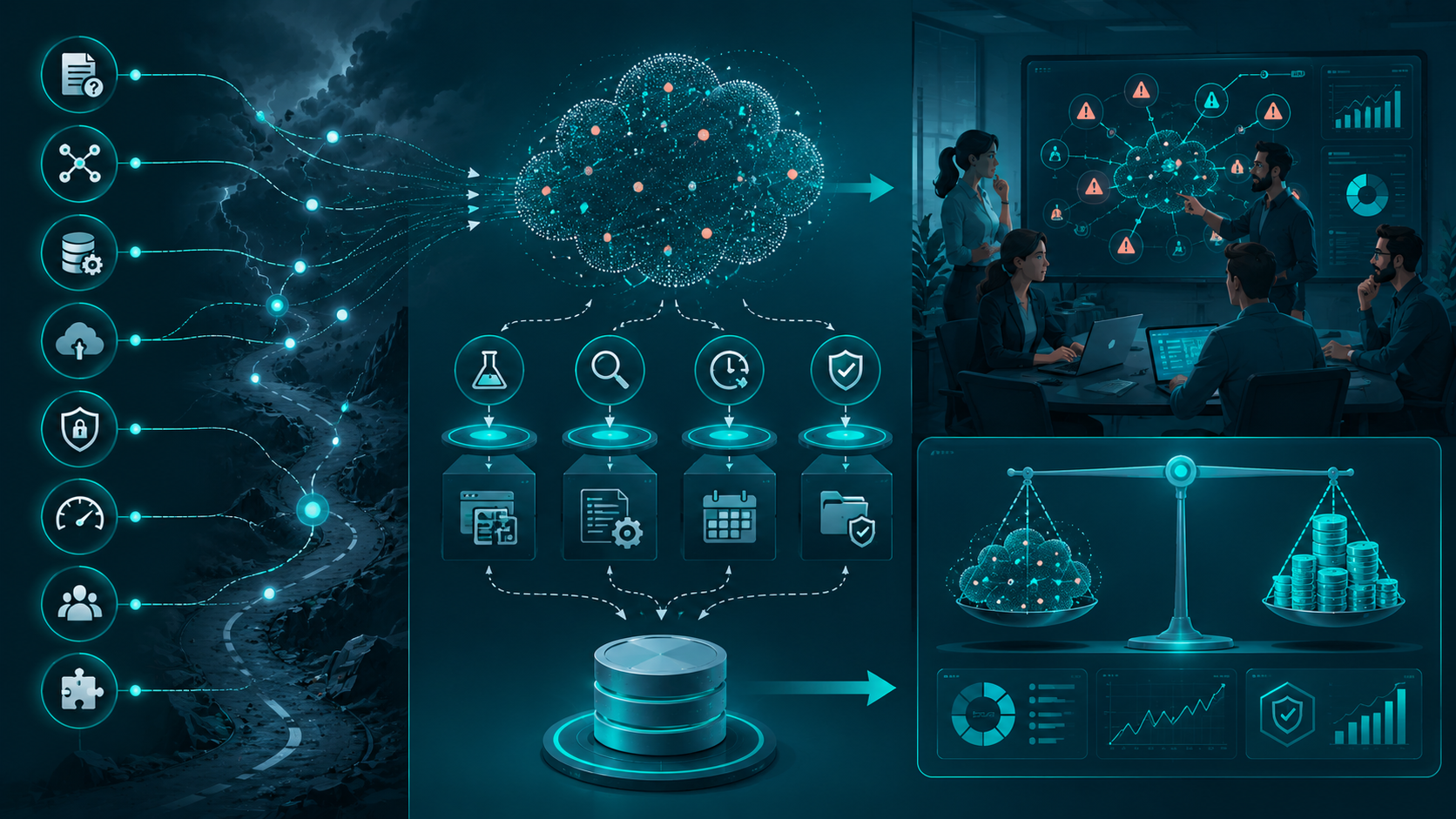
Every project has unknowns.
Common Software Development Risks
Common risks include unclear requirements, third-party dependencies, data migration, security requirements, performance uncertainty, limited resources, and integration failures. Identifying these risks early makes estimates more realistic.
Typical risks include:
- Unclear requirements
- Third-party dependencies
- Data migration
- New technology
- Security requirements
- Performance uncertainty
- Limited resources
- Integration failures
How Technical Uncertainty Affects Estimates
When technical requirements are uncertain, estimates become less precise. Teams can reduce uncertainty by prototyping, investigating technical constraints, or clearly including contingency in the project plan.
The less certain the technical requirement, the less precise the estimate will be.
Instead of hiding uncertainty, identify it.
Then decide whether it should be:
- Prototyped
- Investigated
- Deferred
- Included as contingency
That produces a more honest project estimate.
A Practical Way to Think About Custom Software Cost
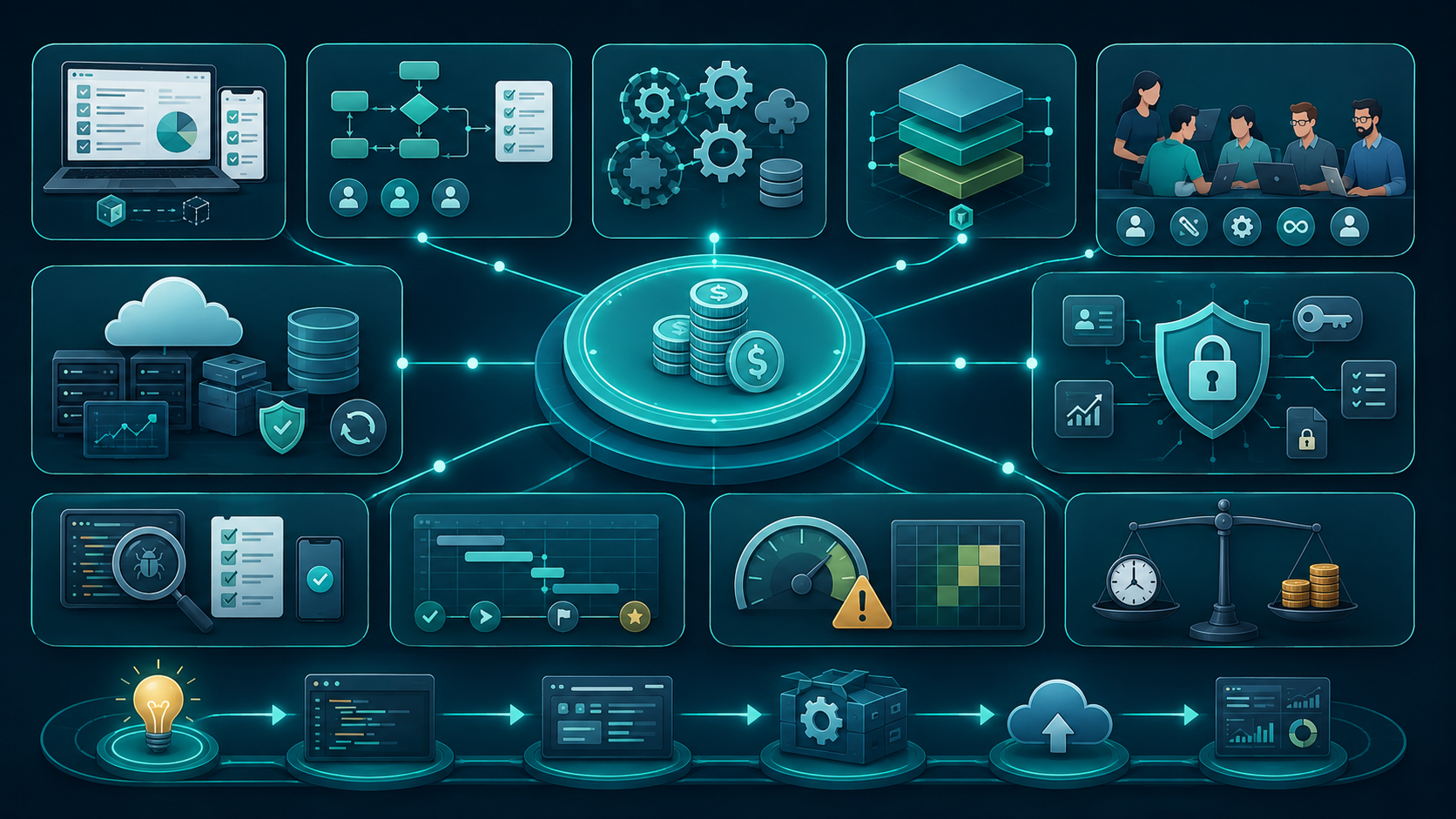
Instead of asking only for a total price, break the project into engineering variables.
Product Scope
Product scope defines what must be delivered in the first release and what can wait. A clearly controlled scope makes workload, resources, and development effort easier to estimate.
Functional Requirements
Functional requirements describe what users and the system need to accomplish. Clear workflows and expected behaviors help developers estimate implementation and testing effort more accurately.
Technical Complexity
Technical complexity comes from difficult workflows, integrations, business rules, security, performance, and scalability requirements. Understanding these factors gives a more realistic view of development effort.
Architecture
Architecture defines how application components, databases, APIs, and infrastructure work together. A suitable architecture can support development without creating unnecessary operational complexity.
Team Resources
Team resources include developers, designers, QA engineers, DevOps specialists, and project management. The required roles depend on the project's scope, technology, complexity, and timeline.
Infrastructure
Infrastructure covers the environments and services required to run the application reliably. Hosting, databases, storage, monitoring, backups, and deployment systems can all influence project costs.
Security
Security requirements include authentication, authorization, encryption, access controls, and data protection. Strong security practices require engineering effort throughout development rather than only before launch.
Quality and Testing
Quality requirements determine how thoroughly the application needs to be tested and validated. Higher reliability expectations generally require more testing, debugging, automation, and verification.
Timeline
The project timeline determines how quickly development must be completed and how resources are allocated. Shorter deadlines can increase coordination, staffing, and development pressure.
Risk
Risk represents the unknown factors that could increase development effort or delay delivery. Identifying technical, product, integration, and resource risks early helps create more realistic estimates.
This framework is much more useful than estimating software based only on the number of screens or features.
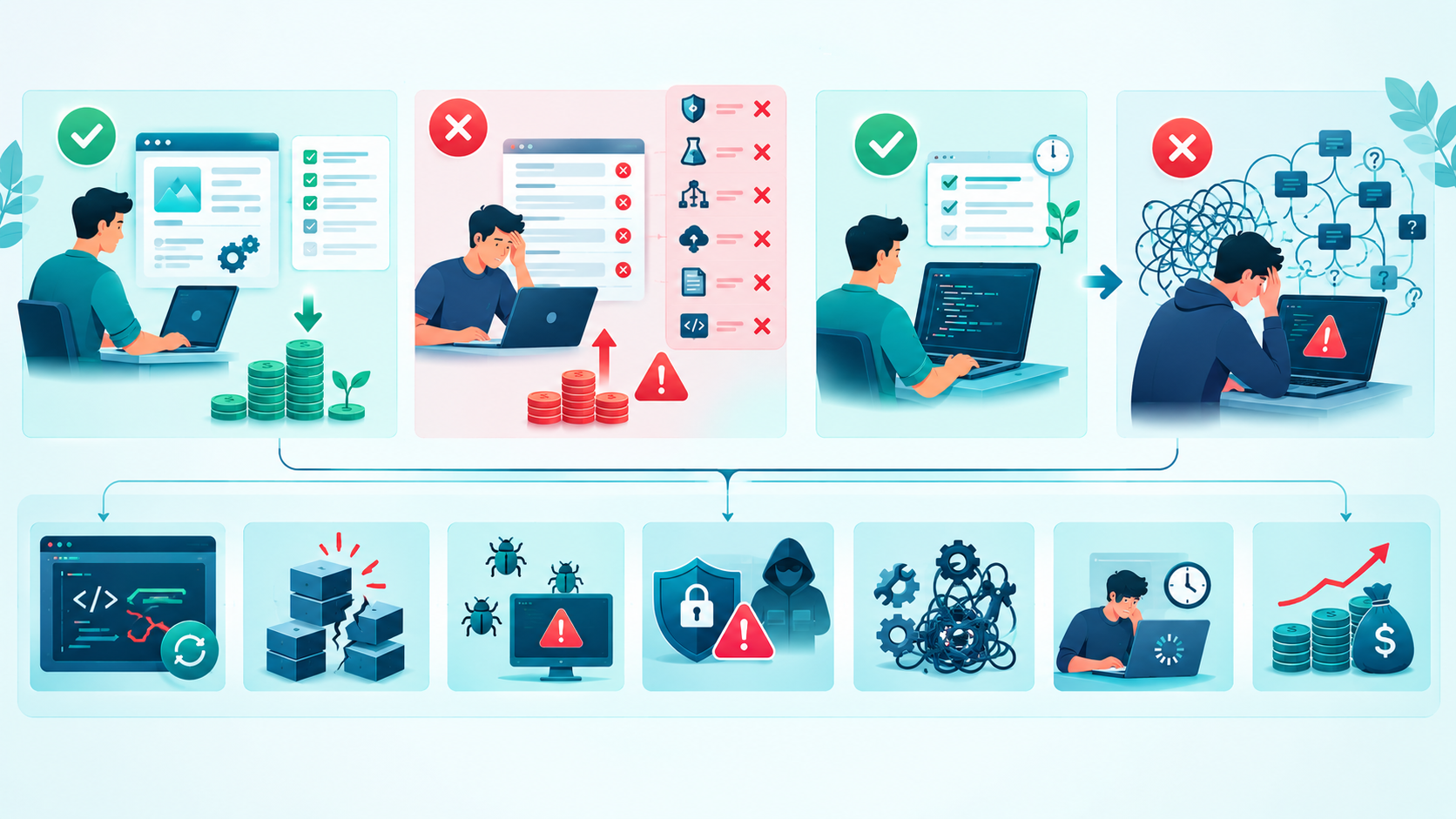
When Trying to Reduce Cost Goes Wrong
Cost control is important, but cutting engineering quality blindly can create larger expenses later.
Cutting Features vs. Cutting Engineering Quality
Removing unnecessary features can be a healthy product decision.
Removing necessary testing, security, architecture work, or deployment safeguards is different.
The first reduces scope.
The second increases risk.
The Long-Term Cost of Technical Debt
A shortcut can be acceptable when it is deliberate.
For example:
We are using this temporary approach until product-market fit is validated.
That is different from:
Nobody knows why this works, and changing it could break production.
The first is controlled technical debt.
The second is unmanaged technical debt.

Sustainable Practices for Small Engineering Teams
Small teams need to protect both engineering capacity and product velocity.
Define the First Release Carefully
A focused first release helps small teams concentrate resources on the functionality needed to validate the product. Deferring nonessential features can reduce unnecessary development workload.
Make Technical Assumptions Visible
Documenting assumptions about APIs, infrastructure, scalability, and integrations makes uncertainty easier to manage. It also helps the team revisit decisions when project requirements change.
Prototype Uncertain Technology
Technical prototypes allow teams to test unfamiliar technology before committing significant development resources. This is particularly useful for complex integrations, performance requirements, and architectural decisions.
Keep Architecture Proportional
Architecture should match the product's actual requirements, team expertise, and expected growth. Avoiding unnecessary complexity helps small engineering teams maintain development speed.
Review Scope Continuously
Regular scope reviews help teams identify unnecessary features and evaluate new requests before development begins. This keeps workload and resources aligned with project priorities.
Automate Repetitive Work
Automation can reduce repetitive effort in testing, deployment, quality checks, and development workflows. It allows engineers to spend more time solving product and technical problems.
Document Important Decisions
Short technical decision records help teams understand why important architecture, technology, and workflow choices were made. This reduces repeated discussions and makes future maintenance easier.
Track Technical Debt
Tracking technical debt makes temporary shortcuts visible instead of allowing them to become forgotten problems. Teams can then prioritize improvements based on technical risk and business impact.
Protect Developer Capacity
Developers need realistic workloads to maintain quality and productivity over time. Avoiding constant deadline pressure helps reduce rushed implementation, debugging, burnout, and unnecessary rework.

The Biggest Lesson About Custom Software Cost
The biggest lesson is simple:
Software cost is driven less by the number of features than by the complexity behind those features.
A feature becomes expensive when it introduces difficult requirements, integrations, security constraints, scalability requirements, performance problems, compatibility issues, testing requirements, or long-term maintenance.
A realistic estimate therefore needs to consider the entire engineering lifecycle:
Requirements → Architecture → Development → Integration → Testing → Deployment → Maintenance
Estimating only the coding work gives you an incomplete picture.
Conclusion
There is no single factor that determines custom software development cost.
The final effort depends on the interaction between scope, complexity, requirements, functionality, architecture, technology, APIs, integrations, database requirements, security, scalability, performance, testing, deployment, team expertise, resources, timeline, communication, location, prototyping, revisions, and risk.
The best way to make a project more predictable is not to pretend that uncertainty does not exist.
Identify it early.
Validate difficult assumptions.
Control scope.
Choose appropriate architecture.
Match resources to the workload.
And consider maintenance before the first production release.
For startups and international engineering teams, the goal should not be to build the cheapest possible software.
The goal should be to build the simplest reliable system that solves the current business problem without creating unnecessary future engineering work.
What Affects Custom Software Development Cost?: FAQs
The biggest factors are usually scope, complexity, requirements, team resources, architecture, integrations, security, testing, timeline, and ongoing maintenance.
Estimates can change when requirements become clearer, scope expands, integrations prove more complicated, or additional security, testing, infrastructure, and scalability requirements are discovered.
Yes. Every additional workflow, feature, integration, or requirement can increase engineering effort, testing requirements, and maintenance responsibilities.
They can. Integrations may require authentication, data mapping, synchronization, error handling, retries, testing, monitoring, and future compatibility work.
It can, provided the team has the necessary expertise and the project can be divided efficiently. A smaller experienced team can also have lower communication and management overhead.
Start by controlling scope, documenting requirements, identifying technical risks, prototyping uncertain areas, choosing proportional architecture, and including testing, security, deployment, and maintenance in the planning.
Reference
Written by

Paras Dabhi
VerifiedFull-Stack Developer (Python/Django, React, Node.js)
I build scalable web apps and SaaS products with Django REST, React/Next.js, and Node.js — clean architecture, performance, and production-ready delivery.
LinkedIn