How To Plan Custom Software Requirements
Planning custom software requirements sounds straightforward until development begins.
A founder explains what the product should do. Developers turn those ideas into features. A project manager creates a timeline. Everyone agrees on the scope.
Then reality arrives.
A workflow was interpreted differently by the engineering team. A user role needs permissions nobody documented. An integration requires data that the original specification never mentioned. A feature that looked small turns out to affect the architecture, security model, and testing strategy.
I have seen this happen repeatedly in small SaaS teams and client projects. The problem usually isn't that the team lacks technical skill. The problem is that requirements were treated as a feature list instead of a shared definition of how the software should work.
Good requirements planning is not about documenting everything before writing code. It is about removing the expensive ambiguity before developers commit to implementation.
Why Planning Custom Software Requirements Becomes Difficult in Real Teams
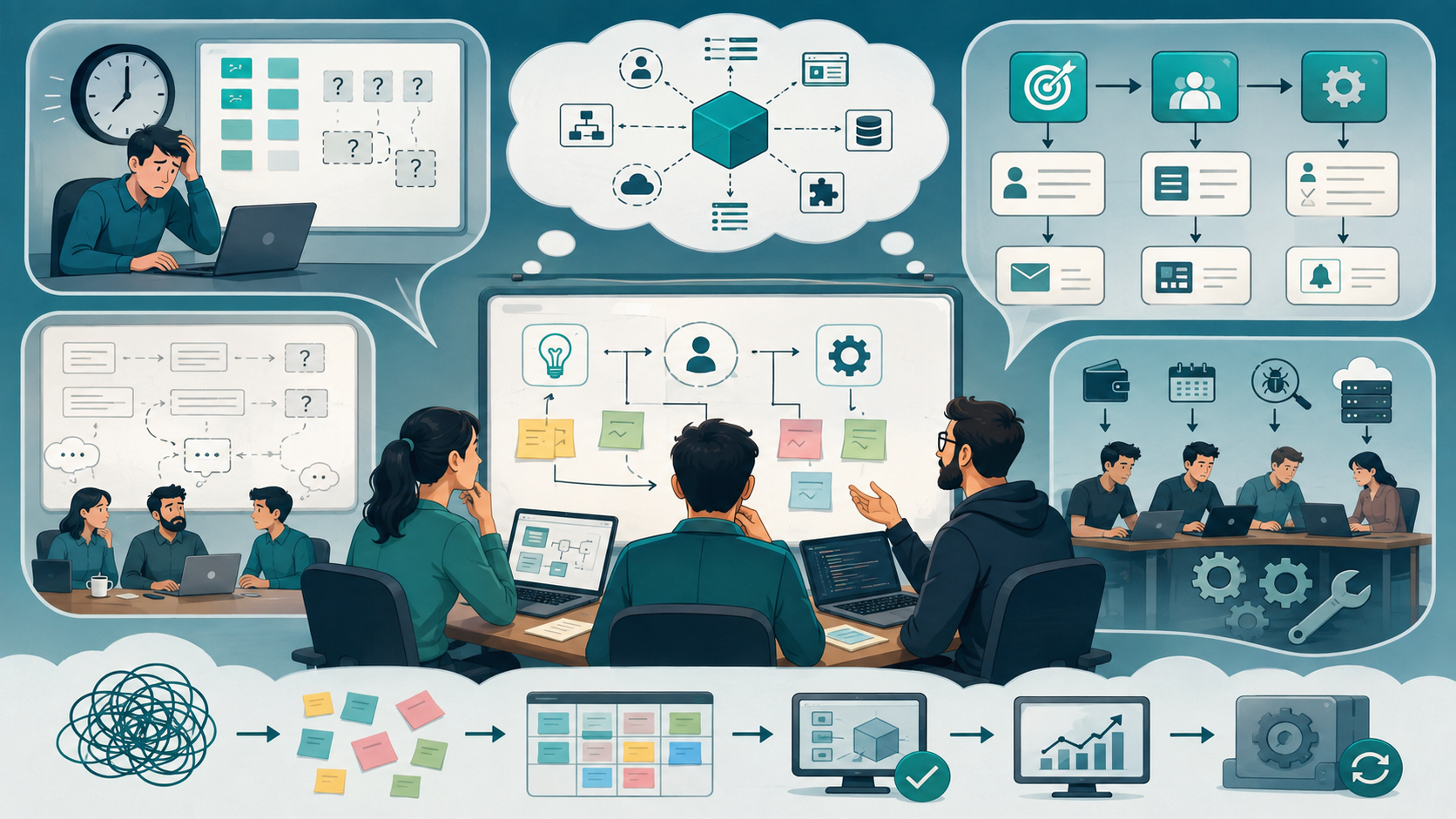
The hardest part of requirements planning is rarely writing the requirements themselves. It is getting different people to agree on what the software actually needs to accomplish.
A founder may think in terms of business goals. A product manager thinks about user needs and workflows. Developers think about functionality, data, architecture, dependencies, and technical constraints.
All three perspectives matter.
Time Pressure Creates Incomplete Requirements
Startups rarely have unlimited planning time.
A team may have a customer waiting for an MVP, investors expecting a demonstration, or an internal deadline tied to a business launch.
Under that pressure, requirements often become statements such as:
Users should be able to manage their accounts.
That sounds reasonable, but it leaves important questions unanswered.
Which users?
What information can they change?
Can administrators change it for them?
What happens when an account is suspended?
Which permissions apply?
What data is required?
What happens during an error?
Without these decisions, developers are forced to make assumptions.
Those assumptions eventually become implementation decisions.
Business Goals Get Confused With Features
Another common problem is starting with features instead of objectives.
For example:
Feature: Automated notifications
Business objective: Reduce the amount of manual follow-up required from account managers.
The difference matters.
Once the objective is clear, the team can determine whether email notifications, dashboard alerts, scheduled reminders, or another workflow actually solves the problem.
Requirements should connect business needs → user needs → functionality.
Small Teams Have Limited Resources
A team of three developers cannot approach requirements planning in exactly the same way as a 100-person engineering organization.
Small teams need to account for:
- Available engineering resources
- Budget
- Timeline
- Existing technical knowledge
- Operational responsibilities
- Testing capacity
- Maintenance workload
A technically impressive solution can still be the wrong solution if the team cannot maintain it.
Start With Business Objectives Before Defining Features
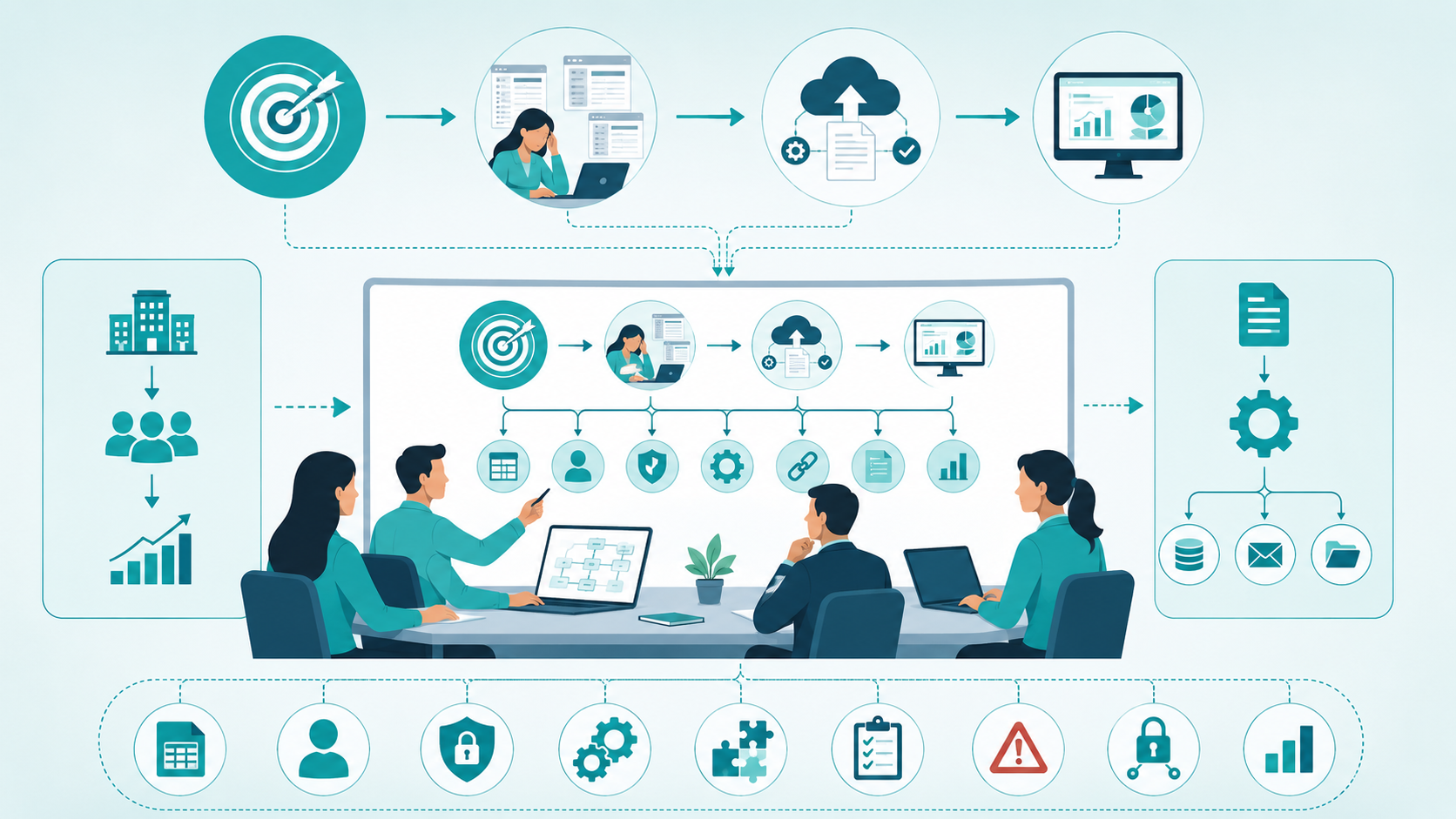
One of the most useful changes a team can make is to define what the software must accomplish before deciding what it should contain.
Start by writing three things:
- Business objective
- User problem
- Expected outcome
For example:
Business objective: Reduce manual invoice processing.
User problem: Finance employees currently enter invoice information into multiple systems.
Expected outcome: Employees can upload an invoice once and have relevant information automatically transferred into the accounting workflow.
Now the requirements become easier to define.
The team can investigate:
- Required data
- User roles
- Permissions
- Automation
- Integration
- Validation
- Error handling
- Security
- Reporting
This approach prevents the project from becoming a collection of unrelated features.
Define Scope Before Writing Detailed Specifications
Scope is one of the most important parts of custom software requirements.
Without clear scope, almost every feature can expand. Working with a US custom software team for requirements-led development helps businesses define objectives, user needs, scope, workflows, functional requirements, non-functional requirements, acceptance criteria, priorities, security rules, data needs, and technical constraints before development begins.
A useful requirement document should distinguish between:
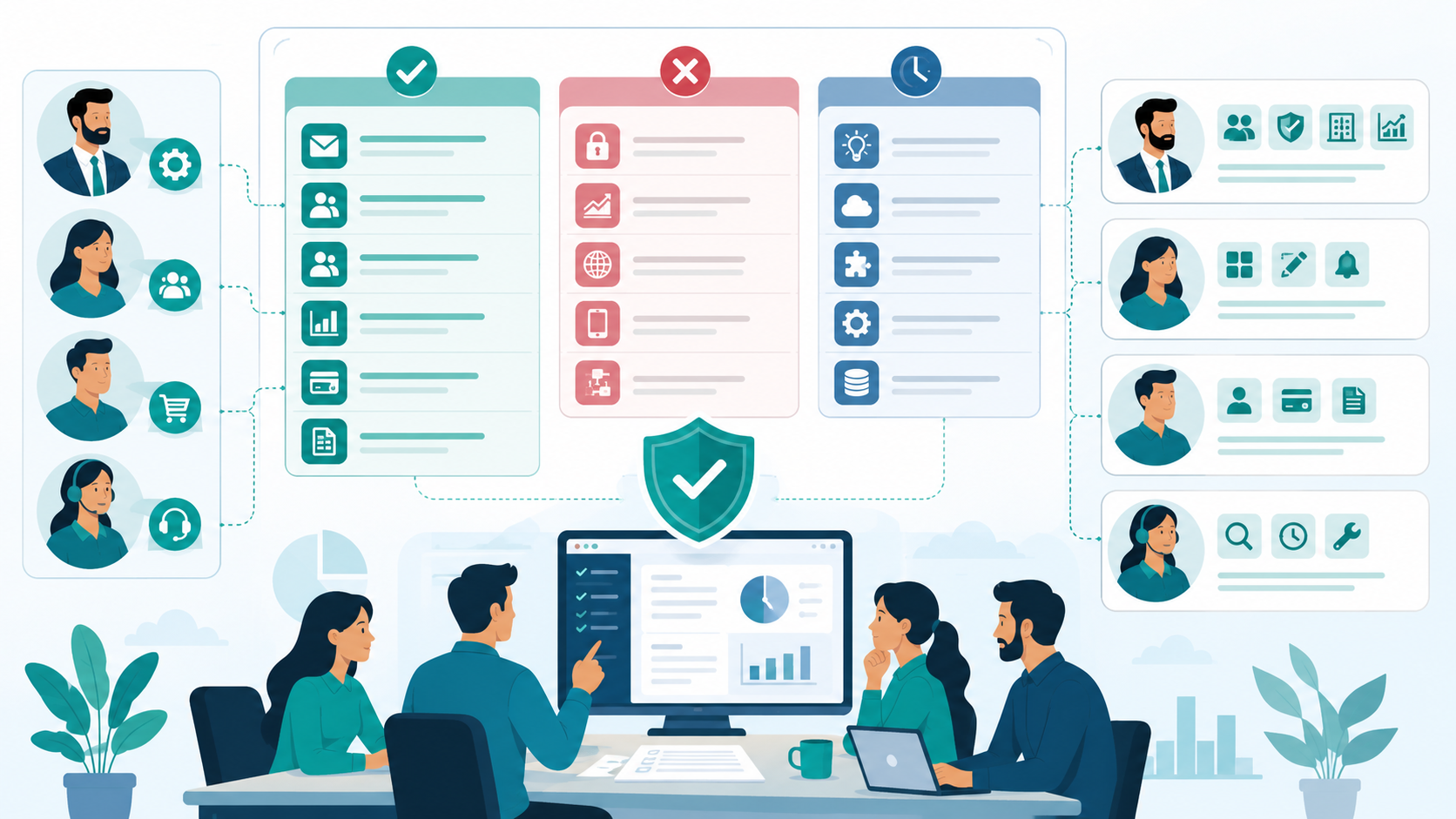
In Scope
What the current release must support.
Out of Scope
What the product intentionally will not support yet.
Future Considerations
Ideas that may matter later but should not influence the current implementation unnecessarily.
For example, a SaaS application might initially support:
- Email-based authentication
- Organization accounts
- Three user roles
- Basic reporting
- Stripe integration
- CSV exports
It might explicitly exclude:
- Enterprise SSO
- Advanced analytics
- Multi-region infrastructure
- Native mobile applications
- Complex workflow automation
This does not mean those future capabilities are impossible.
It means the current architecture and timeline are being protected from uncontrolled scope expansion.
Identify Stakeholders and User Needs
Requirements should not be collected from only one person.
Different stakeholders often expose different problems.
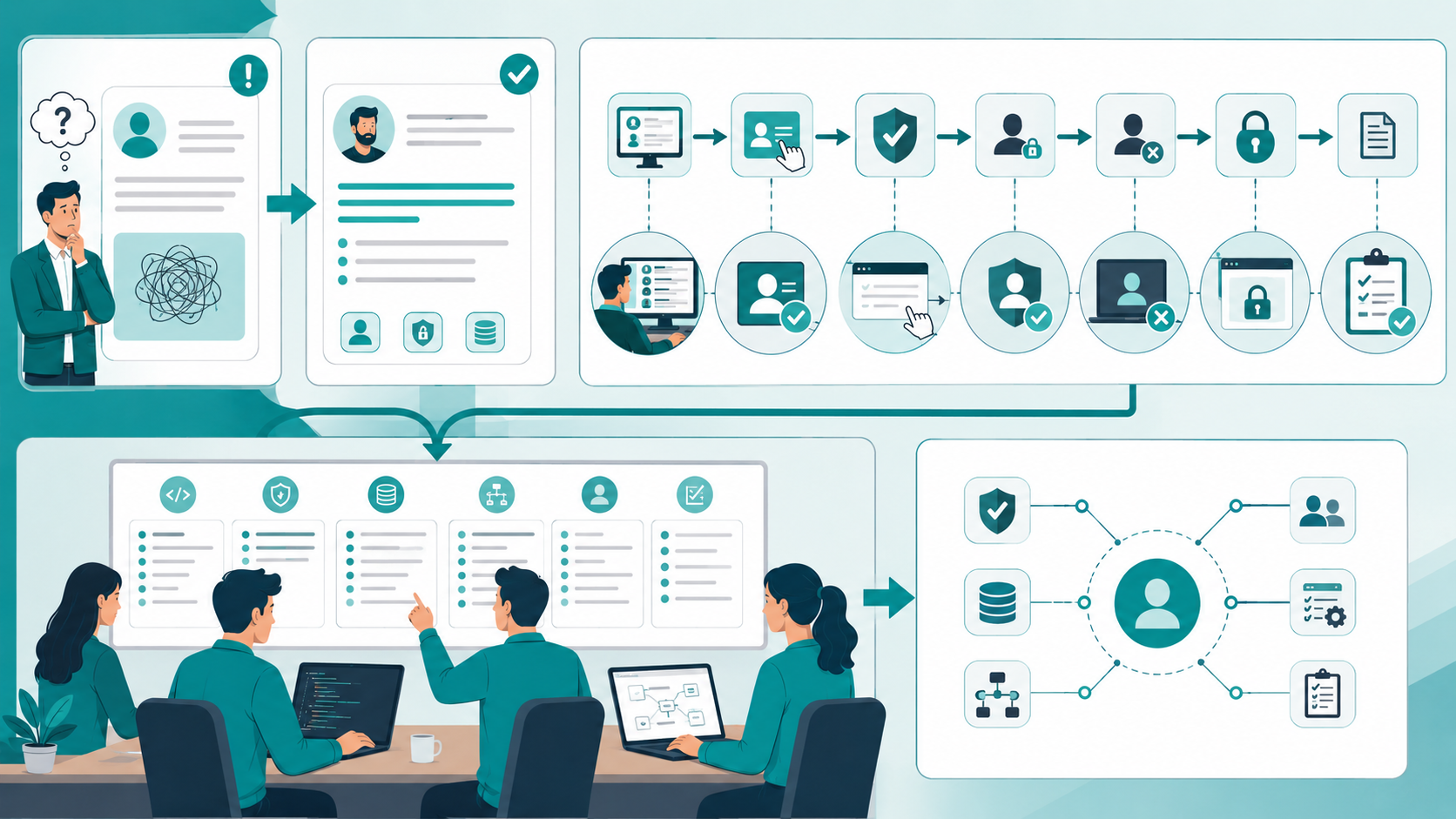
Consider a SaaS product with administrators, employees, customers, and support staff.
Each group may have different user needs.
An administrator might need:
- User management
- Permissions
- Organization settings
- Reporting
An employee might need:
- Daily workflow access
- Data entry
- Notifications
A customer might need account access, billing information, and documents.
Support staff might need customer lookup, activity history, and account troubleshooting.
If the team only interviews the product owner, several of these requirements may remain invisible.
For remote engineering teams, this becomes even more important because information is distributed across meetings, chat messages, documents, and individual team members.
Convert Business Requirements Into User Stories and Use Cases
Once the objectives and scope are understood, translate them into user behavior.
A simple user story might be:
As an account administrator, I want to deactivate a user so that former employees cannot access company data.
That is more useful than:
Add user deactivation.
The user story introduces context.
Then define the use case.
Use case: Deactivate user
- Administrator opens the user management page.
- Administrator selects an active user.
- System requests confirmation.
- System validates administrator permissions.
- User status changes to inactive.
- Existing sessions are invalidated.
- The user can no longer access protected resources.
- The action is recorded for auditing.
Now developers can identify functionality, security requirements, data requirements, and acceptance criteria.
Separate Functional and Non-Functional Requirements
One of the most common mistakes I see is documenting functionality while ignoring the qualities the system needs to provide.
Functional Requirements
These describe what the software does.
Examples include:
- Create an account
- Upload a document
- Generate an invoice
- Send a notification
- Synchronize customer data
- Export a report
Non-Functional Requirements
These describe how the system should behave.
Examples include:
- Performance
- Security
- Reliability
- Scalability
- Accessibility
- Usability
- Maintainability
- Compatibility
For example:
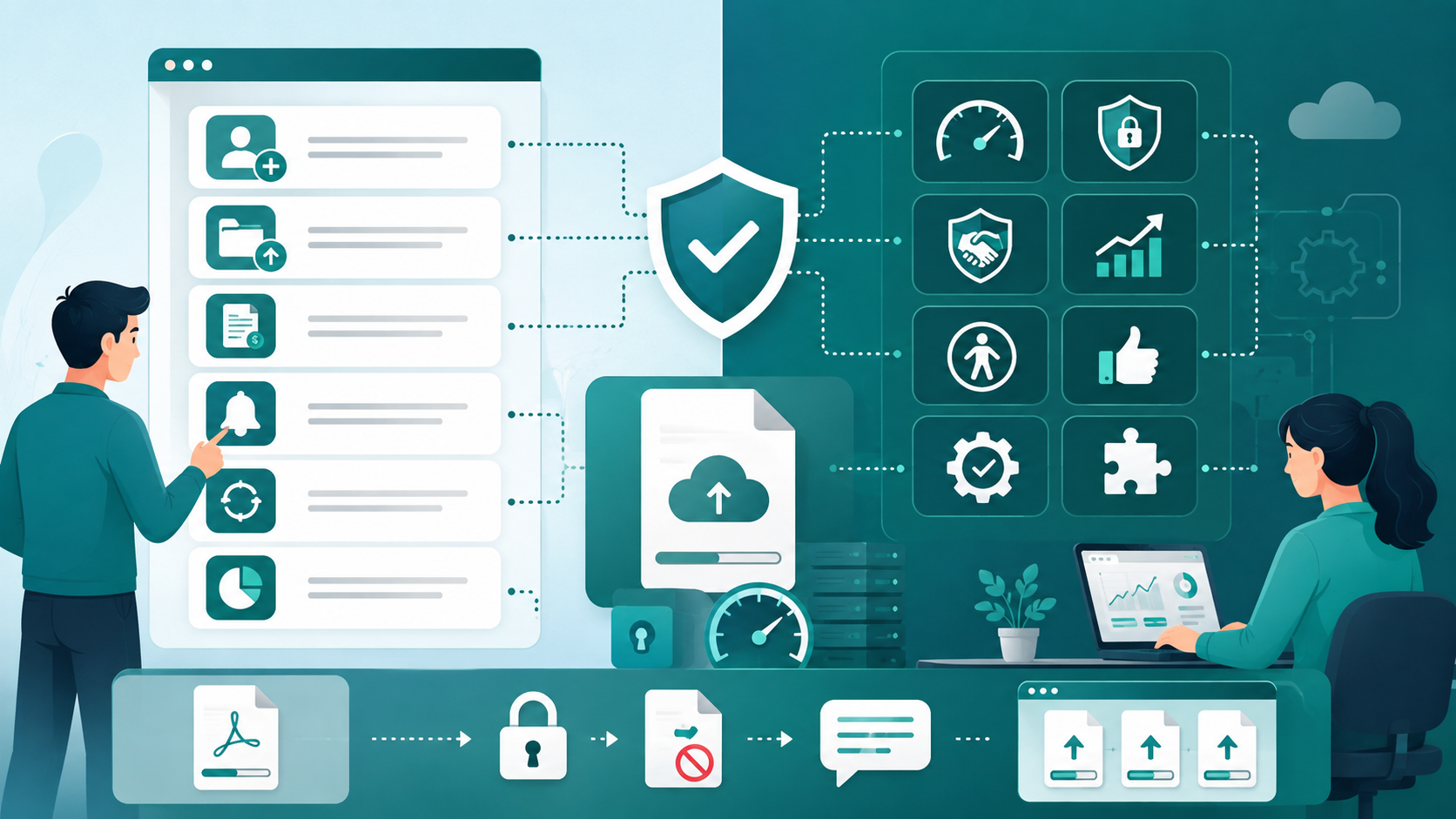
Functional requirement:
Users can upload PDF documents.
Non-functional requirements:
- Uploads must be encrypted during transmission.
- Files above a defined size must be rejected.
- Invalid files must produce a clear validation message.
- The system should remain responsive during concurrent uploads.
Both groups belong to the requirements.
Document Workflows Instead of Just Features
Features describe what exists.
Workflows explain how the system actually operates.
This distinction becomes especially important for business software.
Suppose the requirement is:
The system should support employee approval.
That is incomplete.
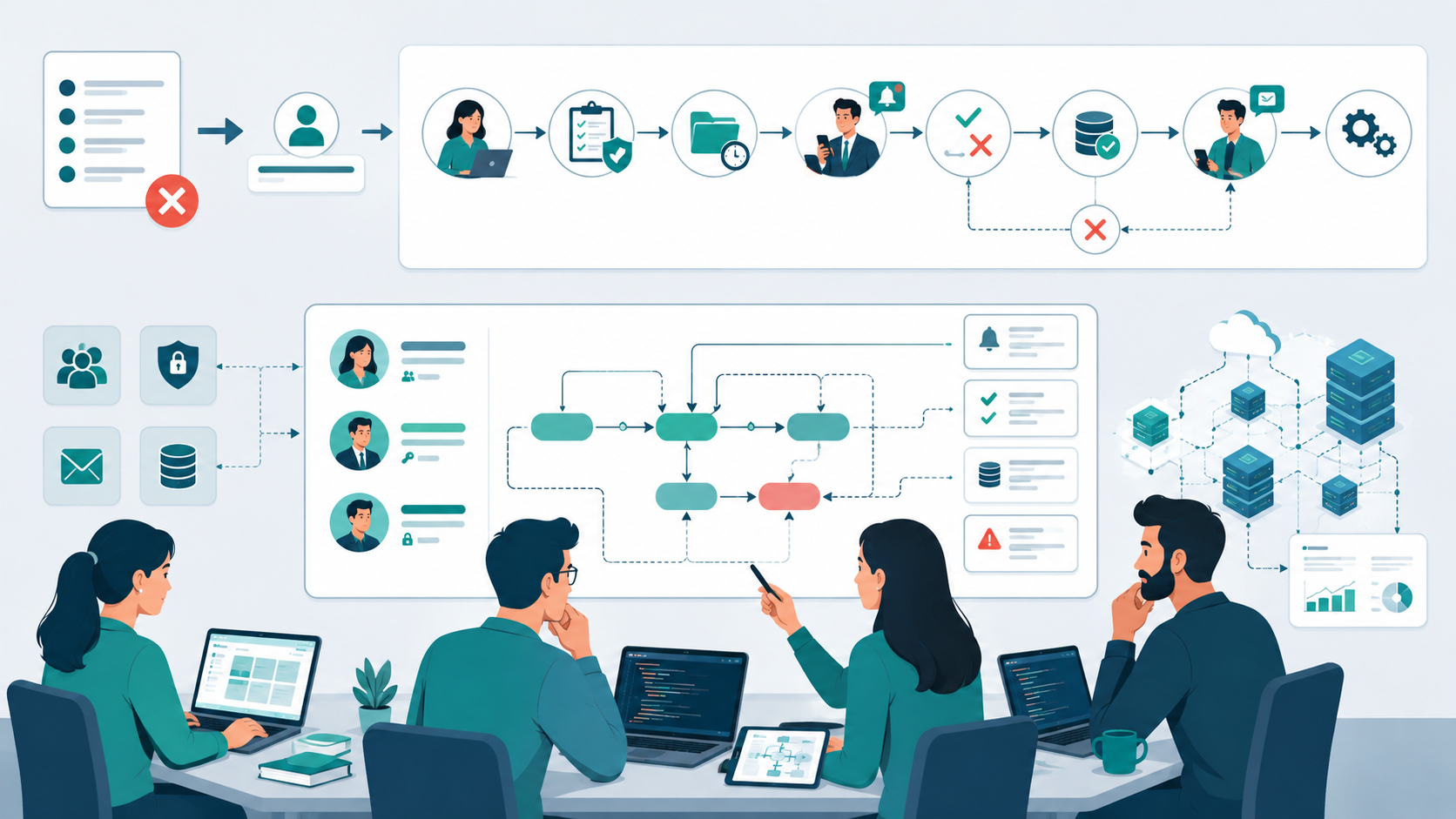
A workflow might look like:
- Employee submits a request.
- System validates required information.
- Request enters pending status.
- Manager receives notification.
- Manager approves or rejects the request.
- System records the decision.
- Employee receives the result.
- Approved requests trigger the next business process.
Now the engineering team can identify:
- States
- Transitions
- User roles
- Permissions
- Notifications
- Validation
- Data changes
- Failure conditions
This level of detail prevents many misunderstandings during development.
Define Acceptance Criteria Before Development
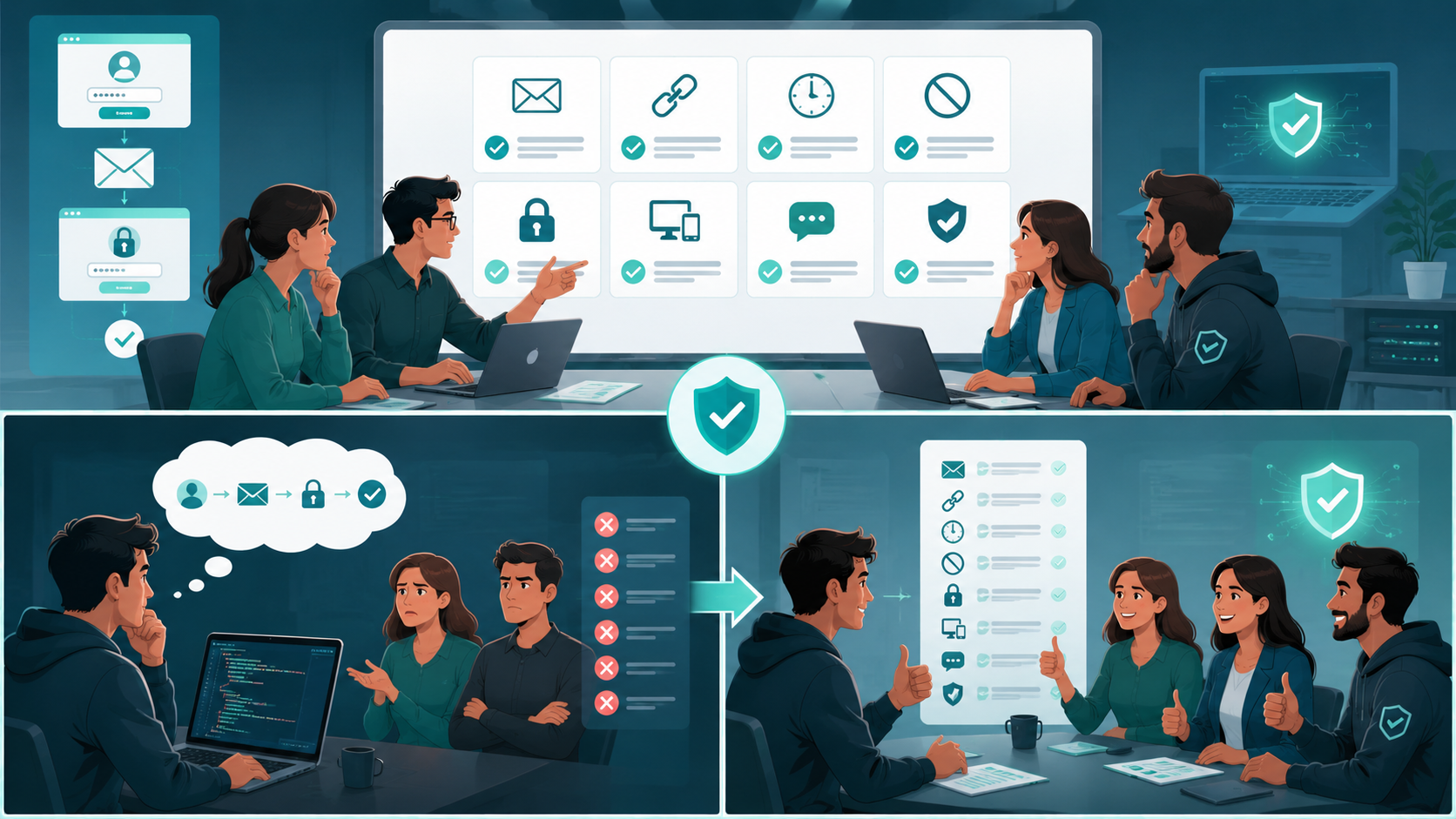
Acceptance criteria answer a simple question:
How will we know that the requirement is actually complete?
For example:
Requirement: Users can reset their password.
Acceptance criteria might include:
- User can request a password reset.
- Reset instructions are sent to the registered email.
- Reset links expire after a defined period.
- Used links cannot be reused.
- Password complexity rules are enforced.
- Successful resets invalidate appropriate existing sessions.
- Invalid or expired links produce a clear message.
Without acceptance criteria, done becomes subjective.
A developer may consider the feature complete when the primary workflow works.
A product owner may expect error handling, security behavior, and notification states as well.
Acceptance criteria create a shared definition.
Identify Technical Constraints and Dependencies Early
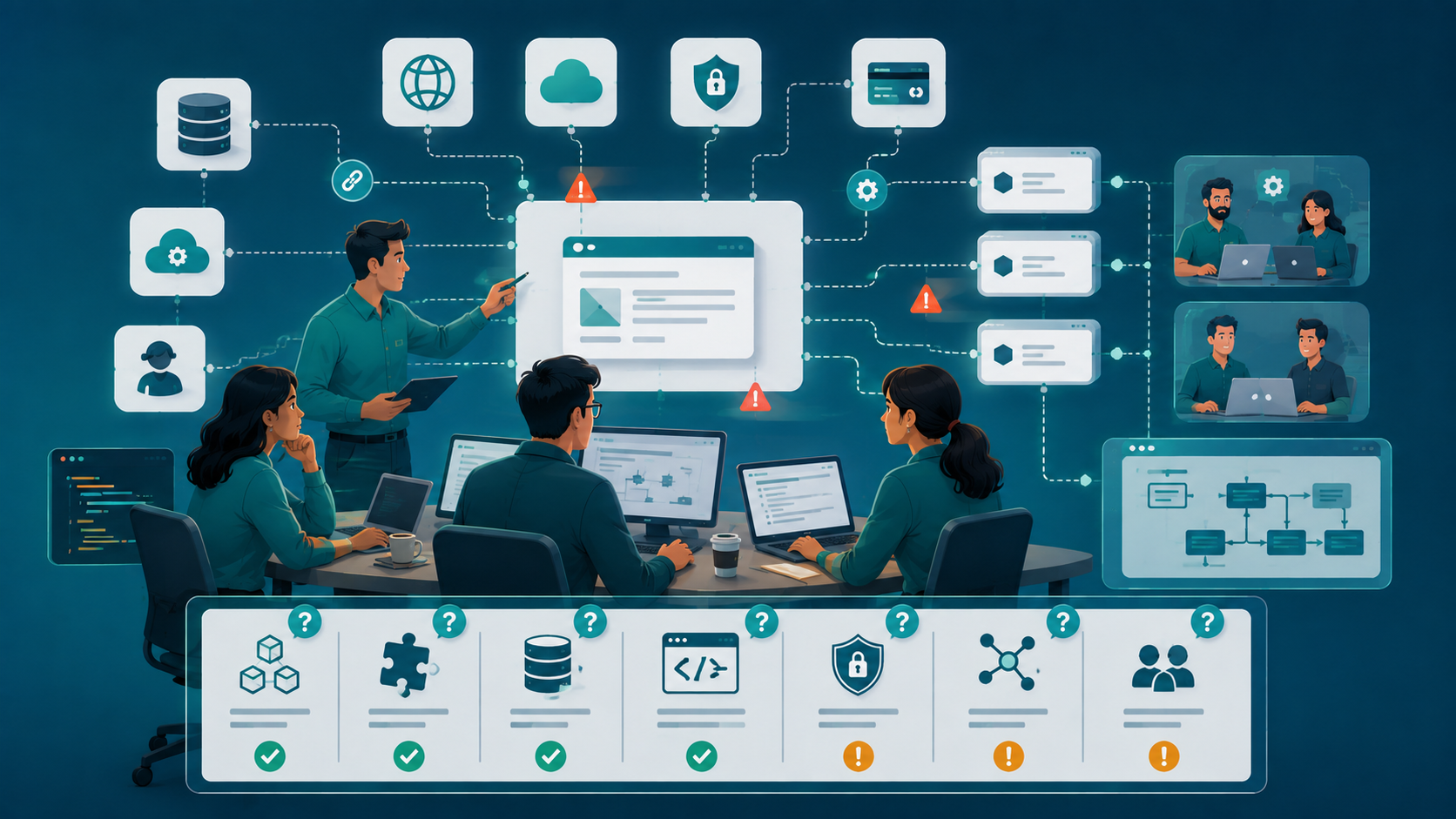
Not every requirement exists independently.
Custom software often depends on external systems, existing databases, APIs, authentication providers, payment platforms, or internal services.
Document those dependencies before implementation.
For each major requirement, ask:
- Does it depend on another feature?
- Does it require an external API?
- Does it depend on existing data?
- Does it require a specific technology?
- Does it introduce security constraints?
- Does it affect the existing architecture?
- Does another team control part of the workflow?
This is where architecture discussions become useful.
The goal isn't to design the entire system prematurely.
The goal is to identify decisions that could significantly affect implementation.

Choose Technology Based on Requirements, Not Trends
Technology stack decisions should follow the requirements rather than dictate them.
A startup does not automatically need microservices because the product might eventually scale.
A small SaaS team does not automatically need Kubernetes because deployment automation sounds modern.
Likewise, choosing a technology simply because developers enjoy using it can create unnecessary maintenance problems.
Instead, ask:
- What performance is required?
- What scalability is realistically expected?
- What integrations are necessary?
- What security requirements exist?
- What skills does the team already have?
- How much operational complexity can the team support?
- What architecture will remain maintainable?
Sometimes a modular monolith is the better starting architecture.
Sometimes a separate service is justified.
The requirements should make that decision easier.
Use Prototypes and Wireframes to Expose Ambiguity
Not every requirement can be understood properly through text.
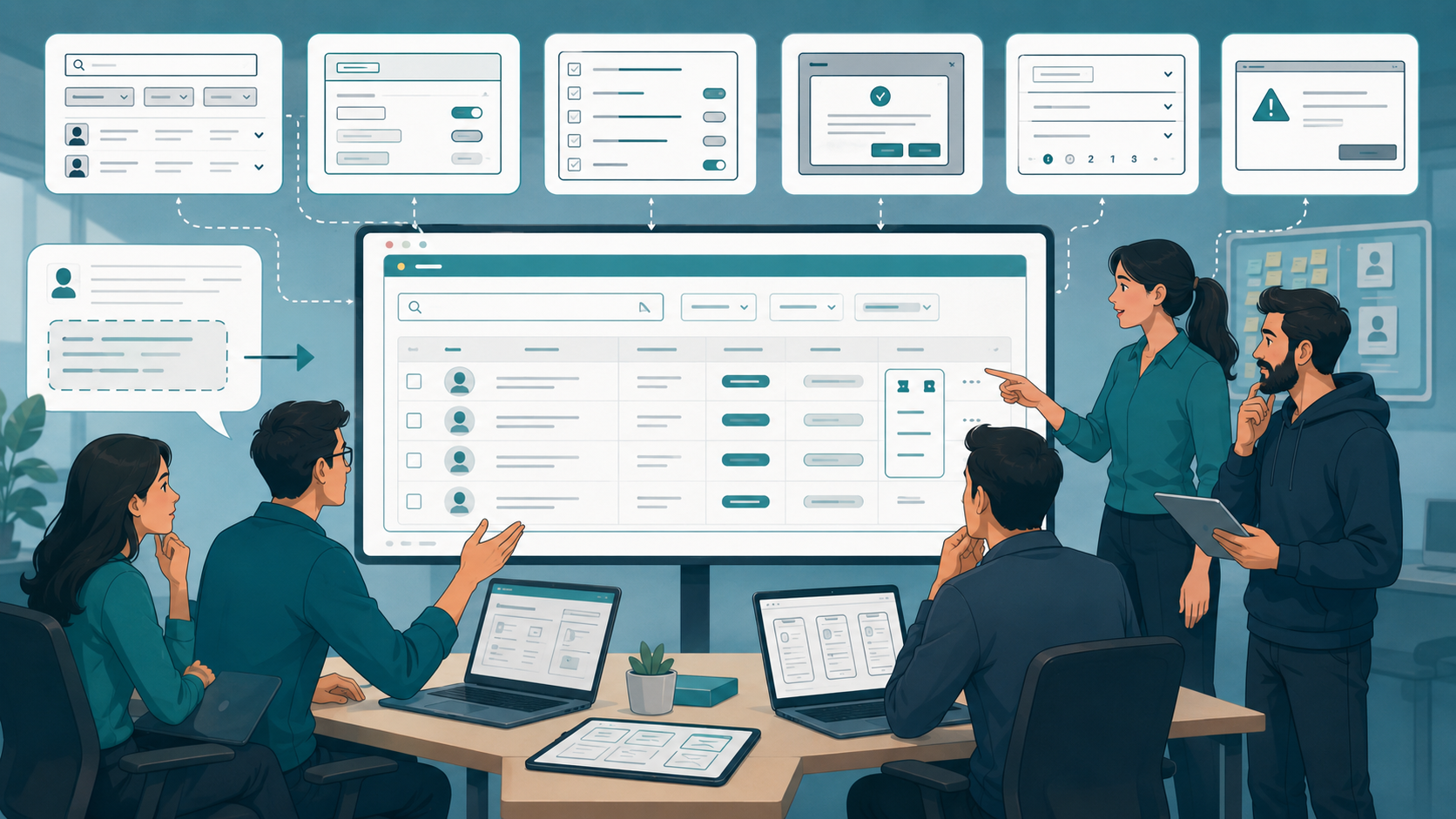
For user-facing software, a basic prototype or wireframe can expose problems very quickly.
For example, a written requirement might say:
Administrators can manage organization users.
A wireframe may reveal that the screen actually requires:
- User search
- Role selection
- Status filters
- Permission management
- Bulk actions
- Confirmation dialogs
- Pagination
- Error states
The prototype is not merely a design deliverable.
It is a requirements validation tool.
When product owners, designers, and developers review the same workflow visually, misunderstandings surface earlier.
Prioritize Requirements Instead of Treating Everything Equally
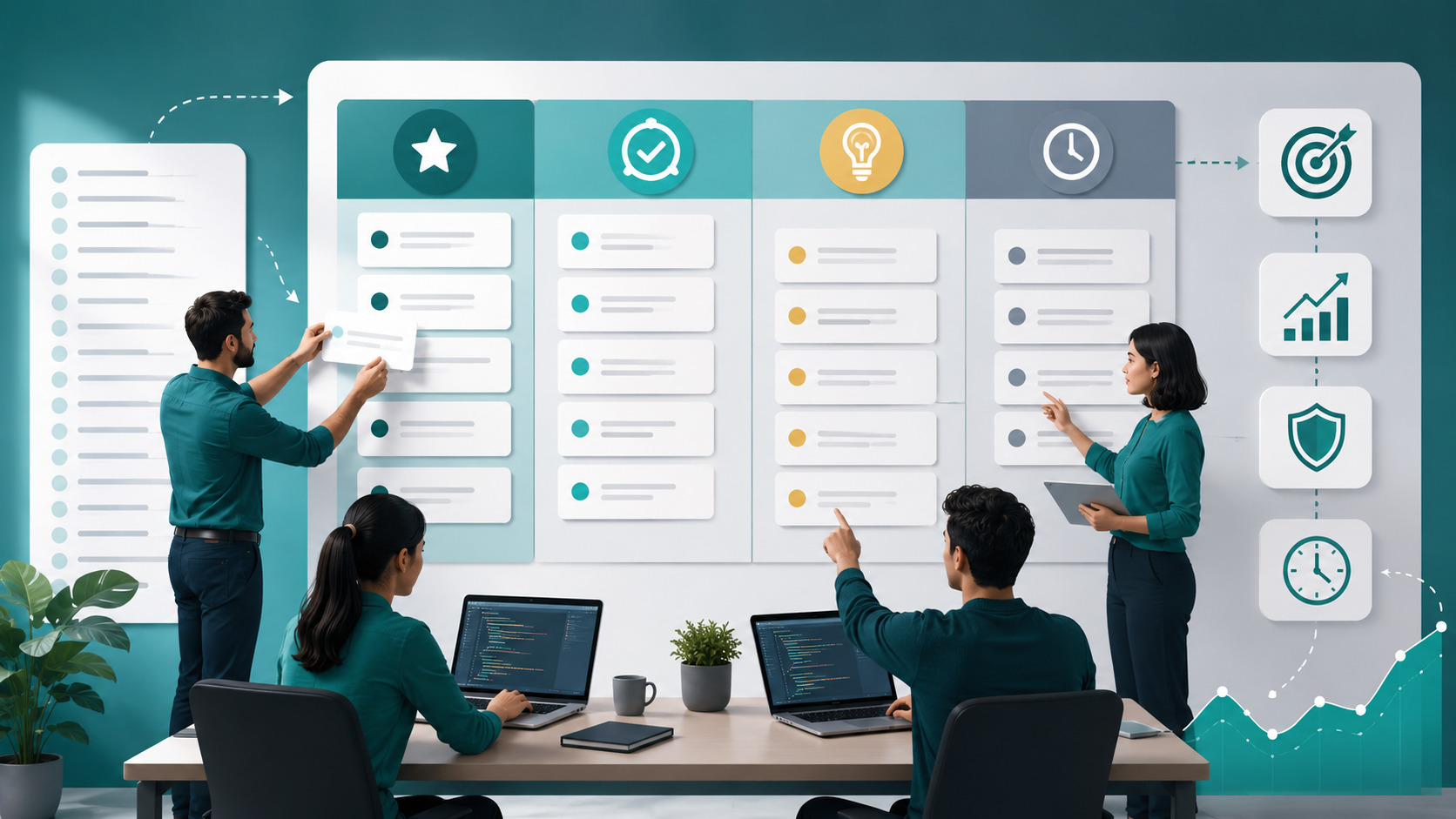
A long requirements document can create another problem: everything looks important.
It isn't.
Separate requirements into categories such as:
Must Have
Required for the product to function or meet its primary business objective.
Should Have
Important, but the first release can operate without it.
Could Have
Useful improvements that can wait.
Not Now
Explicitly deferred requirements.
This helps protect the timeline and budget.
It also gives developers a clearer understanding of where to spend engineering effort.

Plan for Security, Permissions, and Data Requirements Early
Security should not be added after functionality is complete.
During requirements planning, define:
- User roles
- Permissions
- Authentication requirements
- Authorization rules
- Sensitive data
- Data retention
- Audit requirements
- Encryption expectations
- Access boundaries
For example, manager can view employee records is not enough.
Does the manager see every employee?
Only employees in their department?
Can they edit records?
Can they export the data?
Can they see sensitive fields?
These are requirements, not implementation details.
Validate Requirements Before Development Starts
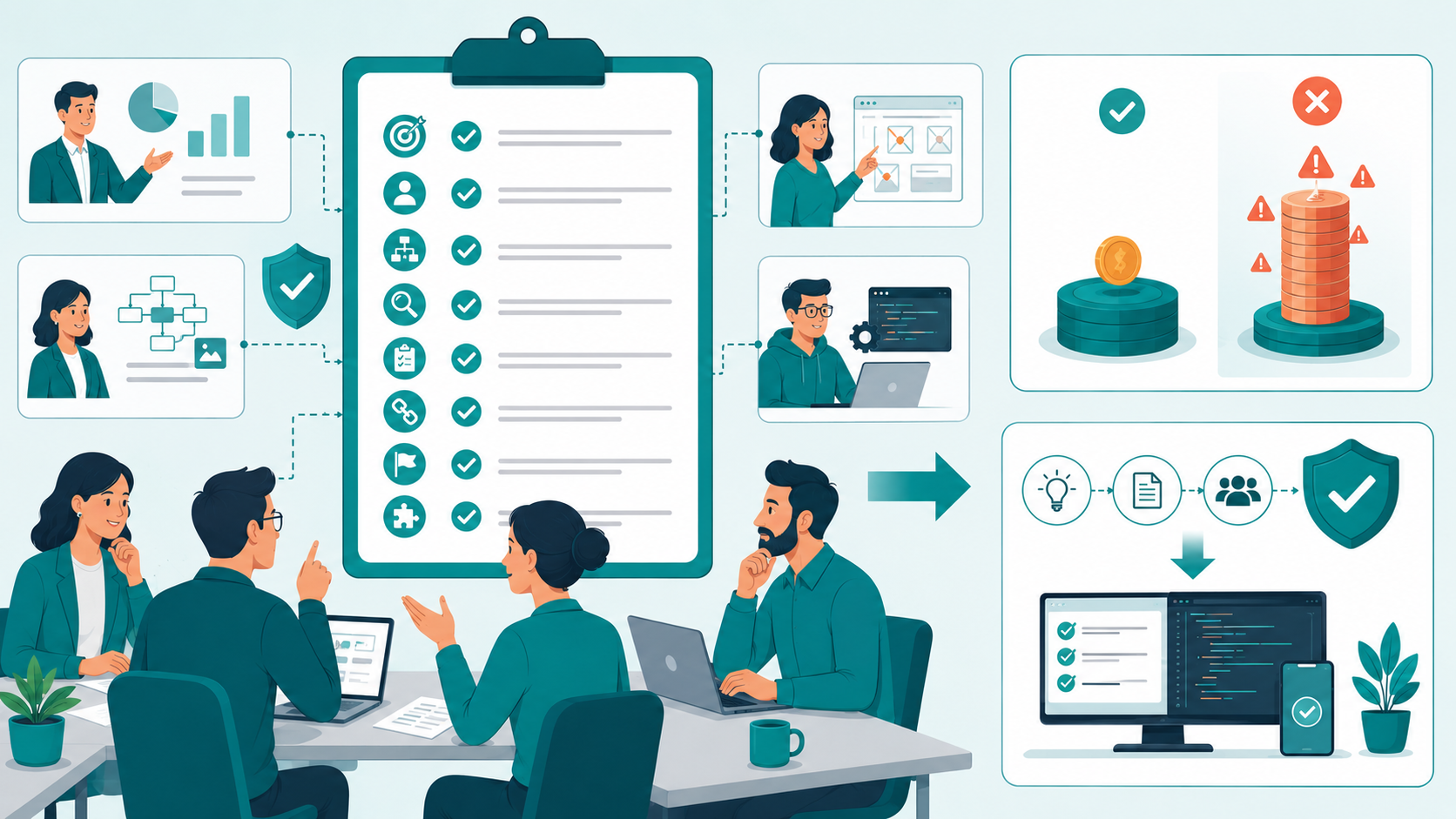
A requirement is not ready simply because someone has written it down.
Review it with the people responsible for business, product, design, and engineering.
For important requirements, ask:
- Is the objective clear?
- Is the user identified?
- Is the workflow complete?
- Are edge cases understood?
- Are acceptance criteria testable?
- Are dependencies known?
- Are technical constraints documented?
- Is the priority clear?
- Does the requirement fit the current scope?
This validation step is often cheaper than fixing an incorrect assumption after development.
Maintain Requirement Traceability as the Project Changes
Requirements rarely remain unchanged.
A customer changes a workflow. A regulation introduces a new constraint. An API provider changes its integration requirements. A product manager adds a new user role.
Change is normal.
The problem is unmanaged change.
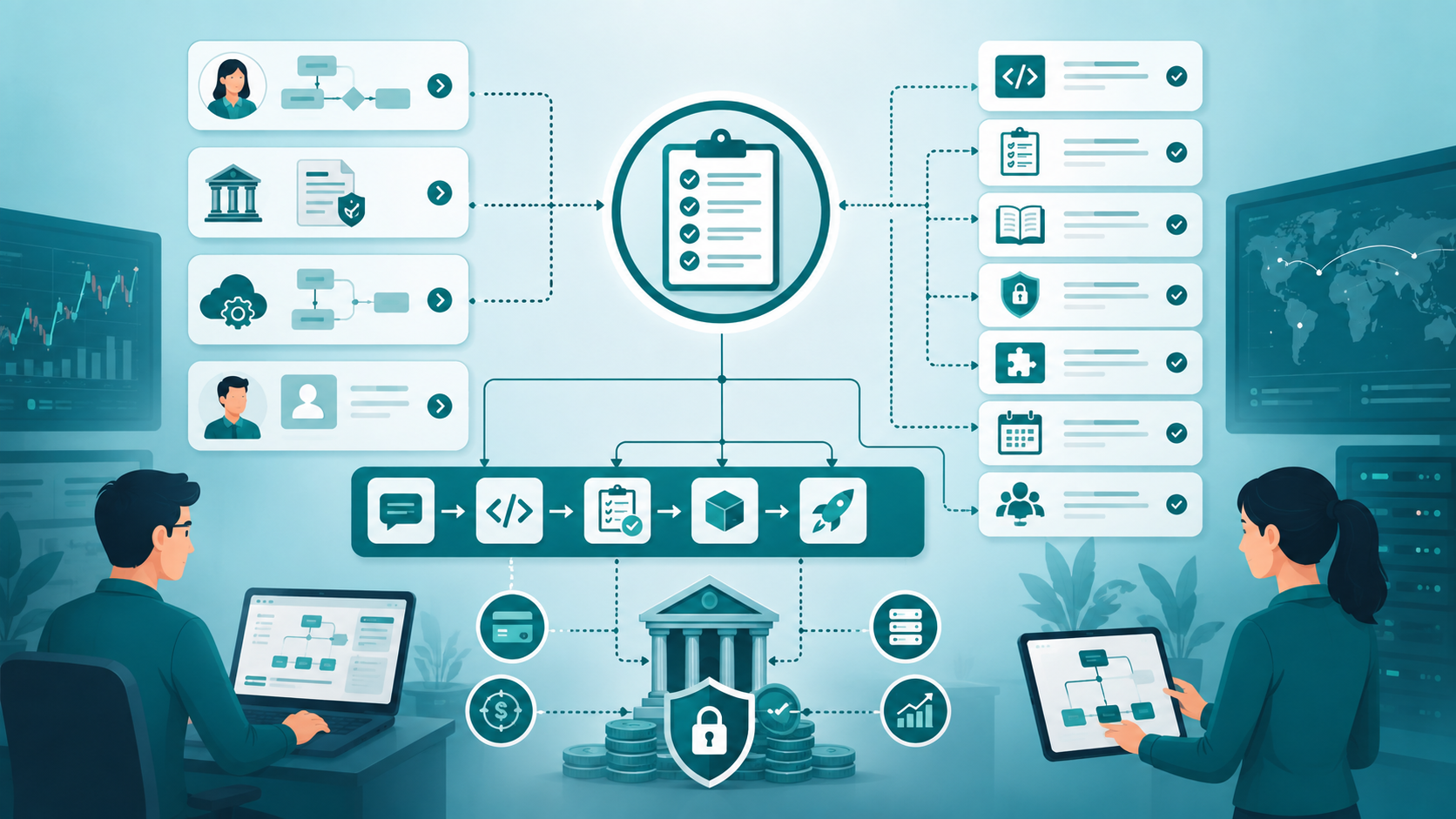
Requirement traceability helps connect:
Requirement → User Story → Implementation → Test → Release
When a requirement changes, the team can identify what else needs to change.
This is especially useful for software involving financial workflows, sensitive data, compliance requirements, or complex integrations.
When This Requirements Planning Approach Fails
This process is not a guarantee that development will go smoothly.
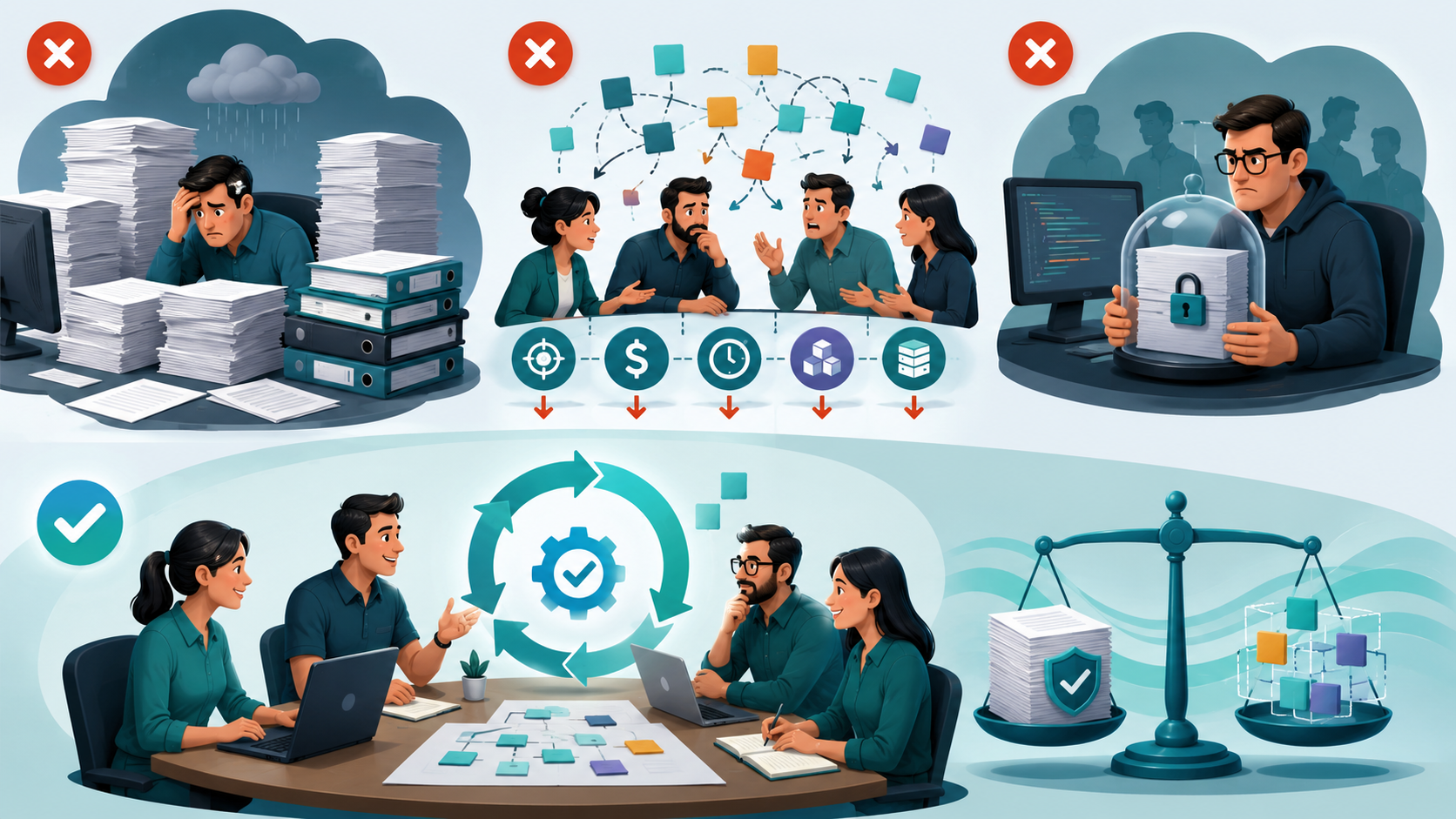
It can fail when teams turn requirements planning into excessive documentation.
A five-person startup does not need hundreds of pages describing every possible scenario before writing its first line of code.
It can also fail when stakeholders continuously change priorities without acknowledging the impact on scope, budget, or timeline.
Another problem occurs when developers treat requirements as immutable specifications.
Software development is iterative.
Requirements should provide enough clarity to make good decisions while remaining adaptable as the team learns.
The goal is controlled change, not zero change.
Sustainable Requirements Practices for Small Engineering Teams
For teams of 2–15 developers, I would keep the process relatively lightweight.
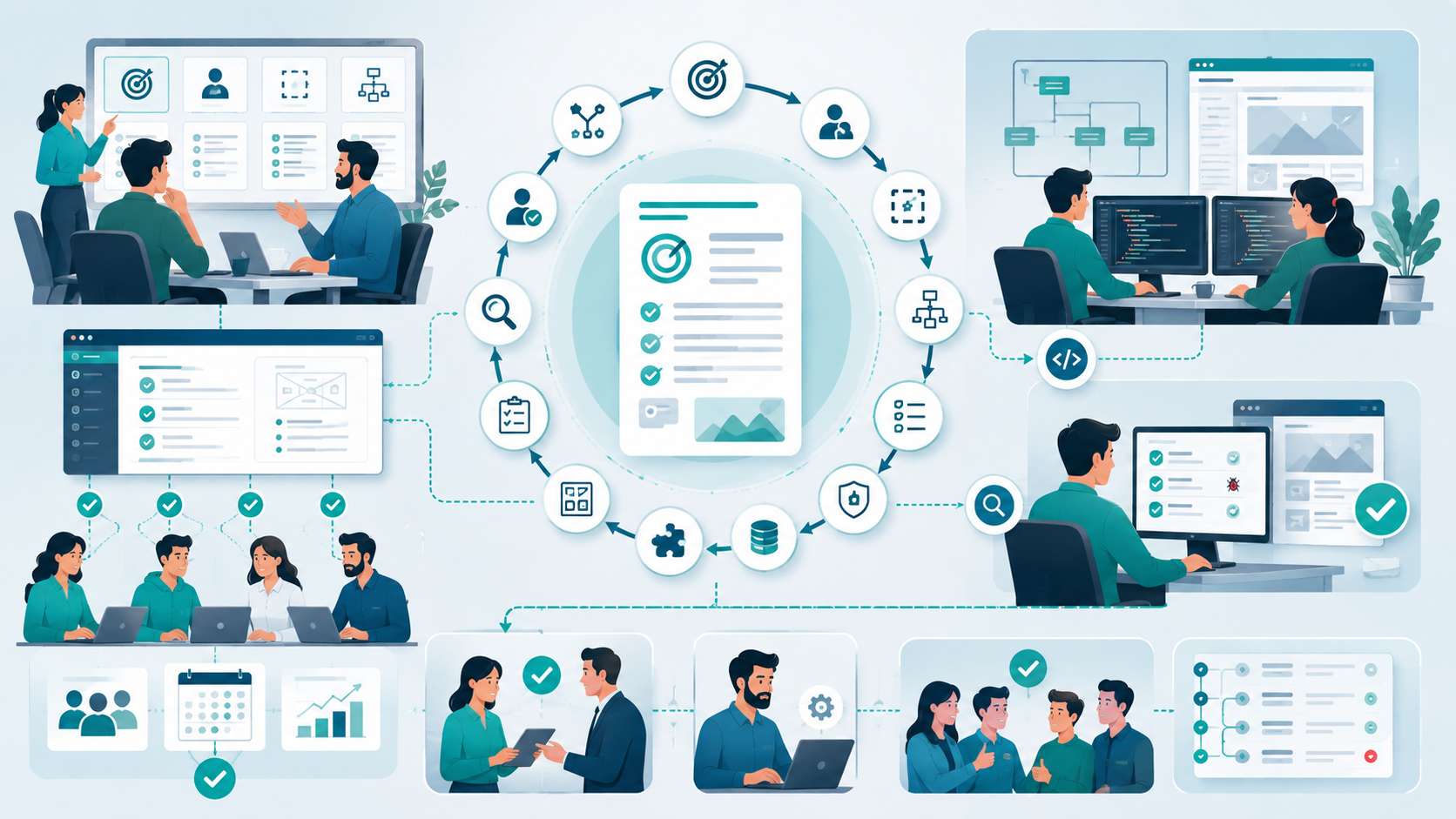
A practical requirements workflow is:
- 1. Define the business objective.
- 2. Identify the users and their problems.
- 3. Establish the initial scope.
- 4. Map the important workflows.
- 5. Define functional requirements.
- 6. Define non-functional requirements.
- 7. Identify data, roles, permissions, and security needs.
- 8. Document dependencies and constraints.
- 9. Create wireframes for complex user interactions.
- 10. Write acceptance criteria.
- 11. Prioritize requirements.
- 12. Review technical implications with developers.
- 13. Validate the requirements with stakeholders.
- 14. Track changes throughout development.
The documentation does not have to be elaborate.
What matters is that the team can answer the same questions consistently.
A good requirement document should reduce meetings, not create more meetings.
It should help developers make decisions without repeatedly asking what the product owner meant.
It should also make testing easier because expected behavior is already defined.
Conclusion
Planning custom software requirements is less about producing a perfect specification and more about removing ambiguity before it becomes expensive.
The biggest mistake small teams make is jumping directly from an idea to a feature list.
A stronger process starts with business objectives and user needs, then moves through scope, workflows, functionality, acceptance criteria, technical requirements, security, data requirements, dependencies, and priorities.
You do not need to predict every future requirement.
You need enough clarity to make today's engineering decisions without accidentally creating tomorrow's technical debt.
The best requirements are not the longest ones. They are the ones that allow developers, stakeholders, designers, and testers to understand the same problem in the same way.
How To Plan Custom Software Requirements: FAQs
At minimum, document business objectives, user needs, scope, workflows, functional requirements, non-functional requirements, user roles, permissions, data requirements, integrations, constraints, dependencies, acceptance criteria, priorities, and technical considerations.
Yes, but only to the level necessary for informed decisions. Define important architecture, performance, security, scalability, integration, and compatibility constraints without prematurely designing every implementation detail.
They should be detailed enough that developers can implement the expected behavior and testers can verify it. Requirements should not become unnecessary documentation that slows down a small engineering team.
Acceptance criteria establish what complete means. They reduce disagreements between product and engineering teams and give testers specific conditions against which functionality can be validated.
Absolutely. Requirements often change as users provide feedback or technical constraints become clearer. The important thing is to evaluate how each change affects scope, priorities, dependencies, budget, and timeline rather than accepting changes without assessing their impact.
Reference
Written by

Paras Dabhi
VerifiedFull-Stack Developer (Python/Django, React, Node.js)
I build scalable web apps and SaaS products with Django REST, React/Next.js, and Node.js — clean architecture, performance, and production-ready delivery.
LinkedIn